parish
Members
-
Joined
-
Last visited
-
Need some advice, I think I have things setup correct, but when I scan my movie library, it only takes about 3 seconds to get to a %100 and it doesn't find anything to convert? There are definitely H.264 movies in the library files. *Edit, never mind I didn't notice that you had to add the plugins individually to each library.
-
How about an example config file for dummies like me trying to set this up? I get the basic concept but it would be nice to see a built example that's setup to do some motion detection with recognition.
-
parish changed their profile photo
-
Getting an error trying to install this? I do not have an nvidia card, is it a requirement?

-
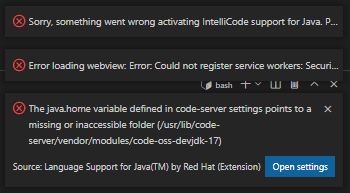
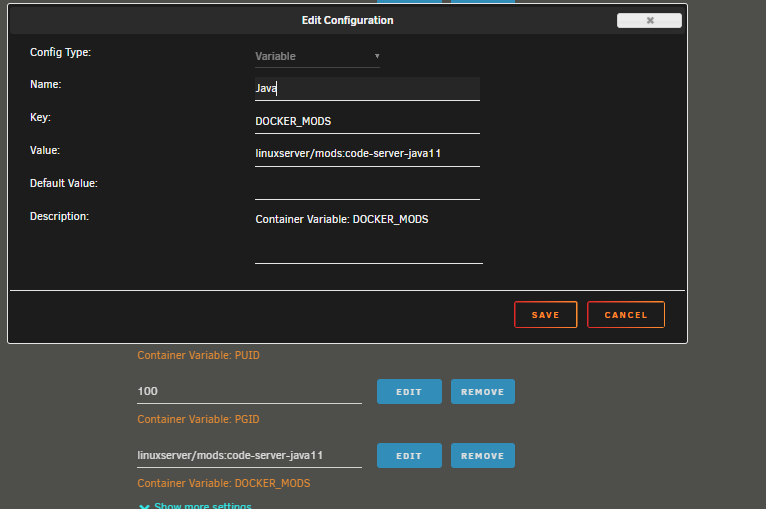
I am a bit of noob with all of this so I am probably missing something simple but I am trying to get a java project to work in this, but I don't seem to be able to get java properly installed. I'm not sure of steps needed for this but I was hoping for a little help? I did install the java docker mod but that doesn't seem to installing Java?