






motodog
Members
-
Joined
-
Last visited
Everything posted by motodog
-
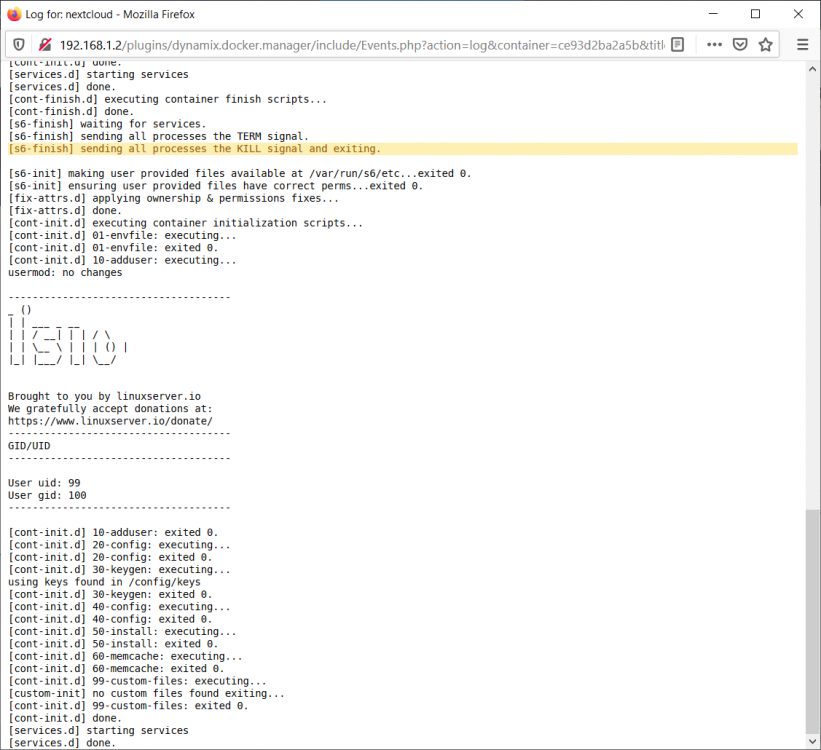
Hello, I am trying setup nextcloud for the first time and while following along with spaceinvador nextcloud setup. I just finished the letsencrypt portion to then re check if i can connect to nextcloud internally i get this error in the browser "Internal Server Error The server encountered an internal error and was unable to complete your request. Please contact the server administrator if this error reappears multiple times, please include the technical details below in your report. More details can be found in the server log." I don't know where to go from here to diagnose this. Thanks.
-
I just quickly scaled it in gimp. I found 400 for height looked pretty clear. Opening the image in a browser window it wasn't distorted to much. Although the image is still very large. I don't have anyway to see if it will work at the moment.

-
Here is what I came up with.



