jbquintal
Members
-
Joined
-
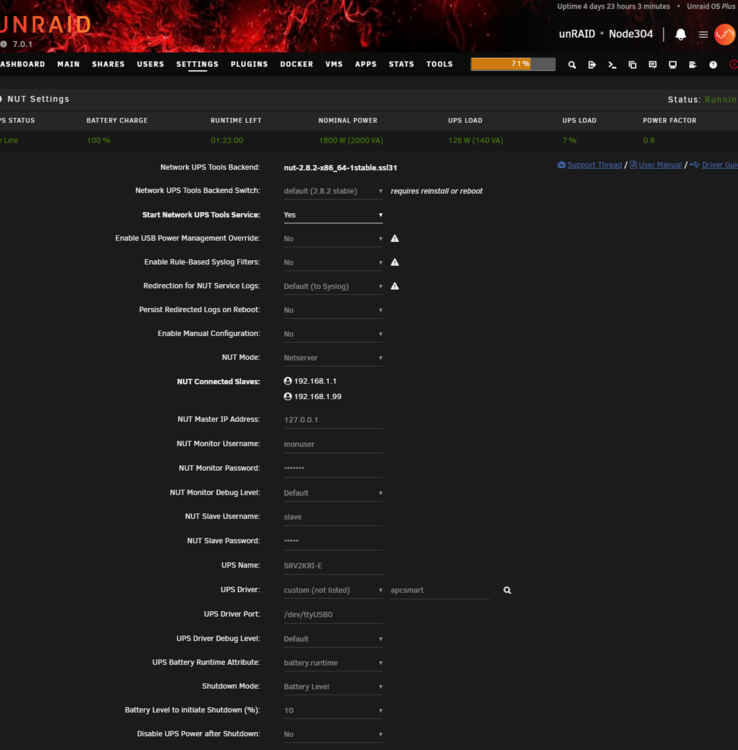
Thank you... I just upgraded from an APC Smart UPS (SUA1500) and thought it would be plug and play. Luckily, I was able to get my SRV2KRI-E up and running using the steps you outlined.
-
Thanks!
-
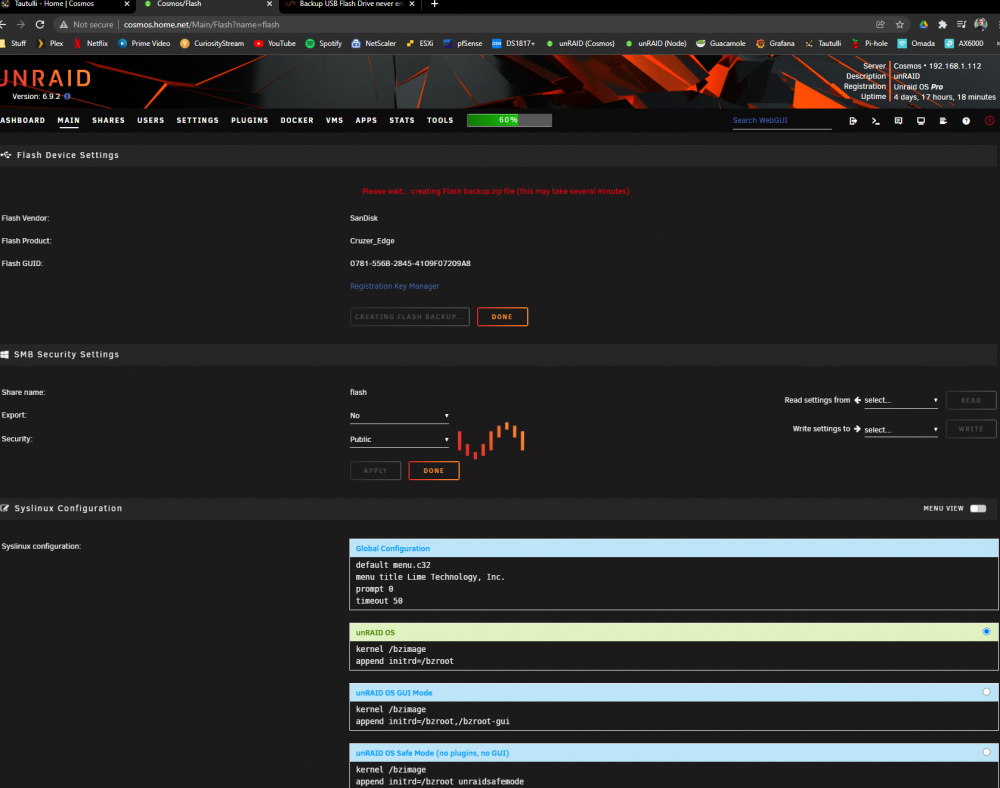
thank you! Will try this out. Thanks as well. Happy Holidays!I'm having the same issue. I'm just stuck at this page for hours on end. I can access the flash drive and manually copy files off of it. What's a good way to manually back things up and create the zip? Is there a
 I had the exact same problem... drives were throwing random read errors (mostly when I try accessing a spun down drive). Extended SMART tests didn't show any problem with the drives, and all the unreadable sectors were never the same. I tried swapping out two drives, two controllers, and another set of cables... it ended being a bad PSU and now one of my drives have an unmountable FS. If the drives are good, it's probably the cable, controller, or in my case, the PSU.Any ideas as to when we could potentially see this natively supported in unRAID?Hey Ben, Thanks... I resolved mine by fixing permissions. Works great now.
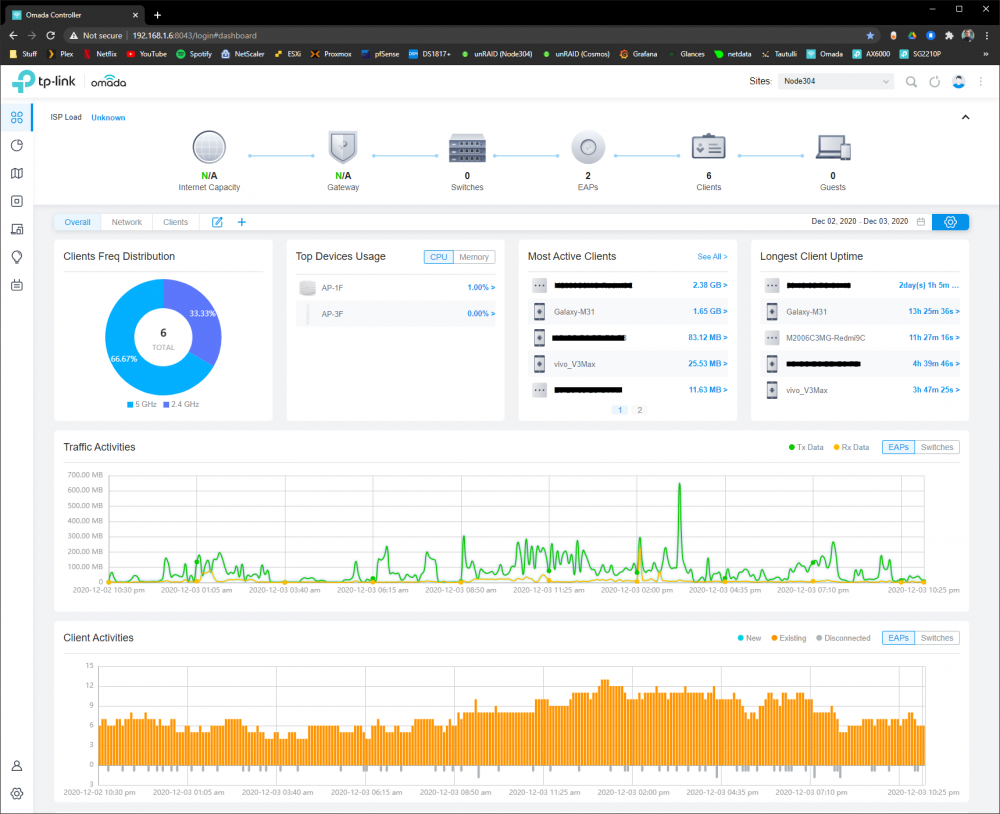 First up, thanks for the docker! I've been waiting for a docker app that supports Omada Controller v4. Right now, I'm running a windows vm just to get the controller. Anyway, I tired installing your docker but I must be doing something wrong. Any thoughts?