





LumpyCustard
Members
-
Joined
-
Last visited
Everything posted by LumpyCustard
-
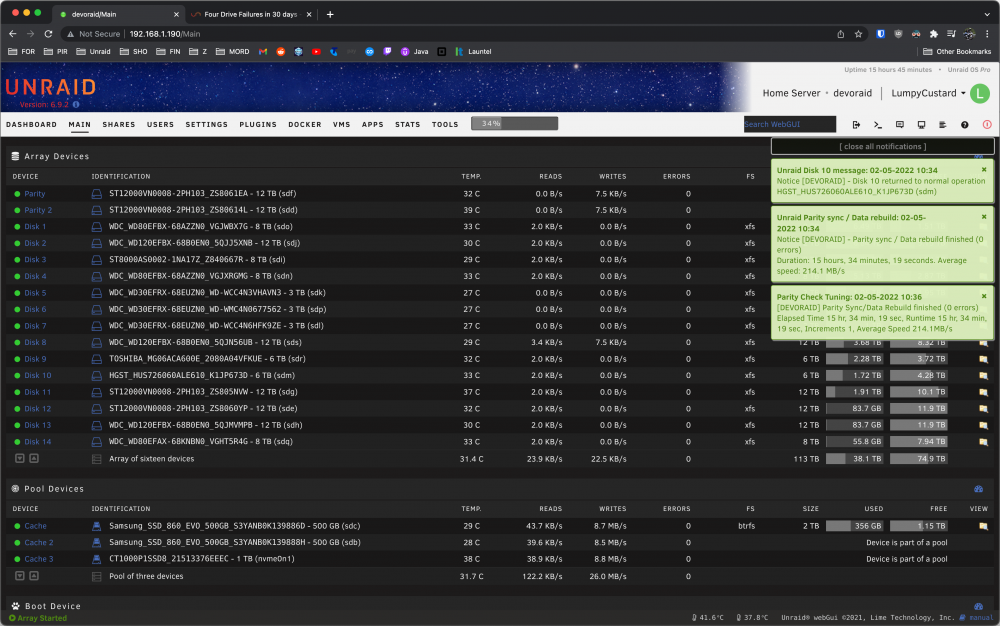
Final update, after rebuilding overnight the "failed" disk has passed and the server is now functional. As mentioned above i figured that if there were power issues (too much draw), the problem would show itself at startup when all the disks attempt to spin up, rather than manifesting in drive failures a week after the server had been booted. Regardless i'll monitor and report back. Thanks for the input.
-
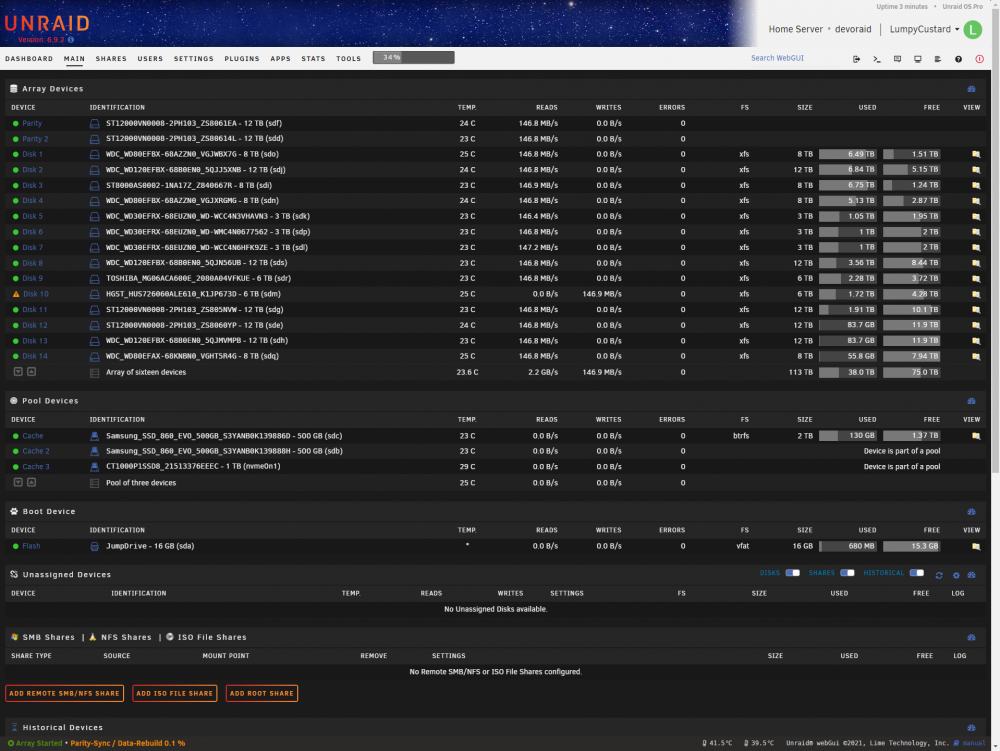
$280, a new PSU and CPU cooler later i've reinstalled everything. I've connected 4 or 5 HDD's per cable without the need for splitters except for the last 4 HDD's which i've used a splitter to connect 2 SSD's. The power draw of the SSD's should be negligible. Server is rebuilding using the "failed" disk now, will report back with results.
-
Yes absolutely, can't mix and match modular cables unless you want a fire. The Corsair PSU comes with 14 connectors out of the box.
-
Alright after testing for a while and the drive passing all tests, as well as testing the exact sectors that unraid flagged, i've decided to replace the PSU in my server. I'm getting a Corsair 750m with 14x SATA connectors as opposed to my current PSU that has 8 that are being split over 16 drives. I'm headed to the computer shop now and will install and test by tonight to rule this issue out once and for all.
-
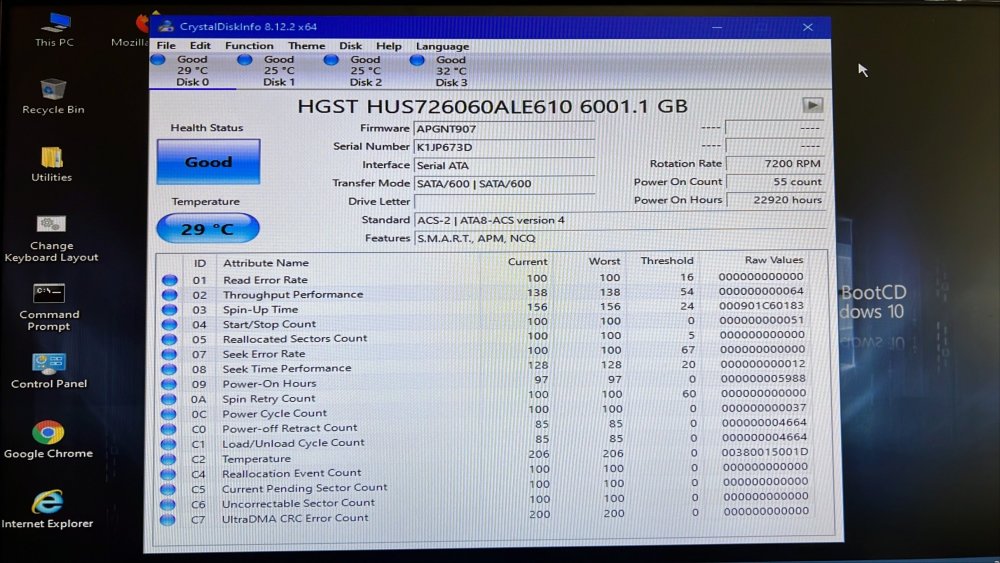
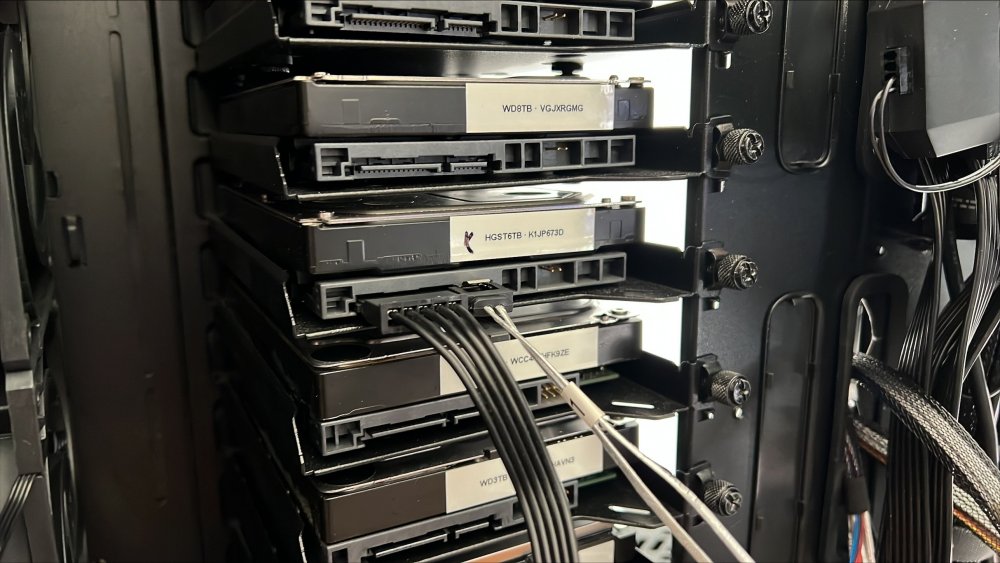
Alright i've disconnected all HDD's, connected the "bad" HDD and booted up into Hirens to check SMART info. Unfortunately i can't upload screenshots since the server is running in a PE environment so please excuse the pictures. I've run a short self test and it passed, and all SMART info seems to be fine, aside from it just being an old drive with a lot of power on hours.
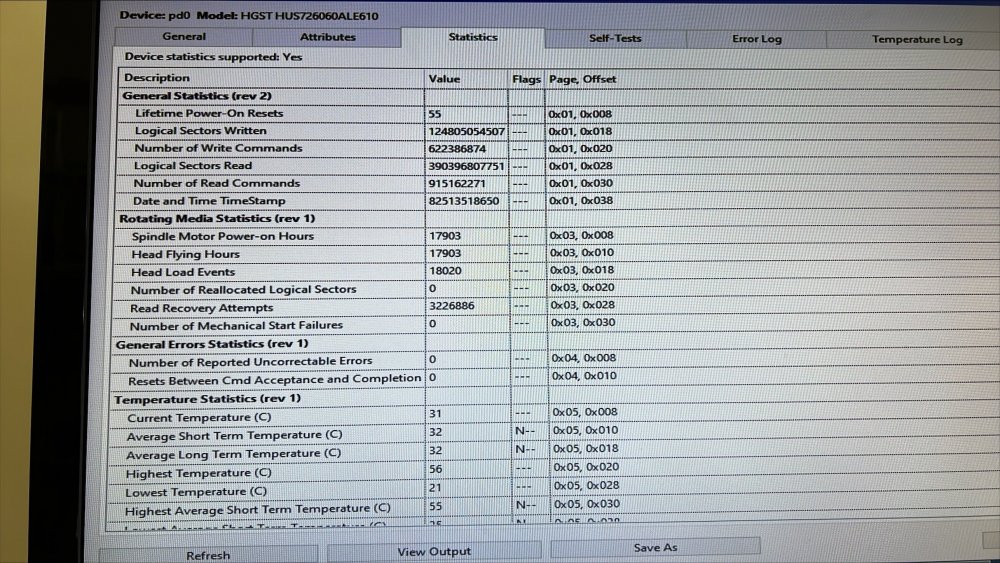
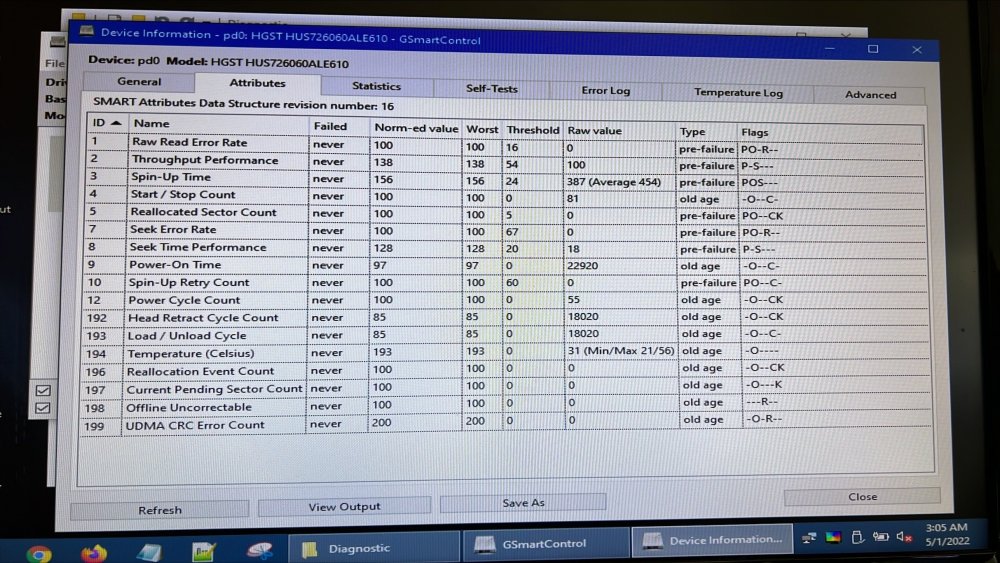
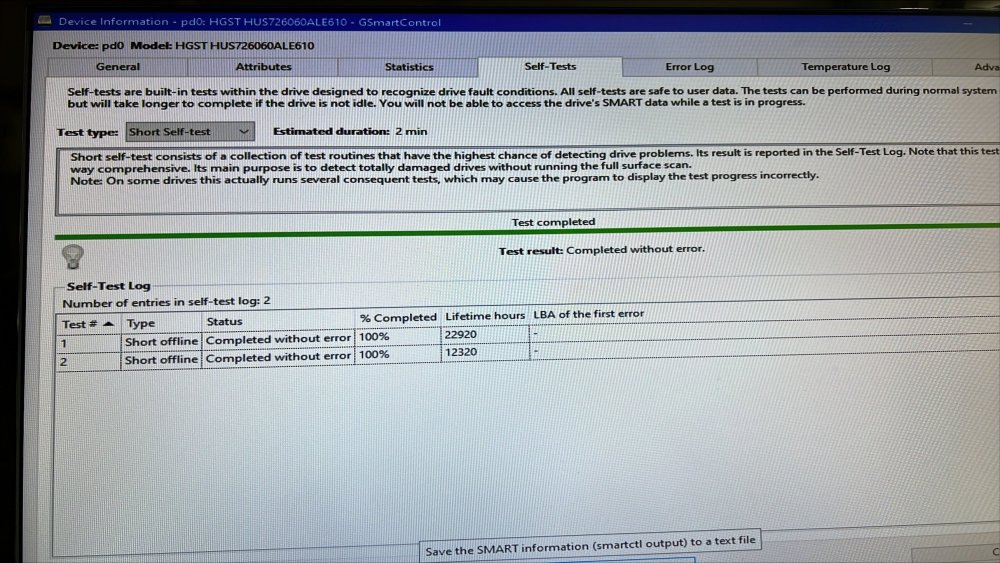
-
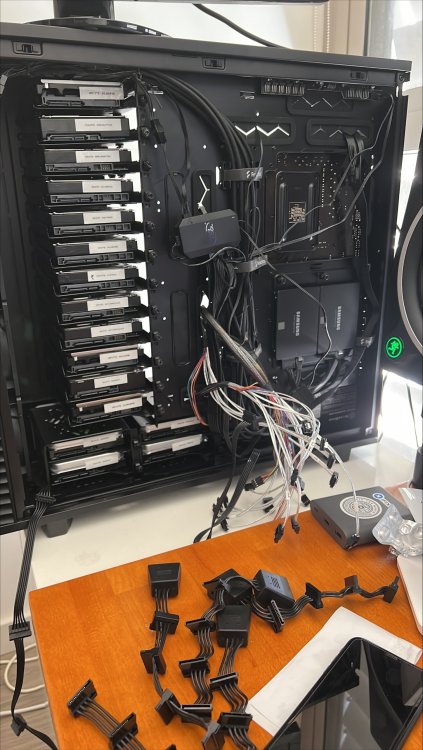
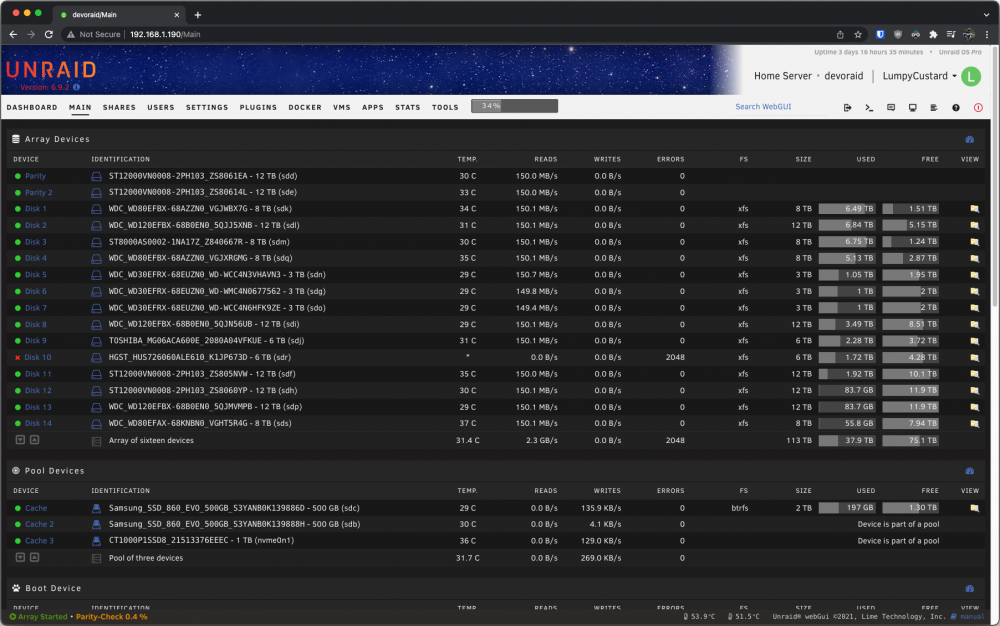
Shut down server. Reseat cables. Boot up server. Assign disk into array. Start rebuild. Rebuild fails in 10 seconds with write errors. So then i buy a new disk, remove the old one, insert the new one (using the same power and sata cable that the bad disk used) and successfully rebuild the array and the server runs for a few more weeks without issue... hence why i just accept the fact that the disk has gone bad. 14 disks on two power rails using Silverstone SATA splitters: https://www.mwave.com.au/product/silverstone-4in1-sata-power-connectors-sstcp06-ab54614 Would it be worthwhile to boot my server into a PE environment like Hirens and run diagnostics on the disk while it's plugged into my current server? That makes sense, i have read about the initial power surge associated with spinning up so many disks at once. Why would this issue rear its head after the server has been successfully turned on and the array started? You can see in the screenshot in my first post that the server had been up for 3 days 16 hours. I am in the process of re-cabling my server right now to try and split up the disks across as many power rails as possible.
-
Do you suppose that I might have too many drives on a single SATA power rail? If that were the case wouldn’t the server become very unstable during the multiple 24+ hour rebuilds that have taken place 4 times this month? Is it acceptable to test these drives using a powered USB-C HDD caddy plugged into my server via unassigned devices? My Define 7XL is completely full and I have no means of mounting these HDD’s for testing.
-
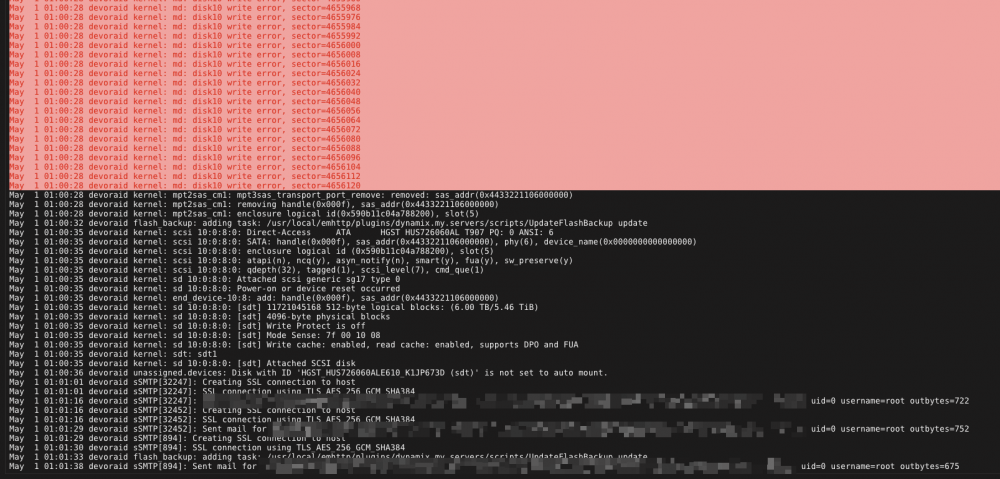
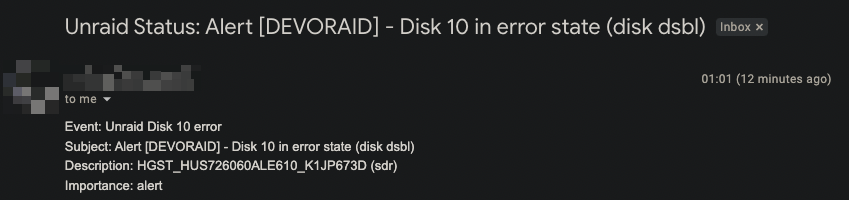
Hi, I'm pulling my hair out trying to figure out if something is wrong or if my luck is complete garbage at the moment. In the span of 30 days i've had 4 disks fail in my array. Every single failure has been attributed to write errors. So far i've had a mixture of HGST, Toshiba, Seagate, and Western Digital drives fail. I have used this opportunity to replace each disk with brand new 12TB drives. The array rebuilds fine and everything works as normal then all of a sudden i'm met with another error. Tonight i was browsing community apps, with the server doing nothing strenuous, and an alert popped up. The last time this happened i turned off my server, reseated all cables, added the drive back in, and it instantly failed. The drives that have failed are connected to different HBA's using different SFF-8087 to SATA cables. This isn't the result of a single HBA. My server is connected to a UPS, and hasn't experienced any improper shutdowns or hardware failures (aside from HDD's) for over a year. I am at a loss here and having spent $1,720AUD on HDD's in the last 30 days i want to figure this out before i relent and buy another drive. I have attached my diagnostics. Any advice or input would be sincerely appreciated. System specs: CPU: Ryzen 3600X HBA: Dell Perc H310 (these cards were salvaged from dell servers and flashed myself. the HBA's are also modded with 40mm fans to keep them cool) Mobo: Gigabyte B450 AORUS ELITE RAM: 32GB DDR4 (non ECC) Disks: See attached screenshot for drive list. PSU: 850w seasonic If anyone can provide any assistance, clarity, or advice, it would be sincerely appreciated. devoraid-diagnostics-20220501-0105.zip
-
Thanks very much mate! Are there any implications for the incorrectly reported space? Such as low space errors or docker freaking out?
-
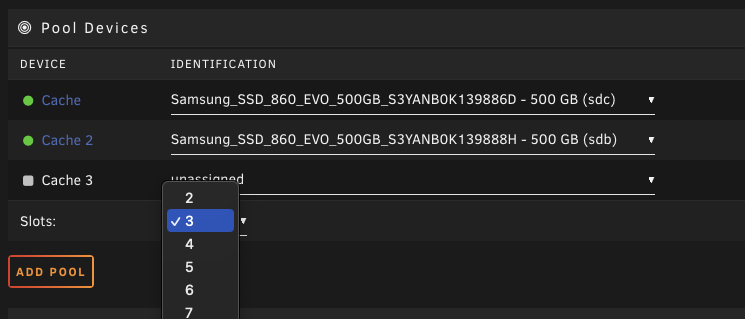
Apologies if this seems obvious or if it has been answered already however i've been unable to find a definitive answer. I've got 2x 500GB SATA SSD's in a 1TB cache pool configured in unraid currently. I recently got a spare 1TB NVME SSD and have installed it into my server. Can I simply set the cache pool to 3 disks (up from 2), then add the 1TB NVME into the cache pool OR will it wipe all the data stored in my cache pool currently?
-
Thank you, that is re-assuring. I was two BIOS updates behind. I've updated as of now, will see what happens, but again, just wanted to make sure there was nothing else immediately obvious. I've noticed my server getting progressively less reliable (used to get months of uptime). F62 Update AMD AGESA ComboV2 1.2.0.3 B for Ryzen 5000 G-Series processors support F63b Improve memory compatibility
-
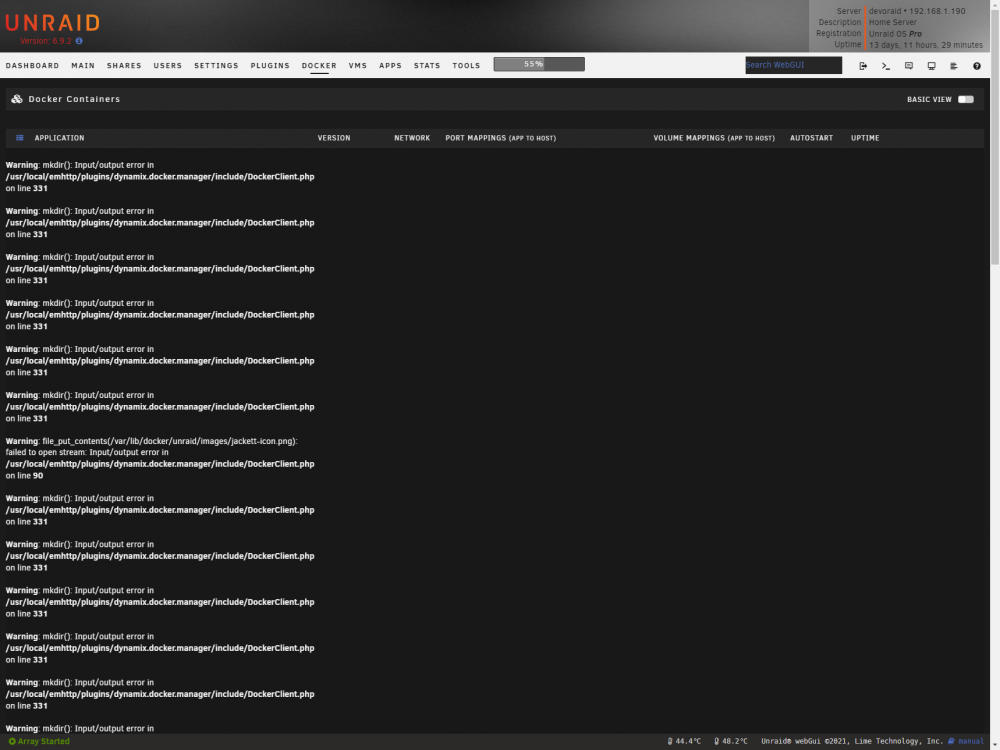
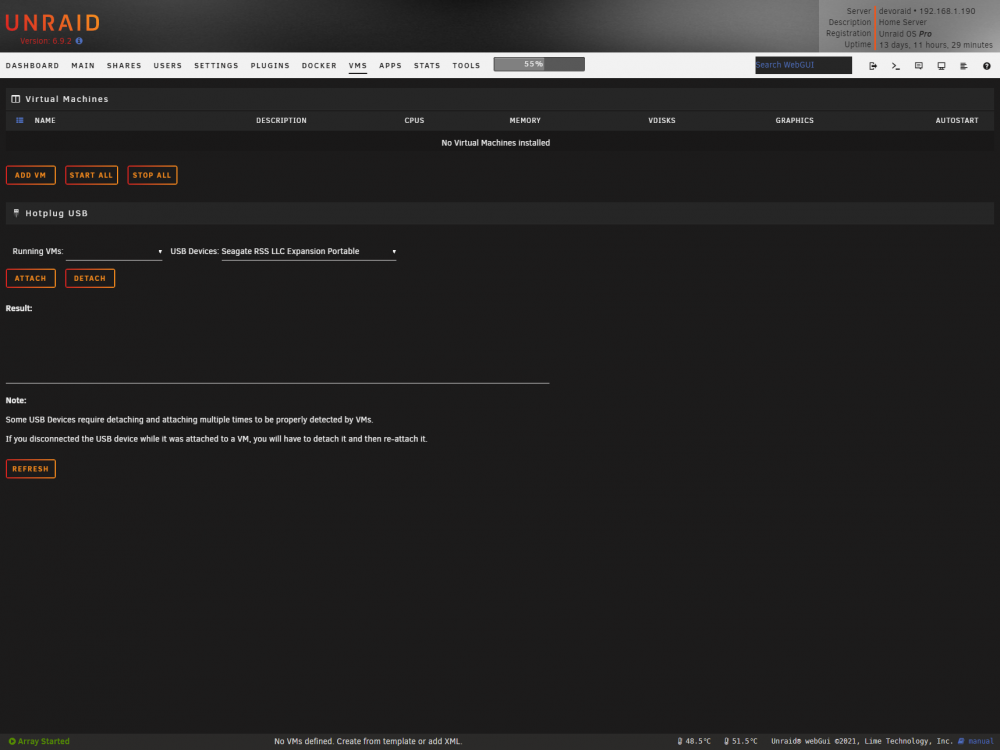
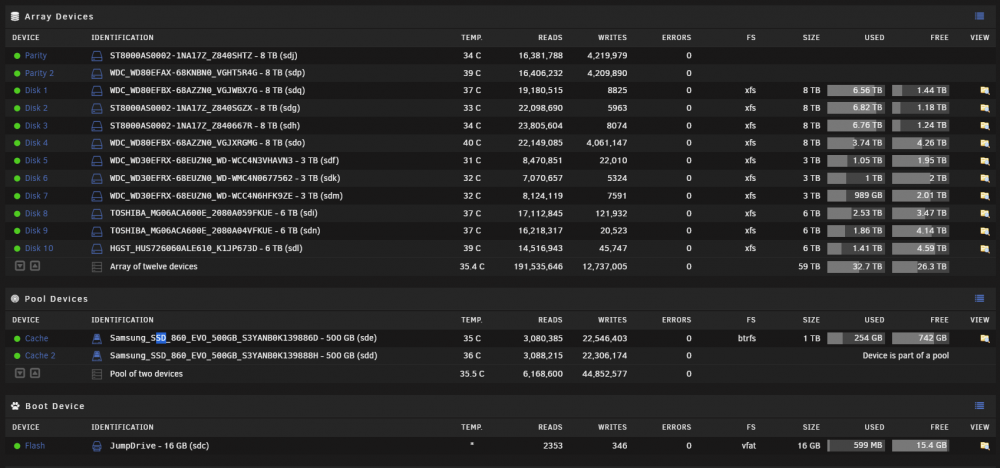
Approx every 2 weeks or so i run into an issue where my server goes into zombie mode, for lack of better word, where all my docker containers malfunction and VM's disappear. I've gone through the logs (attached), and as far as i can see there are issues with devices SDD and SDE, which in my instance are two Samsung SSD cache drives connected directly to the motherboard (rather than the HBA that the rest of my array is connected to). Both of the SSD's are less than a year old, and both were purchased separately at different times. The disappearance of my VM's and broken docker container i would assume is due to the fact that they're all hosted on my cache drive. After rebooting my server, Unraid completes a full consistency check and always passes without issue, and none of my drives are marked as dirty. I've just updated the BIOS on my motherboard (Gigabyte B450 Aorus Elite) in hopes that it will resolve, however i was hoping someone more knowledgeable could comb through my logs and advise what might be causing this. Unraid Logs 1.txt devoraid-diagnostics-20210925-0011.zip
-
Apologies if it's against the rules to necro a thread but i'm adding a vote for a triple parity array. I installed 2 brand new Toshiba 6TB drives into my array and both threw up errors. My VM's disappeared, Dockers crashed, everything ceased to function. I am currently biting my nails watching the array rebuild itself. I fear some of my older 8TB drives will give up during the rebuild.
-
Just adding a +1 to this thread as I have been using janky docker based file managers which have been causing permission issues for me. Would be nice to have an inbuilt manager. Not sure if it's at all possible based on how unraid works but it would be nice to be able to cut and paste large amounts of data without it having to be re-copied.


