





Everything posted by bbronz3
-
@zichichi if you didnt figure this out, try making sure your postgres url is correct. I the port back to 5432 and that produced a new error which I was able to fix after adjusting my URL
-
@bucatini
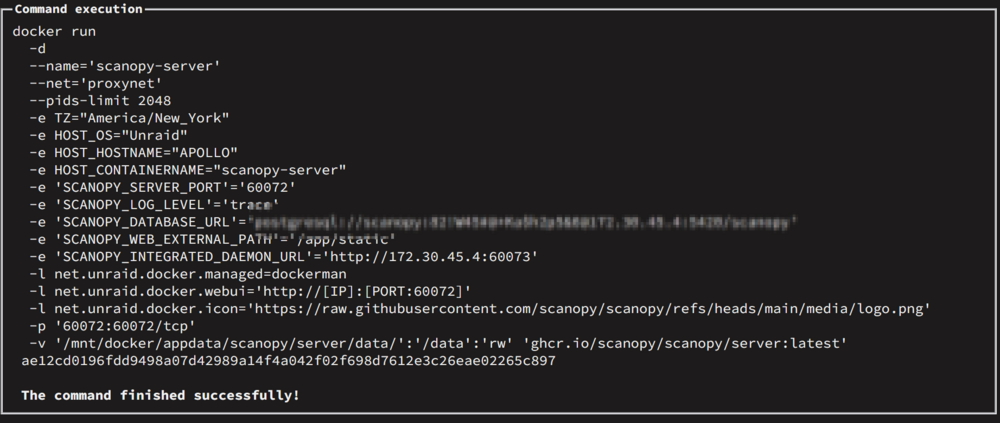
-
Hold On I see another mistake
-
@bucatini I added SCANOPY_PUBLIC_URL variable because the Dev asked me to during troubleshooting. I have been messing with this all day so I apologize if you see another typo. I adjusted to your pic but I am still getting the invalid port error
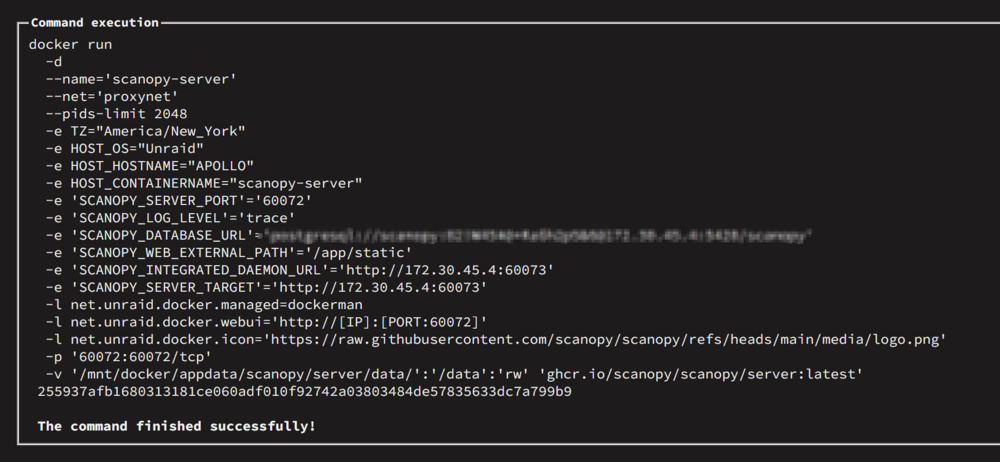
-
Thank you for the reply! I tried what you suggested but am still getting invalid port number error @bucatini
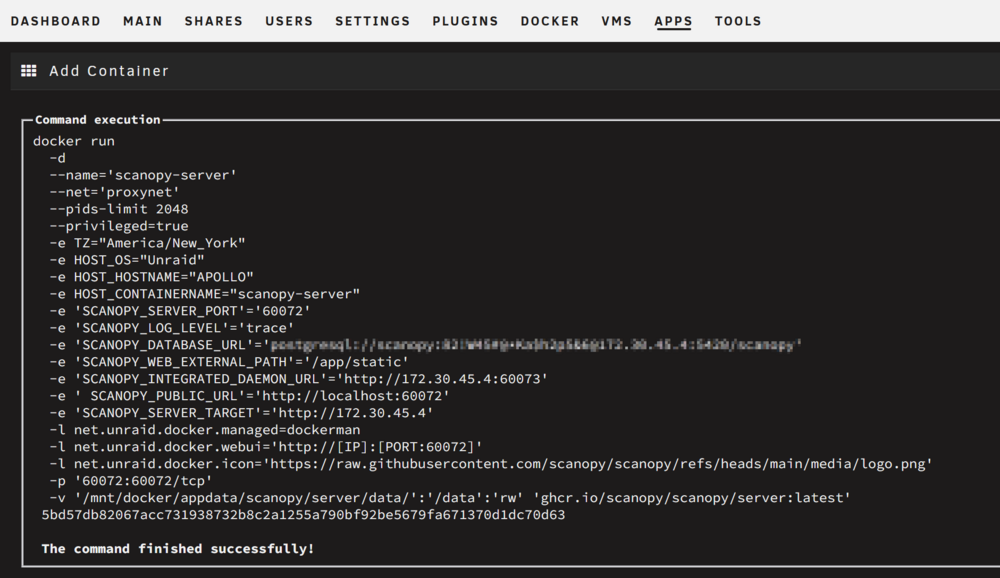
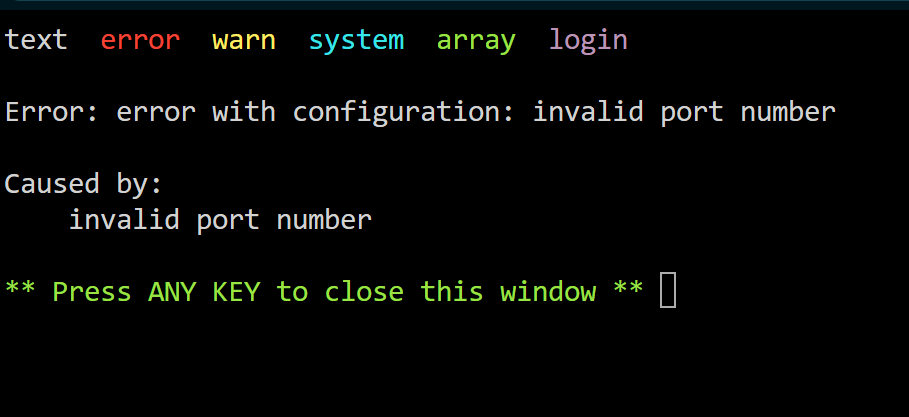
-
Yes I am also getting the invalid port error. I attached a Yaml of the Docker-Compose I am running. According to the main Dev I shouldnt be having any issues scanopy.yaml
-
I got this error when I did not enter the postgres url correctly.
-
I have been having the same invalid port error as well. I have tested deploying this in portainer and in Unraid Docker-compose and get the same error. I have been troubleshooting with I believe the Dev on discord but have not gotten far.


