robbiemwd
Members
-
Joined
-
Last visited
-
It seems to be working better, but Radarr and Sonarr seems a bit sluggish compared to how they use to run.
-
Thank you for all the help! I installed Dynamix File Manager and I found one appdata folder in one of the drives and deleted it. Here is the latest diagnostics. tower-diagnostics-20250130-1101.zip
-
Here is the updated diagnostic file. tower-diagnostics-20250130-0914.zip
-
I was able to reformat the cache drive and I got the dockers set back up. All the dockers are running very slow, can you look at the config file to see if you see any issues? tower-diagnostics-20250129-1112.zip
-
How is the best way to configure the cache?
-
Attached diagnostics... tower-diagnostics-20250123-0906.zip
-
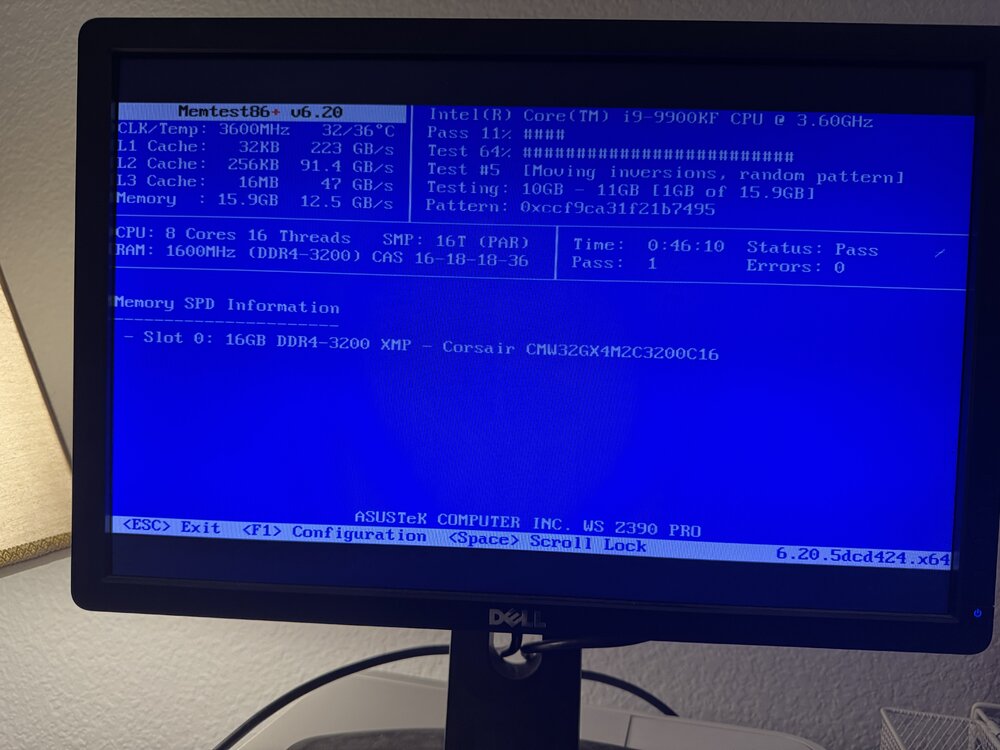
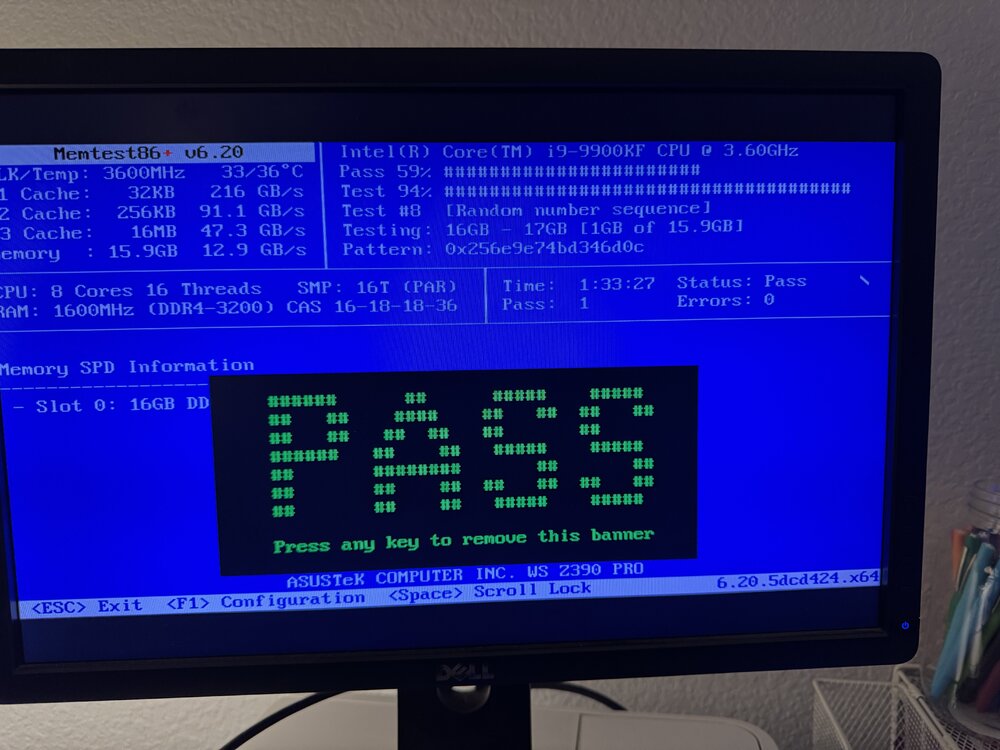
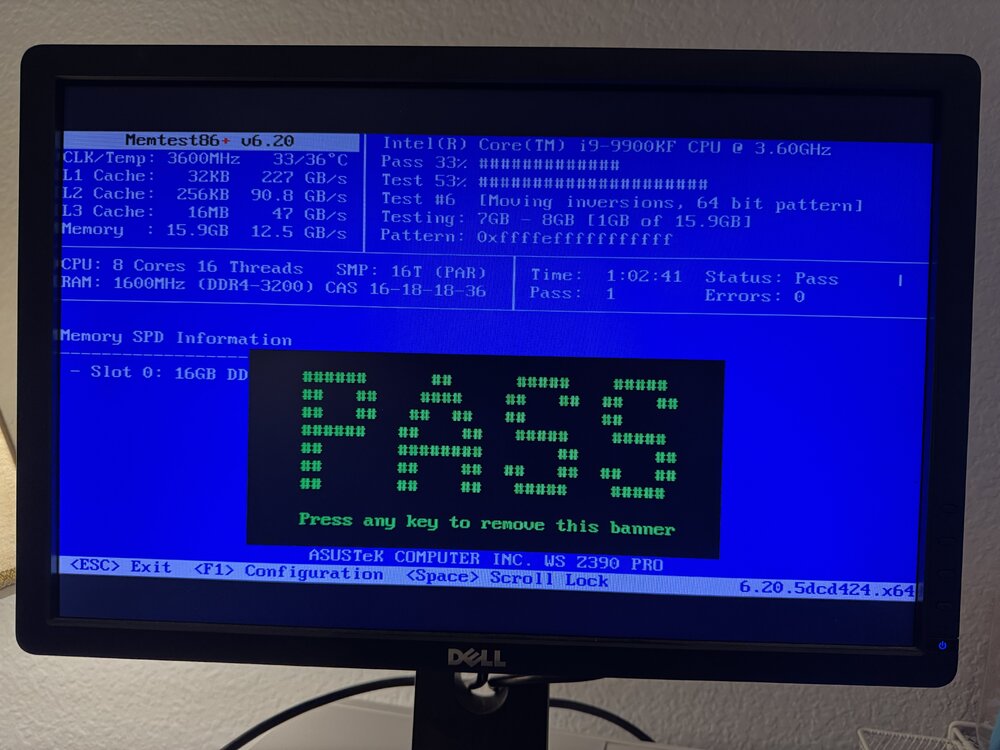
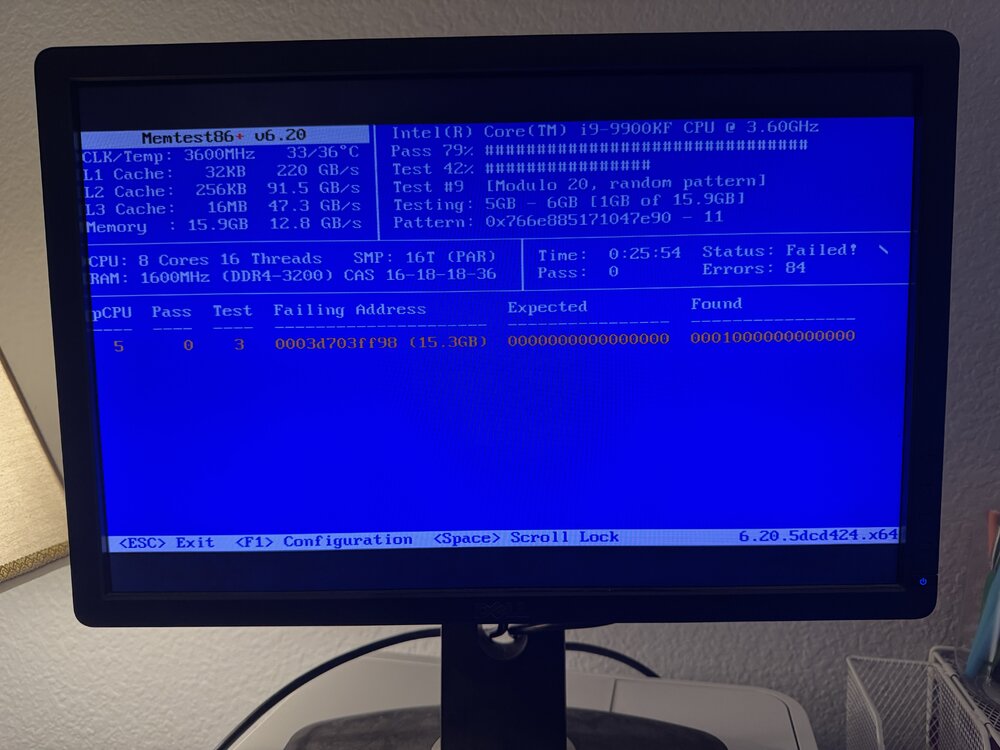
I tested each one separately and they all passed except for one. I started the server with 2 sticks installed and the dockers still do not start. I still get the same message in "Fix Common Problems"
-
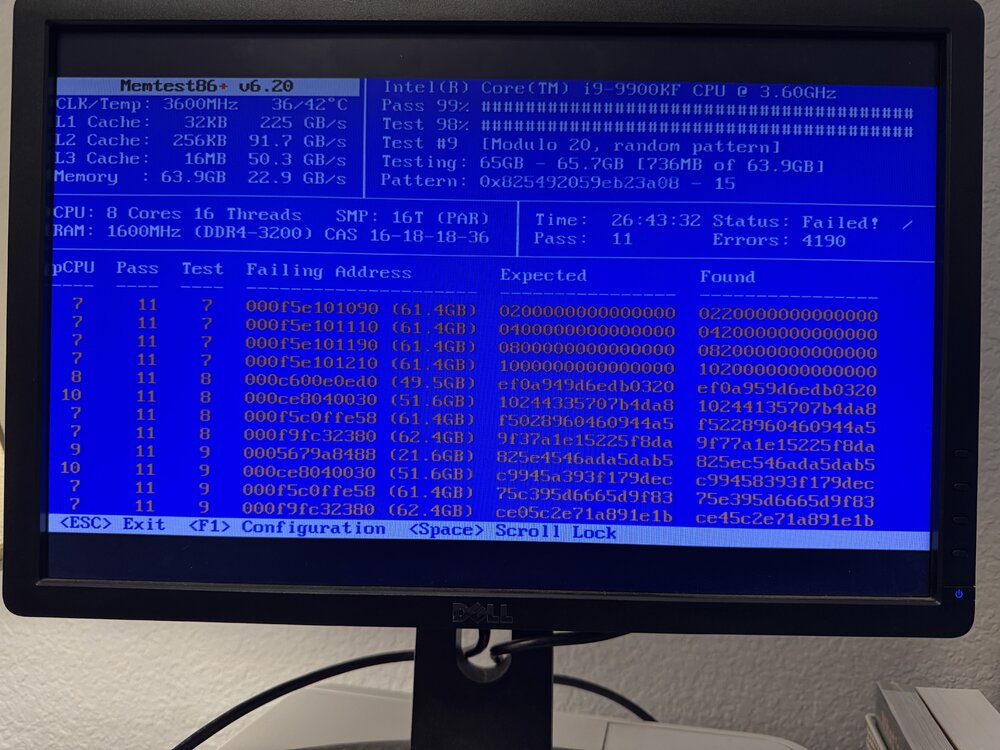
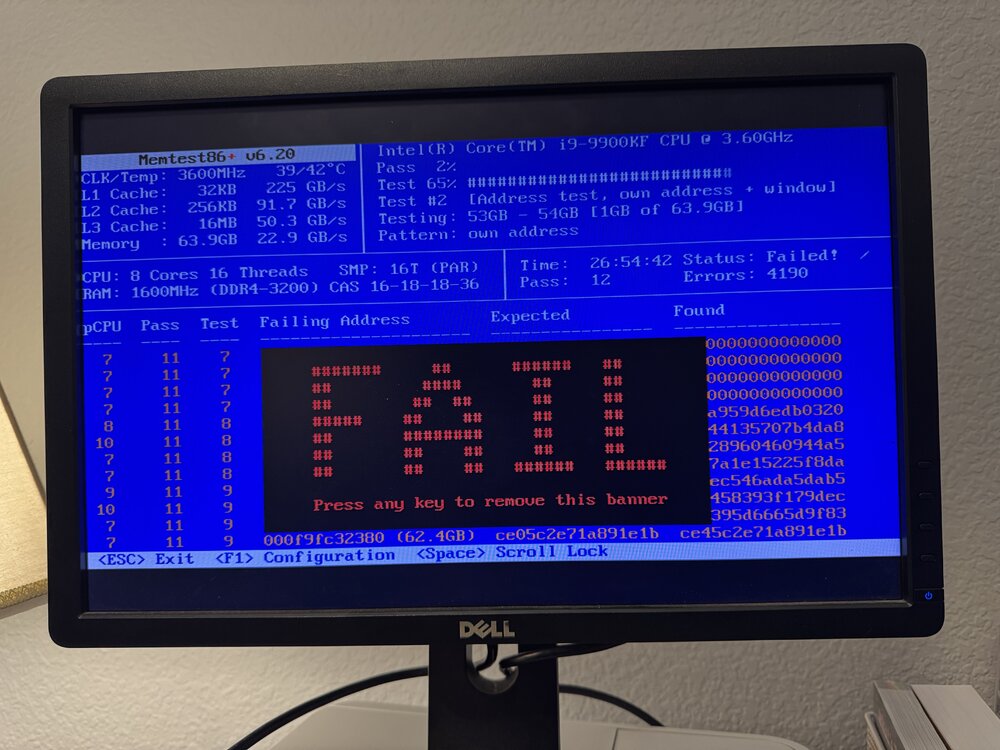
So should I replace the RAM?
-
I am currently running the memtest and it has been running for 27 hours.
-
Thank you for the reply, how do I run memtest?
-
Hello, the dockers will not start. I ran Fix Common Problems and there is an error "Unable to write to cache Drive mounted read-only or completely full." It says that this means the drive is currently full or the mounted read-only. The drive has a lot of free space and I'm uncertain how to check if the drive is set to read-only. This happened while I was watching plex, so I'm uncertain how something could have been changed. I've included 2 screen captures and the diagnostics file. Any help is greatly appreciated, I am a beginner user of Unraid. tower-diagnostics-20250113-0129.zip


-
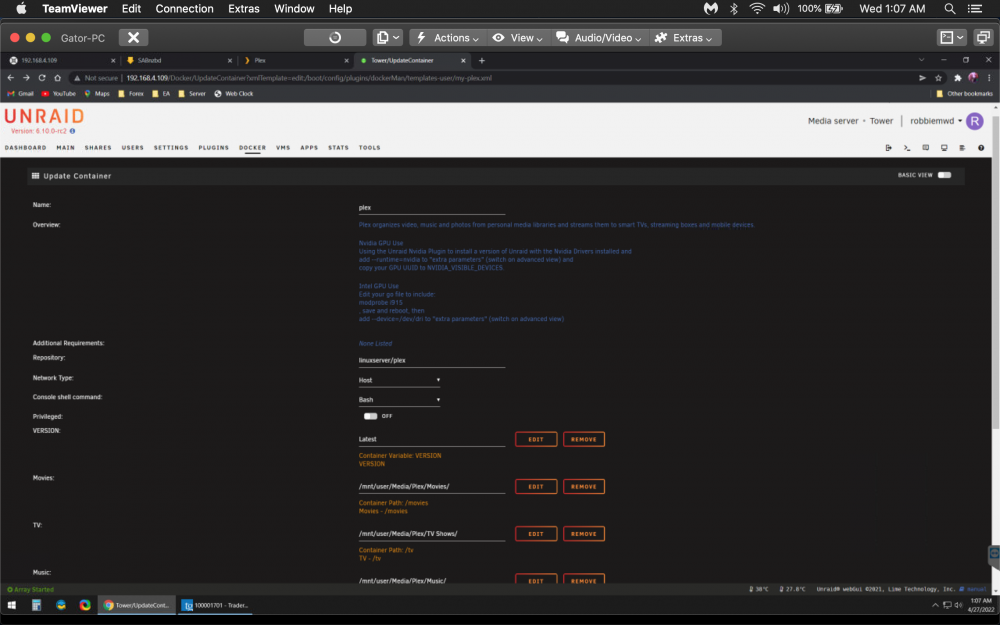
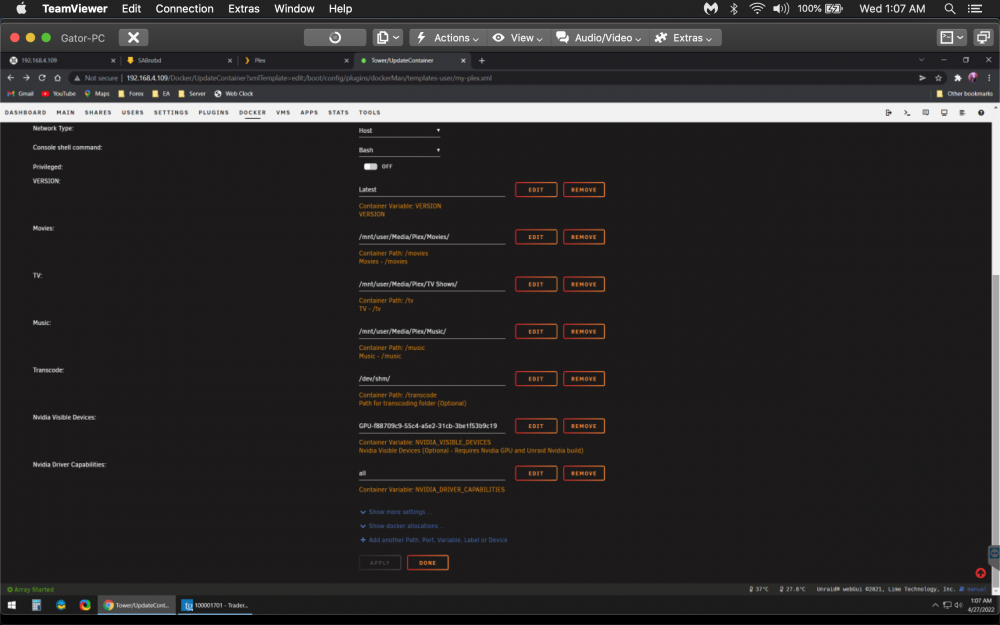
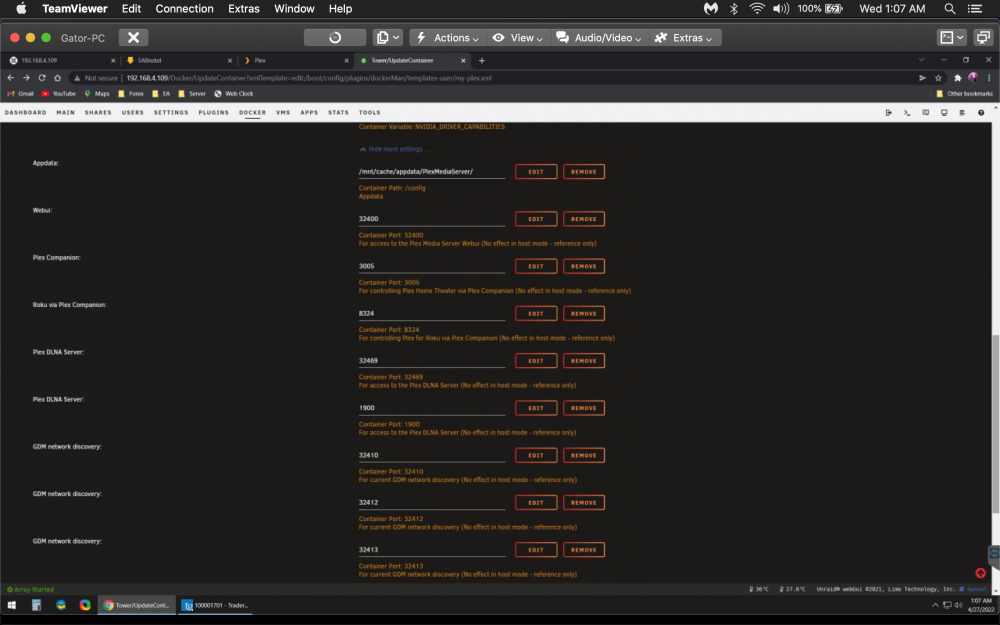
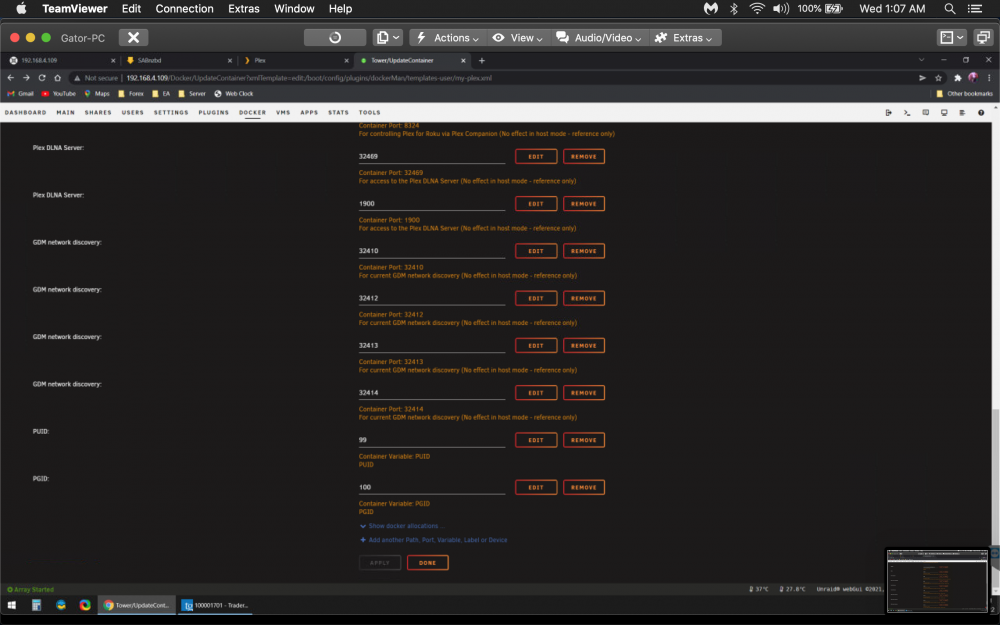
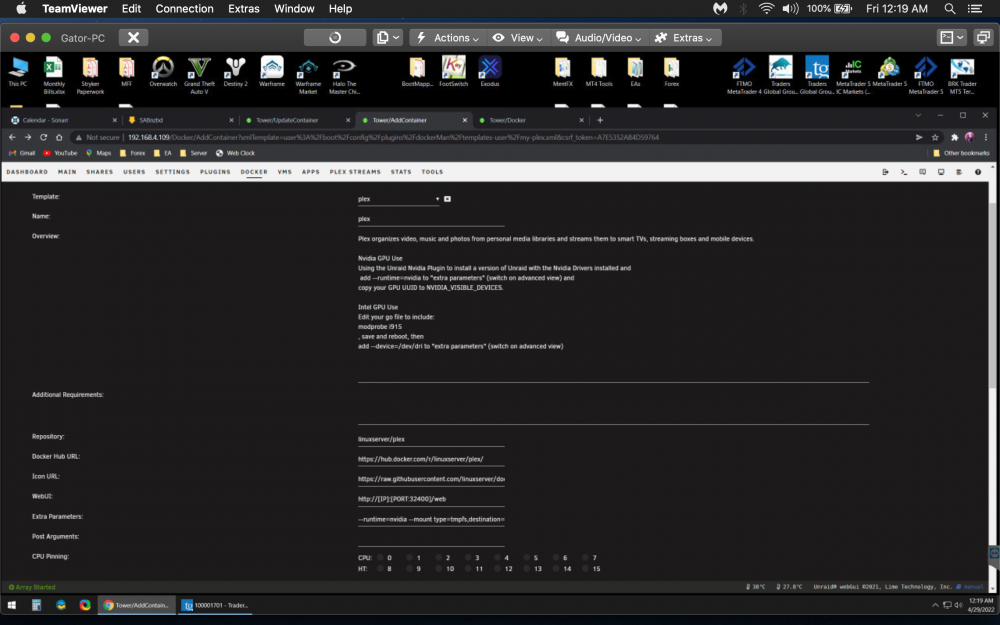
I have been running plex on may unraid server for a couple years now. I rebooted the server the other day and plex gave an error "bad ?" I cannot rememberer what it said exactly... Then it removed the plex docker. I went to add the linuxserver plex docker that I was using and it is missing some of the places where I added the gpu and looks different. I looked at the other plex dockers and I don't see where any of them have to add the gpu. I've tried to add container and add the template for the previous config and I get this... Pulling image: lscr.io/linuxserver/plex:latest IMAGE ID [788189224]: Pulling from linuxserver/plex. Status: Image is up to date for lscr.io/linuxserver/plex:latest TOTAL DATA PULLED: 0 B Command: root@localhost:# /usr/local/emhttp/plugins/dynamix.docker.manager/scripts/docker run -d --name='plex' --net='host' -e TZ="America/Chicago" -e HOST_OS="Unraid" -e HOST_HOSTNAME="Tower" -e HOST_CONTAINERNAME="plex" -e 'VERSION'='Latest' -e 'NVIDIA_VISIBLE_DEVICES'='GPU-f88709c9-55c4-a5e2-31cb-3be1f53b9c19' -e 'NVIDIA_DRIVER_CAPABILITIES'='all' -e 'TCP_PORT_32400'='32400' -e 'TCP_PORT_3005'='3005' -e 'TCP_PORT_8324'='8324' -e 'TCP_PORT_32469'='32469' -e 'UDP_PORT_1900'='1900' -e 'UDP_PORT_32410'='32410' -e 'UDP_PORT_32412'='32412' -e 'UDP_PORT_32413'='32413' -e 'UDP_PORT_32414'='32414' -e 'PUID'='99' -e 'PGID'='100' -l net.unraid.docker.managed=dockerman -l net.unraid.docker.webui='http://[IP]:[PORT:32400]/web' -l net.unraid.docker.icon='https://raw.githubusercontent.com/linuxserver/docker-templates/master/linuxserver.io/img/plex-icon.png' -v '/mnt/user/Media/Plex/Movies/':'/movies':'rw' -v '/mnt/user/Media/Plex/TV Shows/':'/tv':'rw' -v '/mnt/user/Media/Plex/Music/':'/music':'rw' -v '/dev/shm/':'/transcode':'rw' -v '/mnt/cache/appdata/PlexMediaServer/':'/config':'rw' --runtime=nvidia --mount type=tmpfs,destination=/tmp,tmpfs-size=3000000000 --no-healthcheck 'lscr.io/linuxserver/plex' docker: Error response from daemon: Unknown runtime specified nvidia. See 'docker run --help'. The command failed." Any help would be greatly appreciated.