





jjarandab
Members
-
Joined
-
Last visited
-
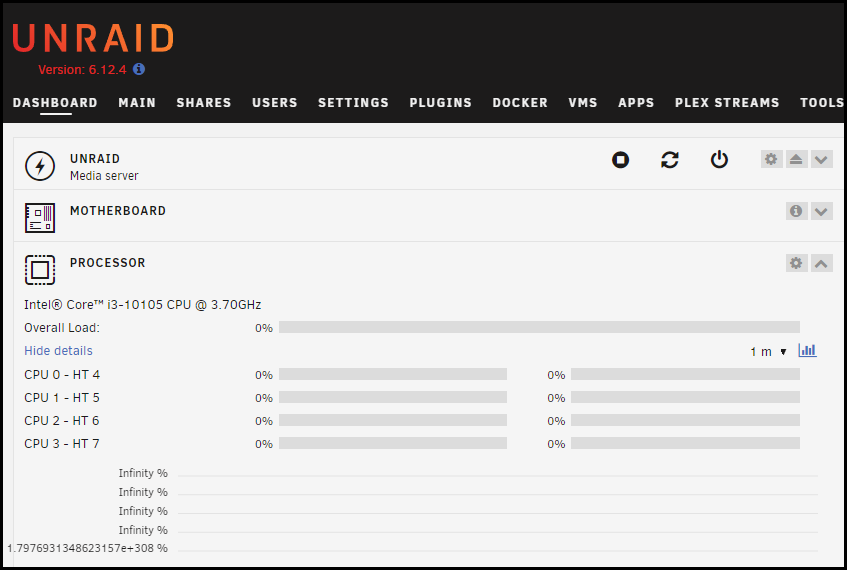
Not sure if related, but this has been happening lately too. Restarting server fixed it for a while, but I can see is brokenagain.
-
Trying to grant Read/Write access to user "raspberrypi" but UNRAID is not accepting changes. Looks like something wrong with UI/NGINX. Help These are last two system log entries: Oct 2 16:06:45 UNRAID nginx: 2023/10/02 16:06:45 [error] 11848#11848: *574383 connect() to unix:/var/run/emhttpd.socket failed (11: Resource temporarily unavailable) while connecting to upstream, client: 10.0.0.100, server: , request: "POST /update.htm HTTP/2.0", upstream: "http://unix:/var/run/emhttpd.socket:/update.htm", host: "10.0.0.8", referrer: "https://10.0.0.8/Shares/Share?name=downloads" Oct 2 16:07:33 UNRAID nginx: 2023/10/02 16:07:33 [error] 11848#11848: *574383 connect() to unix:/var/run/emhttpd.socket failed (11: Resource temporarily unavailable) while connecting to upstream, client: 10.0.0.100, server: , request: "POST /update.htm HTTP/2.0", upstream: "http://unix:/var/run/emhttpd.socket:/update.htm", host: "10.0.0.8", referrer: "https://10.0.0.8/Users/UserEdit?name=raspberrypi" 2023-10-02 16 06 34.mp4 2023-10-02 16 07 28.mp4 unraid-diagnostics-20231002-1609.zip
-
I was having same issue, got it working by setting eth0 IPv4 gateway metrics to 0 and other network card gateways to 5.
