Samjam927
Members
-
Joined
-
Last visited
-
Anyone else having issues with the MSI Afterburner Exporter? I added the IP with port 9891 to the YML and have remote server running with the same IP on the VM with that app allowed through windows firewall. What am I missing here? I keep getting this error with nothing coming through:

-
That's Awesome! Thank you!
-
Are you using these in a Dell server or another build? Do you know if they work in non-Dell machines? I'm about the pull the trigger on a pair of them for an X399 machine.
-
How are the Dell HN10N Broadcom 57810 Dual-Port 10 Base-T cards doing? Thinking about making the jump to 10g from my main workstation to my unraid box
-
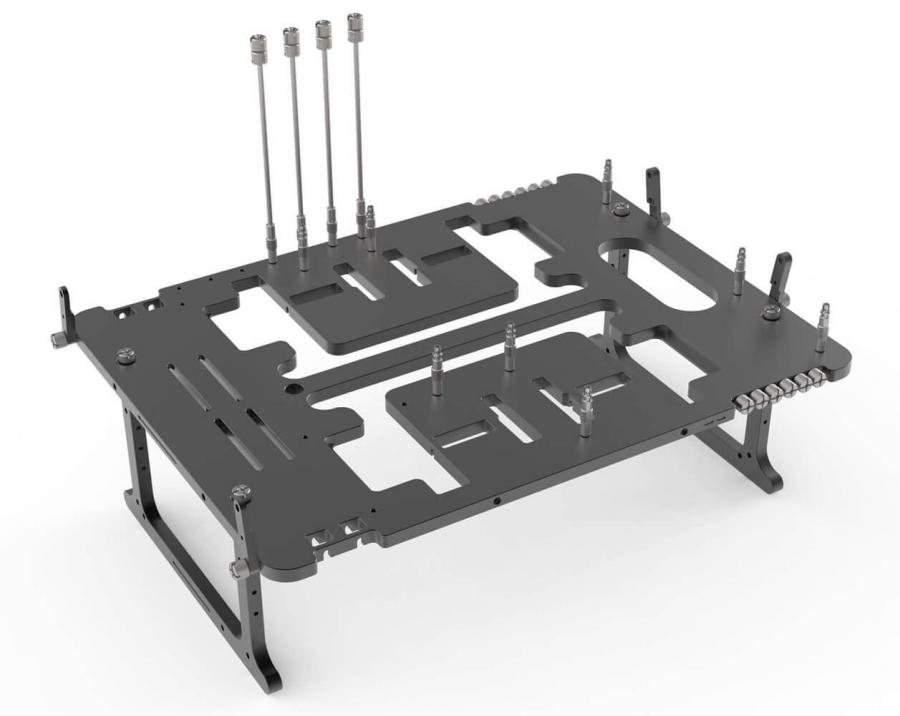
Would it be possible to get an icon for those of us that run open test bench PCs with UnRAID? Something like the Streacom BC-1 would be cool to have (I'll leave the positioning open to your interpretation)! Thanks!