stepmback
Members
-
Joined
-
Last visited
Everything posted by stepmback
-
I got it working. I ending up resetting everything and starting over. Not sure if that fixed because at the end this time I bounced my router...... when it came back up I got my iphone, turned off cellular service and setup VPN again on wireguard app. I got in, then tried my 10.253.0.2 address and the loggin for unraid popped up.... logged and can see all the areas.... great. Maybe I just needed to reboot my router.... anyway I am in and wanted to share in case anyone has not bounced their router enough....:)
-
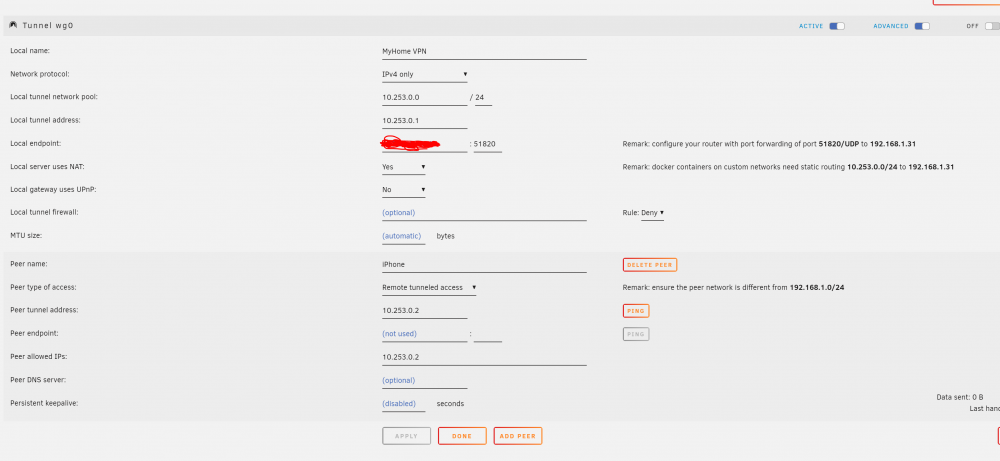
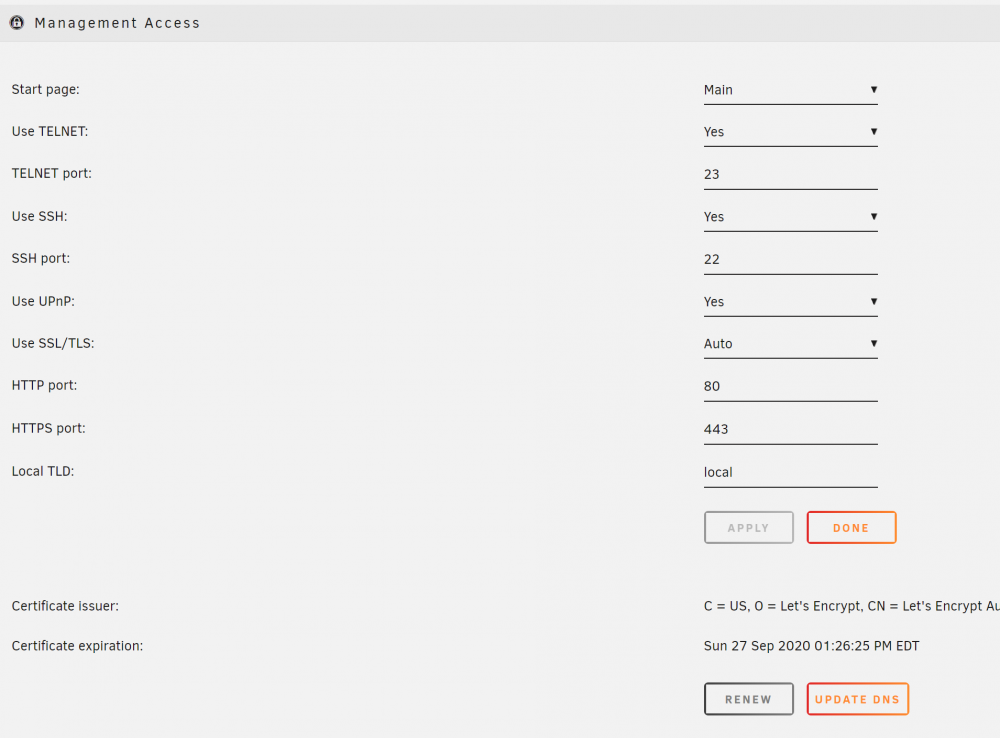
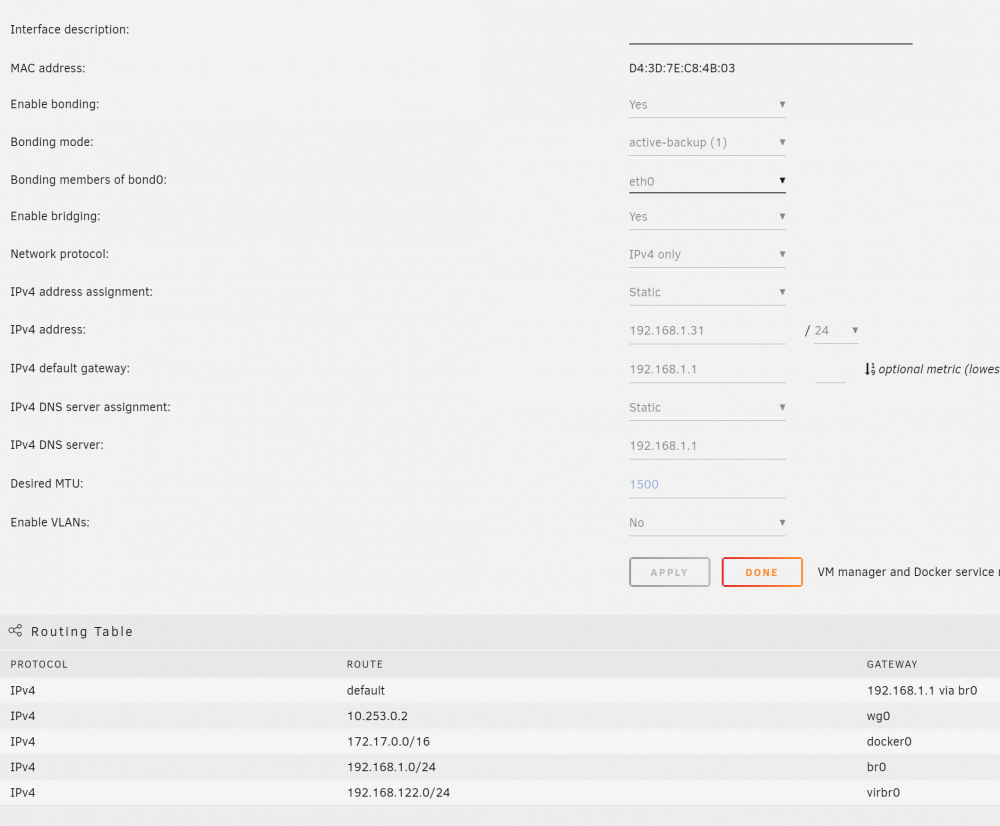
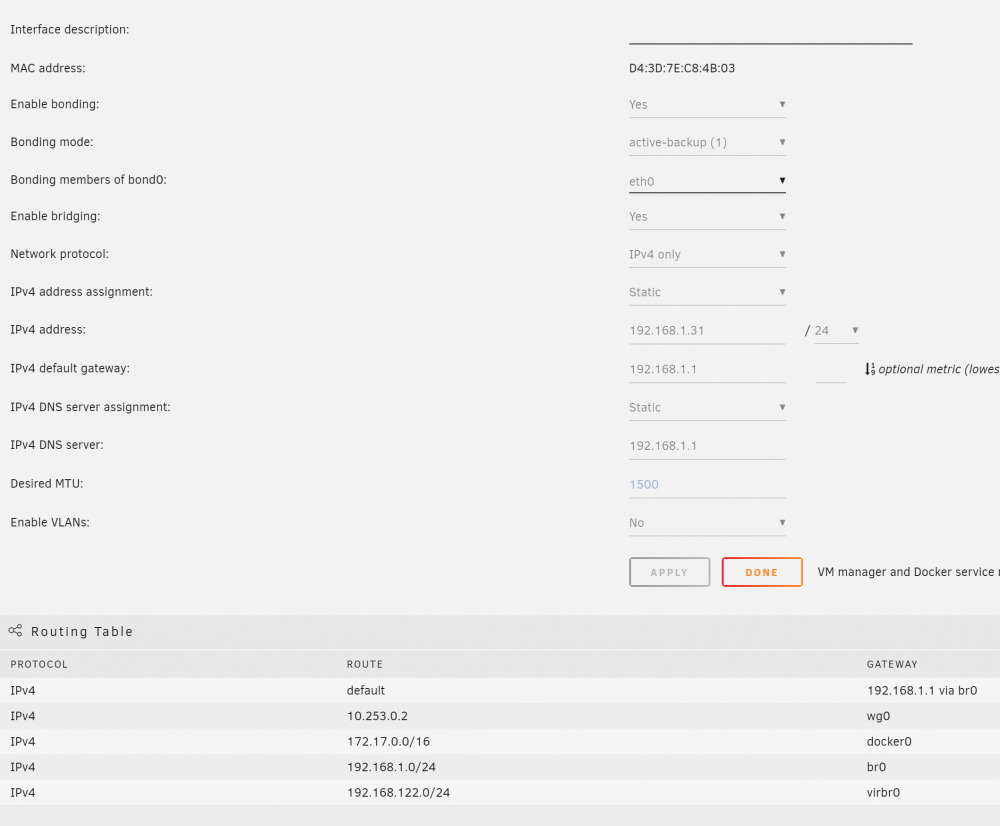
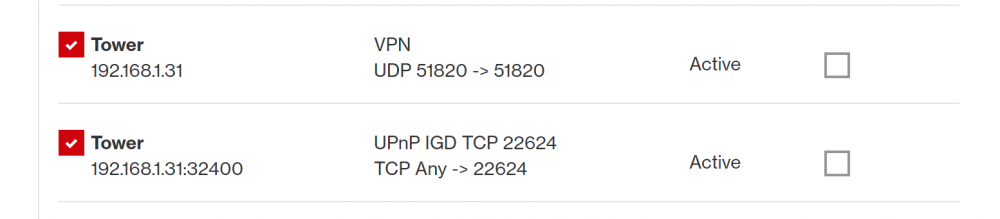
I am very new. Just built my first demo UnRaid server before I convert my existing file server to UnRaid. I was able to install and setup WireGuard plugin (2020.02.23) on my server and I was able to get my iPhone to connect to the VPN using the wireguard app and . However I am not able to access the server URL via chrome on the phone to access the server. When I try this phone on the cell carrier, not on wifi.. but stil no luck. I have tried url 10.253.0.0, 10.253.0.1 and 10.253.0.2 with no luck. Am I not using the correct url? I am running version 6.8.3 with a certificate on the server, which creates this type of url "https://xxxxxxxxxxxxxxxxxxxx0f70a3509e8cda340.unraid.net/Plugins". My disk are not encrypted. I have done the port forward, I believe correctly on my FIOS router. the 32400 is for my Plex. I might be giving you more info than is needed but figured better safe than sorry. Any help is much appreciated.