tippo88
Members
-
Joined
-
Last visited
Everything posted by tippo88
-
OK so hooked up an old Windows 10 laptop and web gui connects fine and after activating SMB 1 in windows can see the shares in explorer. So the problem is mt widows 11 setup. Used to work fine and no idea where to look or what to check??
-
Tried rebooting in safe mode but didn't make any difference, I can access files via Plex from the Windows 11 PC and can login to the web interface on the unraid server itself no problem. Any help much appreciated,
-
Tried rebooting in safe mode but didn't make any difference,
-
Should have mentioned its Windows 11. Anyone? Sent from my SM-S918B using Tapatalk
-
As I am spending most of my time away from home I set my system up for remote access using wireguard and duckdna. Tested and worked fine. When overseas I couldn't log in at all but the server was running as I could access through Plex no problem. Now back at home and cant access the webgui on my windows pc nor see the shares in file explorer, I have tried disabling wireguard and duck dna, port forwarding etc. but made no difference. With a monitor connected to the server everything is fine and can access webgui no problem. Any help much appreciated tower-diagnostics-20231227-1349.zip
-
Ok a reboot seems to have solved this!
-
Hi, I'm trying to delete some folders and their contents in my media/tv share but some of the folders and contents just wont delete. I've tried changing all the folders permissions in Dynamix file manager to all read and write and done a chmod -R 777 * from the command line. If I try to delete with dynamix file manager it looks like its working but then the folder is still there. Accessing through windows and attempting to delete again it seems to go through the motions of deleting but doesn't. Windows also shows the directory as read only. The syslog shows " could not get share mode lock" Thanks in advance tower-syslog-20230610-0540.zip
-
Managed to move files quickly in Krusader. Seems OK and hopefully Media won't reappear lol. Sent from my SM-G985F using Tapatalk
-
Thanks. Is there anyway to quickly get all the fines from Media into media or do I need to cut and paste which will be very slow with the amount of data. Sent from my SM-G985F using Tapatalk
-
I deleted all the dockers, did the Media media thing , noticed I had the two shares with different files inside. I then created the sabnzb docker from the apps screen in normal way as I was interested to see if could get it so see the lower case media share . Which it can. Sent from my SM-G985F using Tapatalk
-
Diagnostics attached. Thanks! tower-diagnostics-20230602-1036.zip
-
Thanks! I'll post the diagnostics shortly. As part of my cleanup I had deleted all my docker apps before I did the rename. Hopefully can figure out how to fix it and how not to do it again! Sent from my SM-G985F using Tapatalk
-
Ok thanks will do tomorrow away just now. Sent from my SM-G985F using Tapatalk
-
Hi, I had a share called Media and for neatness I wanted to change it to media. I went onto the share changed M to m and applied and nothing seemed to happen so I tried again and name wad still Media in the Media share page. Went back to the main share page and then had two shares Media and media with the same subfolders but the content seems to be split between the two shares. What did I do wrong and how do I fix it? Thanks in advance. Not at the machine at the moment but can post diagnostics tomorrow if required. Sent from my SM-G985F using Tapatalk
-
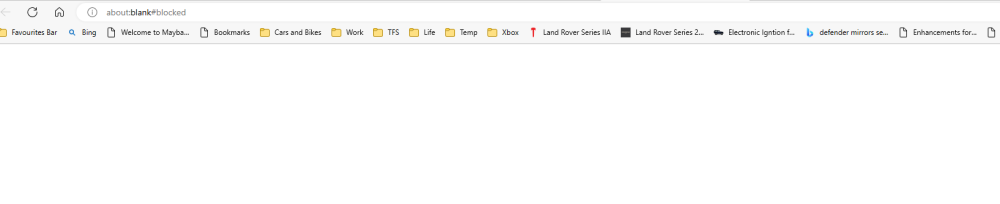
Changed everything back to original and port 8080 nnow just get a blank webpage that says blocked. thanks
-
Actually the web UI entry was originally as you say and it didn't work with that setting, editing it was one of my attempts to get it working and I forgot to change it back. Sent from my SM-G985F using Tapatalk
-
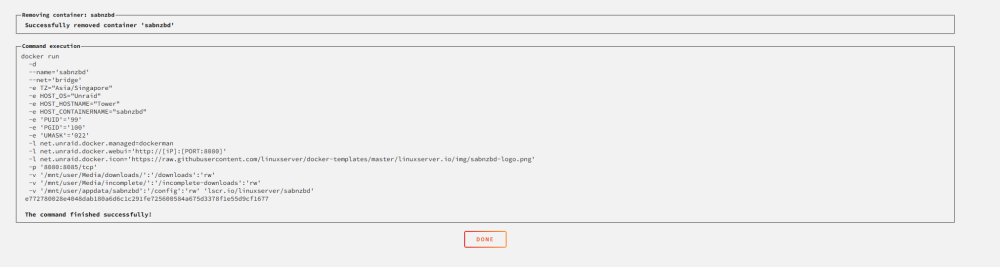
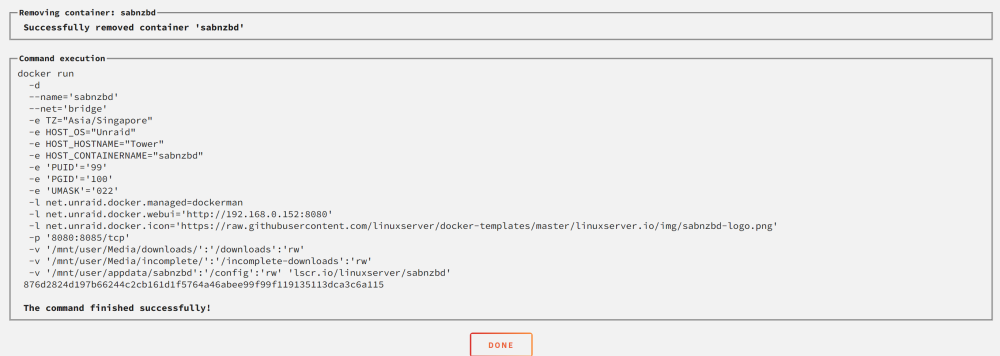
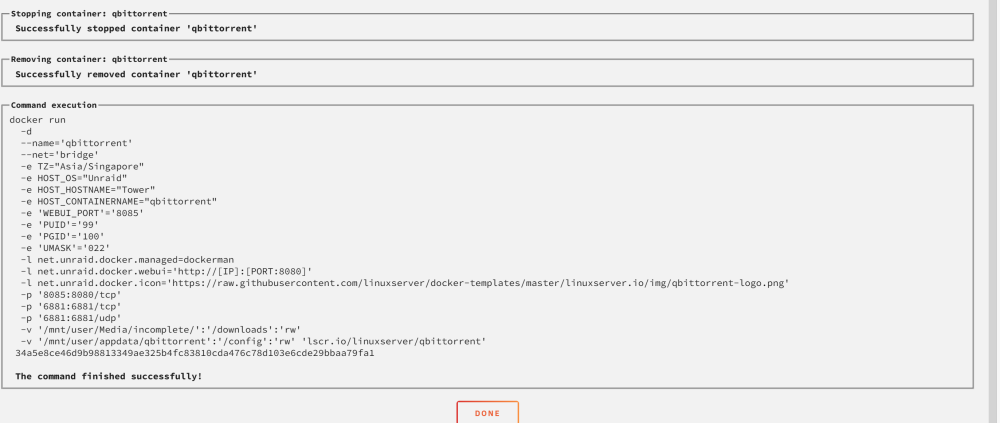
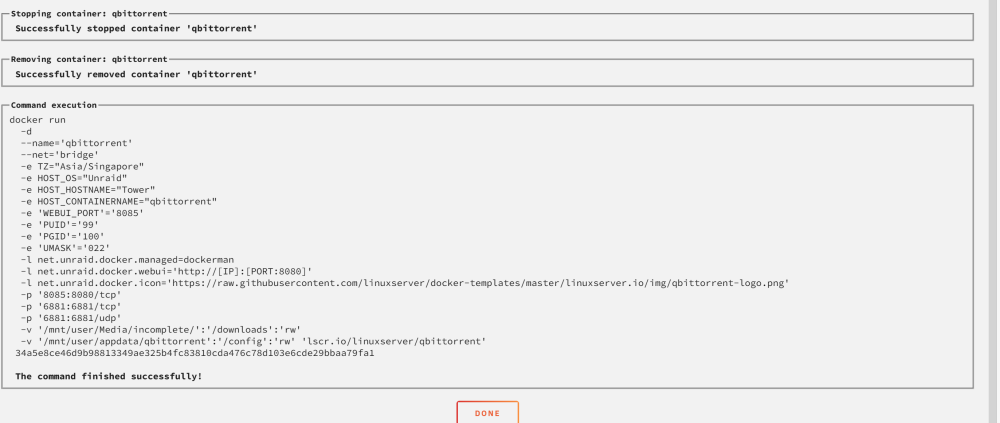
Thanks! here are the two run commands
-
Apologies if this in not the right forum. I am generally having issues with web UI's on docker containers, specifically at the moment with linuxserver qbittorrent and sabnzbd. In both cases the webpage gives the error "192.168.0.152 refused to connect." other docker apps web ui's work ok at present . I've tried changing the webui ports, clearing browser cache, reinstalling etc. but all to no avail. I've done a fair bit of googling but haven't found anything that helps. Would really like to understand the issue and how to fix it. Thanks in advance. tower-diagnostics-20230518-1800.zip
-
Ok so after fixing the file system on the new disk six it shows I have I gb of data whereas used to be 1tb so lost pretty much all of it couple more questions Would I get better result if put the old disc 6 in, fixed filesystem and then replaced and rebuilt? Is there anyway of me knowing exactly what data has been lost so I can try and recover from other sources? Thanks again.
-
So I think I have 2 options 1. Put old disk 6 in try a file system repair then put in new disk 6 and rebuild again or 2. Just try a file system repair on the new disk 6 Is one of these options the best way forwards Thanks!!!
-
tower-diagnostics-20230510-1028.zip
-
Sorry I seem to be making a meal of this. Rebuilt disk 6 with new larger 2 tb disk, all seemed to go ok but after finishing it shows disk 6 as Unmountable Wrong or no file system. Thanks yet again.
-
Thanks!
-
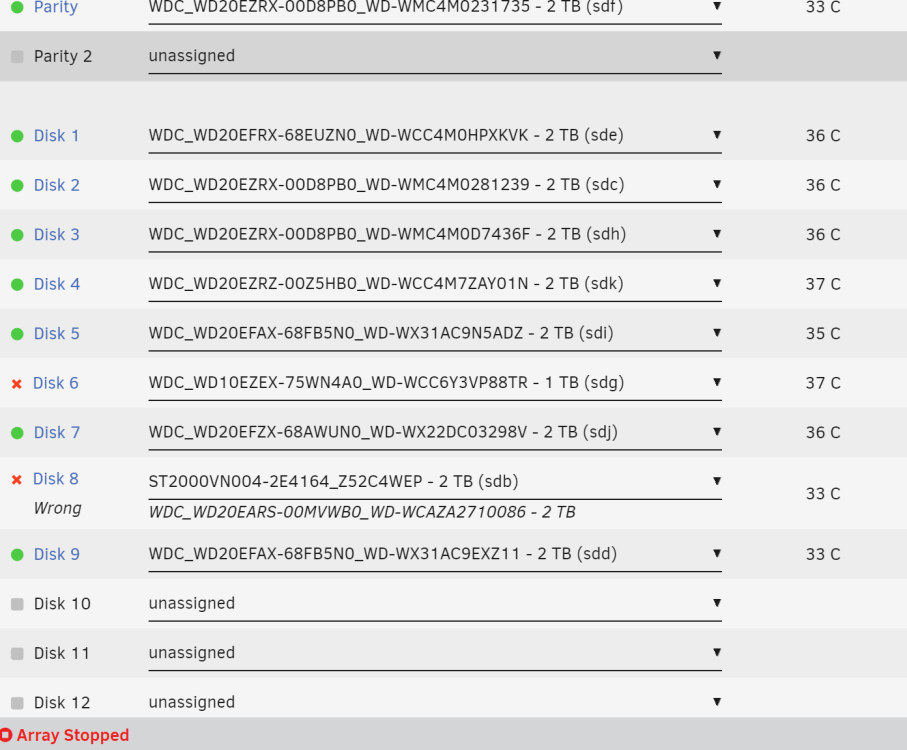
Hi, sorry if I'm being dumb again, to rebuild disk 8 I unassigned it shut down and put in a new disk but when I assign it says its wrong as per below and I cant start the rebuild. Thanks in advance.
-
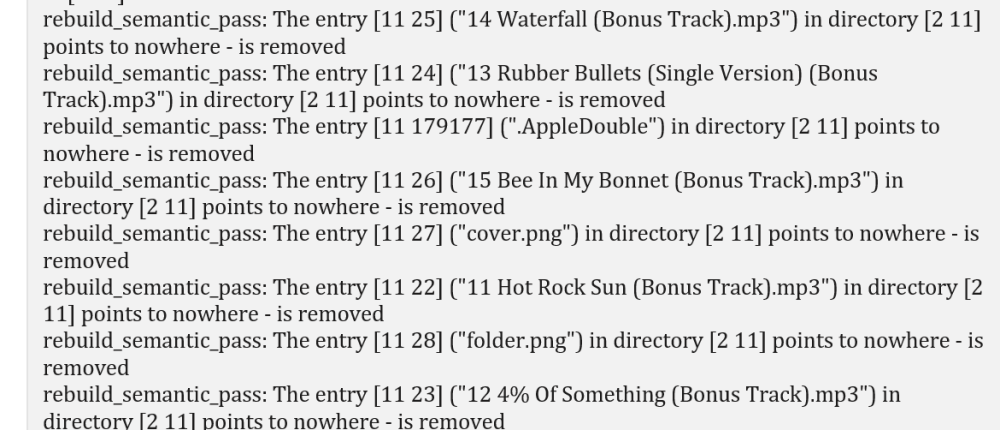
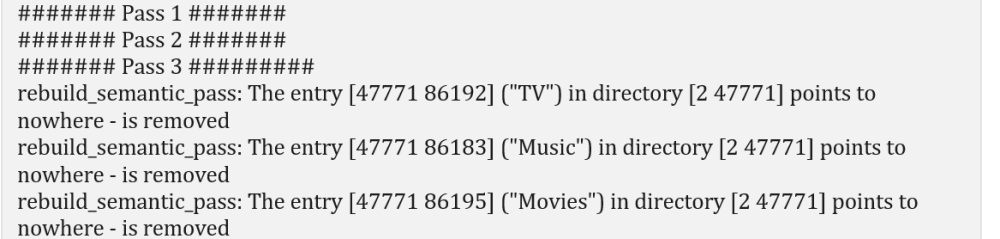
On log from repairing disk 1 i get some entries like this So I guess these file have gone and will need replacing? Also shows this: These are some of my shares and I'm wondering if I need to be trying to fix this before putting in new disk 8 and rebuilding or should just go ahead and rebuild a new disk 8. Thanks!