





nmeuvdast8
Members
-
Joined
-
Last visited
-
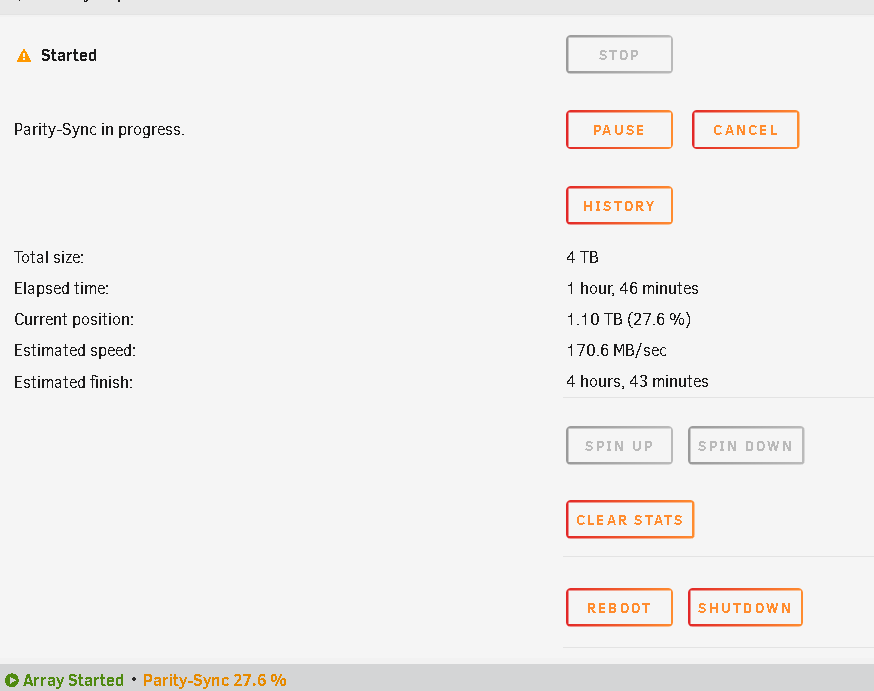
I created the new USB, booted, and started the array. Currently on Parity Syncing at 27.xx% After this, will my configs and other settings (dockers, etc) be restored? Thanks!
-
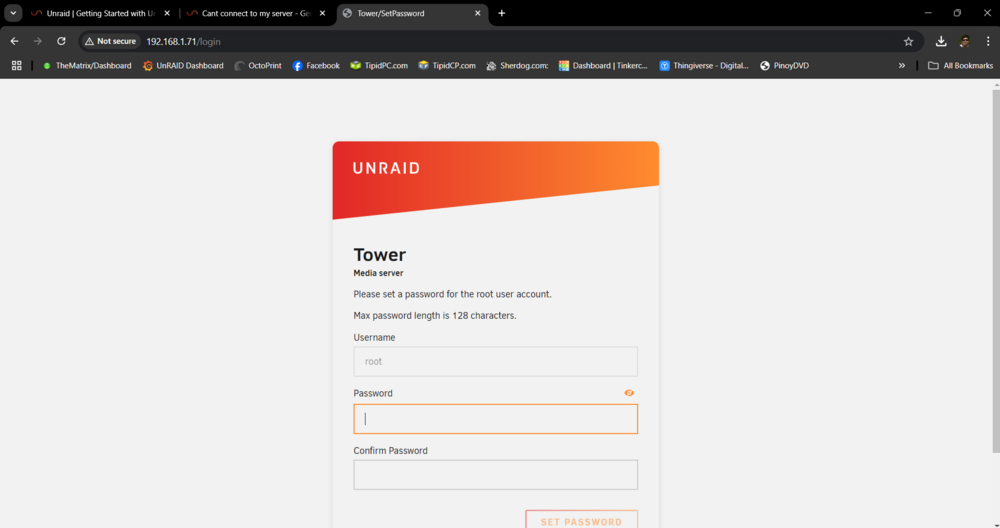
I tried installing an add on NIC. Its the same as the Intel I226, still no dice. 😭 So I tried installing a fresh Unraid just to check if the on board LAN works, and it did (see pic). I have 2 options now. 1. Resolve the current issue, but how? I could not identify whats causing the issue 2. Reinstall Unraid, but how do I preserve the configurations without destroying my data? Thanks!
-
My mothernoard died recently and decided to swith to the one im using as desktop temporarily. It worked fine. Now the problem is, I recently switched to a new motherboard and CPU. The motherboard has Intel i226 LAN (4 ports). After switching and booting up my system, I cannot connect to the server using the static IP that I was using before. I checked the LAN in the BIOS and it shows as connected to my network. I did some troubleshooting and encountered an error - "eth0 does not exist". I tried renaming my config and creating a new one with DHCP on, it gives an IP 169.xxx.xxx.xxx which is not the one i am using in my network. It seems that Unraid cannot detect my network cards (4 built in LAN using intel I226). How do I sort this out? Please help... I have attached the diagnostic file for your reference. Thanks in advance! thematrix-diagnostics-20241125-1704.zip
