





Blade
Members
-
Joined
-
Last visited
Everything posted by Blade
-
I am now getting this when trying to run nexcloud This version of Nextcloud is not compatible with > PHP 7.2. You are currently running 7.3.6 I have not updated PHP
-
It seems to be ok the last few times I have shut it down I am keeping an eye on it
-
I use Chrome I do not use Edge or Firefox
-
I have been noticing that letsencrypt most times does not want to stop properly and it thinks it has stopped but unraid still says it is running Only way to fix it is to stop and start the docker system Anyone one seeing this?
-
I updated unraid to 6.6.0 and now it seems to work OK Odd but I will take the win
-
Hmmm I tried a CTRL F5 in chrome - still nothing
-
OK I will try that once I am home from work
-
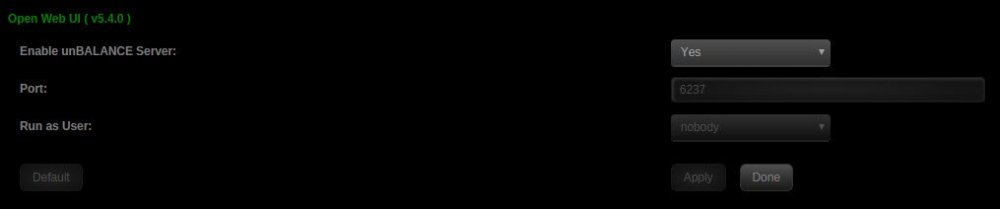
Here is the version I have I get a web page saying "This site can’t be reached" If I add https:// to it then it works
-
Thanks for the update - amazing tool When I click the Open Web UI link it loads the page as http which does not work for some reason If I change it to https then it loads up What am I doing wrong?
-
I appreciate the help and sorry about wasting your time ?
-
Yep - it was me LOL It was pfBlockerNG that was blocking it - got it sorted now
-
Hmmm ok - I will have to see if I can figure out what is causing it - like I said... all other docker images show fine
-
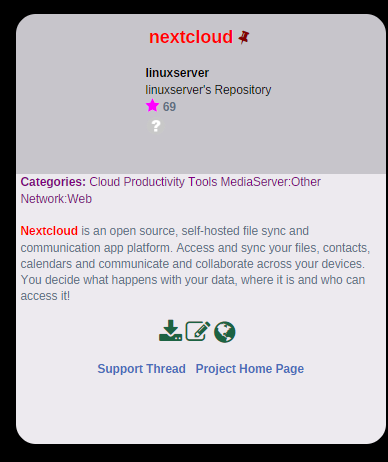
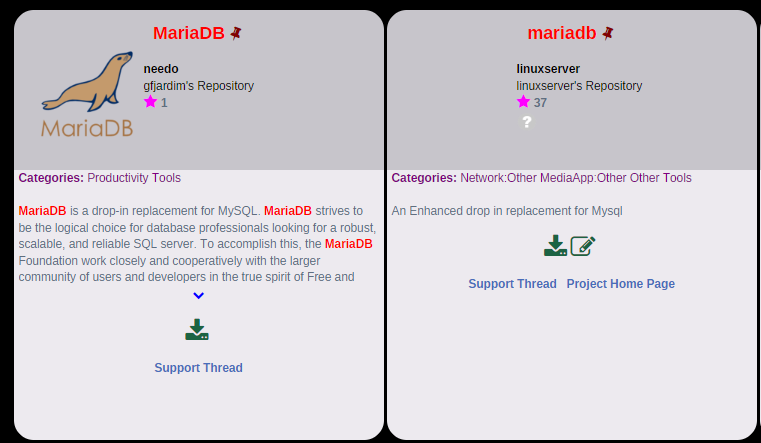
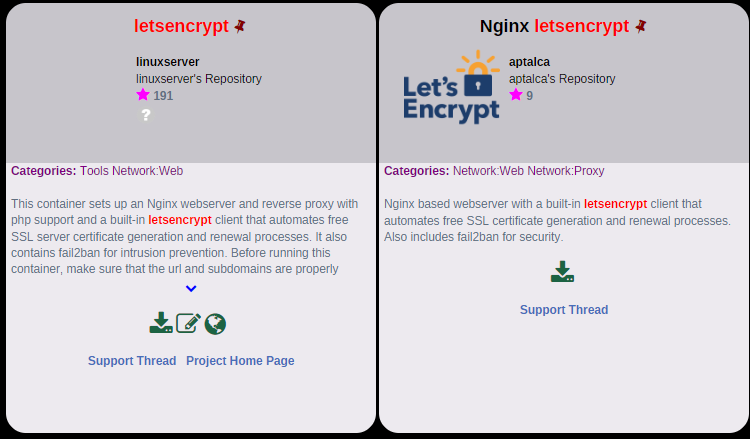
Not seeing an icon in CA for nexcloud, mariadb and letsencrypt (all linuxserver containers)
-
Ah I think I see the issue In CA those dockers do not have images
-
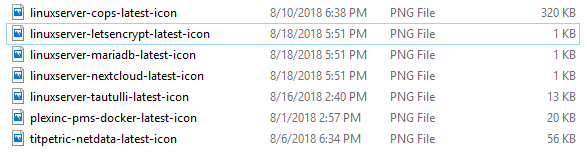
Rebooted but images came back as 1K
-
Thanks Squid I deleted the 3 images - they were all 1K and were blank How do I force download them again
-
Yes that is odd why mine would be local Here is the COPs icon URL (which shows up fine for me) http://192.168.1.11/state/plugins/dynamix.docker.manager/images/linuxserver-cops-latest-icon.png This just started happening I have lots of dockers and these are the only 3 that don't show
-
No the link does not work http://192.168.1.11/state/plugins/dynamix.docker.manager/images/linuxserver-mariadb-latest-icon.png
-
I just tried that - just those 3 still missing
-
I added 3 dockers yesterday and they have no icons in the Dockers page I tried refreshing them but still no icons LetsEncrypt Nextcloud MariaDB Is it just a coincidence that these 3 are just missing the icons
-
What seemed to fix it for me was clicking on the left of the window at the top where it showed me the cookies I removed them all and then restarted it and it seemed to work again Hope this helps someone else
-
I was just using VNC remote to connect to my 3 VMs and it was working fine I just tried now and it says failed to connect on each one I restarted the unraid server as well - still the same Anyone have any ideas? Here is the log from one VM: 2018-08-16 22:37:37.742+0000: starting up libvirt version: 4.0.0, qemu version: 2.11.1, hostname: Tower2 LC_ALL=C PATH=/bin:/sbin:/usr/bin:/usr/sbin HOME=/ QEMU_AUDIO_DRV=none /usr/local/sbin/qemu -name guest=Win10VM-Game,debug-threads=on -S -object secret,id=masterKey0,format=raw,file=/var/lib/libvirt/qemu/domain-4-Win10VM-Game/master-key.aes -machine pc-i440fx-2.11,accel=kvm,usb=off,dump-guest-core=off,mem-merge=off -cpu host,hv_time,hv_relaxed,hv_vapic,hv_spinlocks=0x1fff,hv_vendor_id=none -drive file=/usr/share/qemu/ovmf-x64/OVMF_CODE-pure-efi.fd,if=pflash,format=raw,unit=0,readonly=on -drive file=/etc/libvirt/qemu/nvram/66684390-1bd4-4497-fca9-a37d7bfac309_VARS-pure-efi.fd,if=pflash,format=raw,unit=1 -m 4096 -realtime mlock=off -smp 2,sockets=1,cores=1,threads=2 -uuid 66684390-1bd4-4497-fca9-a37d7bfac309 -no-user-config -nodefaults -chardev socket,id=charmonitor,path=/var/lib/libvirt/qemu/domain-4-Win10VM-Game/monitor.sock,server,nowait -mon chardev=charmonitor,id=monitor,mode=control -rtc base=localtime -no-hpet -no-shutdown -boot strict=on -device ich9-usb-ehci1,id=usb,bvice isa-serial,chardev=charserial0,id=serial0 -chardev socket,id=charchannel0,path=/var/lib/libvirt/qemu/channel/target/domain-4-Win10VM-Game/org.qemu.guest_agent.0,server,nowait -device virtserialport,bus=virtio-serial0.0,nr=1,chardev=charchannel0,id=channel0,name=org.qemu.guest_agent.0 -device usb-tablet,id=input0,bus=usb.0,port=1 -vnc 0.0.0.0:0,websocket=5700 -k en-us -device qxl-vga,id=video0,ram_size=67108864,vram_size=67108864,vram64_size_mb=0,vgamem_mb=16,max_outputs=1,bus=pci.0,addr=0x2 -device ich9-intel-hda,id=sound0,bus=pci.0,addr=0x8 -device hda-duplex,id=sound0-codec0,bus=sound0.0,cad=0 -device virtio-balloon-pci,id=balloon0,bus=pci.0,addr=0x6 -msg timestamp=on 2018-08-16 22:37:37.742+0000: Domain id=4 is tainted: high-privileges 2018-08-16 22:37:37.742+0000: Domain id=4 is tainted: host-cpu 2018-08-16T22:37:37.803027Z qemu-system-x86_64: -chardev pty,id=charserial0: char device redirected to /dev/pts/0 (label charserial0) 2018-08-16T22:37:54.424904Z qemu-system-x86_64: warning: guest updated active QH
-
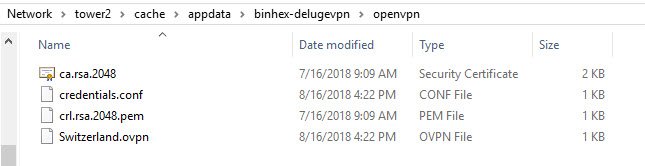
Sure here you go
-
option 1 worked good for me - using Switzerland
-
UPDATE: I just removed it and reinstalled and same thing. I cannot open the Web UI




