





armin0012002
Members
-
Joined
-
Last visited
-
no do i need to?
-
The Solution: The "RAM Maneuver"Move the logic to a separate script, copy it to RAM at boot to "unlock" it, and use a watchdog to wait for the internet. 1. Create /boot/config/watchdog.sh: #!/bin/bash ( for i in {1..30}; do if ping -c 1 8.8.8.8 &> /dev/null; then sleep 15 # Let DNS settle /usr/local/sbin/plugin checkall break fi sleep 10 done ) & # Load Fan Drivers modprobe nct6775 ignore_resource_conflict=1 && /usr/bin/sensors -s 2. Update /boot/config/go to trigger it: #!/bin/bash /usr/local/sbin/emhttp & ulimit -n 65535 # Copy to RAM to bypass Flash Drive permission limits cp /boot/config/watchdog.sh /usr/local/bin/watchdog.sh chmod +x /usr/local/bin/watchdog.sh /usr/local/bin/watchdog.sh
-
On every single reboot, all plugins (Community Applications, FanCtrl, etc.) show "Not Available." * If I click "Check for Updates" manually, they all turn Green instantly. I have tried a total Nuke/Fresh Install of the OS, and the issue persists. I have tried adding sleep 60 and NETWORK_TIMEOUT="60" to my /boot/config/go and network.cfg, but the OS still tries to verify plugins before the Deco 6E finishes the 2.5GbE/10GbE handshake. armin-diagnostics-20260329-2313.zip
-
hi can someone please have look of my Diagnostics and see what's the issue tower-diagnostics-20240703-0632.zip
-
Hi Can this script skipp to move folder Like I don't want my sabnzbd to move at all from my cache . I have my media folder in same folder as sabnzbd so when download finish move file to media but when I press move now button it start from those small incomplete file from sabnzbd
-
how safe mode going to help? so far i changed my unraid http and https and put them back crashed changed docker custom network type crashed on both access to custom network enable and disable crashed on both just sick of this 6.12 . from time just came out noting but issue for people i reckon have to revert back 6.11 hopefully that fix the issue
-
syslog syslog-192.168.68.150.log
-
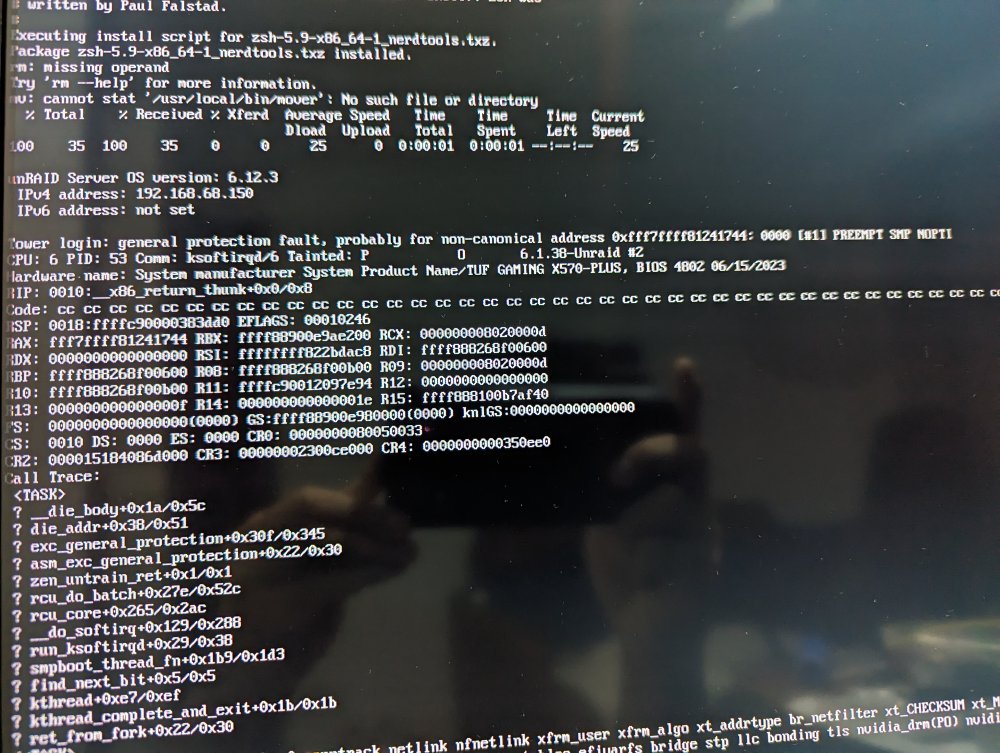
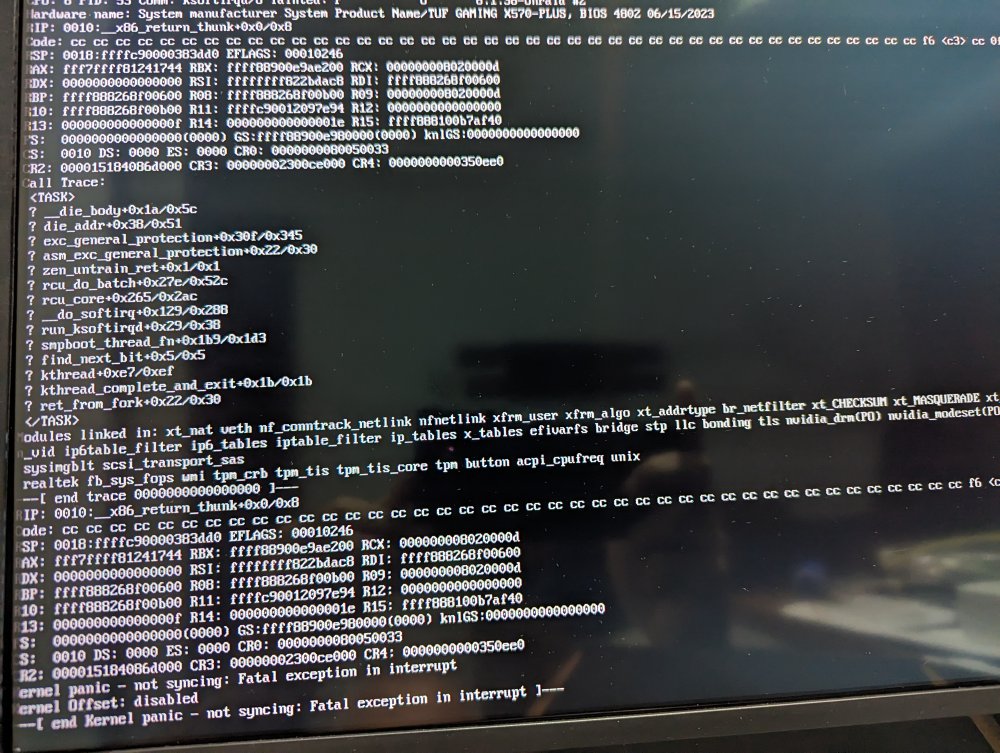
I delete docker.img and install dockers again then server goes down again .
-
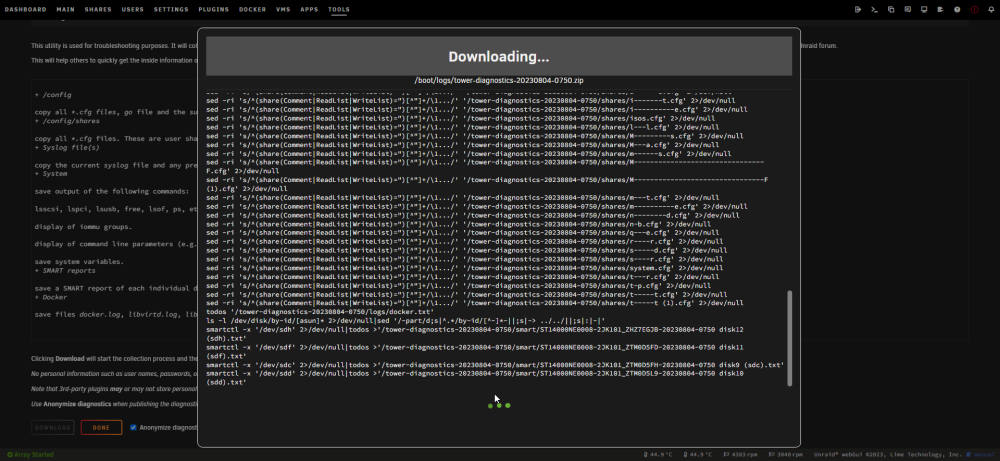
hi my system freeze during the night and every time I restart server as docker start it freeze on gui and cant even ssh to server I attached Diagnostics start array while docker service is off and then when I start docker freeze again and cant even download Diagnostics can someone check these and help me start with out docker.zip
-
this is drive its going under preclear atm do you reckon I cant use this ? #################################################################################################### # Unraid Server Preclear of disk WD-WCC4E0AN1F56 # # Cycle 1 of 1, partition start on sector 64. # # # # Step 1 of 5 - Pre-read in progress: (44% Done) # # # # # # # # # # # # ** Time elapsed: 8:26:43 | Current speed: 70 MB/s | Average speed: 58 MB/s # # # #################################################################################################### # Cycle elapsed time: 8:26:44 | Total elapsed time: 8:26:45 # #################################################################################################### #################################################################################################### # S.M.A.R.T. Status (device type: default) # # # # ATTRIBUTE INITIAL STATUS # # Reallocated_Sector_Ct 96 - # # Power_On_Hours 27504 - # # Temperature_Celsius 32 - # # Reallocated_Event_Count 6 - # # Current_Pending_Sector 1 - # # Offline_Uncorrectable 0 - # # UDMA_CRC_Error_Count 0 - # # # # # #################################################################################################### # # ####################################################################################################
-
regarding to this how to know which drive it is?
-
never mind . ssh ruining that was issue
-
yes I noticed that mover now clear my cache and im trying to stop the array but recently I noticed I keep getting this error Aug 2 02:08:32 Tower root: rmdir: failed to remove '/mnt/user': Device or resource busy Aug 2 02:08:32 Tower emhttpd: shcmd (2058): exit status: 1 Aug 2 02:08:32 Tower emhttpd: shcmd (2060): /usr/local/sbin/update_cron Aug 2 02:08:32 Tower emhttpd: Retry unmounting user share(s)... Aug 2 02:08:37 Tower emhttpd: shcmd (2062): /usr/sbin/zfs unmount -a Aug 2 02:08:37 Tower emhttpd: shcmd (2063): umount /mnt/user Aug 2 02:08:37 Tower root: umount: /mnt/user: target is busy. Aug 2 02:08:37 Tower emhttpd: shcmd (2063): exit status: 32 Aug 2 02:08:37 Tower emhttpd: shcmd (2064): rmdir /mnt/user tower-diagnostics-20230802-0206.zip
-
thanks I changed everything on no and its running for now
-
Hi i changed my drive and rebuild keep going on pause can someone pls check my diagnostic log tower-diagnostics-20230801-2142.zip


