i1mran92
Members
-
Joined
-
Last visited
-
hi @ich777 . thanks for the reply. it does seems its already merged.
-
hi i'm using msi z890 pro A motherboard. installed Application Icon Nuvoton NCT6687 Driver. was able to see the fans and the fans speed no problem. i can also see through the fantcntrl plugin however i'm not able to control it. tested to get to full speed for 30s doesnt do anything. is there anything else needed to be done? thank you!
-
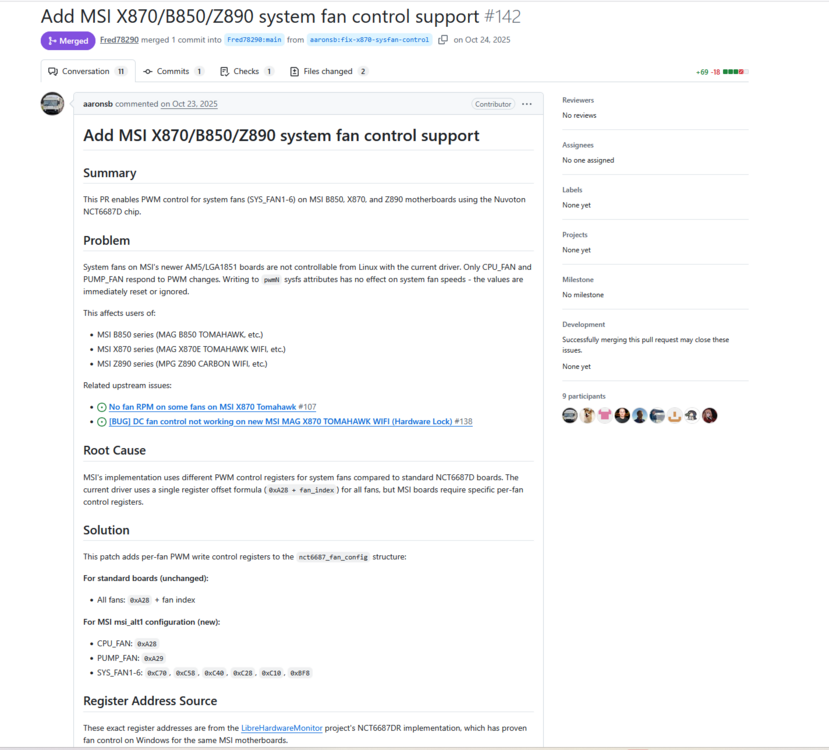
hi i'm using msi z890 pro A motherboard. installed Application Icon Nuvoton NCT6687 Driver. was able to see the fans and the fans speed no problem. however i'm not able to control it using any of the fan control plugin. is there a possibility it is related to this? https://github.com/Fred78290/nct6687d/pull/142. thank you
-
i just notice this as well. i dont see any streams in the streams page ( tools > streams ). were you able to get it working? thanks btw, also what do you mean by Plex tools? is it a separate app? thanks!
-
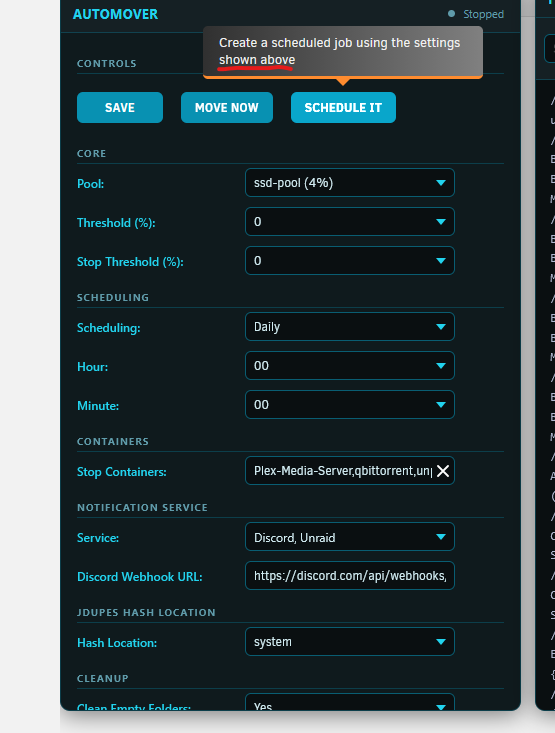
oh no sorry, i didnt meant it that way. i just meant the description of it. it says "settings shown above" but isnt all the settings are below that description. haha. also, regarding jdupes from my same comment, do you have any info about that? thank you this "also, another thing i notice, is that if i dont enable jdupes, qbittorrent will report alot of noHL for recent torrent that just been downloaded and moved by automover. this doesnt happen when using the built in unraid mover. i always stop qbit, run mover, and start back qbit after mover ends. is there anything misconfigure?" does jdupes something usually we need to enable? it also takes significantly longer for the mover process to finish. thanks again for the latest update about cleaning the empty folders. will test it out.
-
i'm just being picky here, but shouldnt this be "shown below"? haha
-
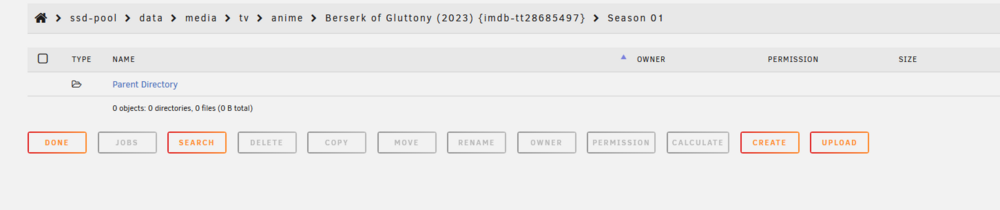
hi. so i thought this dint happen again, but it still happening. it is leaving empty folders, eventhough i already enable cleanup also, another thing i notice, is that if i dont enable jdupes, qbittorrent will report alot of noHL for recent torrent that just been downloaded and moved by automover. this doesnt happen when using the built in unraid mover. i always stop qbit, run mover, and start back qbit after mover ends. is there anything misconfigure?

-
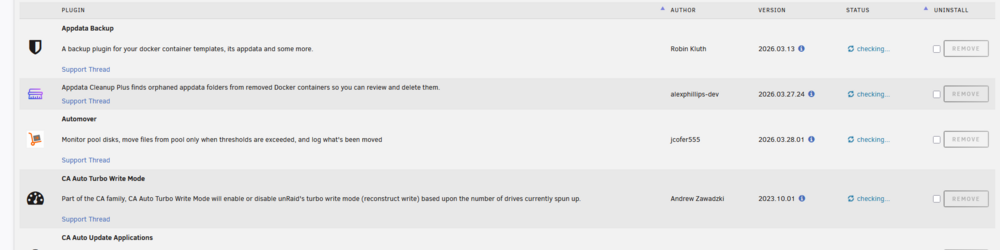
hi sorry. just wondering. is it normal to not have a title like the other plugins? my ocd is triggering haha
-
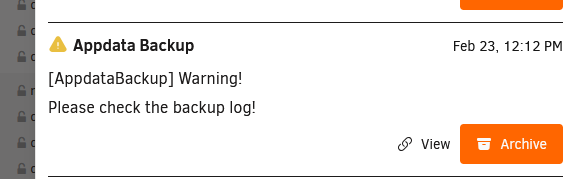
hi. i'm getting warning notification to check logs. but, from the actual logs doesnt seem to show any error or warning from the appdata backup gui. or maybe i missed something? could help to verify what is wrong? attached are the recent logs. thank you ab(1).logab.debug(3).log
-
i was able to get it working. even after i accepted that warning, it didnt download the .json file. i tried to manually download from the plugins folder and that worked. though i tested again, once i accepted the warning to not show anymore, it automatically download the .json file, if not it will not download the .json file but thank you for continuing the project. its in a much better state now. no bugs i found so far. opening the webui also works where usually last time it just show an empty IP
-
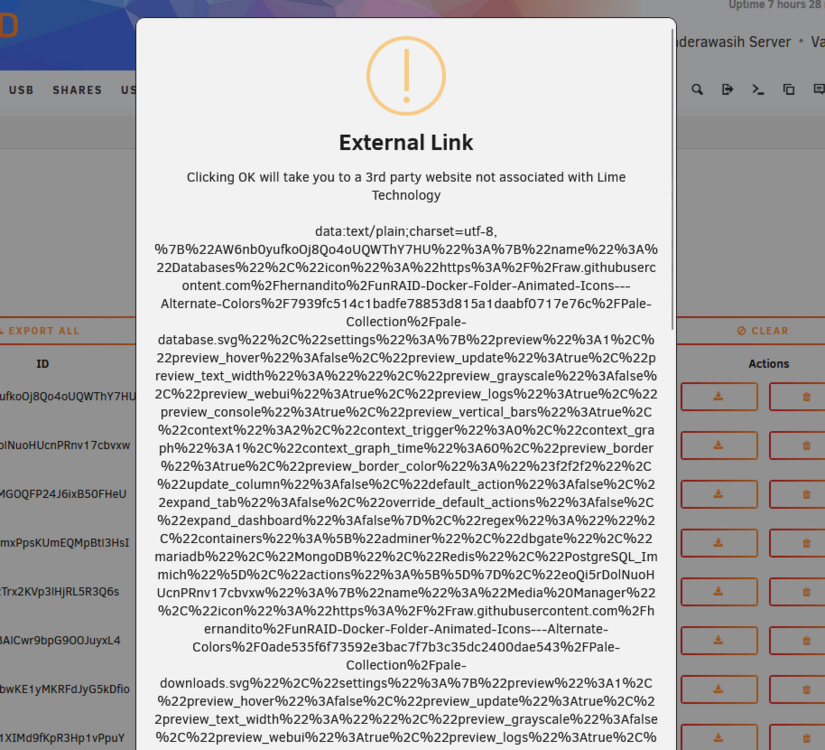
hi. migrating from folderview2 here. when i press export on both the old and new foldervier. it doesnt download any json file instead it just comes out something like this. do i need to re-do each folder? thanks
-
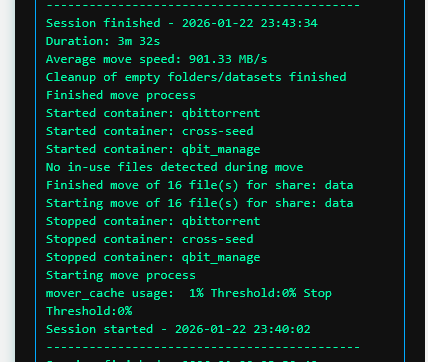
first tested move now from the plugin didnt work. then changed settings to run every 5mins, that did it. but left that empty folder. then i used unraid default mover, and that cleans everything up. so i'm also at kinda confuse. if u have any suggestion of a test i can do it as well.
-
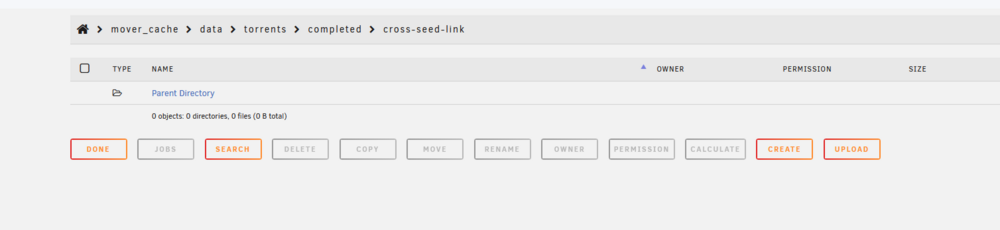
i just tried setting the mover to run in 5mins, and it did moved the files. just that the move now button doesnt seem to do anything. also, not sure why but it left some empty folder as well.

-
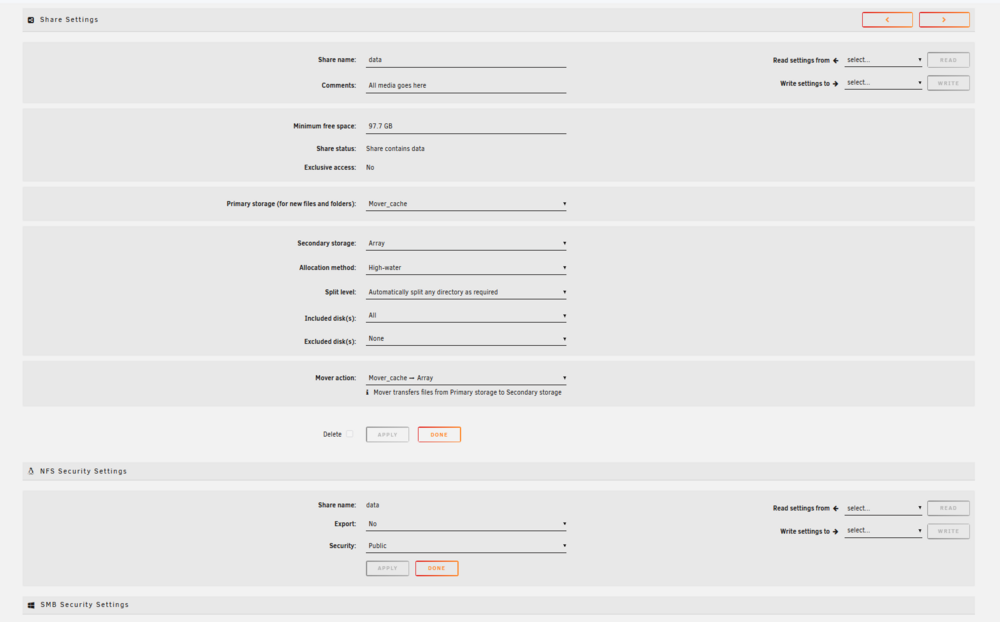
i have a separate dedicate cache driver. it is setup currently as per screenshot.
-
hi. just checking. why does the move now button doesnt seem to do anything?