Spucoly2
Members
-
Joined
-
Last visited
-
That was it.
-
-
All of a sudden today my unraid machine crashed. I restarted and everything came back except Dokcer. I looked at the logs and this is the errors im getting. what is the issue and how do I fix it? Logs.txt
-
When trying to access the local web ui for LocalAI I get a 500 internal error. What is going on? Unconfirmed 449800.crdownload localai.txt
-
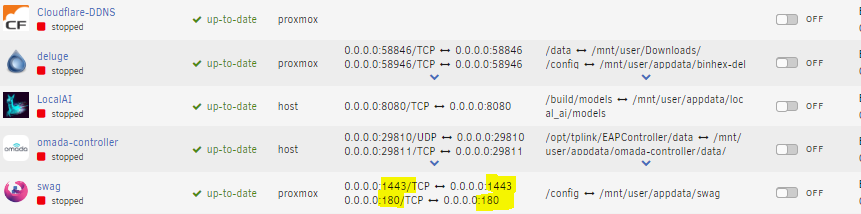
All of a sudden I noticed that all of my app side port mappings are the same as the host side. I know this to be the case on some of my dockers but not SWAG. On the app side its supposed to be 443 then 80 and on the host side its whatever I set it to. What would cause port mappings between app and host to be the same on all dockers across the board? tower-diagnostics-20240422-1646.zip
-
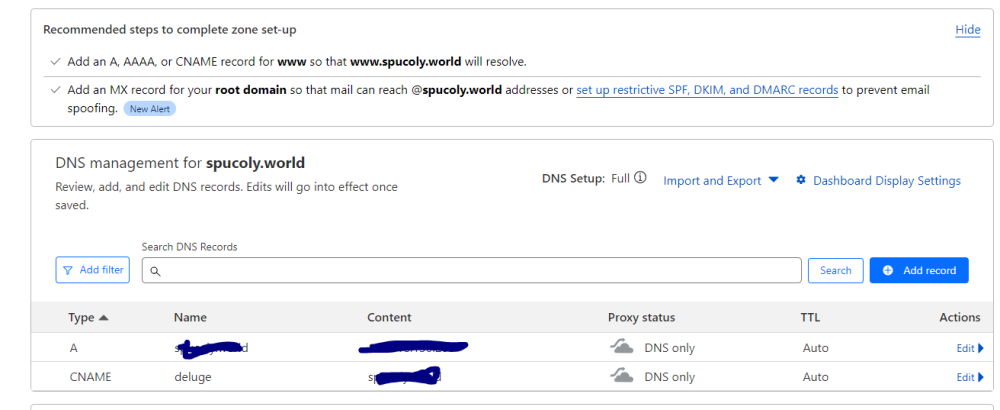
So after a total loss of half of my drives I am trying to reconfigure Sawg to work with Deluge. I have done this many times with no issue. No matter what I do all I get is a ERR_CONNECTION_REFUSED when navigating to the address. Ports 80 and 443 are forwarded to the ports on swag correctly. I am using Cloudflare. Both dockers are on the same custom docker network and preserve user defined network is set the true. Any help would be much appreciated. tower-diagnostics-20240422-1646.zip deluge.subdomain.conf
-
The docker image is half stuck on my cache drive. I'm getting io stream errors in the system log when I perform a move to array
-
Here it is tower-diagnostics-20240201-1451.zip
-
After doing an upgrade I am getting the UI wont load. Anyhelp would be much appriciated. error.txt
-
Total noob here but for the longest I am unable to boot to gui mode. All I get is a flashing courser. Any help would be appreciated. I am on the latest version of Unriad.
-
So after updating the Docker today there is no way to turn off 5ghz and wifi 6 for my IOT SSID. FOr images and a little more info: https://community.tp-link.com/en/business/forum/topic/628384?replyId=1290274
-
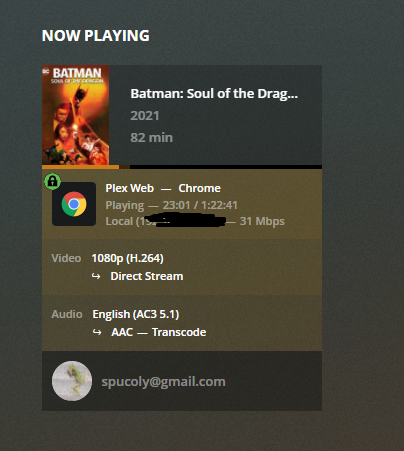
I got it. I had to go on the actual unraid server in GUI mode and sign in to plex with my plex pass account. That is strange as I have never had to do that before.
-
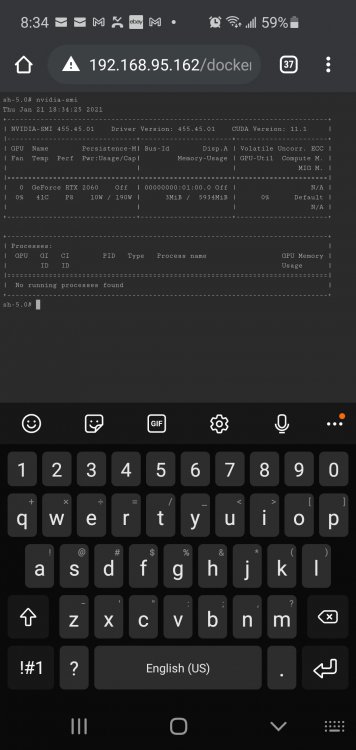
This is what I get from inside the docker container terminal.
-
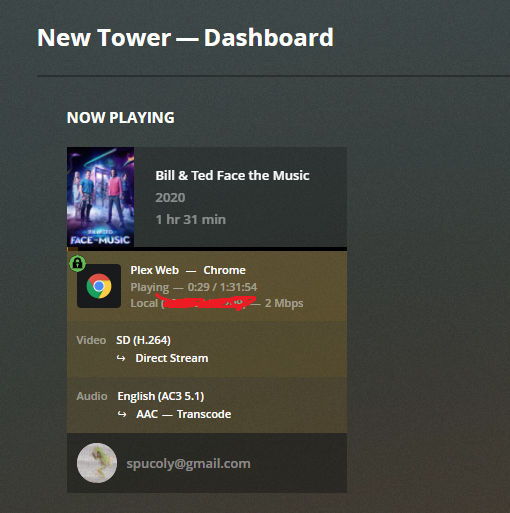
No Transcode (hw)
-
There is no running processes against my GPU when running 1080 movie.