ButchR
Members
-
Joined
-
Last visited
-
Okay. I did not start the smart test. Hopefully I will learn more to what happen with the smart test.
-
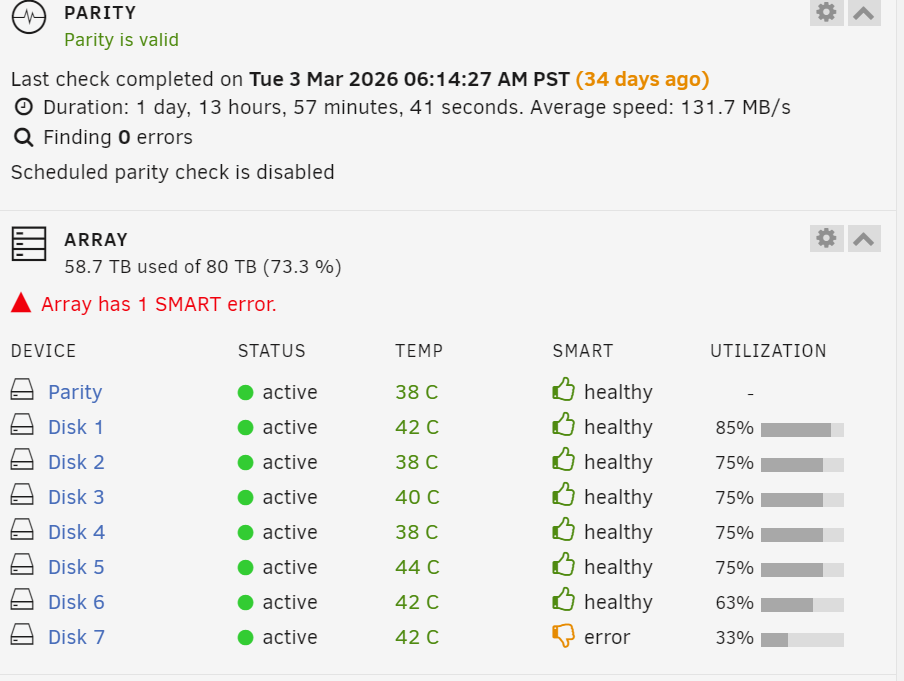
I noticed the test was started automatically. Something about the drive is causing red flags in the system. I am a little worry that I probably will have to do a warranty replacement for the third time on this drive. ( about 2 years warranty left on drive).Notice that SMART self-test had started. Could this indicate that there is something wrong with this hard drive? thecave-diagnostics-20260407-1229.zip
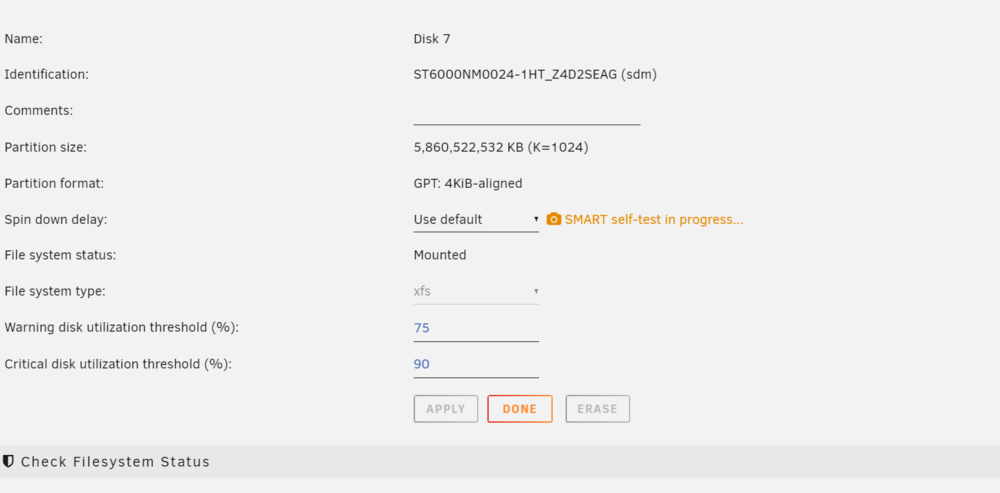 Oh okay thank you for the insight. I will continue to monitor the system.Do you think it maybe is related to a disk controller (HBA)?Any help would be deeply appreciated. thecave-diagnostics-20260406-1748.zip
 Oh thank you very much for your help.I am discovering some information. Just enough to get me a few steps to succeed I hope. Okay docker repositories are in two different forms; Images or Docker (format) I am reading the link information about both right now. Also, looking into templates for docker containers. Trying comprehend the complex in a short period of time to fix my Plex database corruption. I wish I knew all that there is know to resolve this issue.
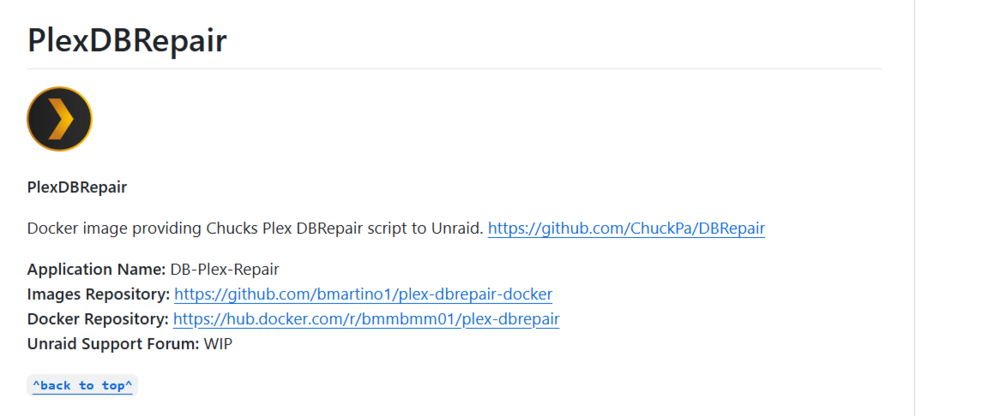 Okay. I just like figure out what steps I need to take now to repair the database. Lot of information for me, I need to reassert where I am in the process and define what is my step by step scenario is now. Need to install dbrepair app for my Unraid server. (Set configuration) Run dbrepair app.So "step 2 set teh continer name or image" has two options? What determines the correct option in step 2 for my setup? Dbrepair has not been installed in unraid docker, yet. Sorry I hope I did not give the wrong information where my unraid plex is setup now. I don't understand completely. What exactly is the issue. When I installed Plex initially I used plexinc.
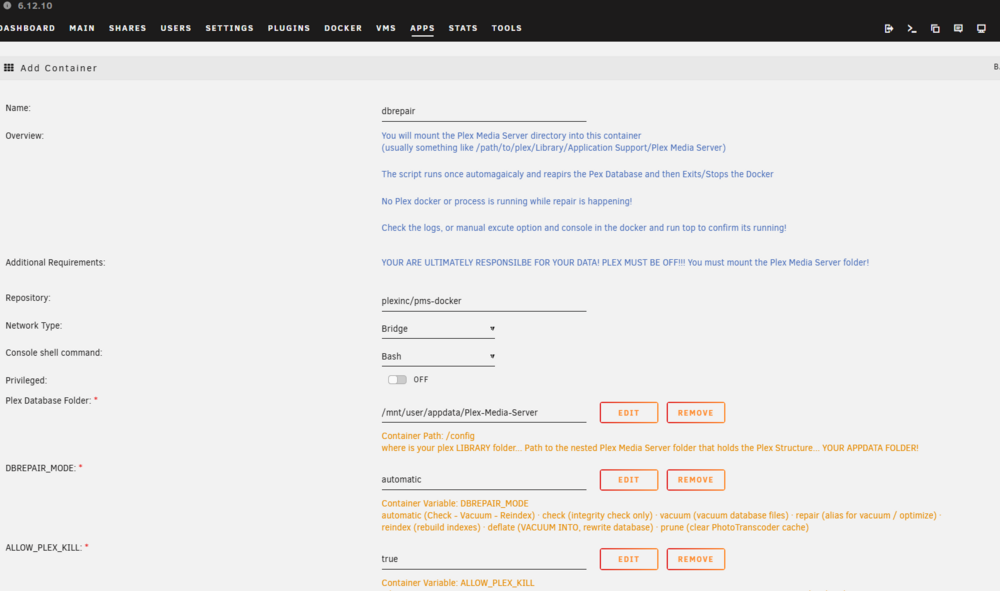
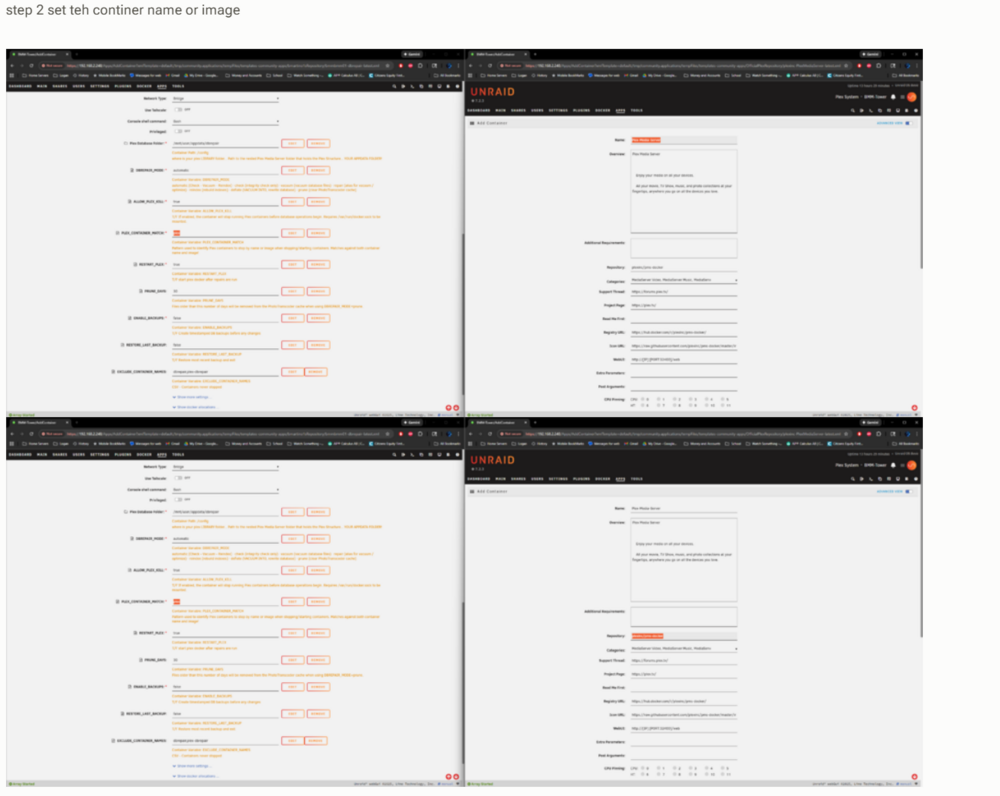 Oh I am following your steps fine. Maybe I am missing something. Just wondering about step 2. Plex_Container_Match, Left top and bottom screen are the same. But the right top and bottom are different highlighted values . What should the Plex_Container_Match be the name or the repository value?Okay I see your new information now.. I will look at it now.Sorry, I am confused. So I selected to install dbrepair app on unraid, then I get the following page in the install process: I should not update this page ?
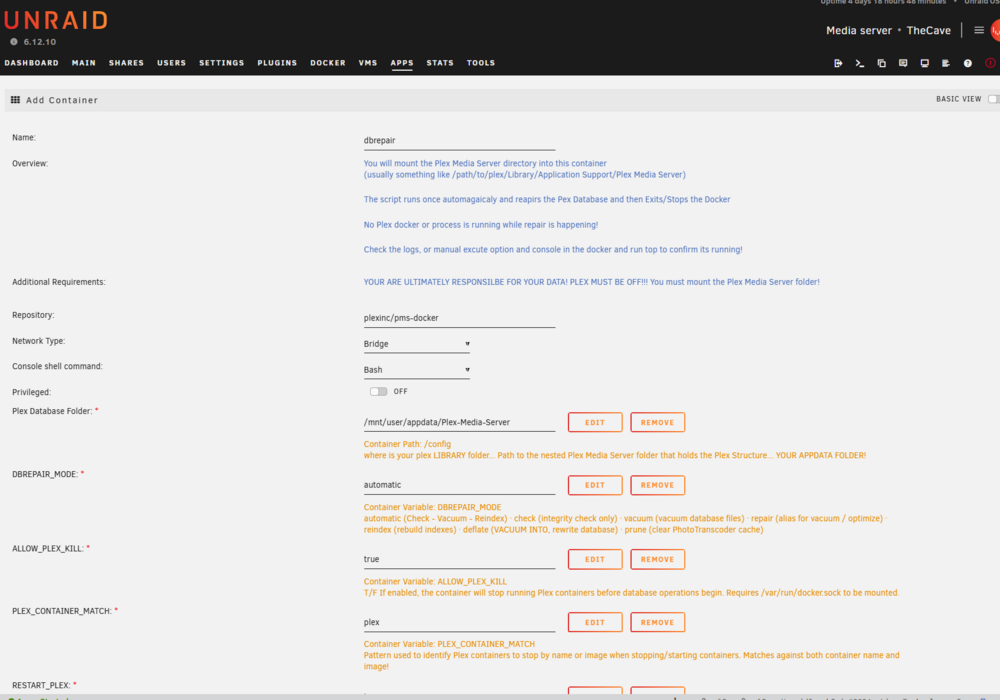 Think I am ready to continue, right?