Skip to content
View in the app

A better way to browse. Learn more.

Unraid

A full-screen app on your home screen with push notifications, badges and more.

To install this app on iOS and iPadOS
  1. Tap the Share icon in Safari
  2. Scroll the menu and tap Add to Home Screen.
  3. Tap Add in the top-right corner.
To install this app on Android
  1. Tap the 3-dot menu (⋮) in the top-right corner of the browser.
  2. Tap Add to Home screen or Install app.
  3. Confirm by tapping Install.

max25

Members
  • Joined

  • Last visited

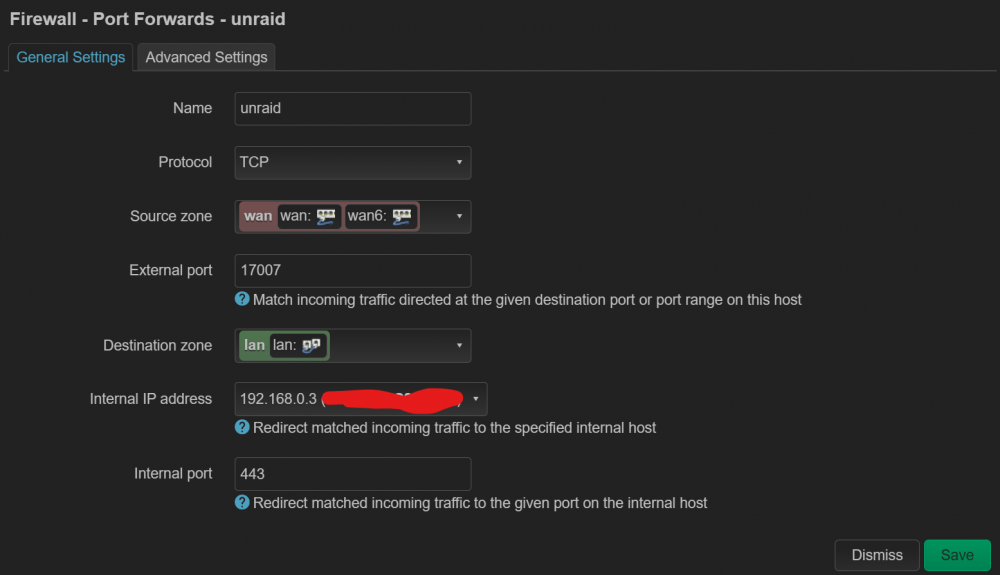
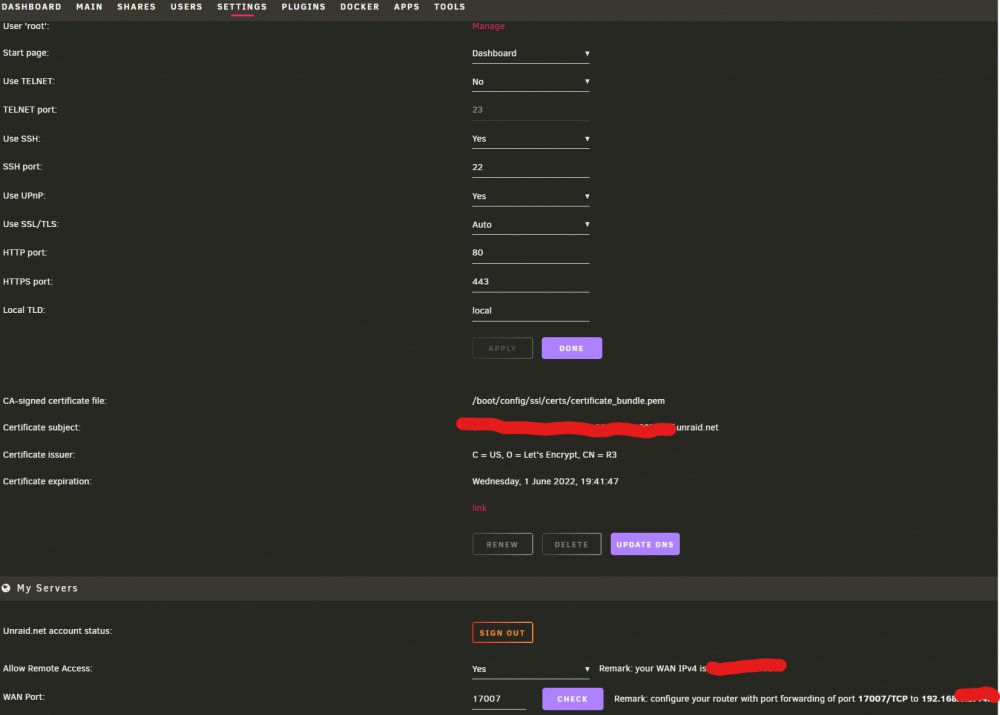
  1. I found that my router on Open-WRT or my ISP (they said it's allowed) won't let me open any port forwarding, so I'm stuck "Allow Remote Access:" turning off by itself after a couple off minutes is fixed now My IPV6 is always disabled haha
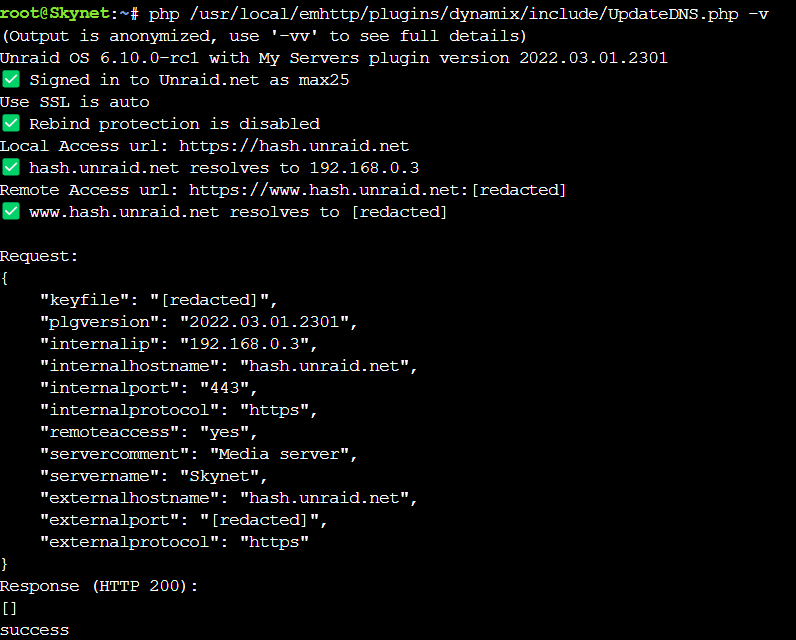
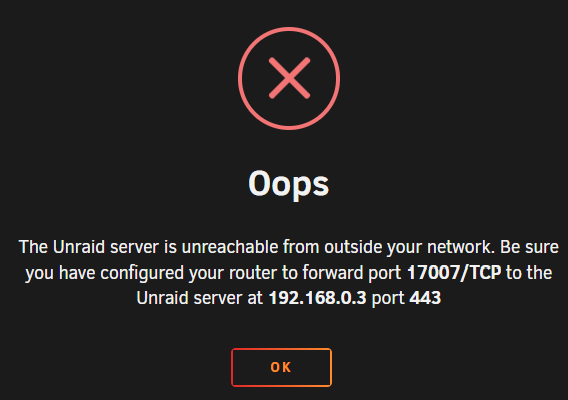
  2. hello, maybe I do something wrong, I have no Idea why it's not working and "Allow Remote Access:" turning off by itself after a couple off minutes, even if it's ON, the remote conection isn't working. Thanks!
  3. max25 replied to Zotarios's topic in Docker Containers
    how did you do to extract the key?

Account

Navigation

Search

Search

Configure browser push notifications

Chrome (Android)
  1. Tap the lock icon next to the address bar.
  2. Tap Permissions → Notifications.
  3. Adjust your preference.
Chrome (Desktop)
  1. Click the padlock icon in the address bar.
  2. Select Site settings.
  3. Find Notifications and adjust your preference.