





KomaCL
Members
-
Joined
-
Last visited
Everything posted by KomaCL
-
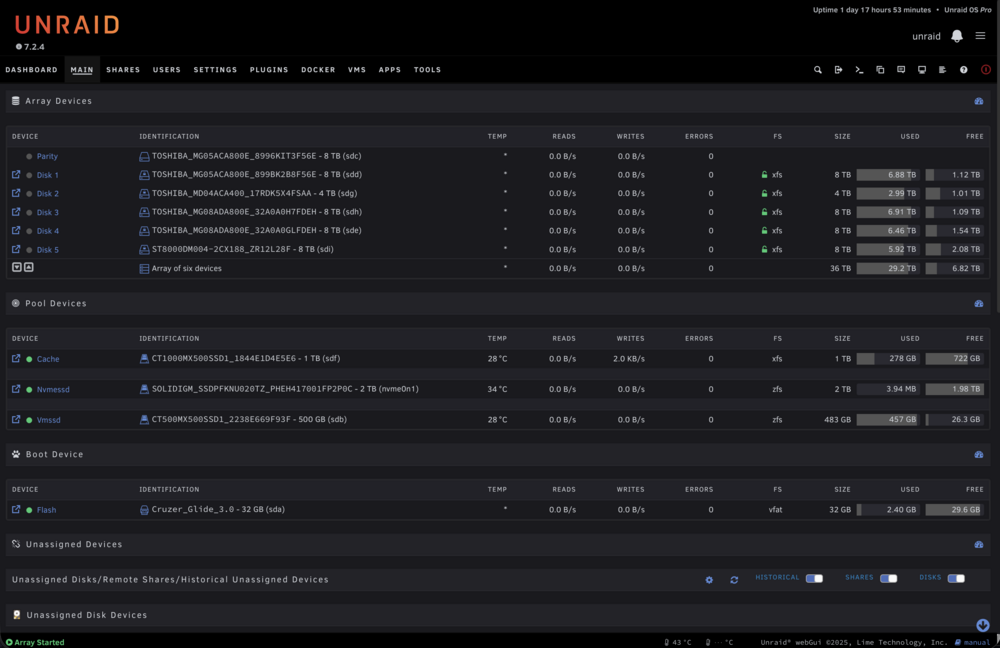
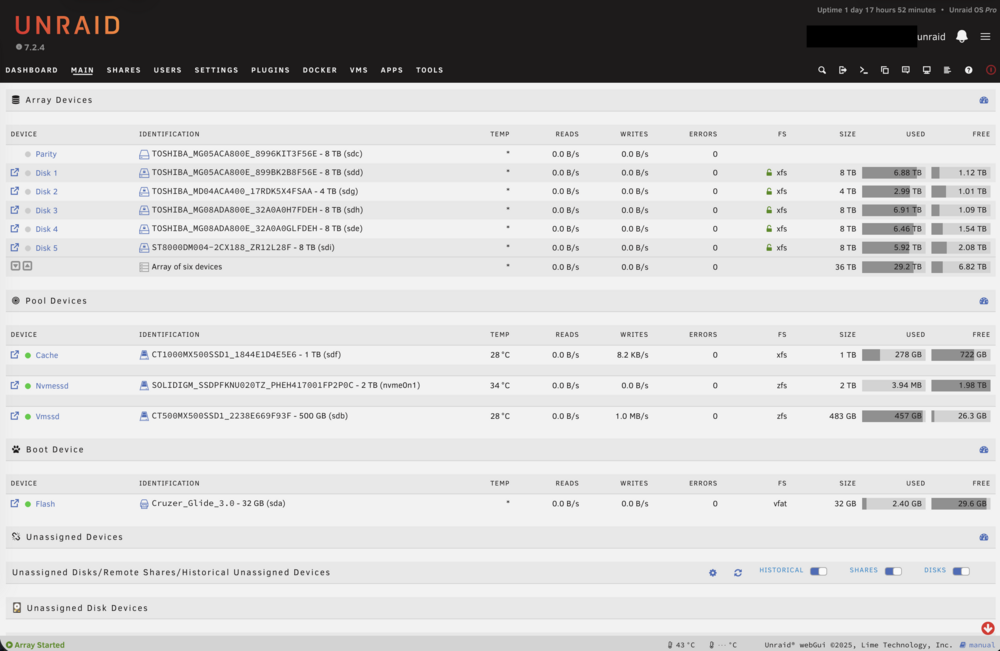
Thanks for sharing, it's the only one I've seen that doesn't glitch out on apps tab. I've modified the background to solid color and fix some pages like preclear disk and enhanced log using AI. And since Dynamix auto day night plugin is not working on 7.2, I've asked AI to added the "prefers-color-scheme" css to auto switch between day and night mode following the (Mac/ios/android) OS, working great. 😀 AutoDayNightMode.css
-
If you are like me annoyed by "Remember me" not working properly and don’t want to authenticate every day on every device, just add a path mapping in redis container like this and it should be fixed Container Path: /bitnami/ Host Path: /mnt/user/appdata/redis/bitnami edit: this path mapping is for bitnami/redis only, other redis container could be different


