Skip to content
View in the app

A better way to browse. Learn more.

Unraid

A full-screen app on your home screen with push notifications, badges and more.

To install this app on iOS and iPadOS
  1. Tap the Share icon in Safari
  2. Scroll the menu and tap Add to Home Screen.
  3. Tap Add in the top-right corner.
To install this app on Android
  1. Tap the 3-dot menu (⋮) in the top-right corner of the browser.
  2. Tap Add to Home screen or Install app.
  3. Confirm by tapping Install.

5uhDude

Members
  • Joined

  • Last visited

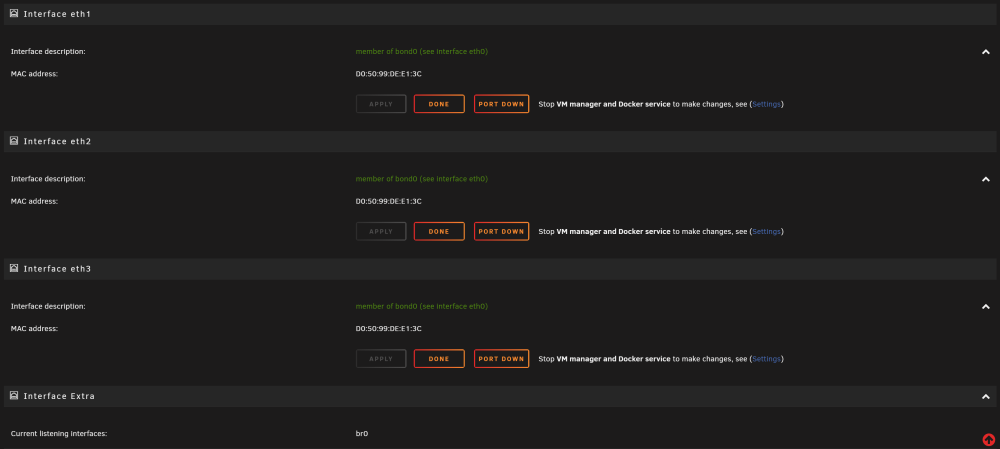
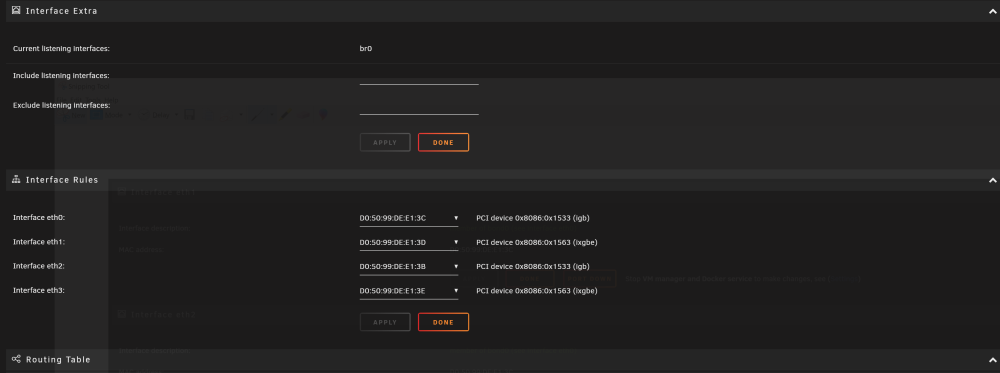
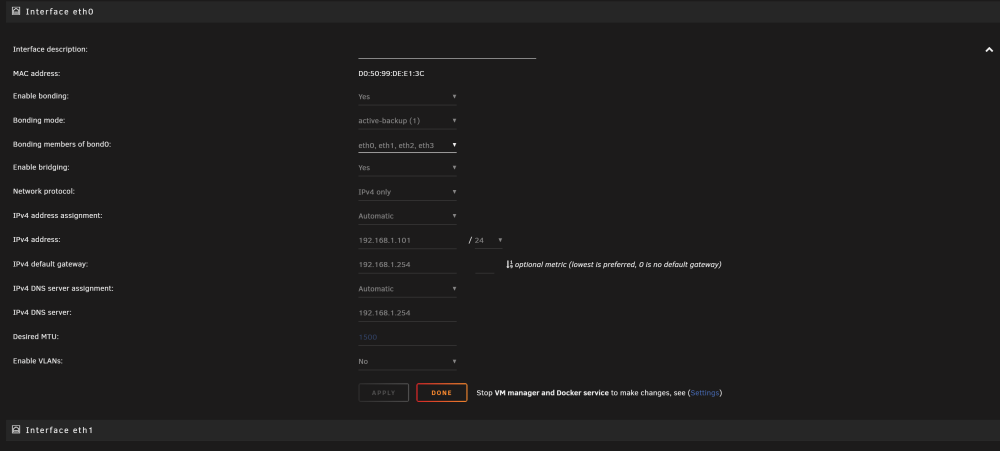
  1. Hello, recently I updated my unraid server 6.12.6 about a week back and only recently I noticed my 10Gb ethernet port stopped working I've already tried a different cable and no luck. I see orange lights on the ethernet port on the server and on the 10Gb switch. I'm a complete noob with networking stuff so any help would be appreciated! Thanks! tower-diagnostics-20240203-1403.zip
  2. Thank you, I will replace the cable.
  3. 5uhDude started following Disk2 read error
  4. Error occured while doing parity check, diagnostics attached in zip file tower-diagnostics-20221205-1941.zip

Account

Navigation

Search

Search

Configure browser push notifications

Chrome (Android)
  1. Tap the lock icon next to the address bar.
  2. Tap Permissions → Notifications.
  3. Adjust your preference.
Chrome (Desktop)
  1. Click the padlock icon in the address bar.
  2. Select Site settings.
  3. Find Notifications and adjust your preference.