





jameschannel
Members
-
Joined
-
Last visited
-
After rebooting, it can run normally for several days, and then the error will reoccur. Can I reinstall the entire system while retaining the array data?
-
I recently replaced my motherboard and CPU, and also moved the AppData and System folders to an SSD.
-
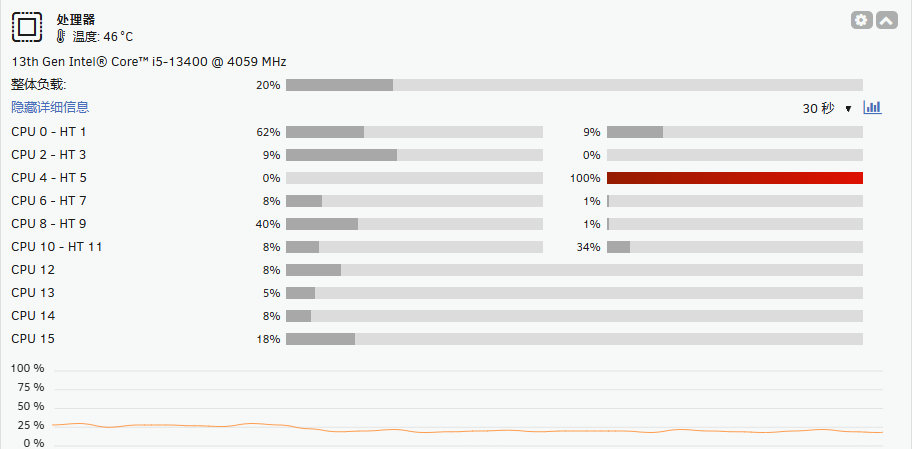
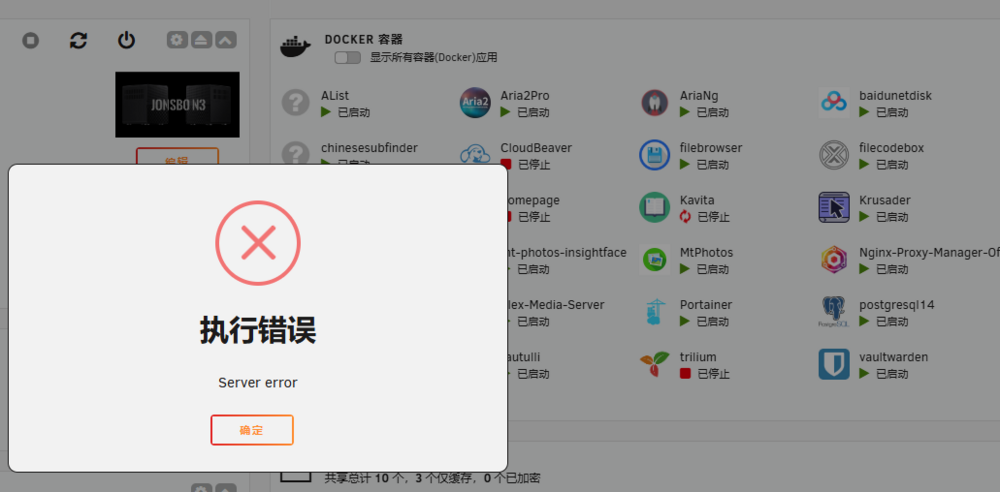
The server has been running continuously for 7 days. When I logged in today, I found that one of the CPUs had a load of 100%. Several Docker containers had crashed, and when I tried to run them, I received an error message saying "server error." syslog-127.0.0.1.log.1syslog-127.0.0.1.logch3n-unraid-syslog-20250224-0730.zipch3n-unraid-diagnostics-20250224-1531.zip
-
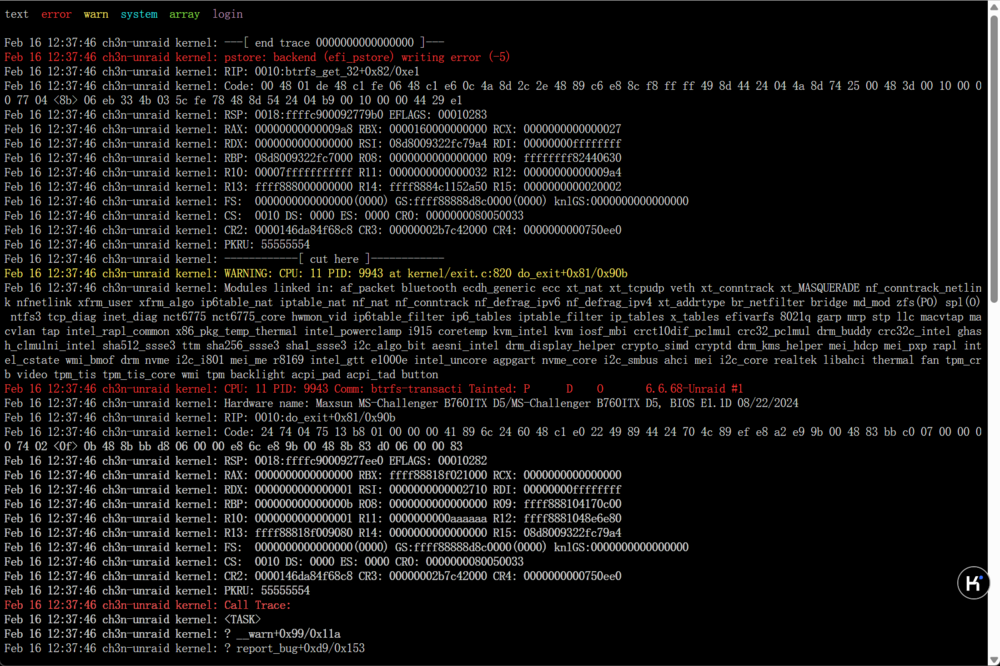
Is there something wrong with the SSD where I store the System and AppData folders? ch3n-unraid-syslog-20250216-0515.zip
-
syslog-127.0.0.1.log.1 syslog-127.0.0.1.log
-
The Unraid server ran normally for a few days, and then it crashed and became inaccessible. ch3n-unraid-syslog-20250215-0408.zipch3n-unraid-diagnostics-20250215-1206.zip
-
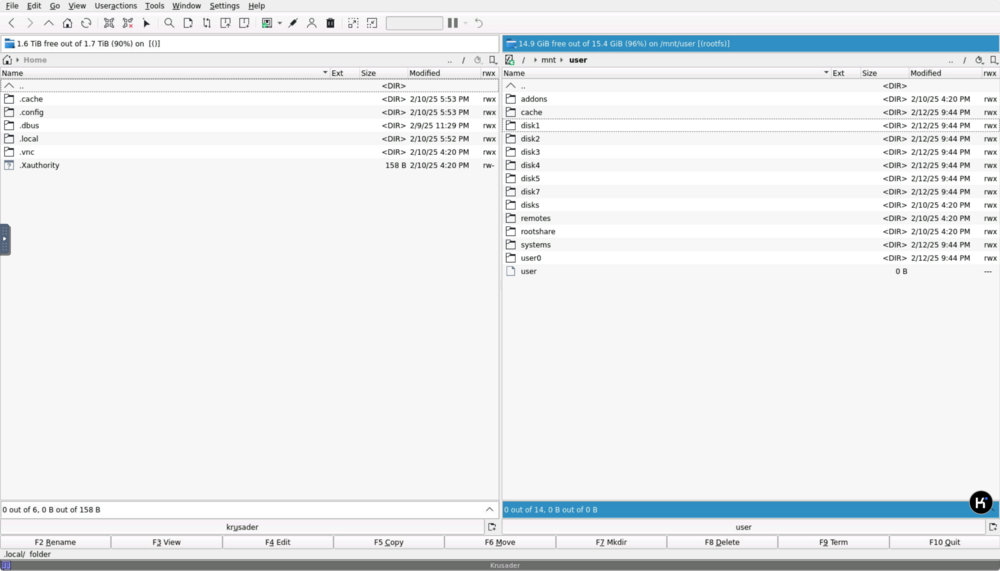
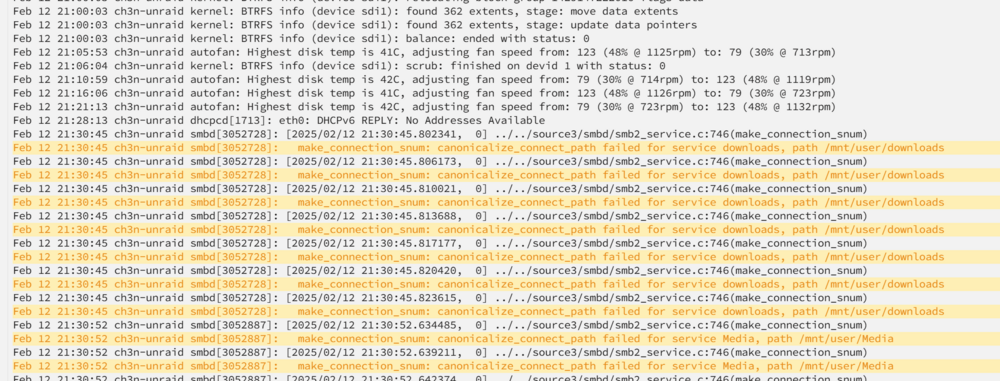
Krusader can access the array, and folders like disk1, disk2 can be accessed, but the user folder cannot be opened.
-
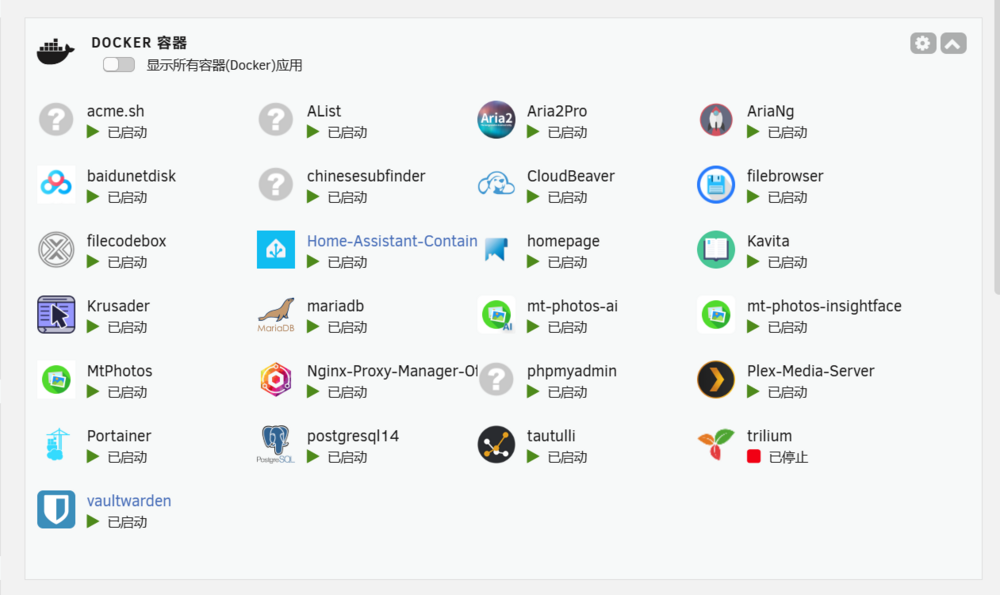
I can log in to Unraid, but services like Docker and SMB are down. And one of the Docker (trilium)containers has stopped. Running it prompts "Server Error". In fact, none of the Docker containers can run. ch3n-unraid-syslog-20250212-1346.zip ch3n-unraid-diagnostics-20250212-2144.zip
-
It's all settled now. Everything’s back to normal. Thank you so much. 解决了 一切恢复了 非常感谢~
-
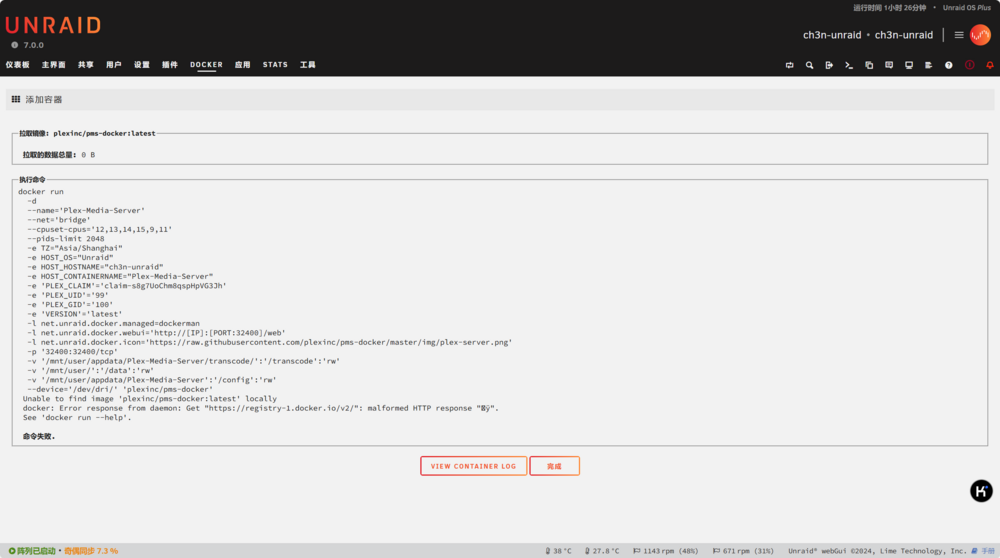
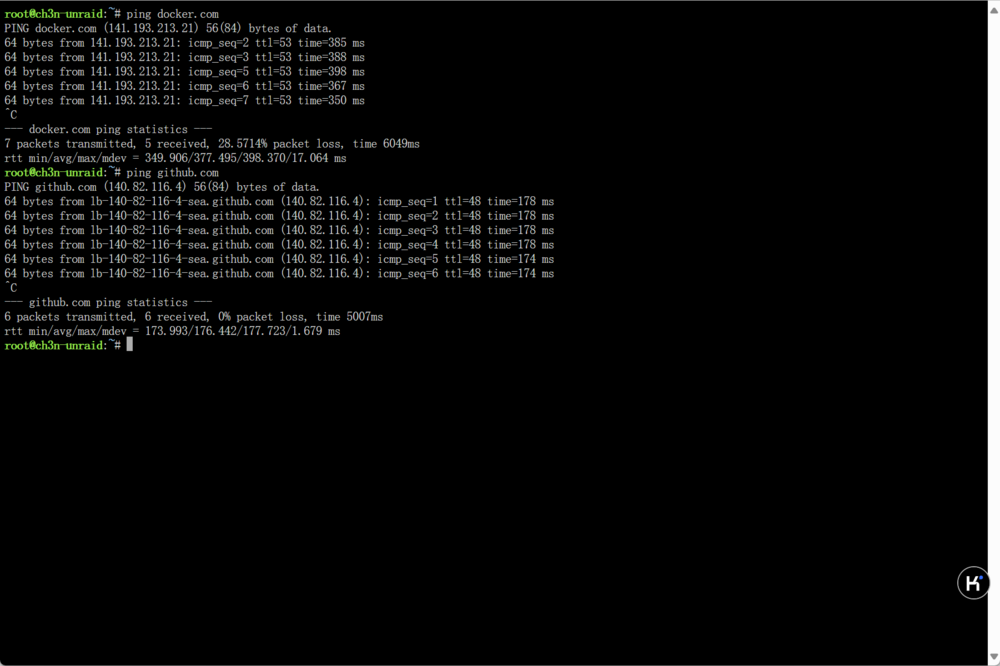
After deleting the original docker.img, an error will occur: Unable to find image 'plexinc/pms-docker:latest' locally docker: Error response from daemon: Get "https://registry-1.docker.io/v2/": malformed HTTP response "ÿ". See 'docker run --help'. However, it is still possible to ping docker.com / github.com.
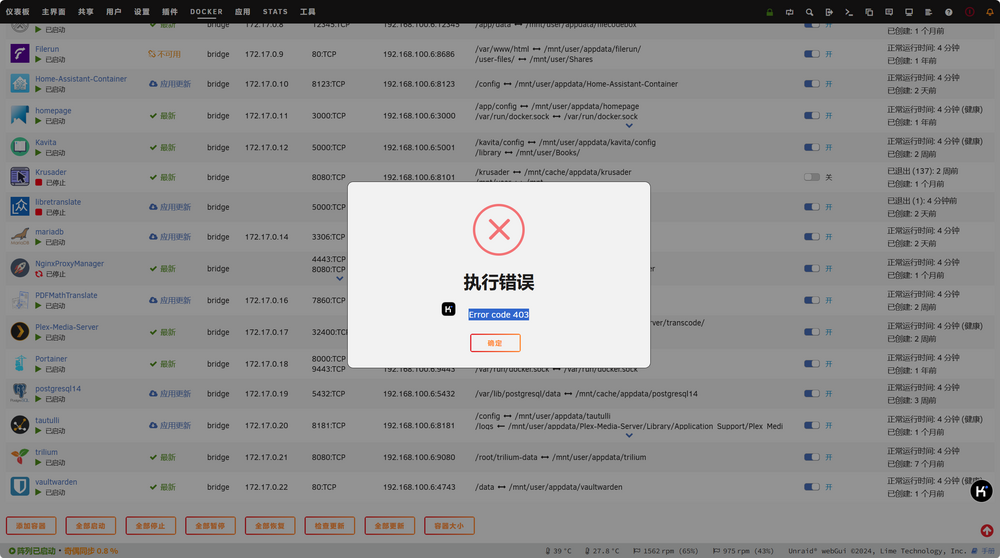
 启动后,一些 Docker 容器可以启动,而其他容器将立即自动关闭。当我尝试手动启动它们时,收到一条错误消息,指出“错误代码 403”。 PS:我之前使用 SSD 和 NVMe 驱动器作为缓存池。现在,我想创建一个带有 NVMe 驱动器的单独池来存储 system 和 appdata 文件夹。 Also unable to remove Docker, with an error message 'Server error'. ch3n-unraid-syslog-20250124-1433.zip ch3n-unraid-diagnostics-20250124-2233.zip
 在 customizables文件夹中,新建 config.php文件 填入 <?php umask(000); $config['url']['root'] = 'https://你的域名:端口号/'; php?> 即可把路由切换到其他的设备了 然后再下载即使速度到40M/S+ 也不会死机了 - -b用了缓存盘 还是会出现死机情况 而且没什么规律





