





pyle77
Members
-
Joined
-
Last visited
-
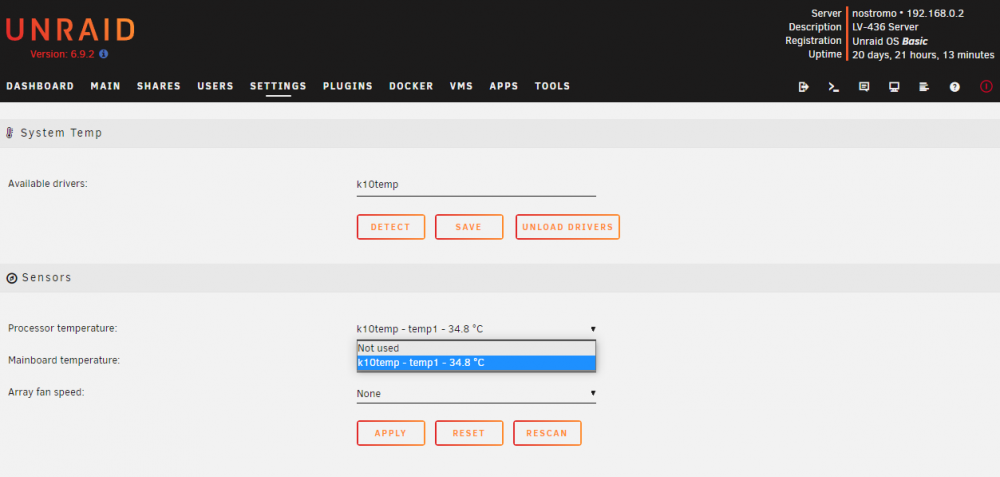
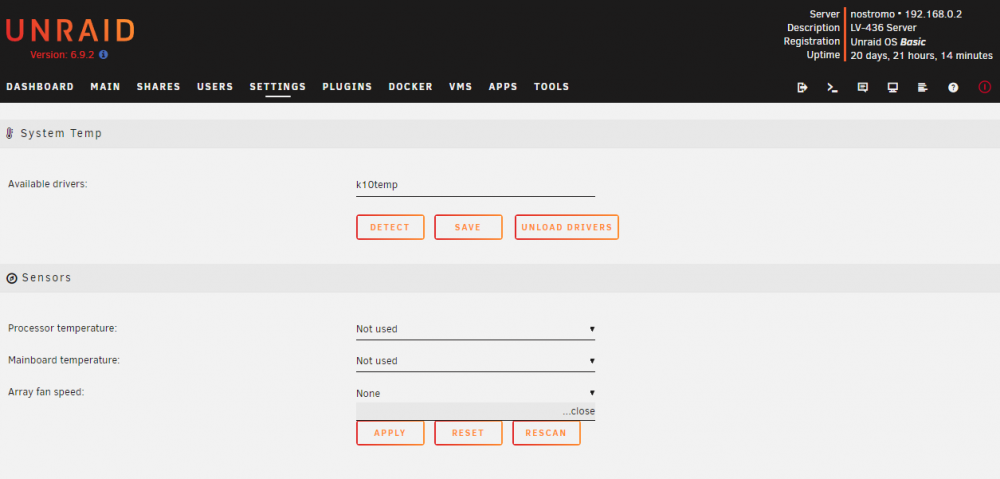
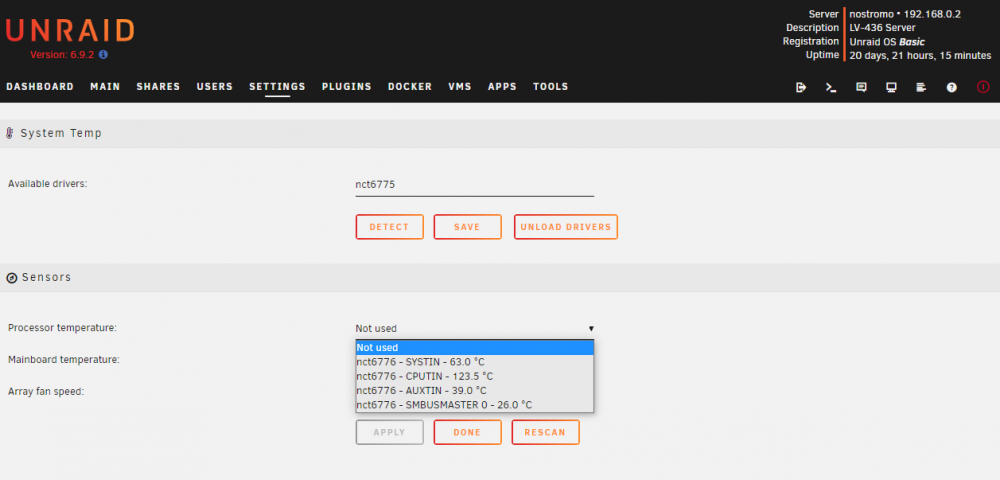
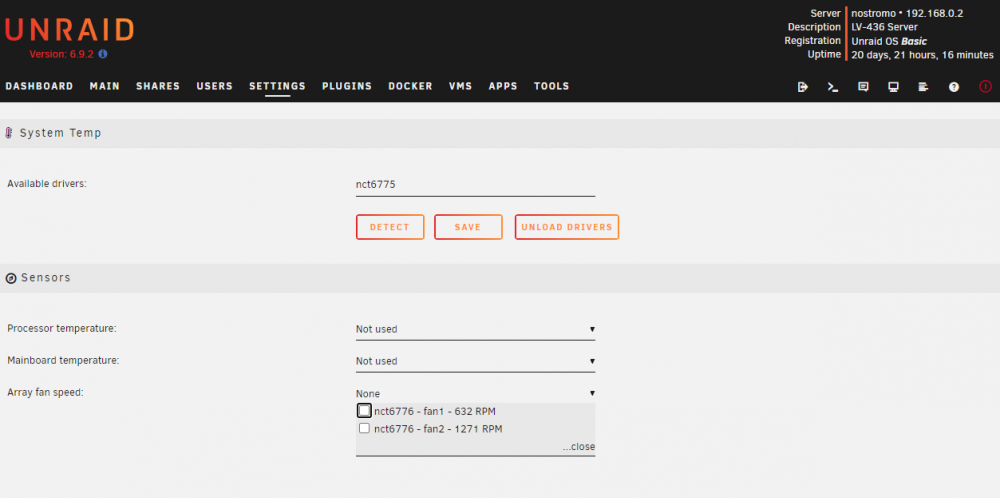
Hello guys. I am running one of my Unraid instances on an old hardware. AMD A8 APU on a ZOTAC A75ITX-B-E mini-ITX mobo. I've installed System Temp plugin and perl from nerdpack. Now it detects k10temp + nct6775. If I load NCT6775 drivers, it gives me values that are absolutelly wrong. If I load k10temp drivers, it gives me only one temperature value and nothing about fans. See attachments. Is there a workaround for this?
-
Oh I see! My CPU is not overclocked, bios is up to date and case is clean and free from dust inside. The PSU may be the problem, I think. It's a cheap PSU that I am using for one month now, waiting my CX600 to come back from service. Anyway, thank you so much for the time you spent to me. I really appreciate it! Cheers
-
Thank you @ghost82 I didn't know that amd module is now part of unraid. Executing the command you suggested I receive: root@nostromo:~# lsmod | grep mce edac_mce_amd 32768 0 so.. I suppose it's loaded? How can I determine what has caused the "machine check events" warning? Is there a log file other than syslog where I can track it down? Thank you
-
Hi guys, I received this alert Machine Check Events detected on your server Your server has detected hardware errors. You should install mcelog via the NerdPack plugin, post your diagnostics and ask for assistance on the Unraid forums. The output of mcelog (if installed) has been logged More Information During mcelog installation I found this message in log: May 14 13:17:31 LGServ root: Fix Common Problems: Error: Machine Check Events detected on your server May 14 13:17:31 LGServ root: mcelog: ERROR: AMD Processor family 21: mcelog does not support this processor. Please use the edac_mce_amd module instead. Unfortunately edac_mce_amd is not in nerdpack repo and I don't know where to find it and how to install. nostromo-diagnostics-20220514-1325.zip


