




-
i see this post,mabe i can try umount -l /mnt/user I'll try this method tomorrow,
-
yes ,I saw these problems in the system log,I not running vm and darker.but i can't stop Array,i'm in win10 pc Mount the network hard disk,Should I disconnect the link,Or is there any other way to solve it?
-
停止阵列一直显示 阵列正在停止•重试卸载用户共享 如图 除非重启系统,不然无法解决问题 附上诊断tower-diagnostics-20230218-2256.zip

-
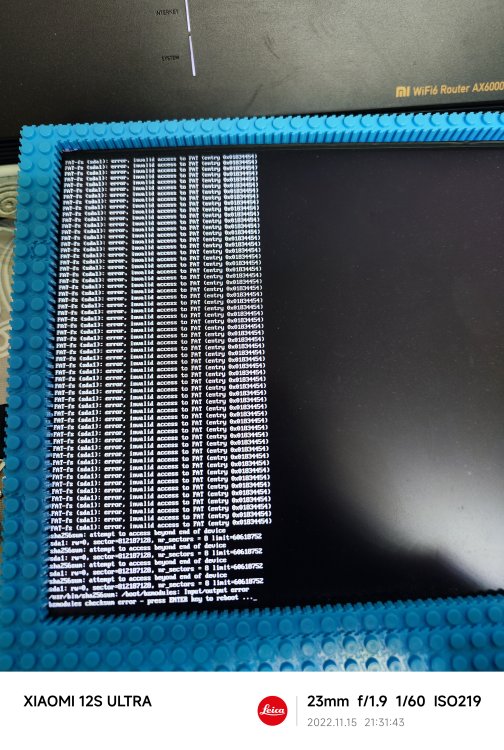
在更新6.11.3之后无法启动,提示FST-fs sda1 error invalid access to FAT 拔掉所有硬盘都是如此,u盘也没问题,能正常写入读取
-
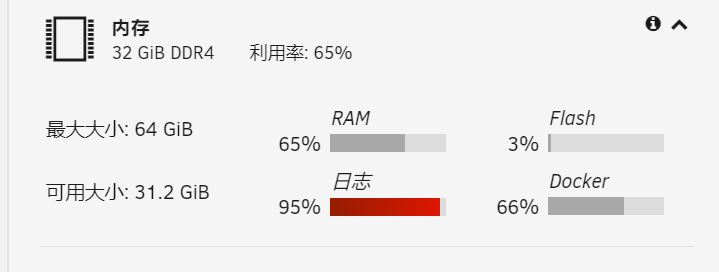
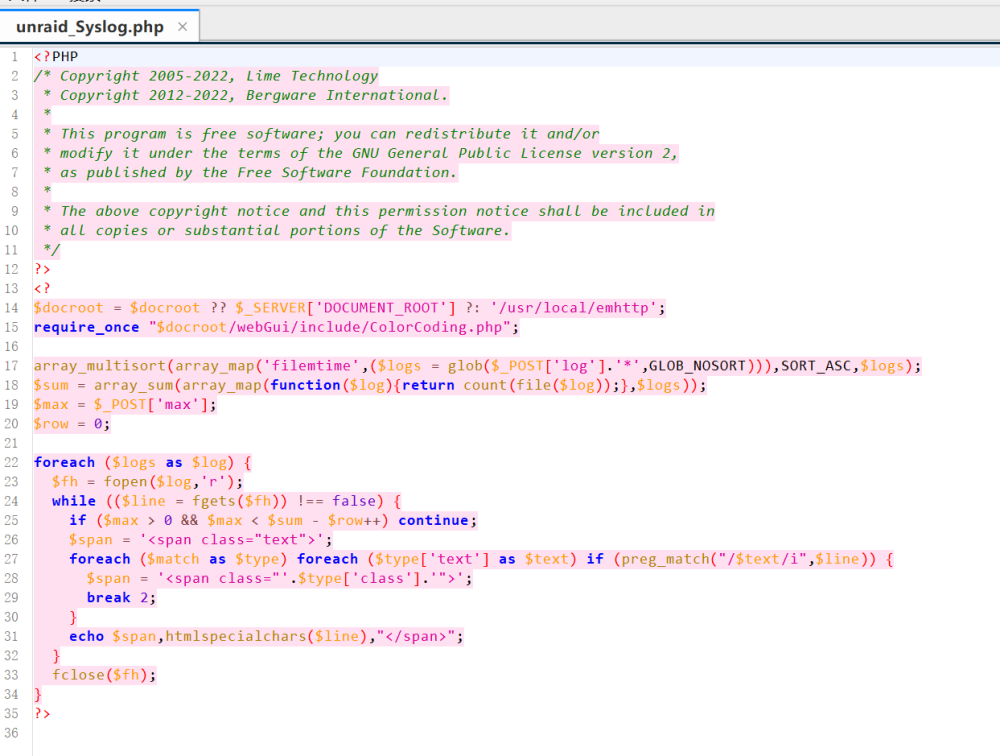
如下, 日志占用极高,查看日志指向一个文件,请问有什么方法解决,重启除外 以下为文件的代码 tower-diagnostics-20220922-2321 (1).zip

-
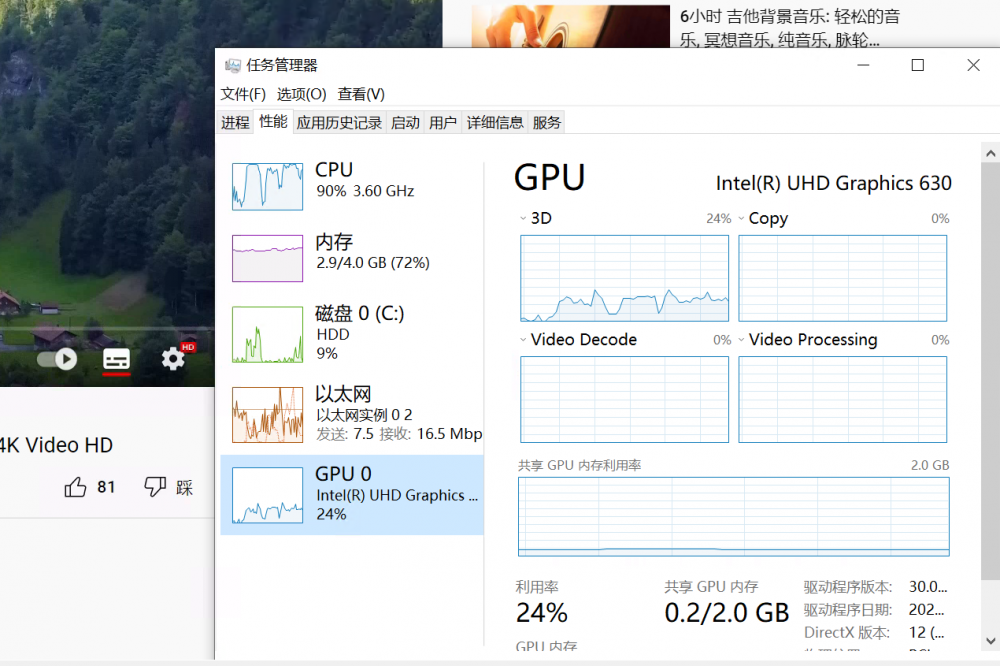
win10ltsc,I'm not sure if I'm using the lite version of the system. After I installed it using the official image, it was successful. The task manager has uhd630 but the video encode & decode didn't work, only 3D was occupied, whether I used the vnc window or RDP. , parsec still does not work properly, but this is also good news, at least half of the success, as long as you can find a way to solve the encoding problem. I have hevc extension installed

-
When I install the graphics card driver, it prompts 'No drivers that can be installed on the current device are found, error code 8', the log is in the attachment IntelGFX.log
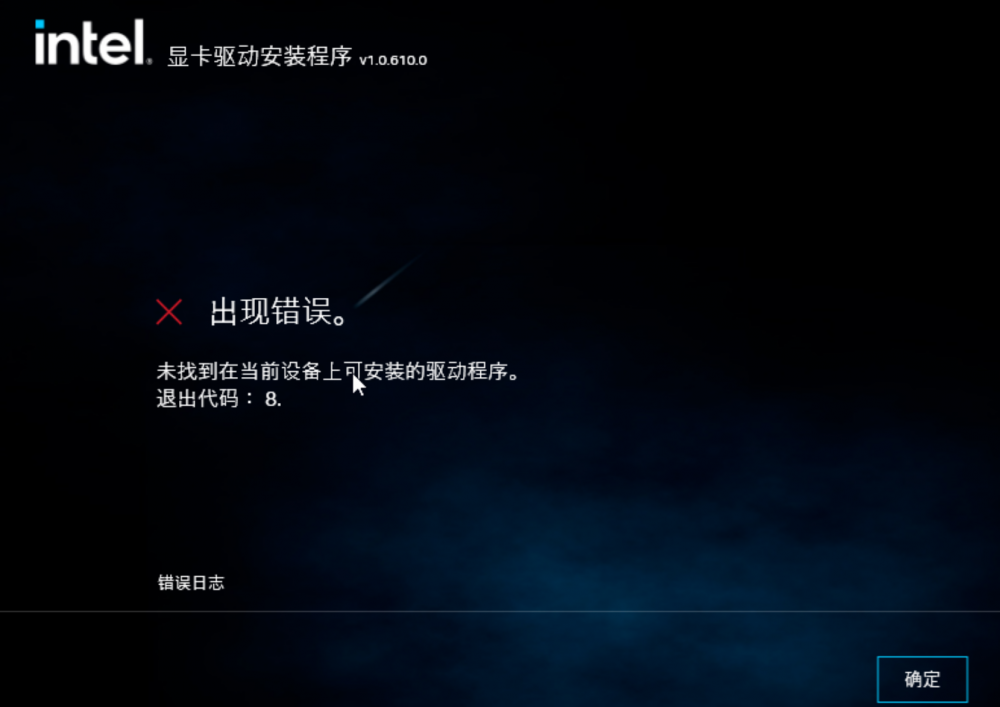
-
Parsec can't connect, I have set decoder as software, but still can't connect
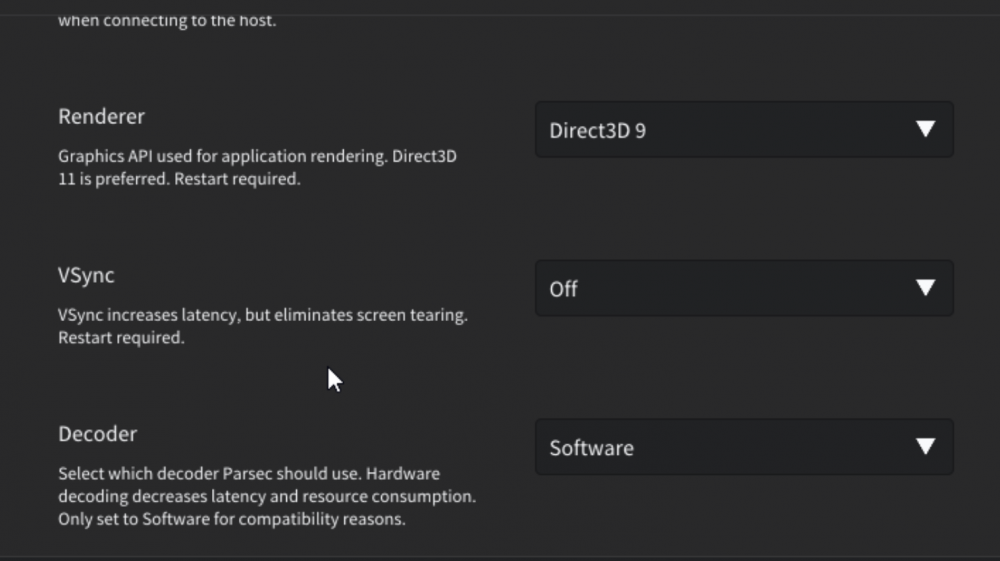
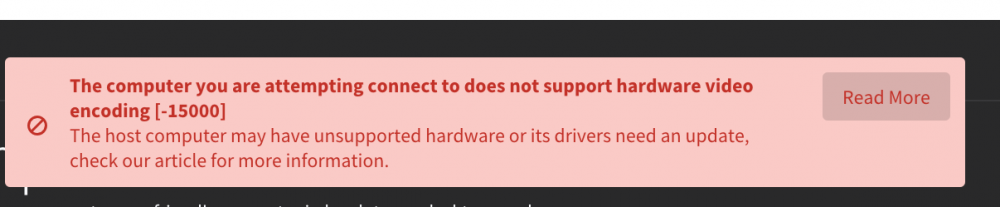
-
Yes, I have used it, but the result is the same,Attach my vm settings I'm not using a ramdisk since I pass through the nvme harddisk, but I don't think that's the source of the problem
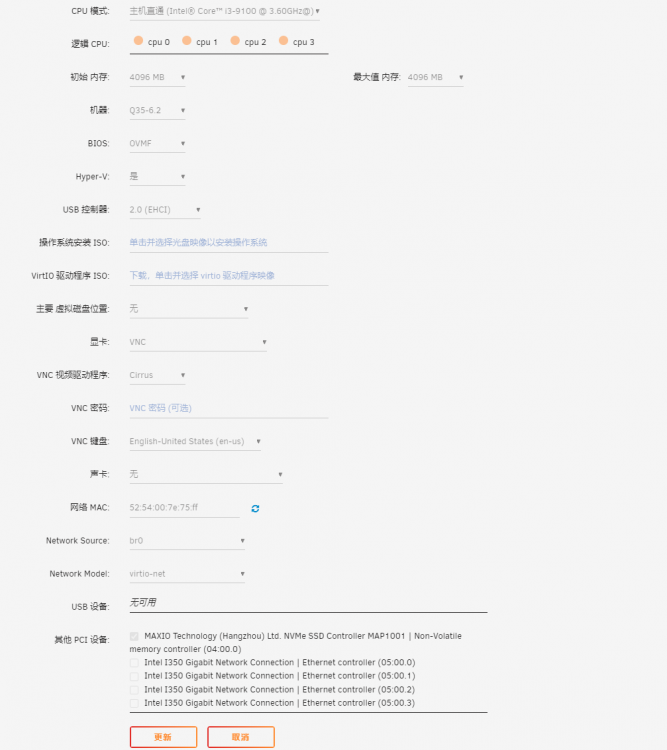
-
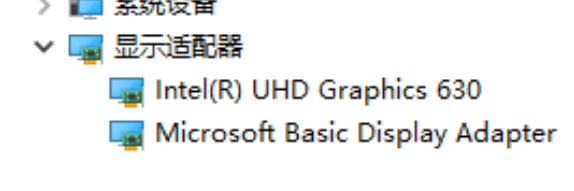
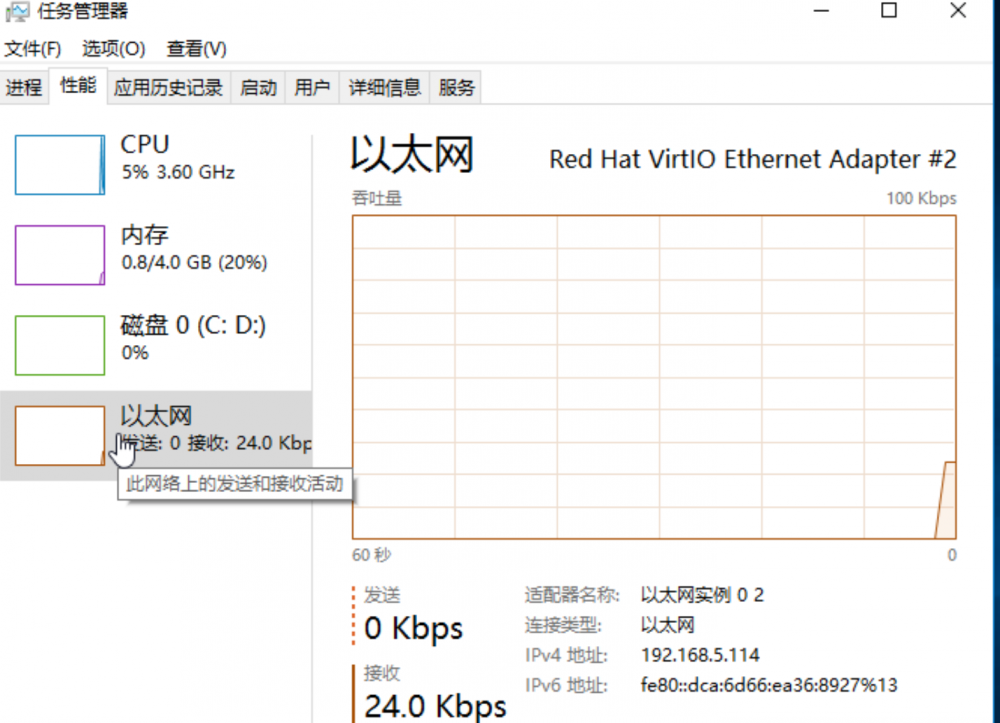
I don't know why, I can see uhd630 in the device manager, but there is no such device in the task manager, and youtube video playback has no effect tower-diagnostics-20220611-2359.zip

-
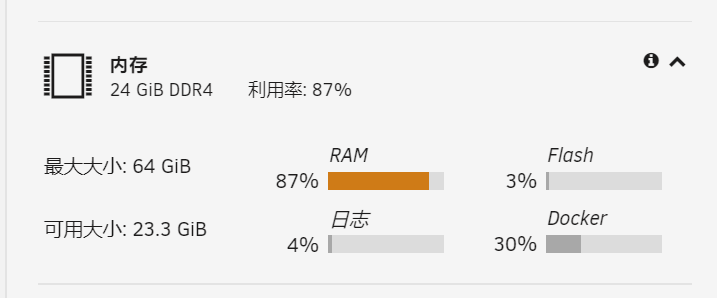
6.10.0-3升级6.10.0-4后,内存占用变高,24g内存占用已经达到90%,升级前一样的docker和虚拟机只占用60的样子,使用top查看发现大量内存被系统缓存了,如图,顺便附上诊断记录 tower-diagnostics-20220419-2203.zip

-
-
Thank you for reminding me. When sending a new report, I reset the available space of two shared folders to 0KB for saving, and then executed move, and found that they were successfully moved to the array. Your answer also verified that this was the problem. It may be that two disks were used before, and these configurations did not change automatically when the hard disks were removed. I hope this problem can be improved in the future. Thank you!
-
thanks,The new diagnosis result has turned off the anonymous option tower-diagnostics-20211120-0443.zip
-
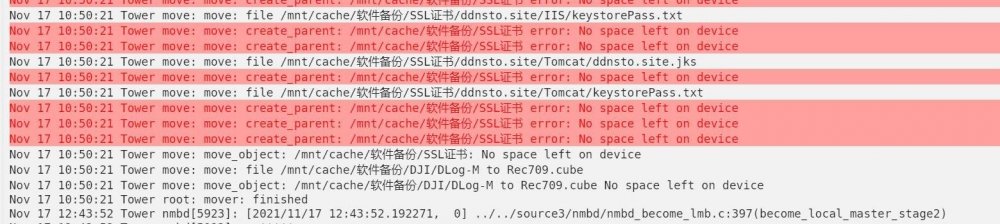
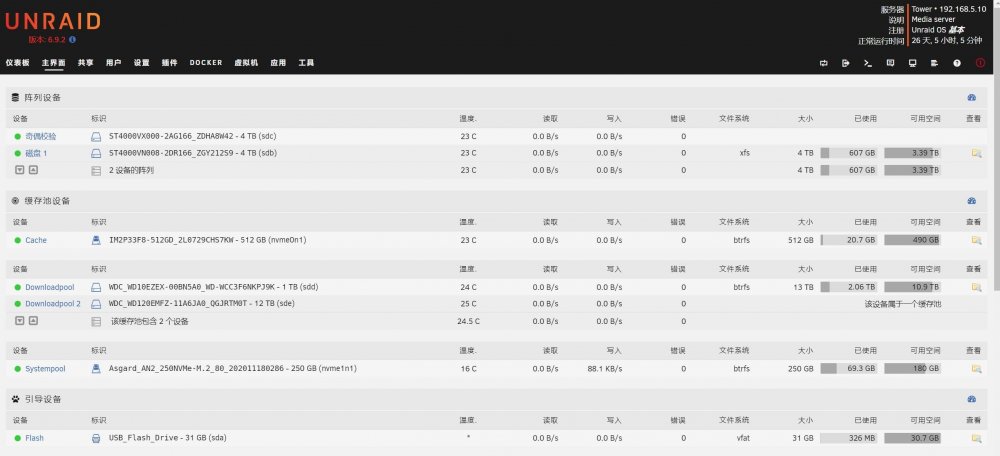
Timed move failed to move the cache to the array. After the move was executed, the cache disk space was still not released. Check the log and report an error, as shown in Figure 1. However, each hard disk has sufficient space. The minimum available space of the shared folder is set to 0kb, so there is no problem of insufficient space. Strangely, I use SSH to move the cache disk files to the array hard disk through the command. The problem still exists after restart Also attach the diagnostic log tower-diagnostics-20211117-2212.zip

View in the app
A better way to browse. Learn more.




