





dam_j
Members
-
Joined
-
Last visited
-
Ok, after i began fresh and it worked for two week (besides the bug that doubles are not deleted anymore) today after the 3.3.4 update my paperless is again completely reset and asking me for my first account with no documents at all. Folders are still the same and originals are still there. I used postgresql17 instead of 16 this time, but what can i do to keep all my stuff after any update?
-
Hello, After todays update for this container all my documents are gone and my paperless is completely factory reset. All Docker settings and folders are still correct, postres and redis also working normal and the paperless log doesn´t show anything weird. All my files are still in the media / originals folder so nothing lost, but if anybody have any tips to restore my paperless i would be really thankful! UnRaid 7.3.3 Rebooted the whole server and any docker with no change
-
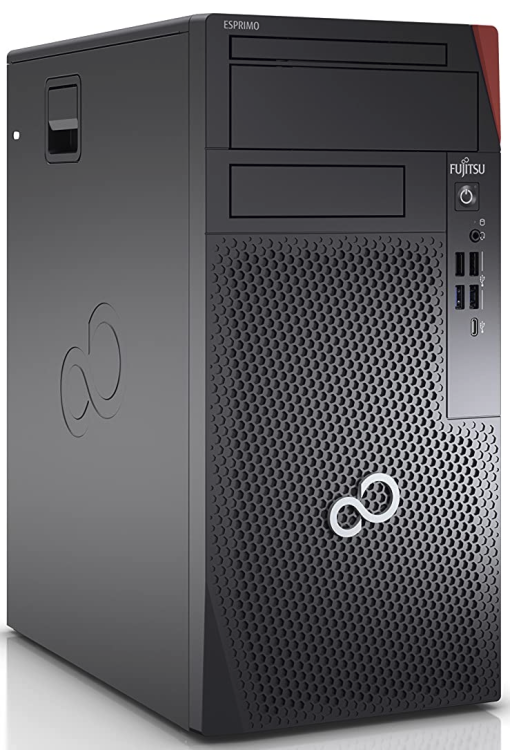
Could i please get one for my Fujitsu Esprimo P9010 MT too? And thanks again for the TerraMaster one!
-
No thank you! I didn´t know that the containers don´t get updated with new variables itself. After i added the right one it all works perfectly fine. Thats totally optional cause our customers wont see the iOS App but is there a branding possibility as well? I can imagine the App doesn´t even load these ressources from my Unraid server... Thanks again!
-
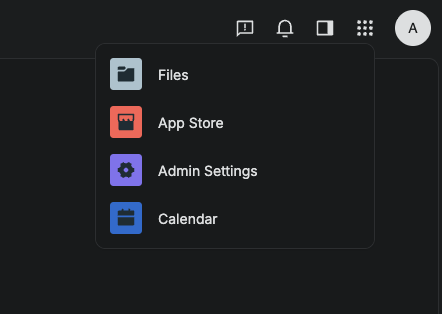
Even after todays next update i dont have that setting. Is it a language thing? I speak german but i have all standard english.
-
Thats awesome, i just updated an hour ago. But even under the advanced settings i cant find the "branding admin app".
-
Hello, It works perfectly fine for me! But are there any options ti customize the landing page with my own logo, color, text etc.? Thanks!
-
I didnt get the part with "no credentials" in ubi... Sorry and thanks now it works!!
-
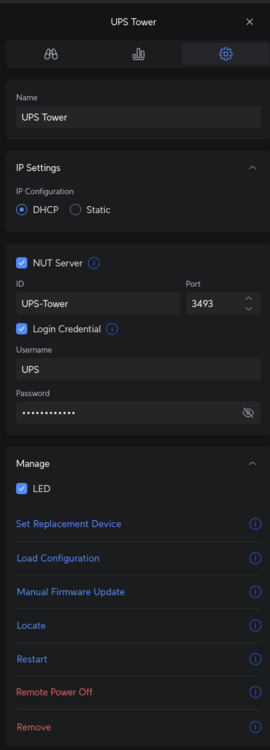
Here you go. The unifi log doesnt show anything blocked.
-
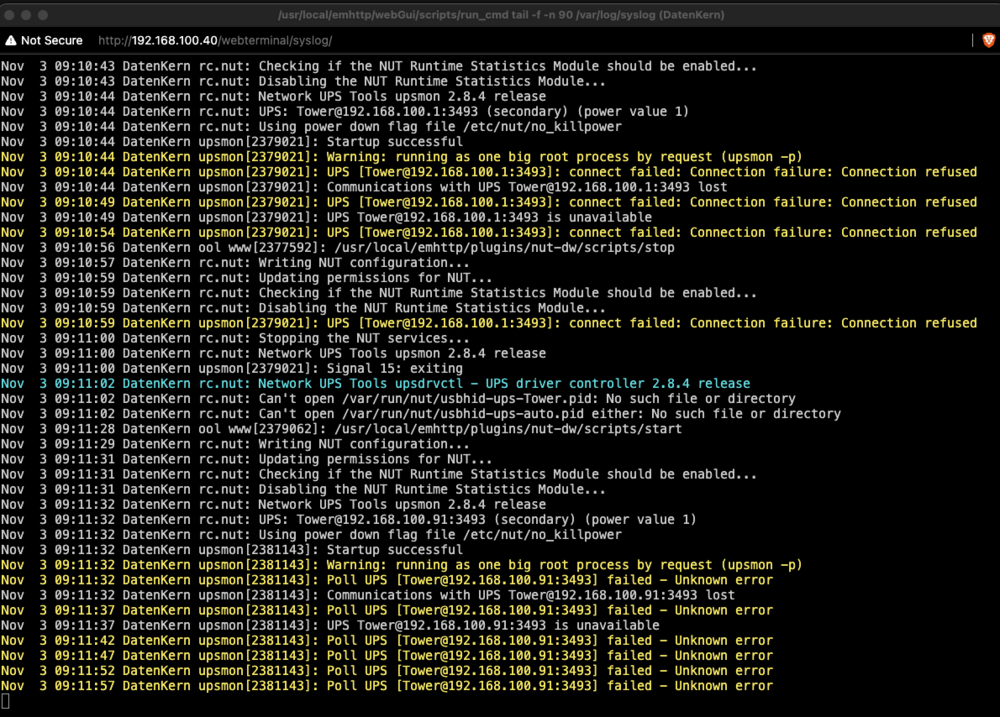
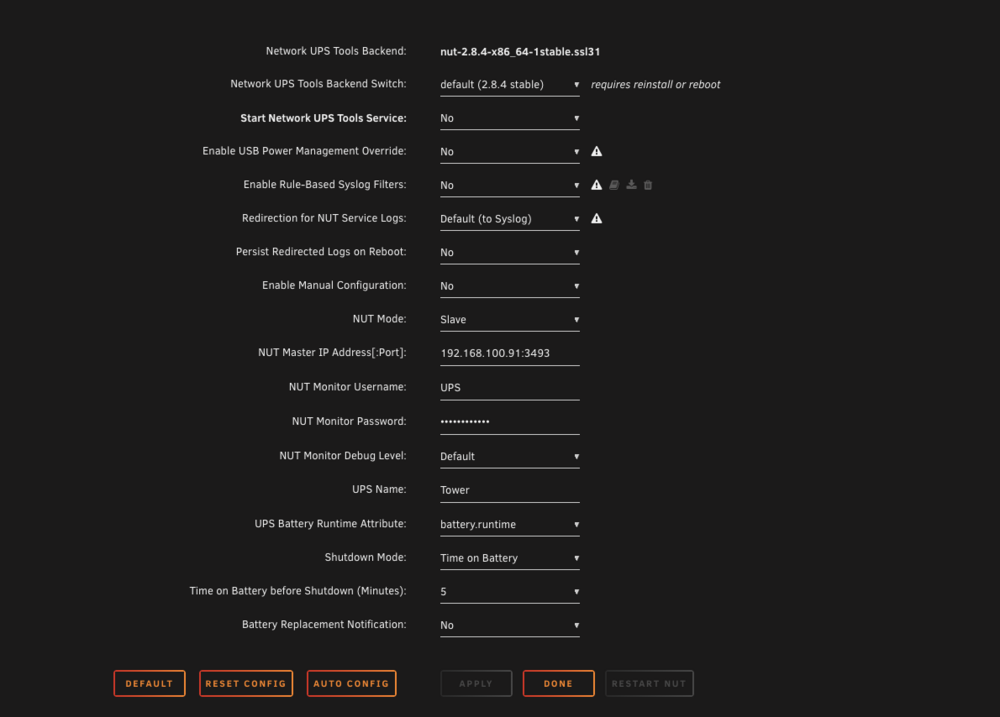
Hello, Sadly even after the update (thanks for that) my Unifi ups still doesn´t work. Anything else i can try?
-
Hey, I´m trying to get the new Ubuiqiti Tower UPS connected. Only configuration it has is enabling the internal NUT-Server and config a user which i have done. In the NUT Plugin i configure it as slave and give the Ip, user, password. After i start the plugin i don´t get any errors in the log but i also get no read from the ups. I can ping the UPS just fine from the unraid server. LOG says: Oct 21 14:10:44 TEST rc.nut: Writing NUT configuration... Oct 21 14:10:45 TEST rc.nut: Updating permissions for NUT... Oct 21 14:10:45 TEST rc.nut: Checking if the NUT Runtime Statistics Module should be enabled... Oct 21 14:10:45 TEST rc.nut: Disabling the NUT Runtime Statistics Module... Oct 21 14:10:46 TEST rc.nut: Network UPS Tools upsmon 2.8.4 release Oct 21 14:10:46 TEST rc.nut: UPS: [email protected] (secondary) (power value 1) Oct 21 14:10:46 TEST rc.nut: Using power down flag file /etc/nut/no_killpower Oct 21 14:10:46 TEST upsmon[608694]: Startup successful Oct 21 14:10:46 TEST upsmon[608694]: Warning: running as one big root process by request (upsmon -p) And thats it. Anything more that i can try? Thanks in advance
-
Hello, I tried to use this (great) video guide to make a USB-Backup: Backing Up Unraid with Duplicati: Complete Guide for Cloud, USB, Local and Remote Backups Im trying but is it possible that theres a problem with ZFS-Pools to backup source? Nevermind the script thingie my 12 TB backup finished immediately in unraid. But in duplicati i get I/O errors. I also can only chose the one big ZFS Pool as backup source, duplicati doesn´t show any subfolders etc. Thanks in advance
-
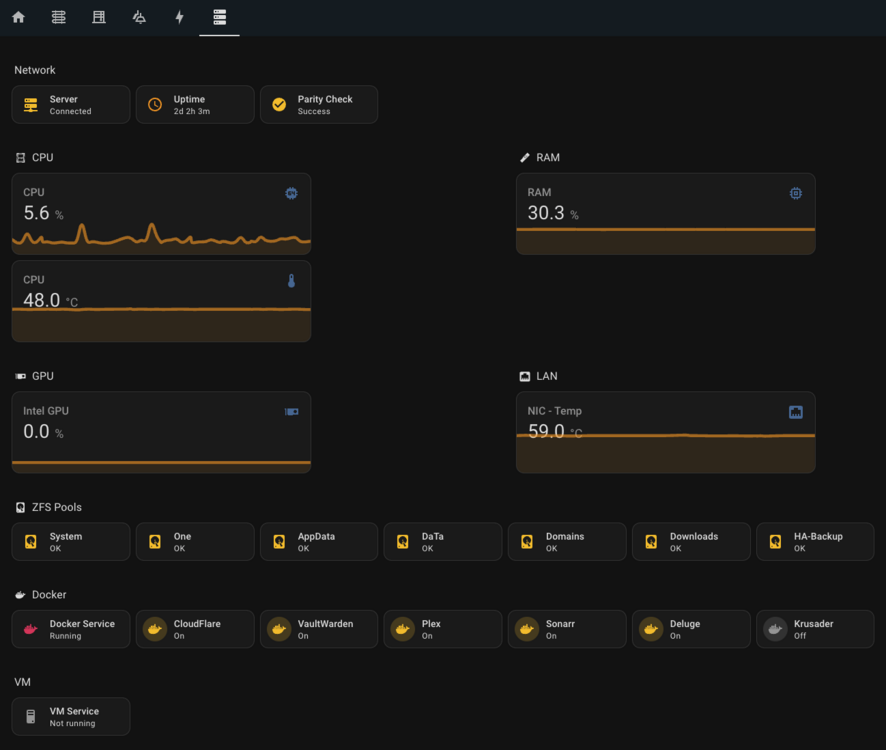
I love it! Thanks a lot
-
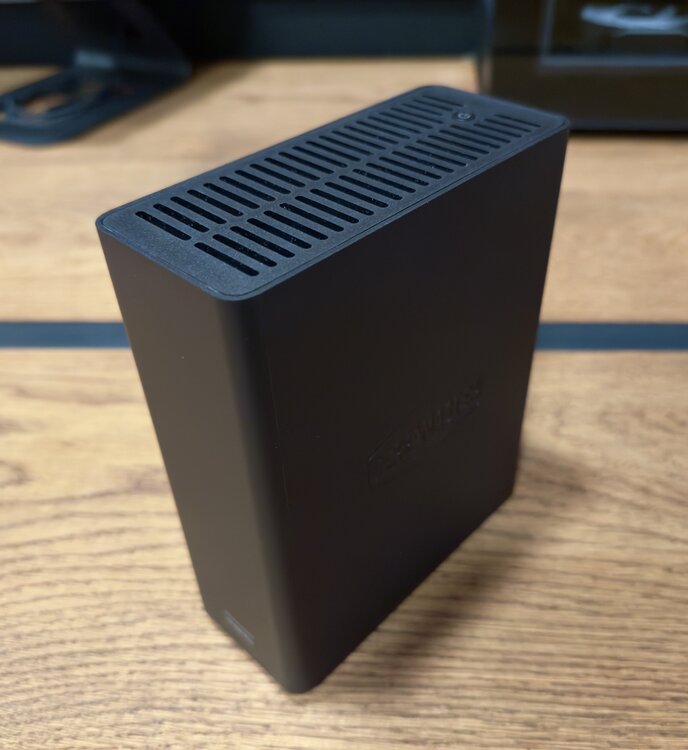
TerraMaster F8 SSD (Plus) would be great but since this thingie is a boring small blackbox the logo is more interesting? Thanks in advance !

-
What an "coincidence"... Mine will arrive for testing today! But thats great to hear!! Thanks






