





JDLWEB
Members
-
Joined
-
Last visited
-
after posting this, I did find a guid that fixed my problem without haveg to install anything. it was very easy to follow and now my quicksync works perfectly
-
Iknow ther are topics on this, but my 10th gen core i5 quicksync just isn't working. any transcoding goes right to the CPU. I've seen posts about rolling to a lower repository, but I am pretty new at unraid and there never seems to be instructions about exacally how to do that. I don't know even if this is my problem. any help would be appreciated...
-
Thank you very much, that did fix it! Something so simple... ☺️☺️☺️
-
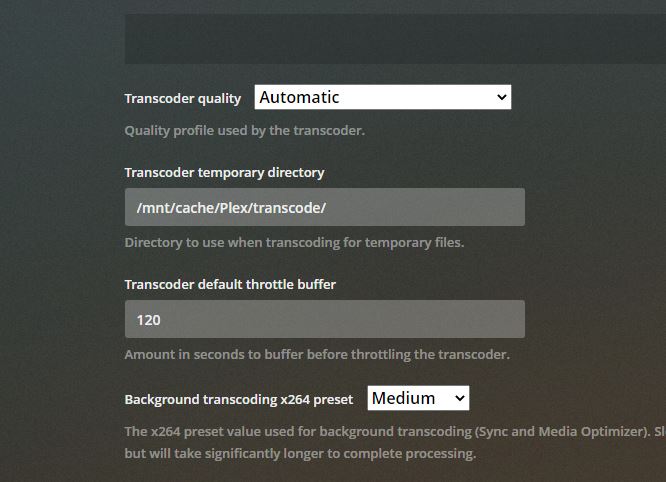
Screenshot attached
-
This is my settings
-
Attached in my diagnostics zip jarjarbinks-diagnostics-20210721-0804.zipfile
-
I have a weird problem, I have lifetime Plex Pass. My docker is at 19%, then when either watching something or recording live tv from my HD homerun, my docker image will swell all the way up to 100%, then crash after a couple hours and drop back down. it also drops back down after I either stop playback or recording ends. I don't know what I am missing but it is quite annoying... I know you probably want screen shots of some stuff, just tell me and I will post them Thanks
