husthuyx
Members
-
Joined
-
Last visited
-
Thank you. I can log in in in safe mode, but in GUI mode, it remains stuck in the above code interface and still prompts "/tmp/inline.sh: line 3: NOT DELETE, plg: command not found"; How to log in normally in GUI mode and how to handle it?
-
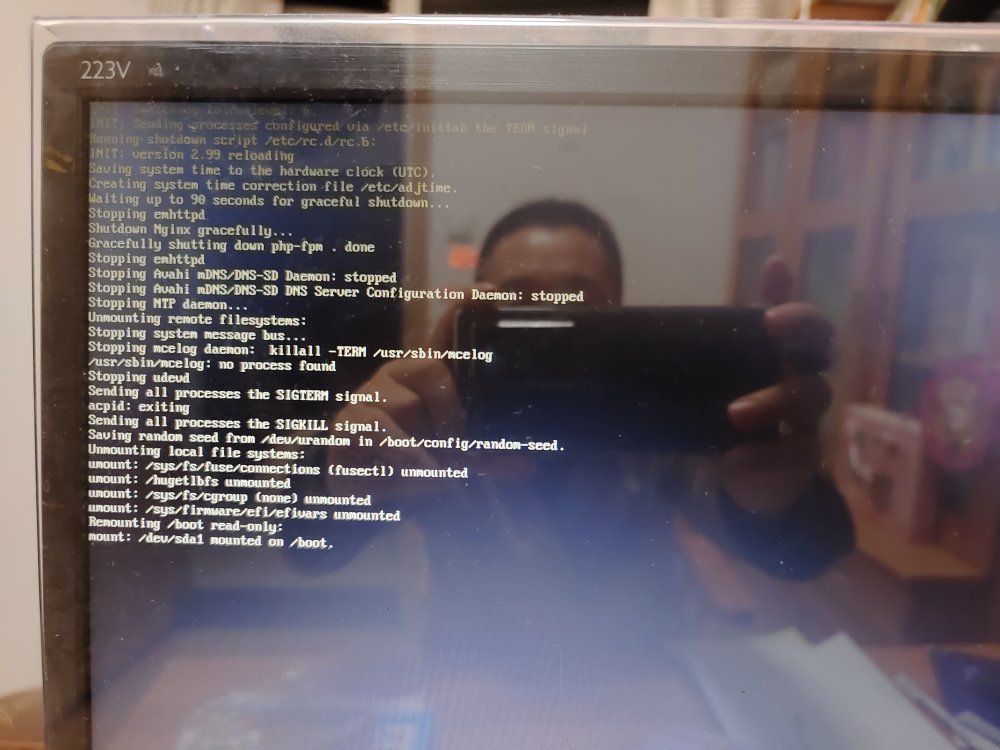
Please help, I have been stuck in "/tmp/inline.sh: line 3: NOT DELETE, plg: command not found" after booting up, and cannot enter the login interface. Please refer to the following figure for details:
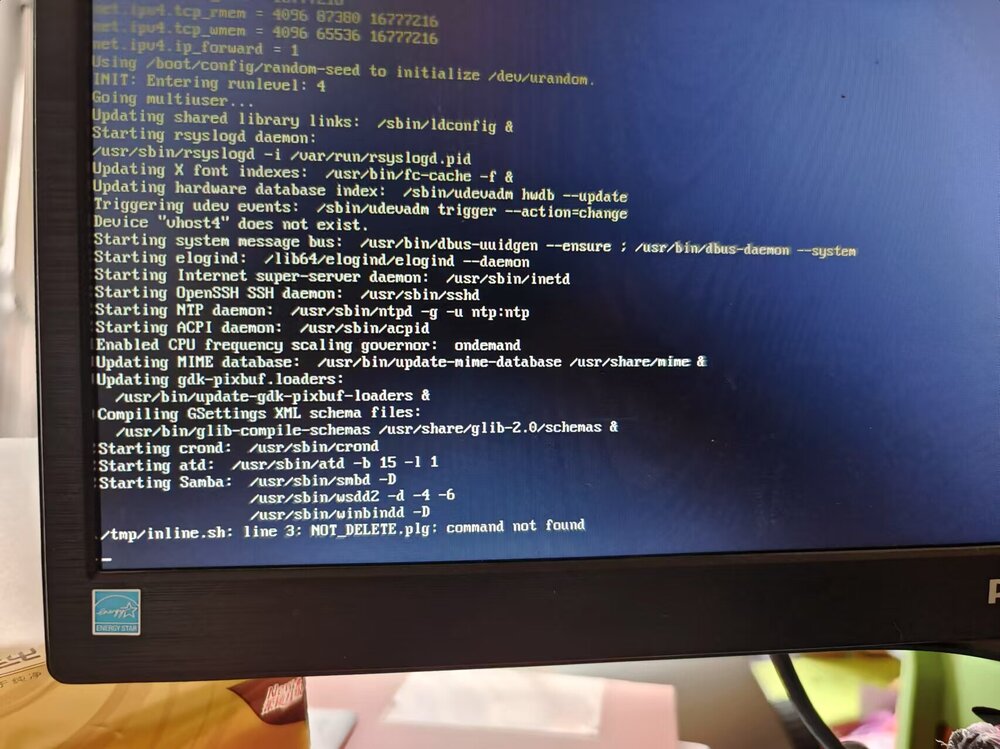
-
开机后一直卡在/tmp/inline.sh: line 3: NOT DELETE,plg: command not found,不能进入登陆界面,具体如下图:
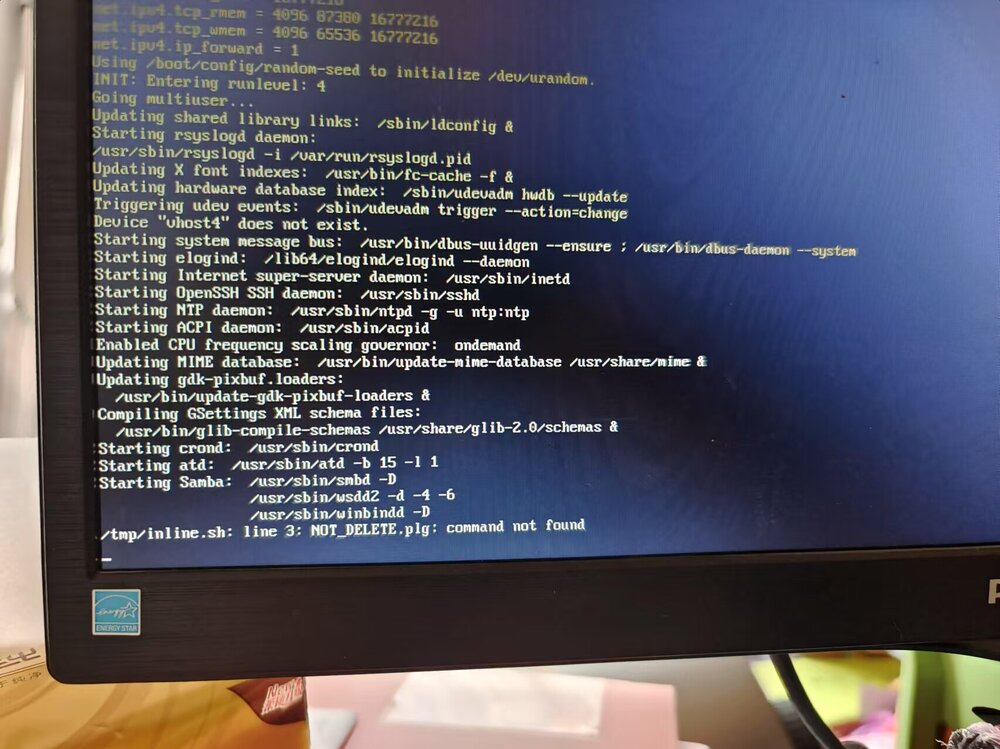
-
主板微星B550M,unraid时间设定为UTC+8,每次重启时unraid将主板BIOS的时间设定为UTC+0的时间,比北京时间晚8个小时。这不是主板的问题,由unraid的问题导致的,因为我单独启动windos时,windows时间与BIOS保持一致。如要unraid与BIOS均为UTC+8时间,且保持一致,该如何解决这个问题呀?
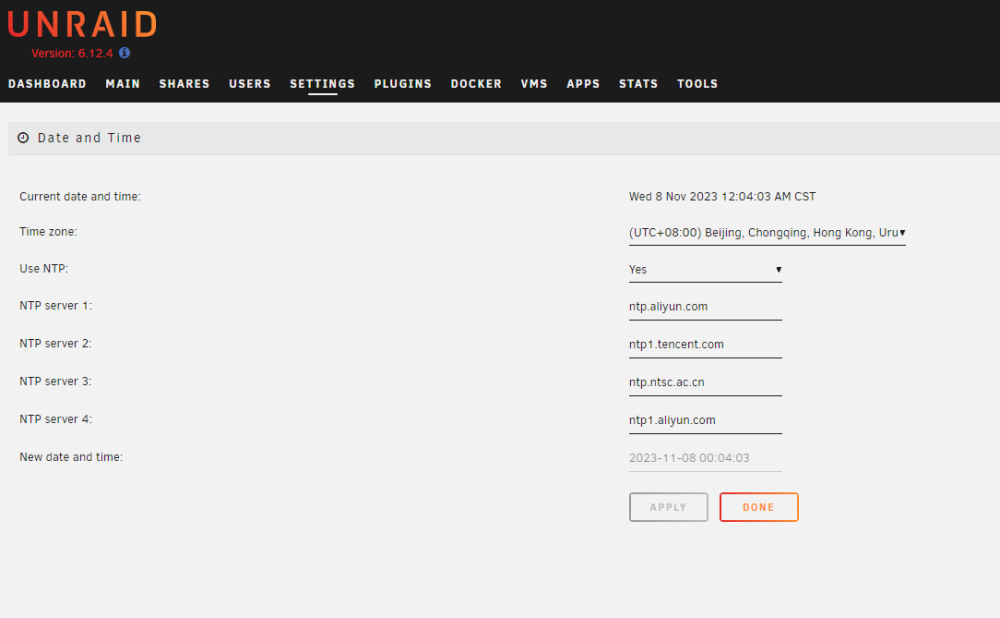
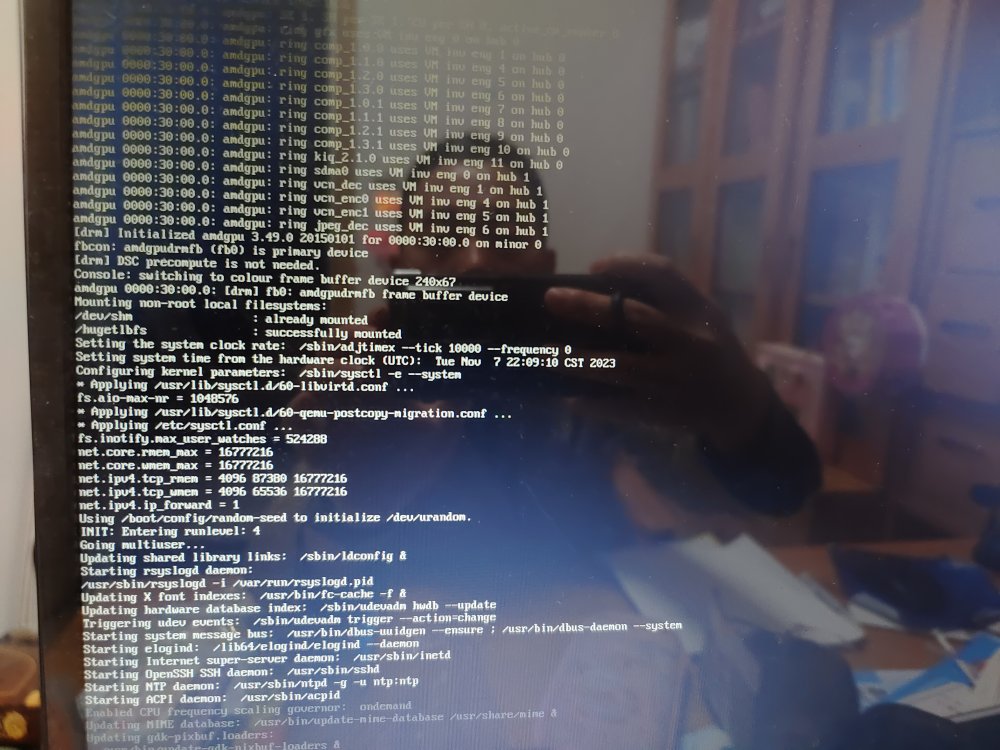
-
重做启动盘,如何做呀?有具体操作么?
-
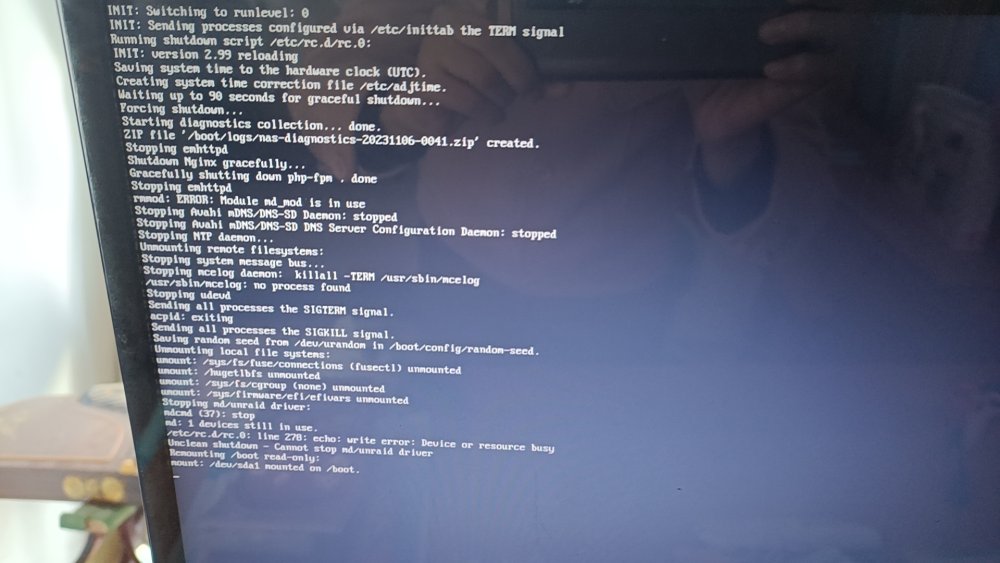
Unraid has been stuck at the code level and cannot access the interface. The unraid version is the latest version. How can we solve this problem?
-
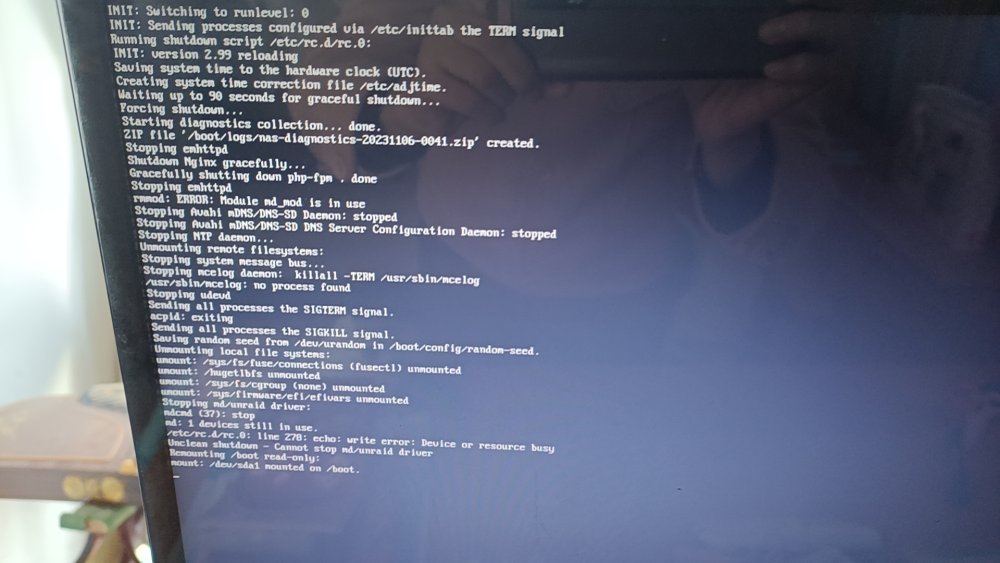
unraid一直卡代码层面,无法进入界面,unraid版本为最新版本,该如何解决呢?
-
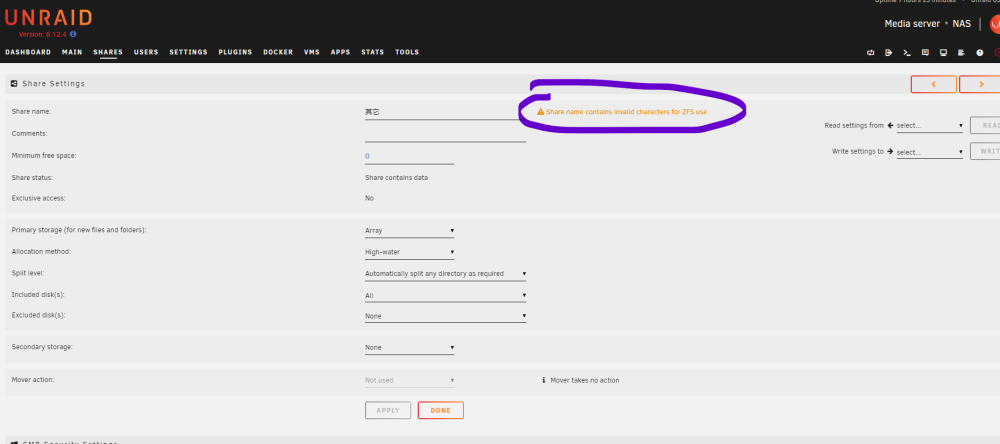
是的,一直关闭NFS,只开SMB,共享文件夹命名为中文时,就提示“Share name contains invalid characters for ZFS use”
-
我的NFS网络服务一直是关闭的,只开SMB,有没有解决方法呀?
-
目前版本为6.12.4,凡是有中文共享名的都使用不了,提示提示“Share name contains invalid characters for ZFS use”,英文共享名可以正常使用,6.12.4前面几个版本中文共享名都可以正常使用。
-
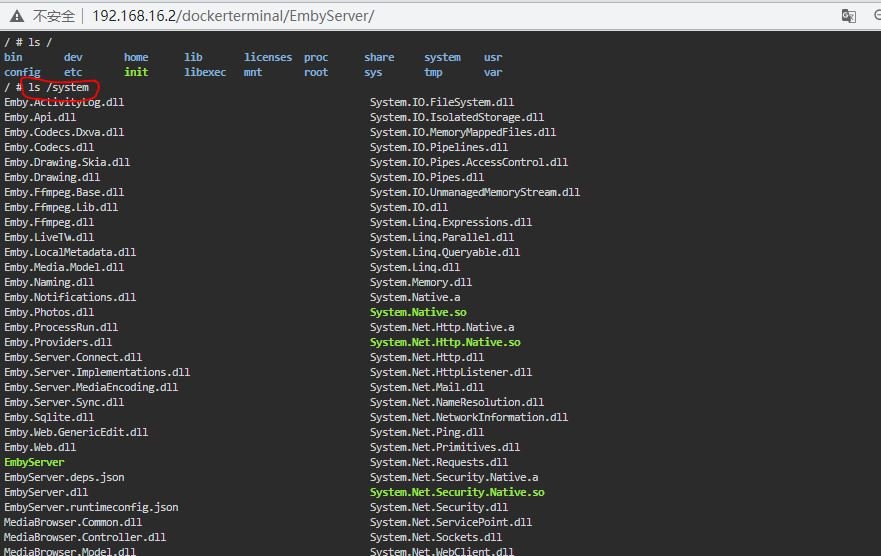
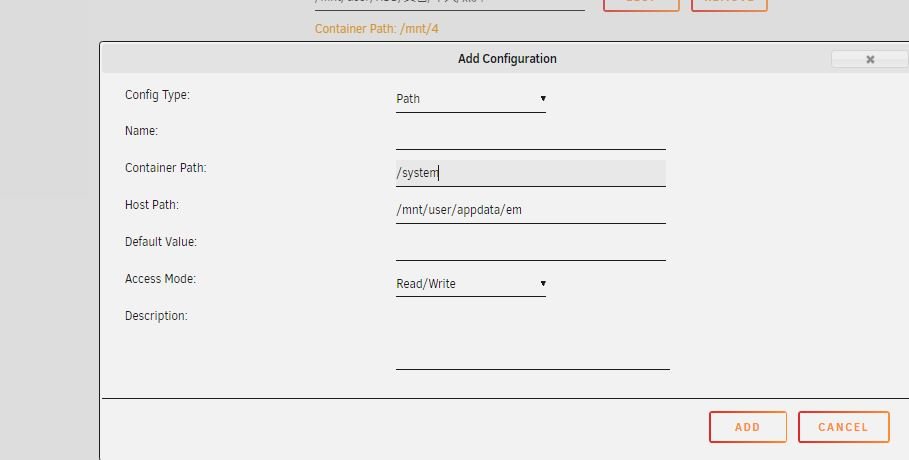
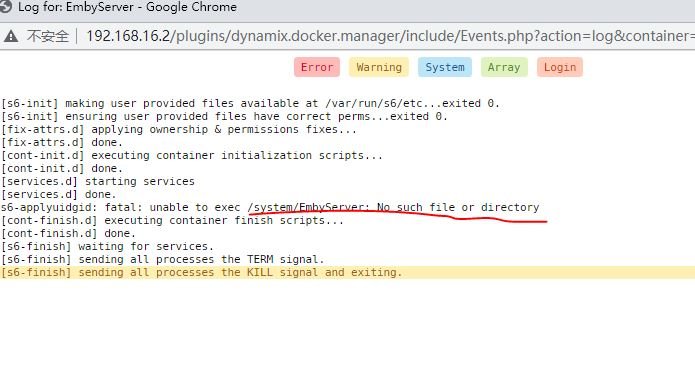
我试过这个方法,添加了/system这个路径,并且docker中有这个文件夹,日志却显示“没有这个文件夹”,有没有好的方法解决这个问题呀?
-
需要把文件复制到docker容器 /system文件夹下,该如何操作呀?
-
如果用Br0,linuxserver/swag下,就没有解决方法了吗?
-
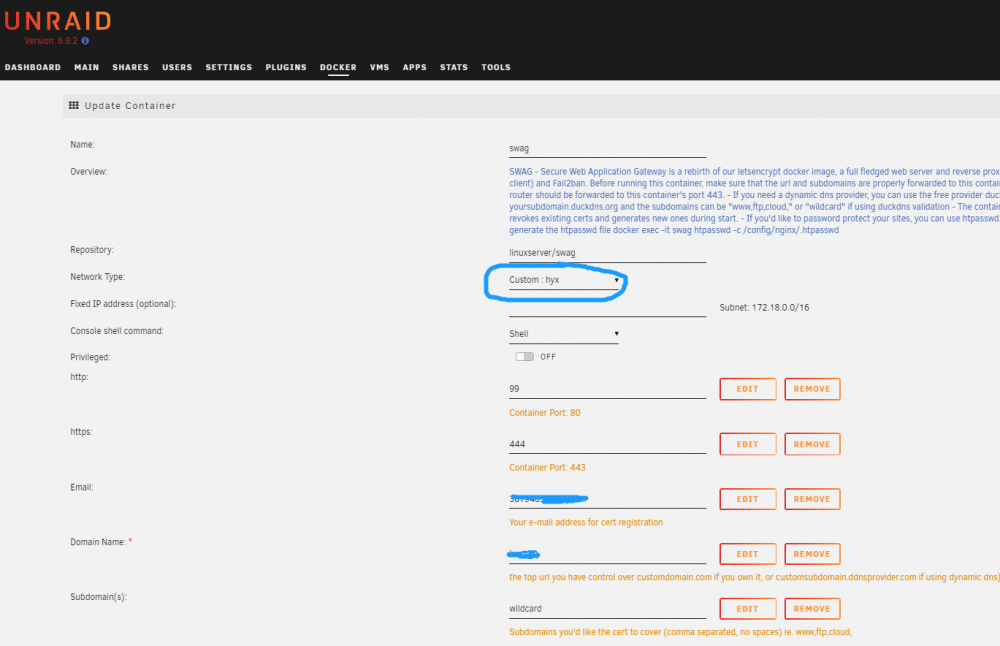
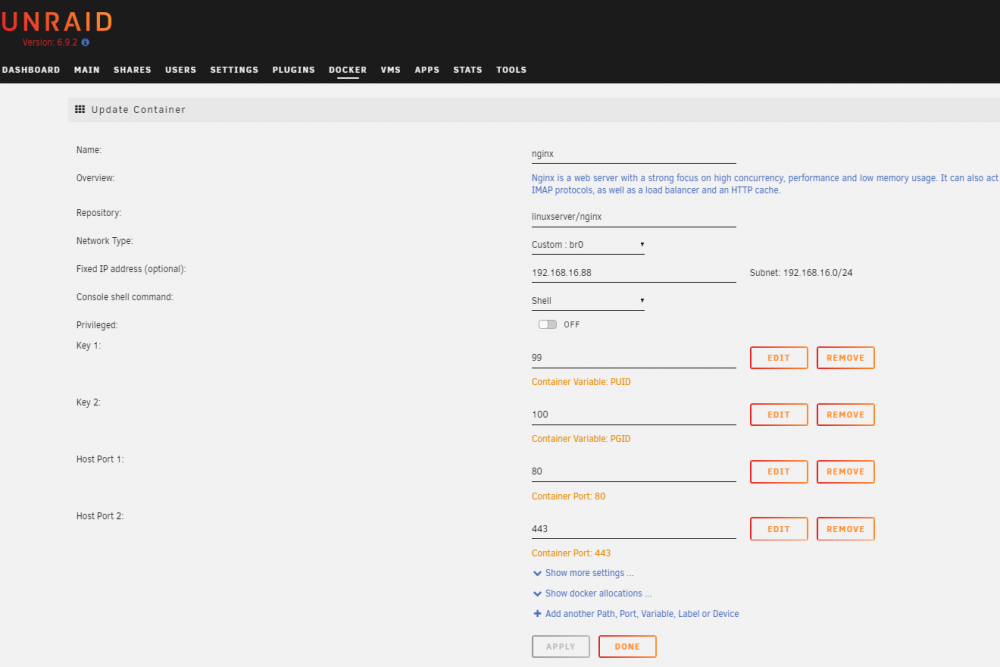
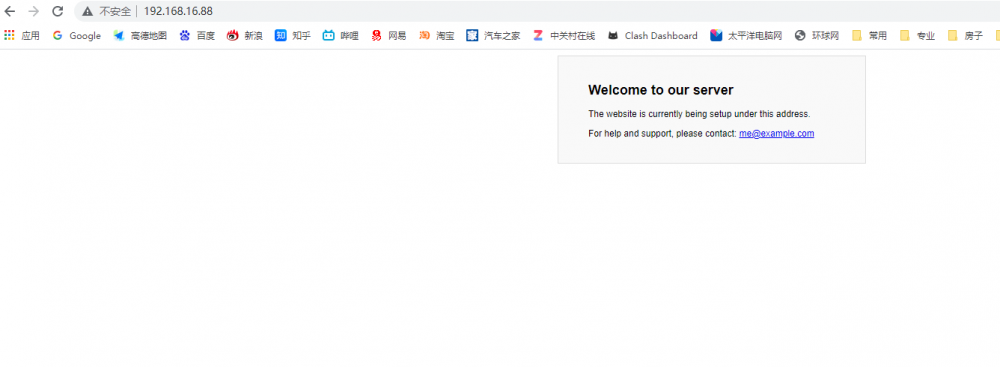
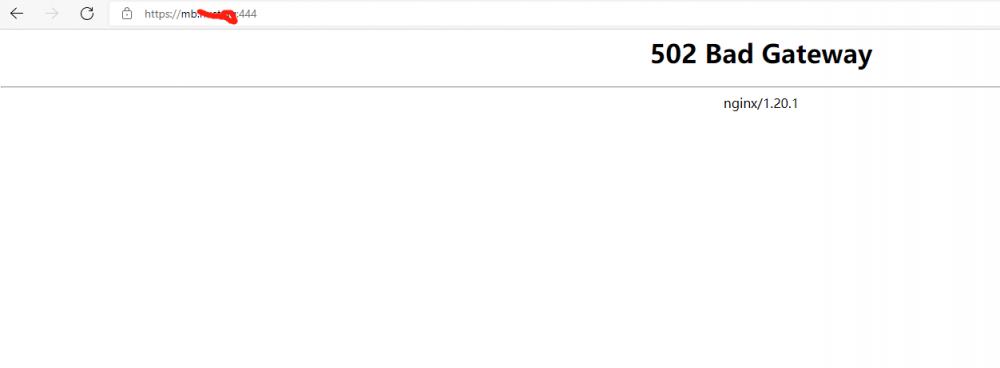
1、通过命令创建网络hyx docker network create hyx 2、反向代理软件选择是linuxserver/swag network type:custom:hyx,用于代理其实docker 3、因另外一个docker:linuxserver/nginx需要固定IP,用于内外网使用,所以网络为network type:custom:bro Fixed IP address :192.168.16.88, 相应的*.subdomain.conf文件为: server { listen 443 ssl; listen [::]:443 ssl; server_name mb.xxxx.xxx; include /config/nginx/ssl.conf; client_max_body_size 0; location / { include /config/nginx/proxy.conf; resolver 127.0.0.11 valid=30s; set $upstream_app 192.168.16.88; set $upstream_port 80; set $upstream_proto http; proxy_pass $upstream_proto://$upstream_app:$upstream_port; } } 4、输入192.168.16.88正常运行,输入外网地址不能运行,显示为:502 Bad Gateway 5、linuxserver/nginx为network type:custom:Bridge,并调整*.subdomain.conf文件,连接外网可以正常运行;如果在network type:custom:bro中运行,该如何处理呢?期望解决方法,非常感谢!!!