rational_tech
Members
-
Joined
-
Last visited
-
Thanks JorgeB - this worked and now have added the other drive in as well.
-
That’s really strange, the parity was wiped by Unraid so not sure why it was setup non-standard. What’s the easiest way to reinit the parity?
-
sdc root@server:~# fdisk -l /dev/sdc Disk /dev/sdc: 1.82 TiB, 2000398934016 bytes, 3907029168 sectors Disk model: WDC WD20EARS-00M Units: sectors of 1 * 512 = 512 bytes Sector size (logical/physical): 512 bytes / 512 bytes I/O size (minimum/optimal): 512 bytes / 512 bytes Disklabel type: dos Disk identifier: 0x00000000 Device Boot Start End Sectors Size Id Type /dev/sdc1 64 3907029167 3907029104 1.8T 83 Linux Parity Drive root@server:~# fdisk -l /dev/sdg Disk /dev/sdg: 1.82 TiB, 2000398934016 bytes, 3907029168 sectors Disk model: WDC WD20EARX-00P Units: sectors of 1 * 512 = 512 bytes Sector size (logical/physical): 512 bytes / 4096 bytes I/O size (minimum/optimal): 4096 bytes / 4096 bytes Disklabel type: gpt Disk identifier: EEFA2B52-1E74-EC4C-A048-B0FDCE7C20CB Device Start End Sectors Size Type /dev/sdg1 2048 3907029134 3907027087 1.8T Linux filesystem
-
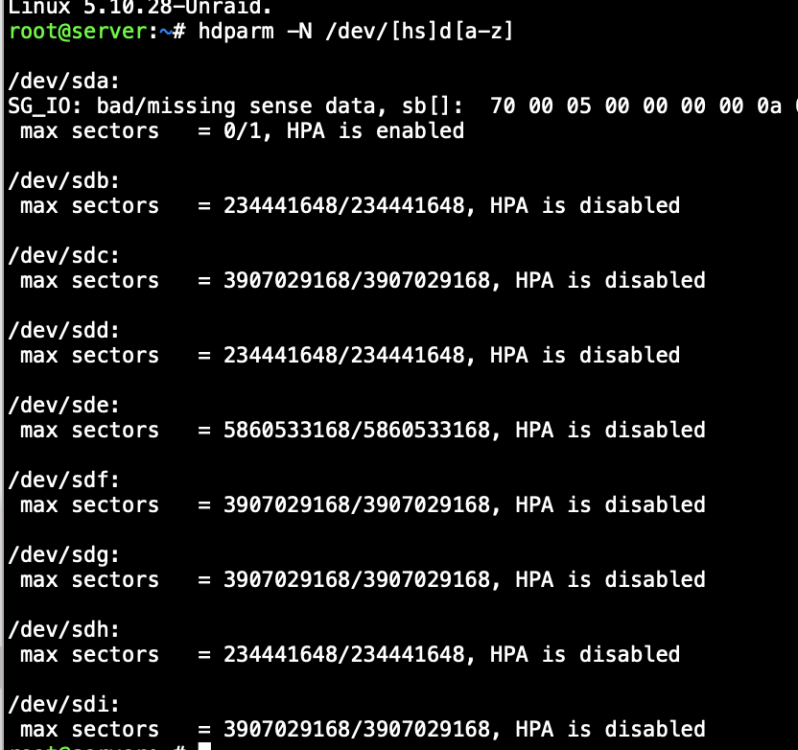
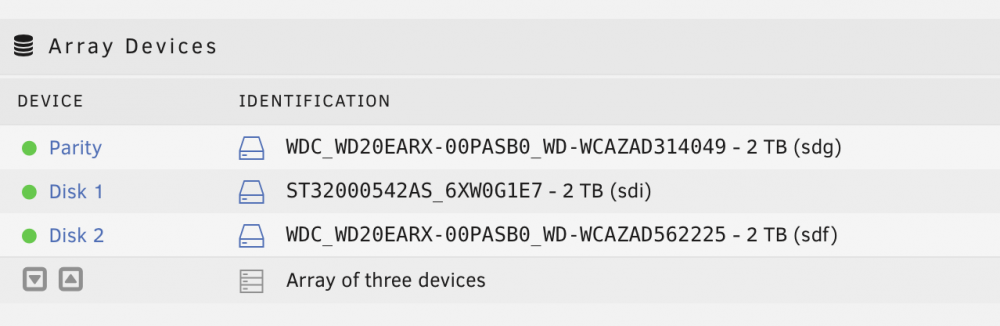
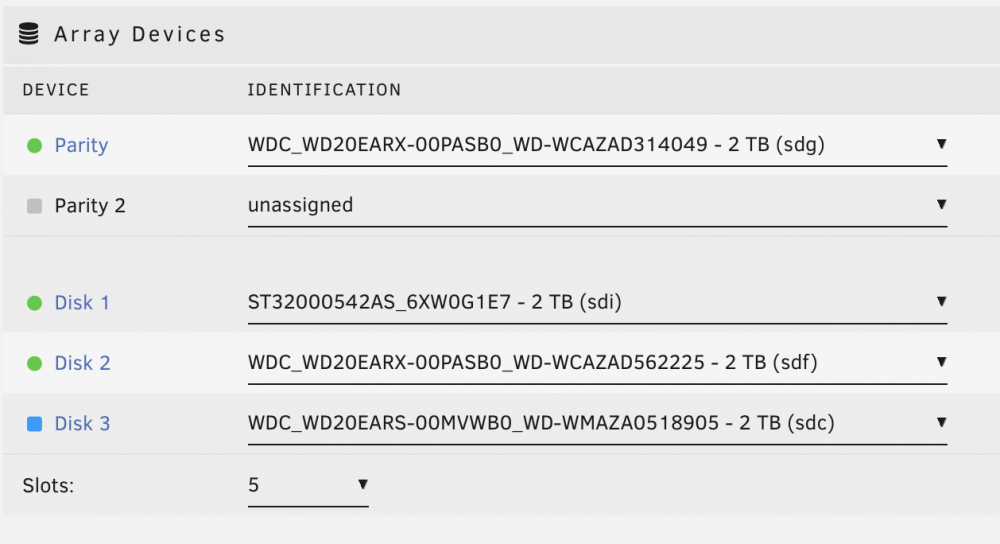
Hi All, I seem to be unable to add a new drive to my array, even though they are all the same size. The drives are all 2TB, and everywhere I look they are reported as exactly the same size. What I've tried (which didn't work!) - Re-formatting the drive - Re-seating the drive - Checking the "HPA" status - disabled on all drives I've attached some screenshots and the system diagnostics - anyone got any ideas? Array of 3 drives Array to add Disk 3 Error Cheers!