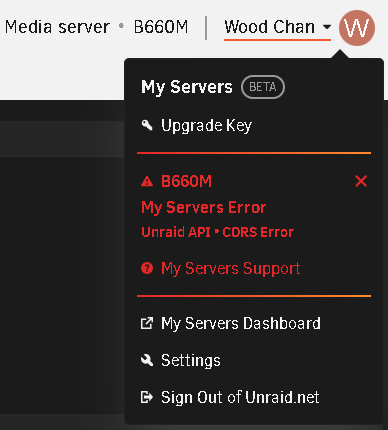
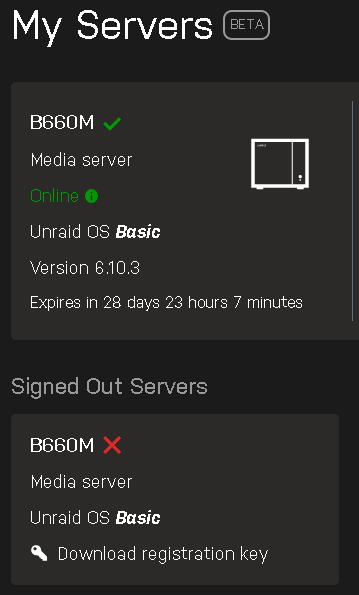
Wood Chan
Members
-
Joined
-
Last visited
-
Thanks hit check link url. After use "My Servers" page "Remote access" url without CORS error.
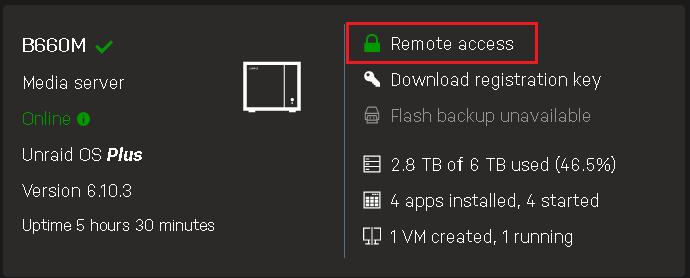
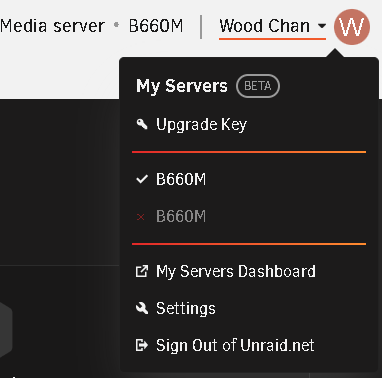
-
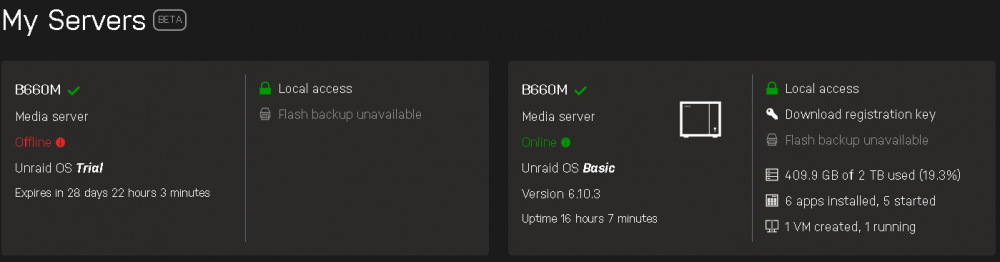
Uninstall "My Servers" than install again fixed GUID wrong problem. But CDRS error still.
-
Above error maybe Flash GUID different? # unraid-api report -vv [ EDIT by ljm42 : when posting on the forum, best to use -v rather than -vv ] <-----UNRAID-API-REPORT-----> SERVER_NAME: B660M ENVIRONMENT: production UNRAID_VERSION: 6.10.3 UNRAID_API_VERSION: 2.47.1 (running) NODE_VERSION: v14.15.3 API_KEY: valid MY_SERVERS: authenticated MY_SERVERS_USERNAME: Wood Chan RELAY: connected MOTHERSHIP: ok ONLINE_SERVERS: B660M[owner="Wood Chan" guid="<snip>"] OFFLINE_SERVERS: ALLOWED_ORIGINS: http://localhost, http://192.168.0.66, https://192.168.0.66:3443, http://b660m, https://b660m:3443, http://b660m.local, https://b660m.local:3443, https://192-168-0-66.hash.myunraid.net:3443 HAS_CRASH_LOGS: no </----UNRAID-API-REPORT-----> Signed Out Server have right GUID but Online have wrong GUID. Have any suggest to fix this issue? THX.