





happy1
Members
-
Joined
-
Last visited
-
So I guess I shouldnt even try getting one of these mini-pc's and just try to get a cheap used tower pc to use sata instead of usb
-
and if I connect each HDD to 1 USB 3.0 Slot with the cable in the picture, I'm basically not limited and I just need to worry about the reliability? Which factors can impact if it will work stable or not
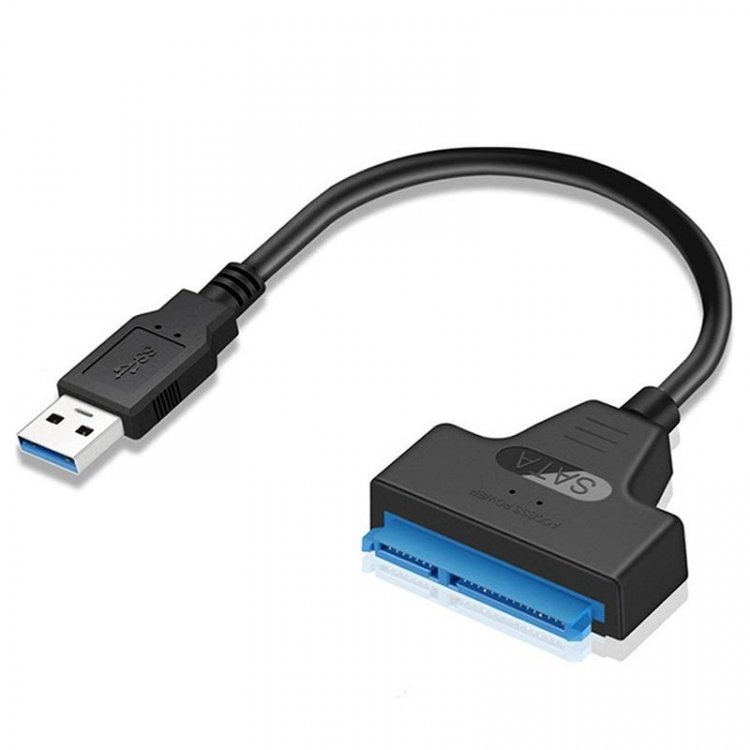
-
I mean there is solutions for this. But is the nvme to sata adapter a legit solution or just slightly better than the usb3 connection?
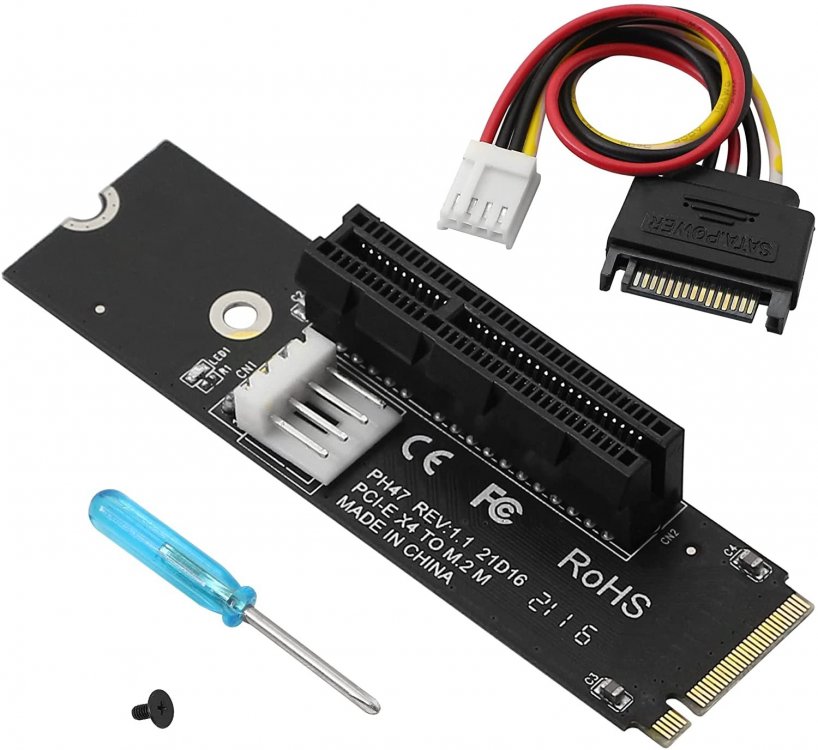
-
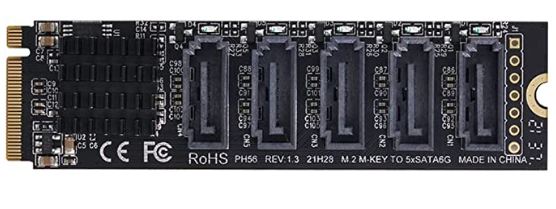
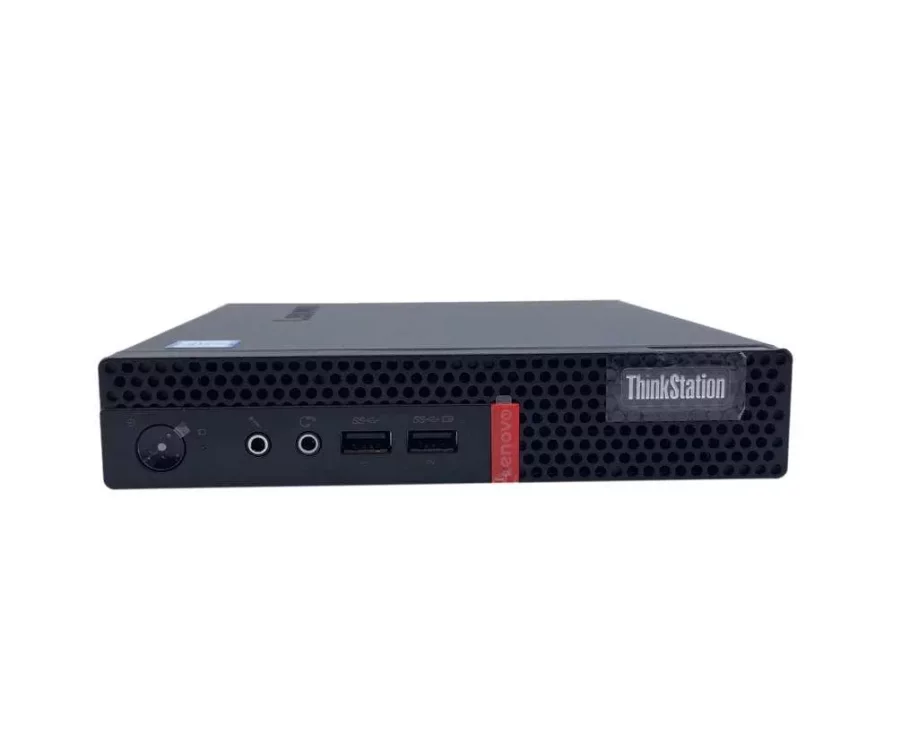
Hey guys, my plan is to build a cheap unraid server for my father. He is already using 2 HDDs with 6TB size. The plan was to buy a refurbished Lenovo M710q Tiny Mini PC or HP Prodesk (or something similar to this), they are really cheap here (around 100€) with a i5-6500T, 8GB Ram and SSD. Now I need a good solution to connect the existing HDD's to the unraid system. Since these mini pcs are obviously too small to fit the HDD's in it, I need an external enclosure or something similar. On another thread here, I already read that USB to SATA is not a good idea, so what would be the post solution to make the mini pc and the HDD's work together? Another idea was to buy a nvme to sata port adapter and use them to connect the hdd's, would this be a better solution than a usb enclosure? Thanks in advance.
-
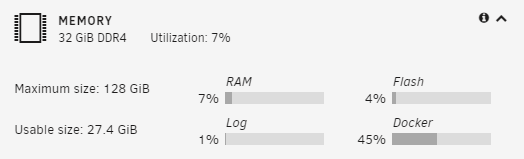
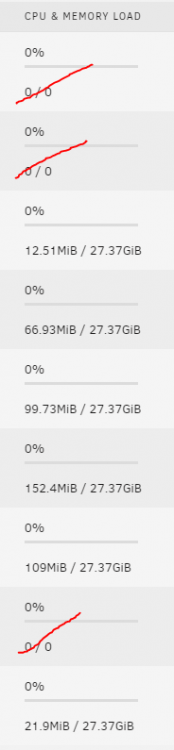
Hello guys, so I do have 2 questions: Why is my "usable memory" just on 27.4GiB, I'm running a couple docker containers (which should consume around 350mb) and have 1 stopped Win10 VM. Does Unraid really need that much? I have no cache drive and my only drive in the array is a 1TB Nvme ssd, its more than enough for me, since I store almost no data. Would an additional cache drive help me? I dont think so right? These are my docker containers I'm running So could anyone explain me, why I can just use 27.4gb and why docker is using 45% (around 15gb) of my memory?
-
If anyone could try to run baremetal windows 10 on their 5600g system, dumb the vbios and post it here. I can't really do it
-
Hello, I've been trying to passthorugh the Vega 7 integrated graphic from the Ryzen 5600g without success. My VM Setup: Successfully Split IOMMU Groups (spaceinvaders guide) -> I can boot into the VM, but the device manager gives me the error 43 This is my the GPU-Z output I get, cant dump the BIOS here. Lookup cant find any entries on techpowerup.com. Last Thing I've tried out is spaceinvaders vbios_dump script from github, but it always fails at this point. Any other ideas how I could successfully passthrough my integrated graphics or get working drivers/vbios?



