





williechan
Members
-
Joined
-
Last visited
Everything posted by williechan
-
When creating a snapshot, the following error was prompted: "operation failed: job 'snapshot' failed: qemu_savevm_state_complete_precopy_non_iterable: bdrv_inactivate_all() failed (-1)."
-
Although the issue still persists, I really appreciate your help!
-
Today I tried starting the containers one by one to observe the situation. When containers installed via Docker Compose are running, the Docker application page load time significantly increases to around 10 seconds. However, when I stop those Docker Compose-installed containers, the load time drops back down to about 3-4 seconds.
-
image Docker storage driver:native
-
Previously, all my containers were installed using Docker Compose, with many custom networks configured. I tried deleting the Docker image in the settings and recreating it. This time, I didn’t use Docker Compose but instead used Unraid's Docker installation method. The situation has improved slightly, but refreshing the Docker applications page still takes 10 seconds, whereas the same Docker containers on version 6.13 only take 3 seconds. Additionally, on version 7.0, the CPU usage remains around 30%, while on Unraid 6.13, it was only 10%.
-
Even if I stop all Docker containers, the issue persists. Only stopping the Docker service restores normal operation.
-
Stopping the Docker service resolves the issue.
-
unraid-diagnostics-20241205-1534.zip Hello, I have uploaded the diagnostics.
-
Hi everyone, I recently upgraded my Unraid system from version 6.0 to 7.0 beta, and I've noticed an issue with unusually high CPU usage. On version 6.0, the CPU usage was consistently around 10%, but after the upgrade, it has increased to 50-60%. Additionally, the system's responsiveness has significantly slowed down—for example, it takes 20-30 seconds to refresh the Docker containers page. Interestingly, when I stop the Docker service from the system settings, the CPU usage returns to normal, and the system operates smoothly. I’ve checked the logs but didn’t find any errors or issues recorded. Could anyone provide guidance on how I should approach diagnosing and resolving this issue? Any help or similar experiences would be greatly appreciated! Thanks in advance!
.thumb.jpg.c8aefc521813d277b01cea3d18769a2a.jpg)
-
这样啊,平常笔记本确实是有可能一直开着unraid没关,我再观察一下,感谢
-
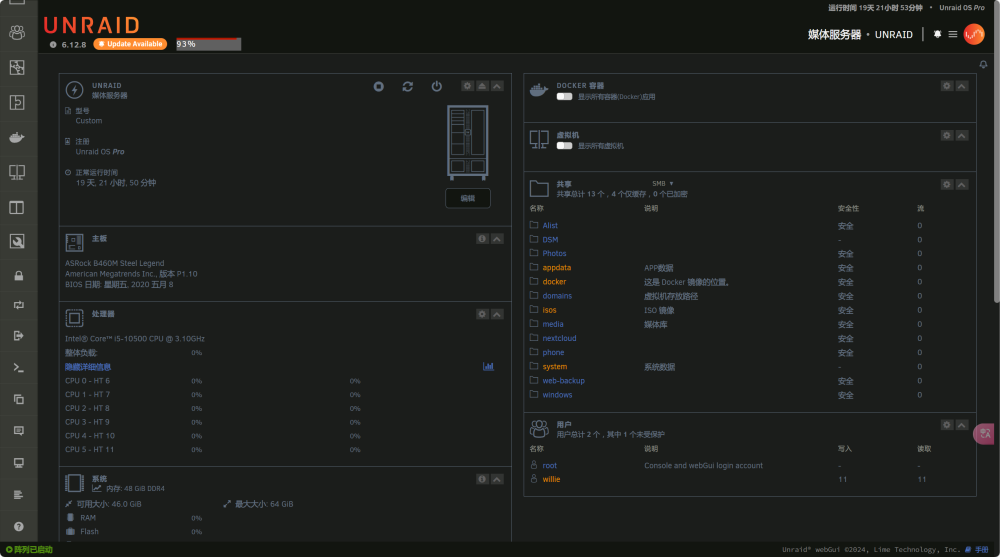
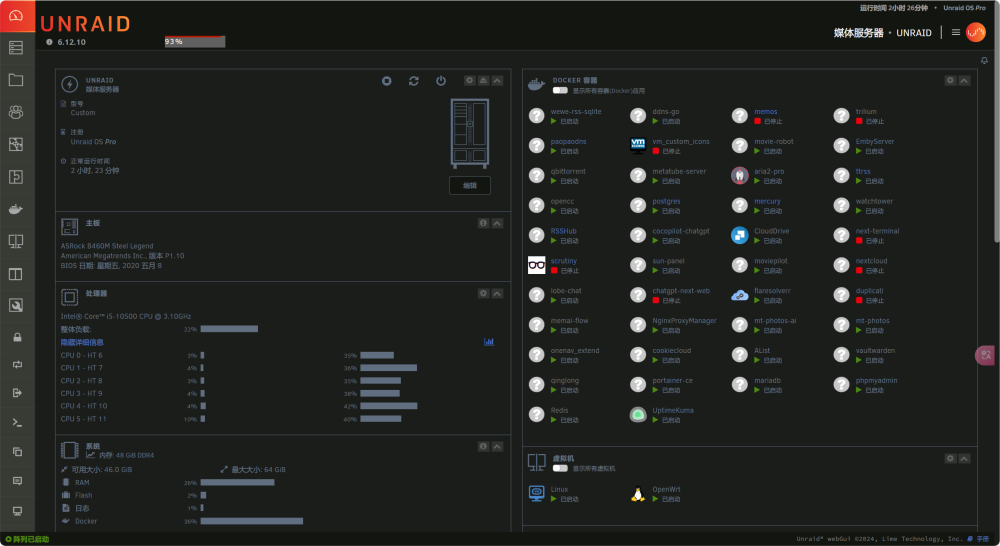
正常使用内存才30%左右,我装的docker应用比较多,不知道时不时什么内存泄露问题,还是说我的内存条坏了?
-
看过您的这篇文章,不过没解决,我现在unraid服务器上没有显示我的windows电脑通过smb连接,unraid也重启过。
-
-
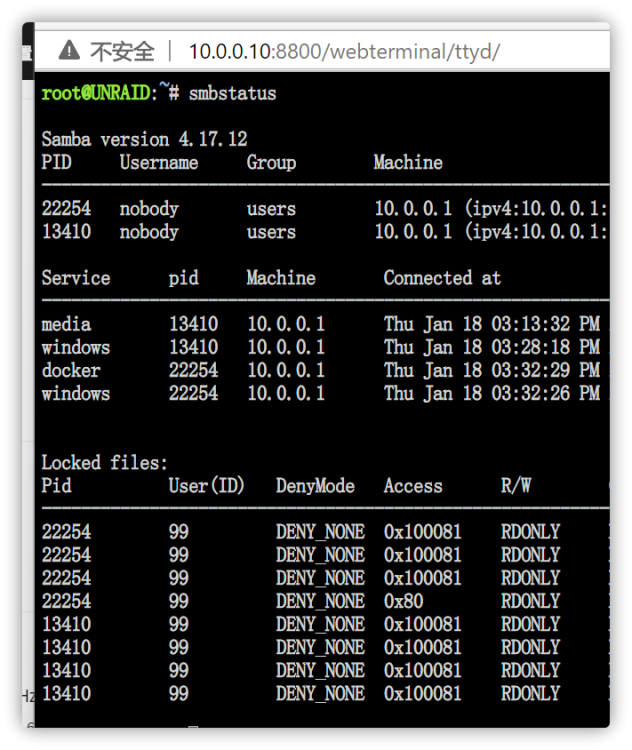
1. 通过smbstatus看到我这台电脑并没有通过smb连接unraid(图上的ip是我的路由地址)。 2. windows已经添加凭据 3. 可以读取unraid的内容,但是就是无法写入 搜索了老半天实在不知道是哪里有问题,麻烦大家
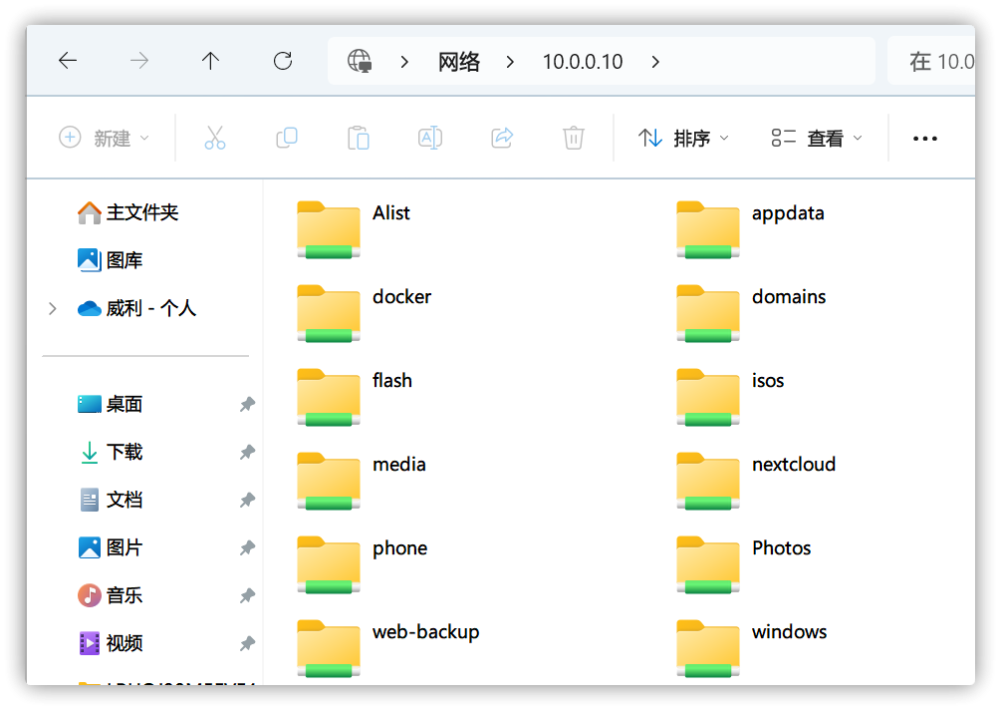

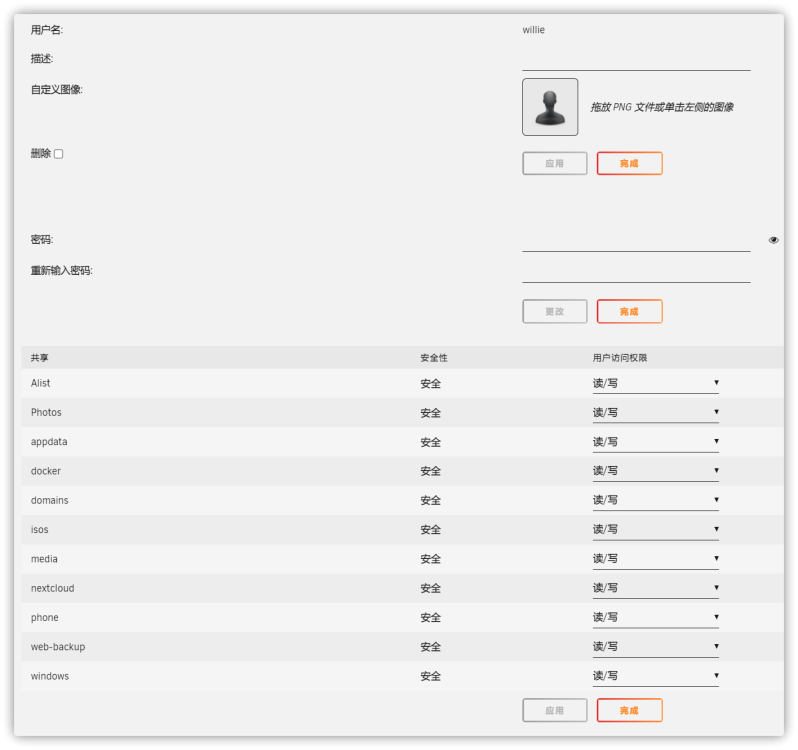

-
卸了吧,我也这个情况,估计要等更新了
-
-
-
感谢老哥测试,不过似乎帮助不大,比如我12个线程,只给docker6个,剩下6个系统独用,在启动docker应用的时候,webui该卡还是得卡
-
-
开了个软路由和黑群晖,这次又开机了4天了。。还没挂
-
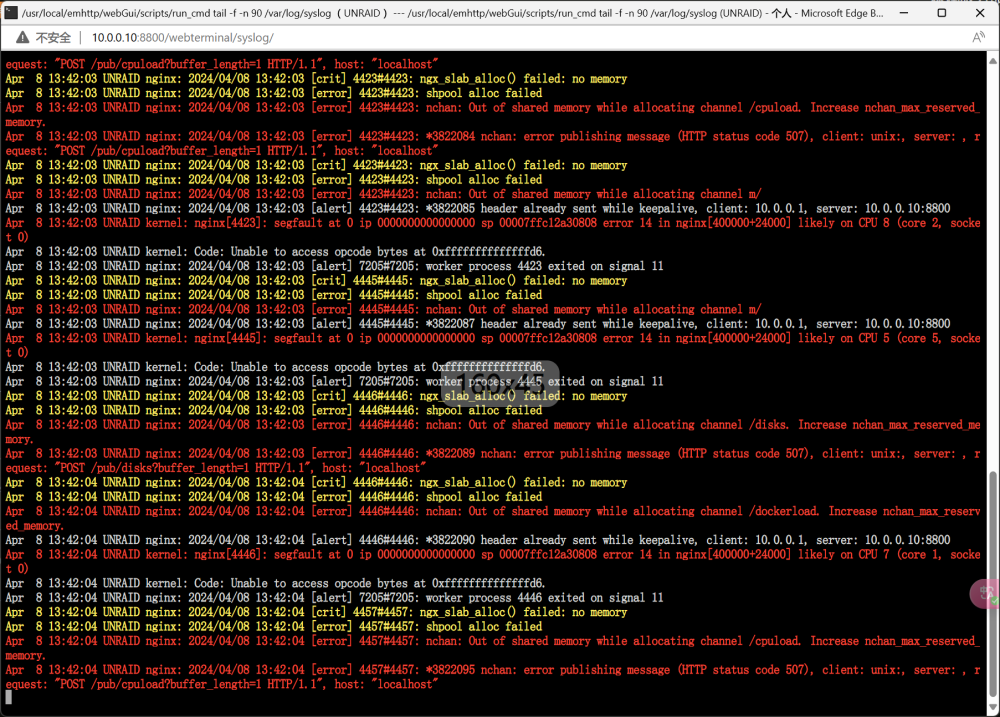
大概2,3天死一次,目前开了两个虚拟机,都是一起死的,docker应用都没问题,日志也只看得到这个,
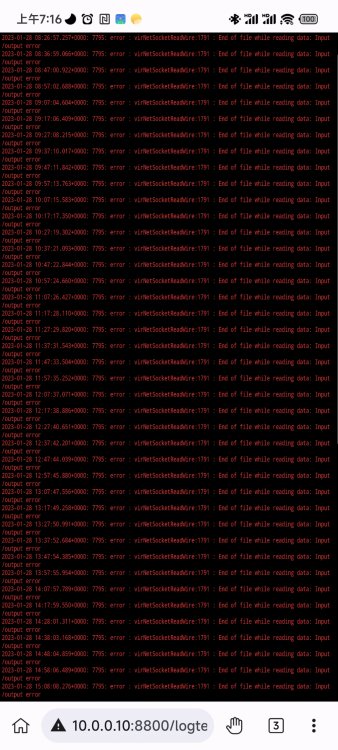
-
我没改,12之前挺正常的
-
拉取镜像的时候看到日志也没报错
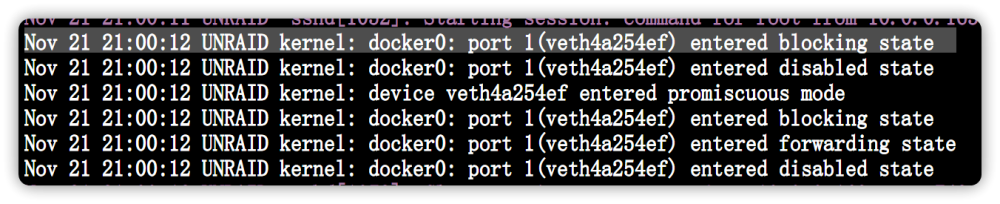
-
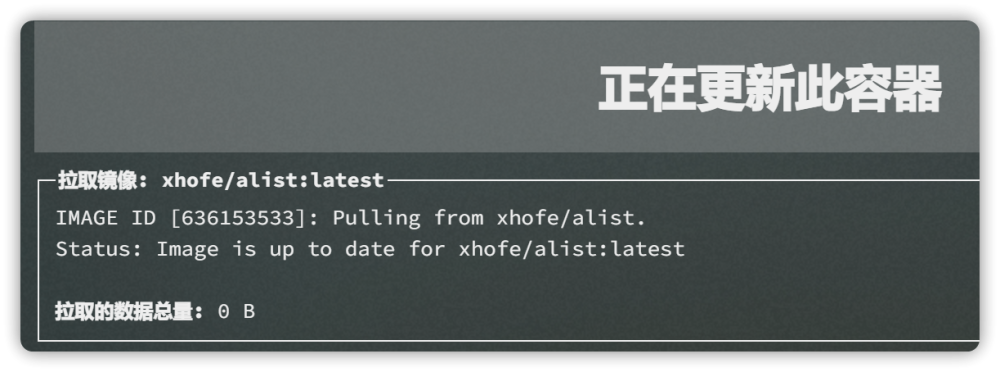
手动点更新总是显示拉取的数据总量:0B 但是删掉容器和镜像又能直接拉取,不知道咋回事
-
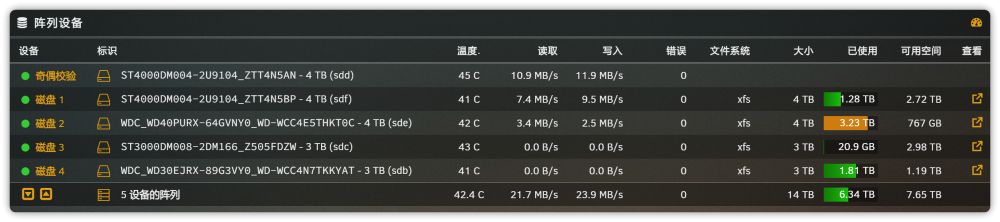
阵列有4个磁盘,用默认的设置,有两个盘一直都没有参与工作,看设置的0的意思应该是不管有没有磁盘降速了,都参与工作是这么个意思吗?
.thumb.jpg.725f704bdec503bf23d025134e964069.jpg)


.jpg.a1cde06aac77a9bf4a075a59bdfcf52c.jpg)


.jpg.f4026bc19f76c80823f1a8f929c5c340.jpg)