arcane423
Members
-
Joined
-
Last visited
-
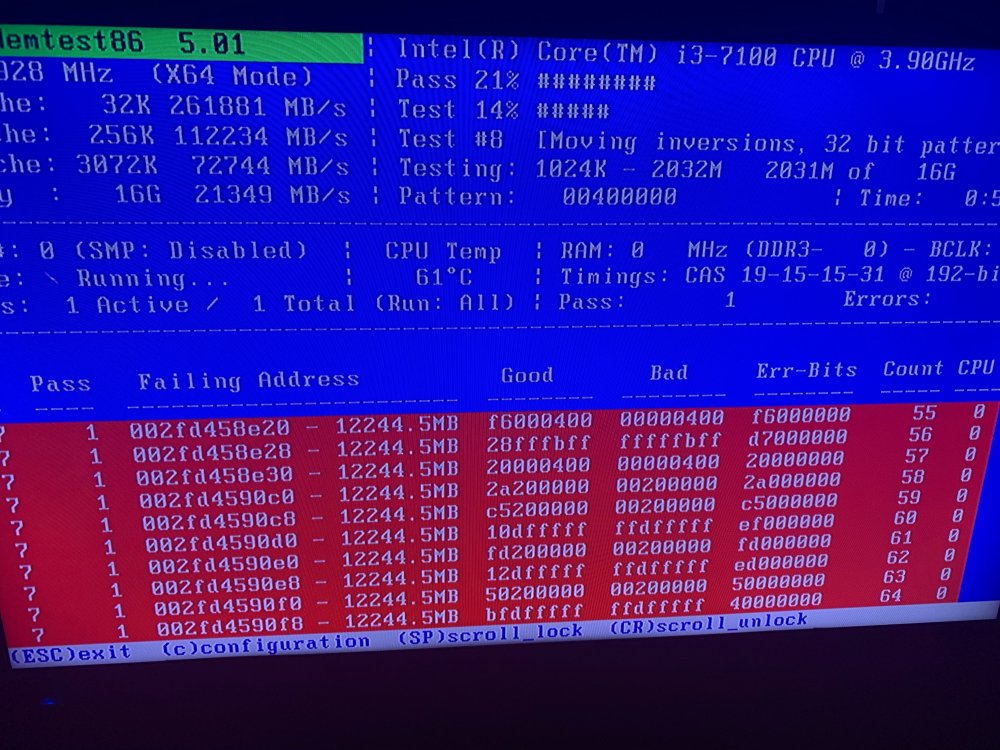
Well in the middle of the second pass it is throwing up errors now, guess I just buy new RAM? This was brand new
-
One pass complete with zero errors, I will let it finish out the second pass though. Any other ideas?
-
I've been unable to complete a parity check for weeks and can't figure out anything in my logs that is causing it. Most of the time the server will just be inaccessible and I have to kill power to get it to reboot. This time I finally almost made it through my first parity check and I am stuck at 96% with it estimating 30 more days to complete. The pause and resume buttons do nothing. Logs are attached, any help is much appreciated. tower-diagnostics-20211229-1911.zip
-
Thanks, installing that now. Will see if I can get through a parity check / survive the night
-
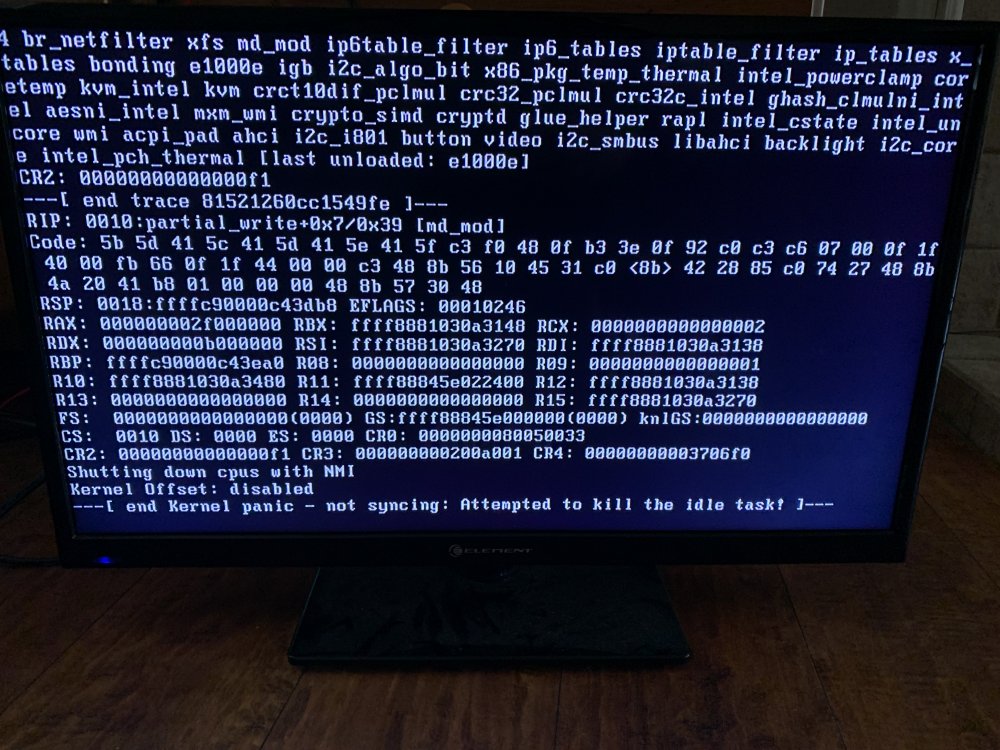
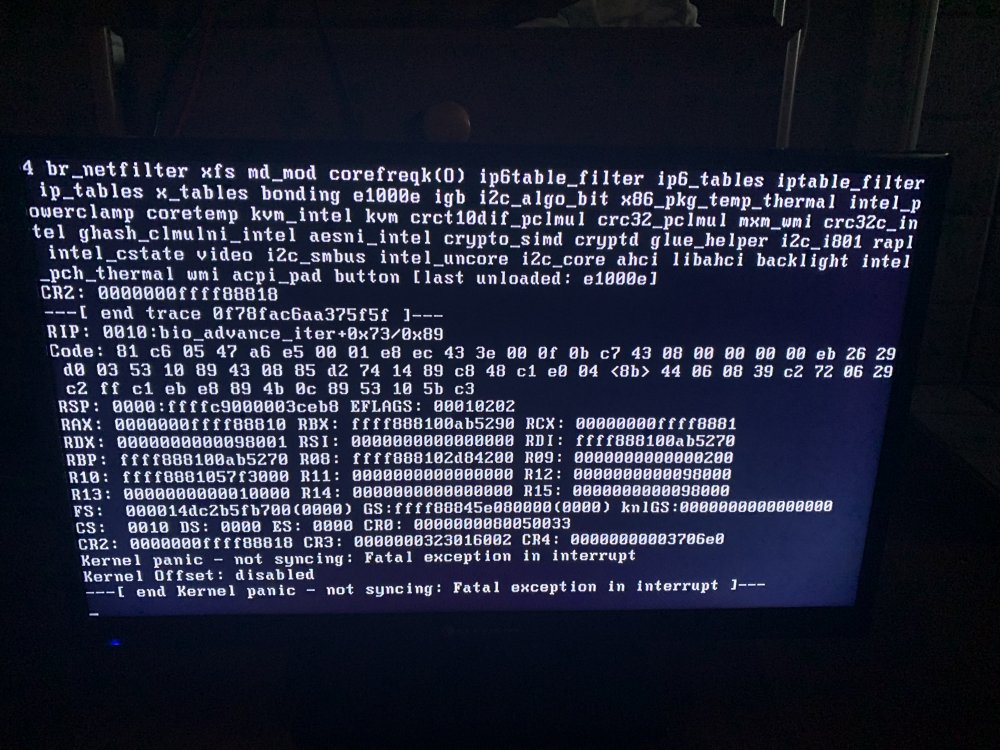
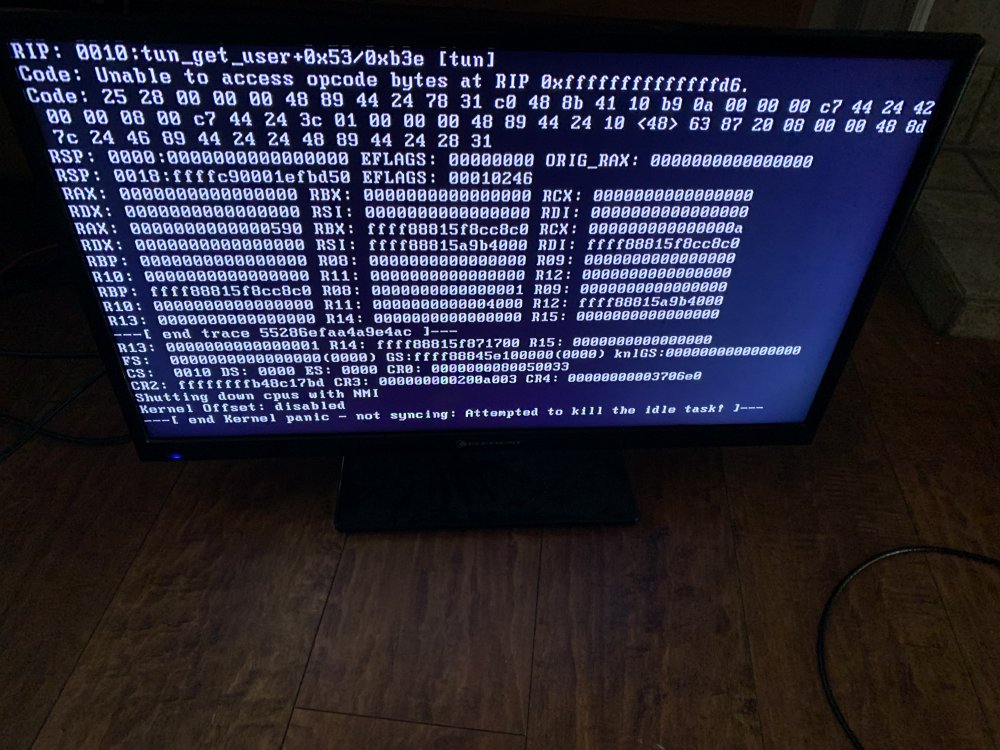
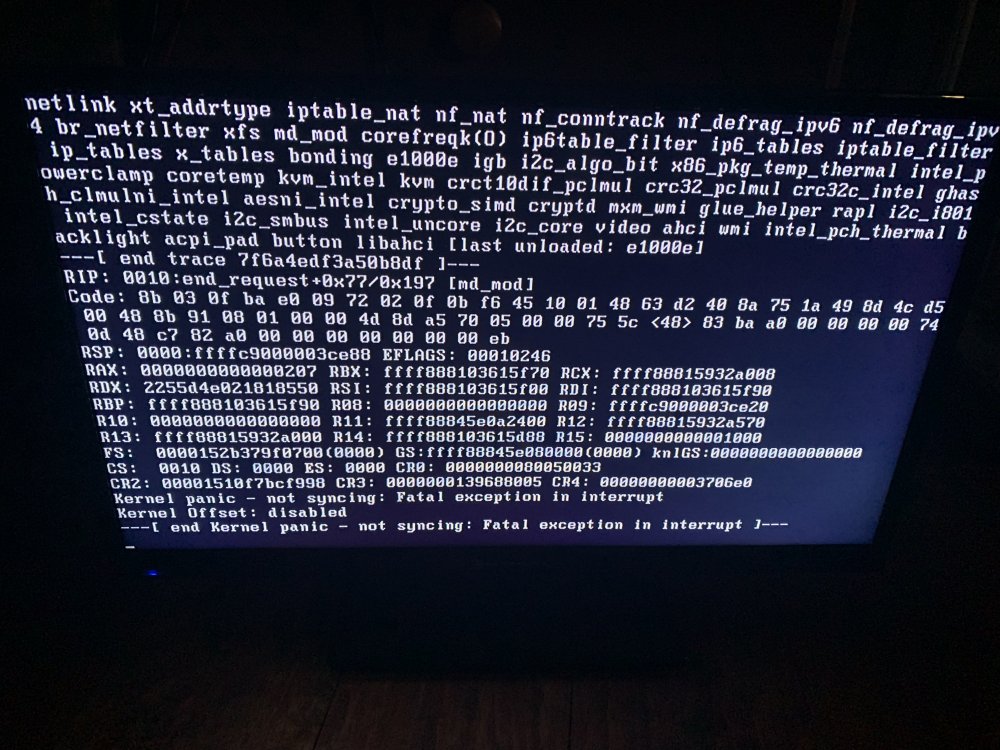
I've been evaluating Unraid's trial for a couple weeks and have been impressed so far overall but I have been battling with system instability that I can't resolve, any help is much appreciated. System: CPU: intel Core i3-7100 Mobo: ASRock Rack C236 WSI Mini ITX Ram: Corsair Vengeance LPX 2x8GB 2133 MHz Unraid 6.9.2 Symptoms: -Inability to regularly complete a parity check as system will be unreachable every ~24 hours and a parity check takes a bit longer than that -Have managed to complete two parity checks, neither time improved the system stability -Once the system is unreachable, there are a few minor variations in console messages but they all pertain to a kernel panic The console log images I've caught and system log files are below, I think I've captured the necessary diagnostic data but if I am missing something please advise Thank you for your assistance syslog-127.0.0.1(1).log syslog-192.168.1.82(2).log