chenyuejie
Members
-
Joined
-
Last visited
-
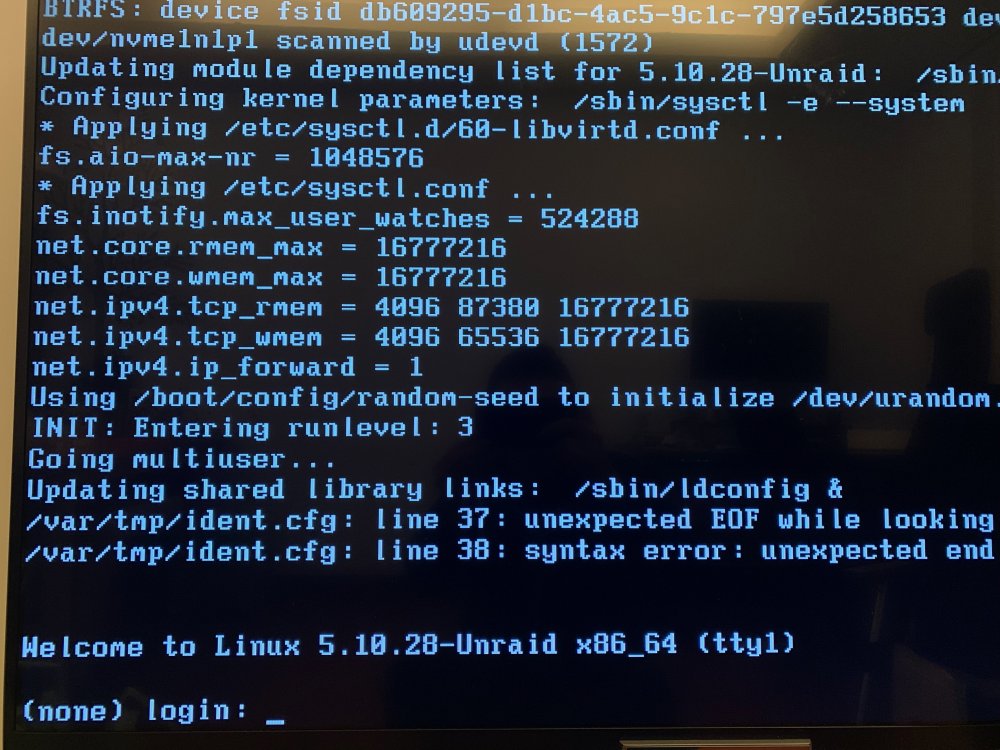
Problem resolved. Remove a line with content '22"' in /boot/config/ident.cfg, then reboot, the server is comeback. Have no idea why the ident.cfg is changed with bad content.
-
Sorry, I found the diagnostics files. I also run the diagnostics command and generate a new log(dont know why it is named in 20220215). tower-diagnostics-20220215-1851.zip tower-diagnostics-20220216-0733.zip
-
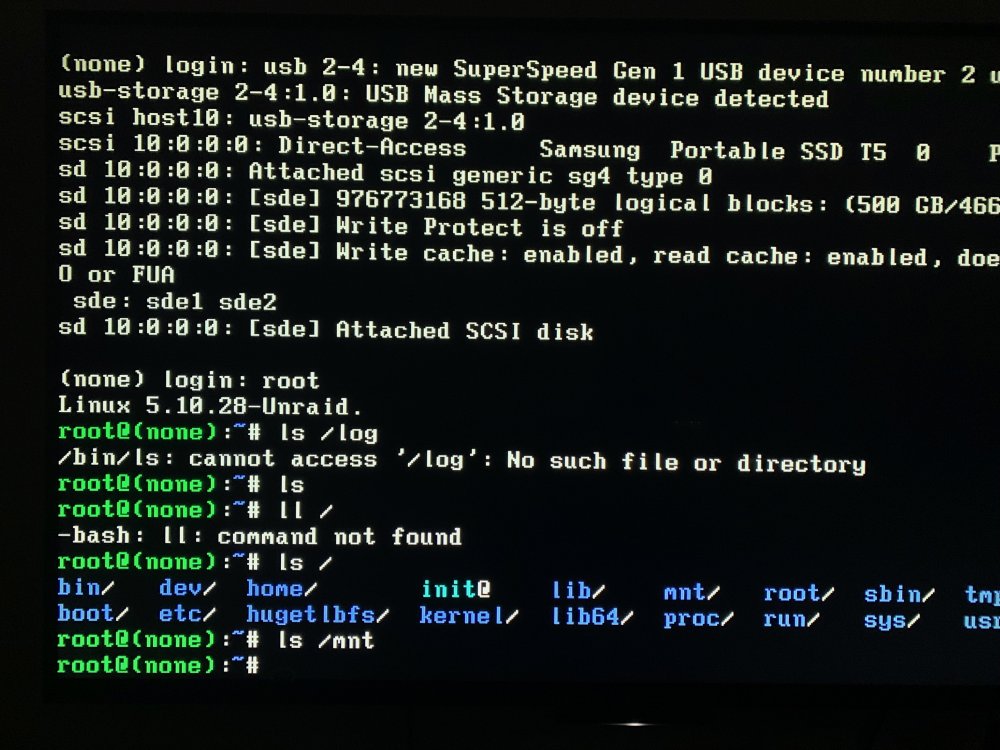
My server's Web GUI and ssh is not response, so I did a force reboot, after the server is up, I login the Web GUI, it said the array is stop(for config errors? I didn't take screenshot), so I click the reboot button, then the server network is not start anymore. The server can login with root(no password required) in terminal, but can't find /log directory. Pls help.
-
Thanks, your response just too fast
-
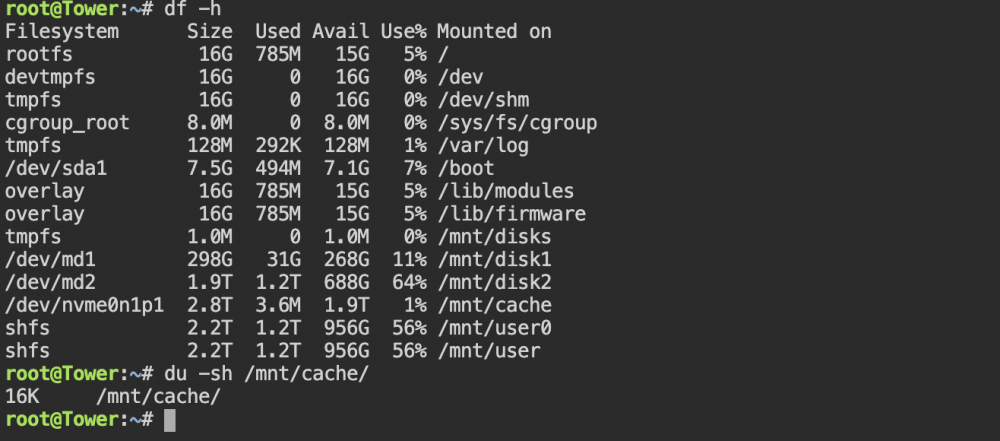
Thanks for the quick response, I am newbie to unraid allough I set it up 1 year ago and never change it, it just works fine. Here is one more question, I think those two disk is empty(new disk should be formatted), and I did a rebalance of rail0, but the pool still report only 2T free space. BTW, I installed the unassigned devices plugin, and it has some error


-
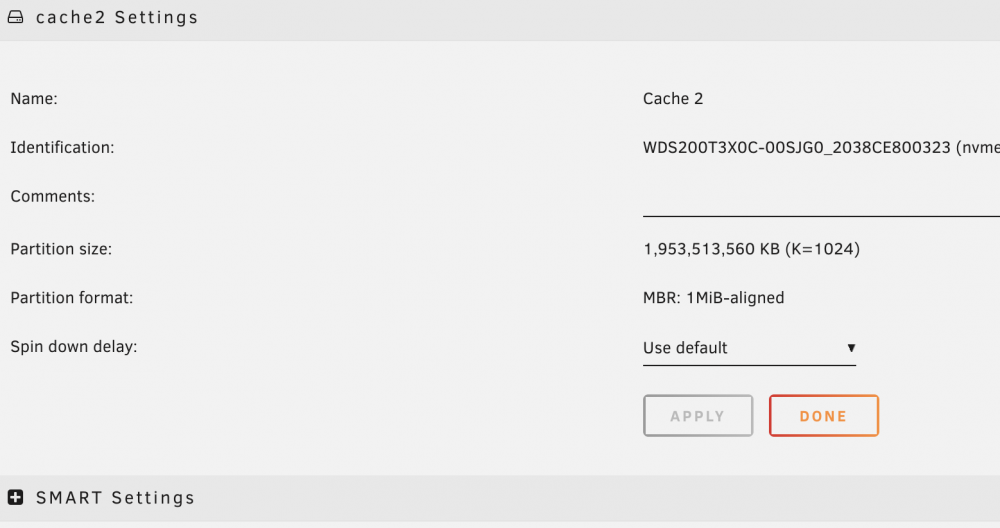
Hi, I just added a new disk which is ntfs file system, and add it to a cache pool, which is 1 slot originally and I enlarge it to 2. And I also checked the format checkbox. But after I start the array, the new disk has no FS, please take a look of below screenshots. Cache2 settings page How can I resolve this situation? seem the new disk not join the pool?