Skip to content
View in the app

A better way to browse. Learn more.

Unraid

A full-screen app on your home screen with push notifications, badges and more.

To install this app on iOS and iPadOS
  1. Tap the Share icon in Safari
  2. Scroll the menu and tap Add to Home Screen.
  3. Tap Add in the top-right corner.
To install this app on Android
  1. Tap the 3-dot menu (⋮) in the top-right corner of the browser.
  2. Tap Add to Home screen or Install app.
  3. Confirm by tapping Install.

gaco

Members
  • Joined

  • Last visited

Everything posted by gaco

  1. I can't believe I didn't even consider checking how the cable was seated, I'm an idiot. Thanks!
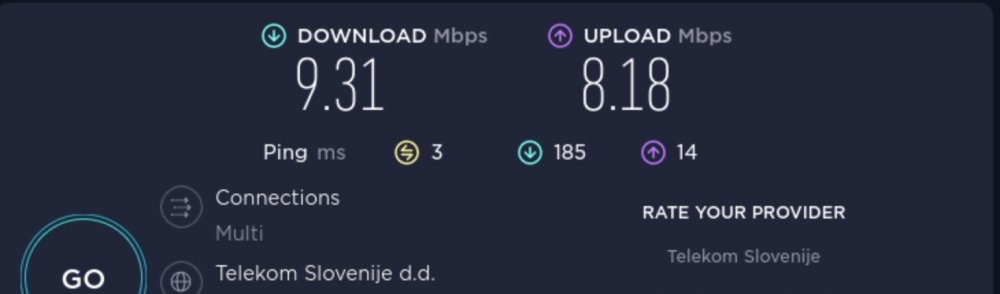
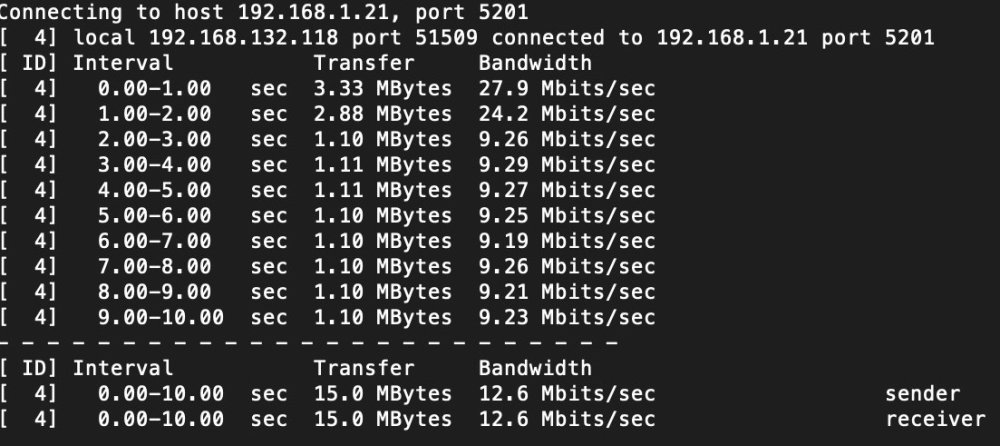
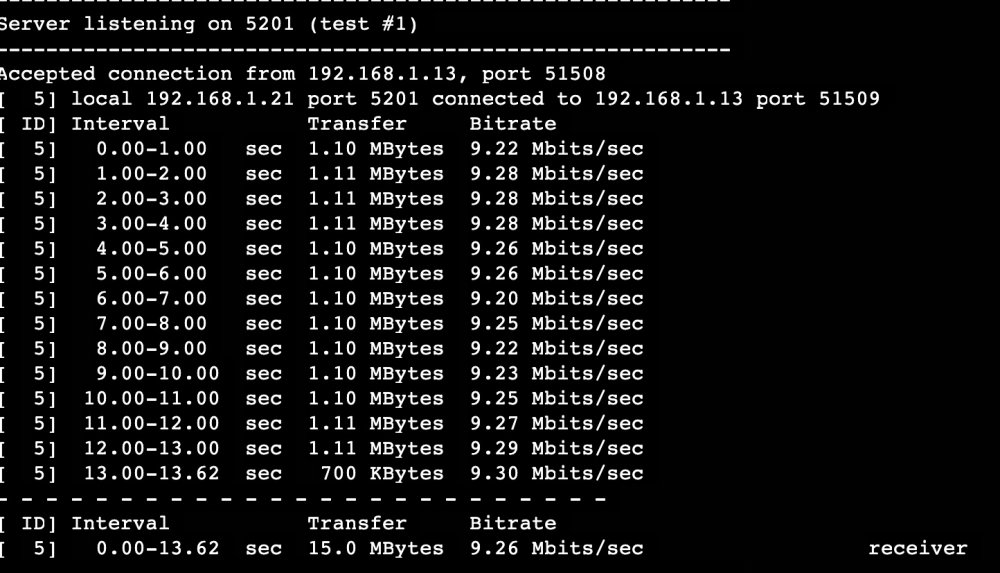
  2. This is my first post so go easy on me. I recently started noticing my server becoming slow so I ran a internet speed test and it turns out my speed is around 10Mbit/s no matter what I do. My internet speed is 350/50 Mbit/s and I can easily get around 270 even on WIFI (the server uses ethernet). This effects everything from downloading updates, torrents to streaming on Plex as well as transferring files to the server. I ran the speed test with iperf and inside the browser on Unraid. Let me know if there is any more info I can provide as I have no idea how to proceed. Thanks for your help. klay-diagnostics-20221215-2303.zip
Account

Navigation

Search

Search

Configure browser push notifications

Chrome (Android)
  1. Tap the lock icon next to the address bar.
  2. Tap Permissions → Notifications.
  3. Adjust your preference.
Chrome (Desktop)
  1. Click the padlock icon in the address bar.
  2. Select Site settings.
  3. Find Notifications and adjust your preference.