





iForeverNoob
Members
-
Joined
-
Last visited
-
Hi, thanks for all the help. I've never actually found the root cause of the issue but was able to relocate the USB drive to another USB slot, which seems to have worked. The new USB with a backup worked in the original USB slot, but the old USB seems to only want to boot with a new slot.
-
The first run shows that it was passed. I'll keep running to verify that it's good. Would there be any other checks that can be done?
-
I haven't yet, but I'm running it now
-
I've ordered another usb drive to try with a backup copy. I've plugged the usb into another machine and it looks like this one is able to run it. I assume this means there's an issue with my main machine somewhere? If so, is it possible to pinpoint where?
-
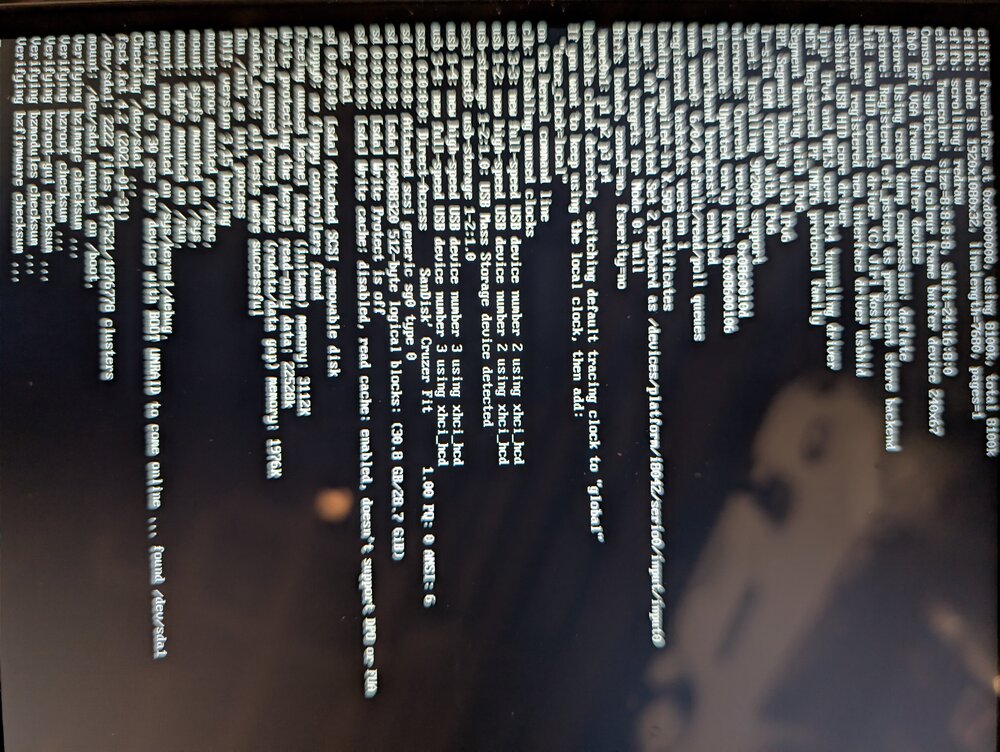
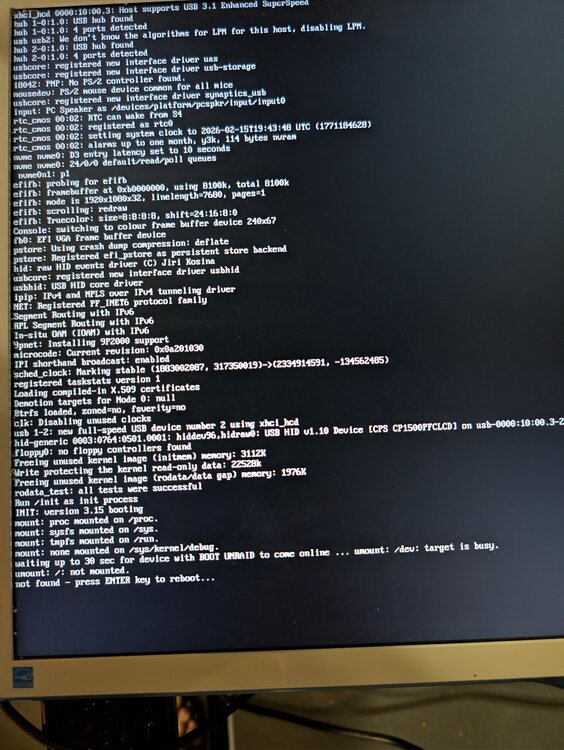
Hello, I've recently updated my bios and tried to restart the machine after setting all the bios settings back to the way it was. When choosing to start unraid with Gui, I see that it stops after this section: Waiting up to 30 sec for device with BOOT UNRAID to come online ... Umount: /dev: target is busy. Umount: /: not mounted. Not found - press ENTER key to reboot... I've tried changing various settings in bios to see if anything would change, but didn't have any luck. I've also checked the usb stick to verify that the name is set to UNRAID. Would you know how I can address this?
-
I've changed the docker settings from ipvlan to macvlan and it seems like I can see both IPs now. Thank you!
-
Hello, I'm having an issue with dockers running in bridge mode, where starting the docker sets my unraid IP to whatever the custom IP is. My IP is set to 192.168.0.180 as static in my router and network configuration. When I create a new docker with custom br0 network, set it to an unused IP address and start the container, my unraid IP is shown to change after couple of minutes in my router. I don't think I've had this happen before and not sure if it's a bug. Last I remember, the mapping used to be 192.168.0.253 <-> 192.168.0.180, and I think this is what is causing the issue. I'm still able to ping to 192.168.0.180 within internal network, but unable to access any docker using bridge type from outside the network





-
Found the issue. It was one of my docker image that was causing instability. pihole updated and had a custom IP which was conflicting with the IP given by my router.
-
Hello, After starting unraid, I'm usually not able to access webgui or ssh into the machine. There are couple of times where I am able to login and use for couple of minutes before my connection gets interrupted and I'm once again unable to access webgui or ssh into the machine. Running unraid with gui on machine also does not show anything with localhost, rendering just an error page when logging in. I've collected the syslog and diagnostics and am attaching it. Thank you! syslog tower-diagnostics-20250227-1350.zip
-
Hello, I've been having some problems with my unraid after installing a minecraft docker and fiddling around with it. I've had the machine become unresponsive very frequently, slow connection via webgui, and sometimes unaccessible via webgui but machine responsive. I've tried changing out the ram to see if that would help, but it made no difference. Before installing the docker, I've already had about 7-8 dockers installed which most of them were running 24/7 and pretty stable with no issues. As there are issues with webgui, I suspect that something with the new docker pushed the system over the edge but not sure how to check. I'm attaching the diagnosis from earlier today and any help would be greatly appreciated. Thank you! tower-diagnostics-20250227-1350.zip tower-diagnostics-20250227-1018.zip
-
Hi, I recently changed my motherboard (couple of days ago) from x470-f to x570-e, which didn't cause any issues with unraid but once I went into the bios and changed the SVM mode to enabled, I started having an issue with my unraid. I've updated the bios when changing my motherboard which also seemed to have been okay. I had issue earlier while checking parity, where I was unable to access the machine, so I performed turned it off and on manually. Attaching the diagnostics below. Thank you tower-diagnostics-20230815-1352.zip
-
@patrickstigler would you know the version of NDI that's being used for this docker image? I know that new version of NDI (v. 4.10.0) came out not too long ago which addresses issues with OBS v. 28.0.0+
-
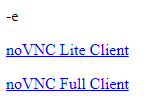
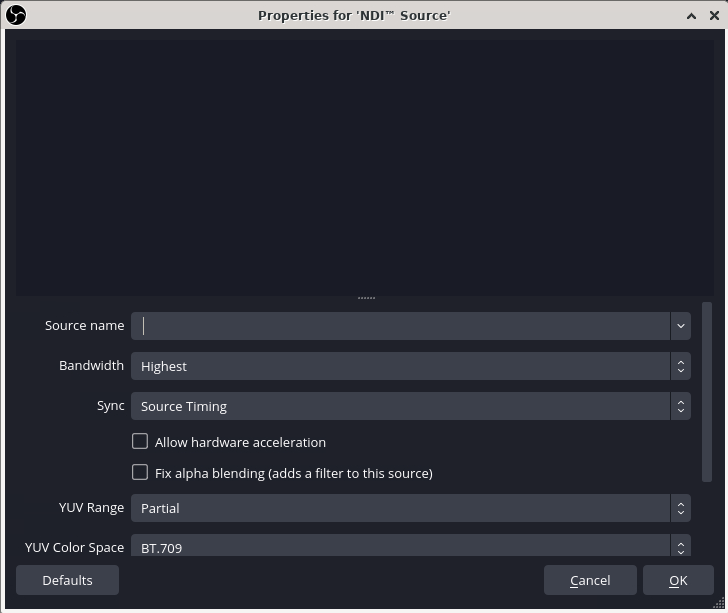
Hello, I have two questions with this build. 1. When I try to access the webvnc, I get this screen. What's the difference between the Lite and Full client, and what is the -e for? 2. When I try to pick up my NDI source, I don't see any options. Is there something I'm missing? Thank you
-
Hi, I've updated unraid to latest version and downloaded latest update for obs-ndi but I'm not able to connect to novnc client. From checking the logs, not sure if the two lines were throwing an error before, but I see the error message below. /usr/bin/xauth: file /root/.Xauthority does not exist /opt/container_startup.sh: line 8: /opt/noVNC/utils/launch.sh: No such file or directory



