dudepare
Members
-
Joined
-
Last visited
-
I did and I also did change to a new USB boot drive and still the same error. Perhaps the mobo's USB port are faulty? I did a parity check and no error's were detected. What else can cause the error? really weird to be experiencing this.
-
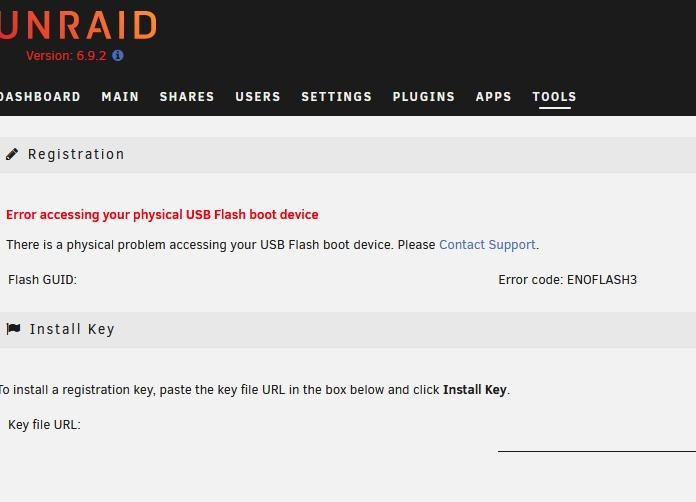
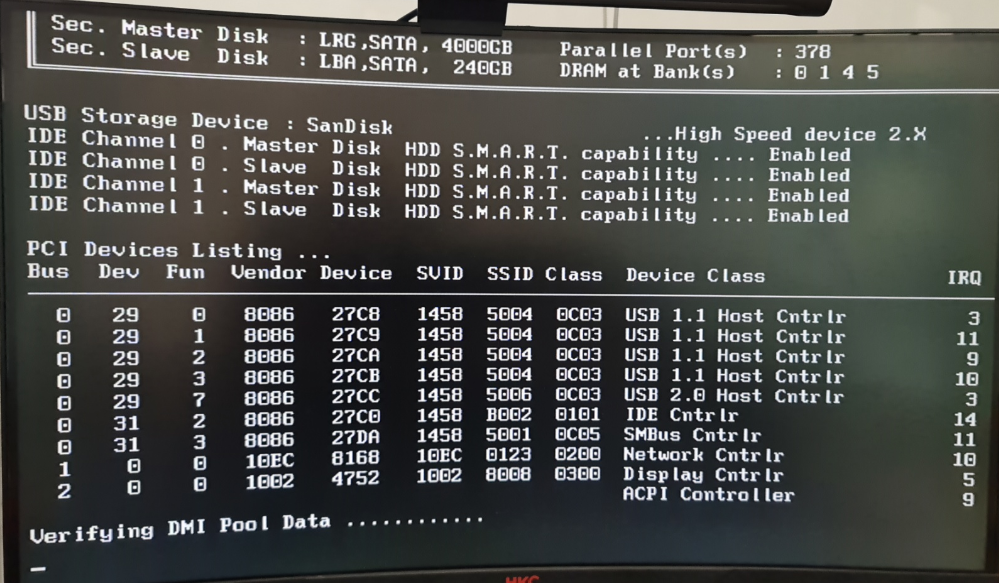
Hi, Everyone. I have been encountering this very unusual problem. I have 4 HDs installed, 2pcs 4TB HDD, 1pc Kingston SSD 240g and 1pc 500gb HDD from PS4 Phat. Once in a while, I would see my Unraid have the message, "Error accessing your USB Flash Boot Device". And then when I am restarting the server, I always keep getting the message, "Verifying DMI Pool Data". So what I did is, to do a CHKDSK on the USB flash drive where my Unraid is saved to my PC, but still encountering the same message verifying dmi. Then I removed both SATA connection of 1pc 500GB HDD and 1pc Kingston SSD, still the same error. And finally, when I removed the other 2pcs 4TB HDD, this is my Array, the unraid will boot up successfully. Hope anyone can help with my issues. By the way, I am new to Unraid. Thanks! Dudepare