





Grimlious
Members
-
Joined
-
Last visited
Everything posted by Grimlious
-
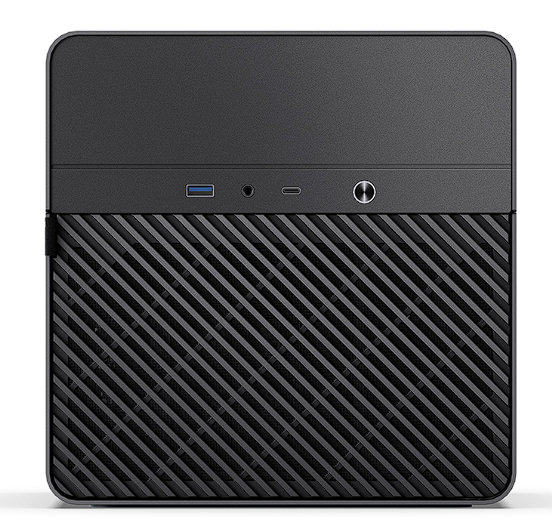
Here's a copy of the icons for the Jonsbo N2 if anyone else would like to use them.



-
Jonsbo N2 when you have the time please, your icons do look gooooood
-
Hi OP. Thanks, I didn't even see the attached file. For some reason I thought the script would do both. Will try this when I get home. Regards, Grimlious
-
Hi @Opawesome, I've setup my first unraid server recently, so a total newbie at unraid. I've got my array/cache set to XFS - encrypted, with the hopes of should a drive ever fail I can RMA it without having to worry about data that might be on the drives. When I run the script however, I get the following (I've hashed out the last few digits of S/N, and I get this message for all drives): "Device ST4000VN008-2DR166_########.bin does not exist or access denied. Header backup file does not contain compatible LUKS header." Could you perhaps expand on the "How" section a bit more? As I'm missing something, but not sure what. Have you managed to test the Restore functionality by any chance? Regards, Grimlious



