





tributaries
Members
-
Joined
-
Last visited
-
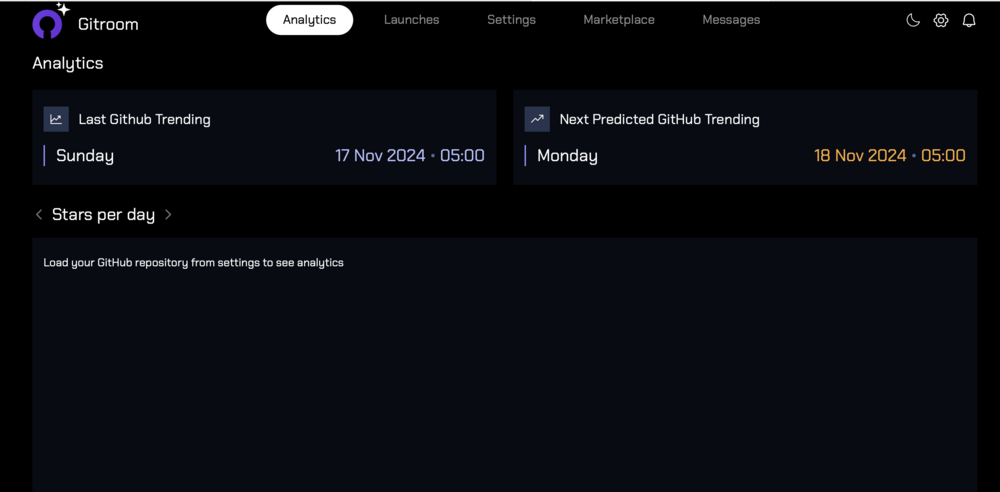
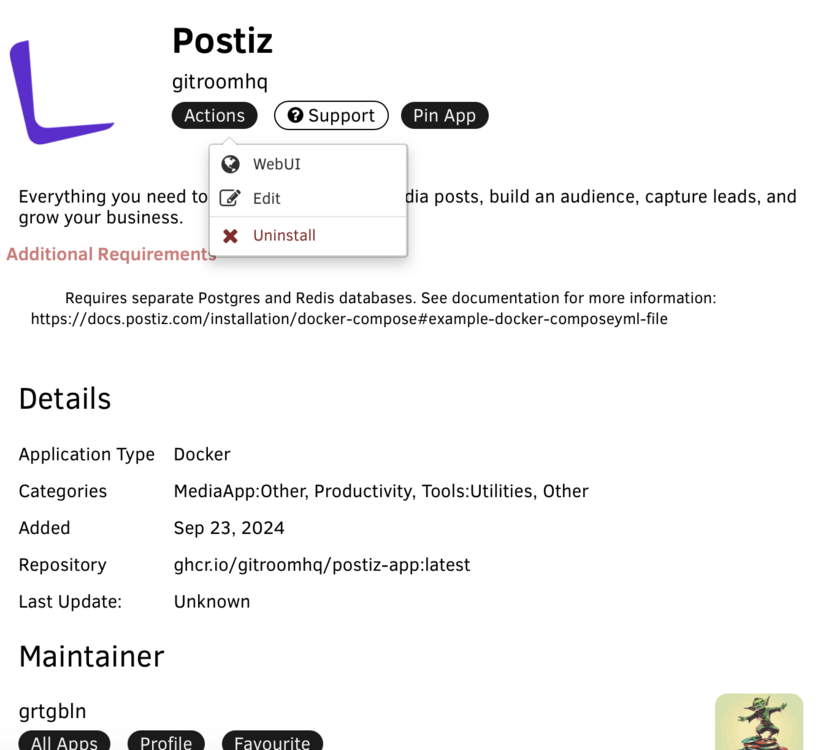
Hi I've downloaded and installed the Postiz app but I believe the app is the Gitroom app as the postiz app is nowhere to be found!
-
Hi, I've been using UD+ with an HFS+ drive and it's worked pretty good. All of a sudden this drive went read only. In the logs is says this: Aug 14 08:51:08 tdc-tower unassigned.devices: Mounting partition 'sdj2' at mountpoint '/mnt/disks/FCPX-SSD'... Aug 14 08:51:08 tdc-tower unassigned.devices: Mount cmd: /sbin/mount -t 'hfsplus' -o force,rw,users,umask=000 '/dev/sdj2' '/mnt/disks/FCPX-SSD' Aug 14 08:51:08 tdc-tower kernel: hfsplus: Filesystem was not cleanly unmounted, running fsck.hfsplus is recommended. mounting read-only. Aug 14 08:51:08 tdc-tower unassigned.devices: Successfully mounted '/dev/sdj2' on '/mnt/disks/FCPX-SSD'. And then when I run fsck: fsck.hfsplus: error while loading shared libraries: libmd.so.0: cannot open shared object file: No such file or directory How do I run a file system check and repair on that drive? Thanks!

