Diskman
Members
-
Joined
-
Last visited
-
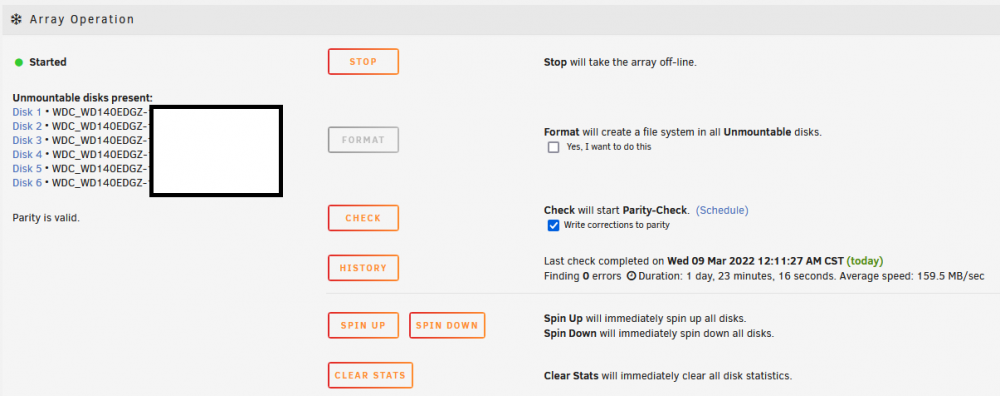
That worked. Thanks!! I was being too cautious about formatting again thinking it would take as long as Preclearing the drives. It only took a few minutes and since they are all new, the loss of data was not an issue.
-
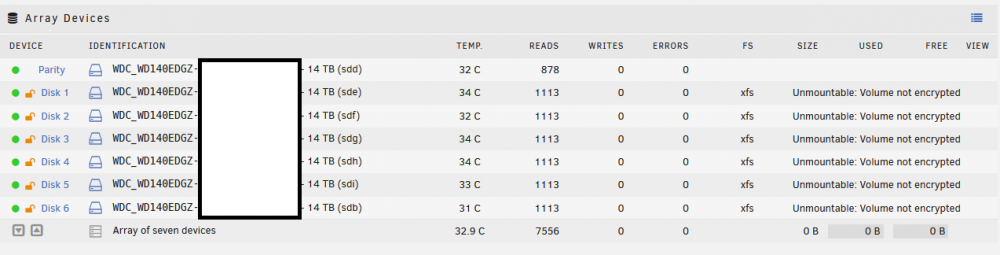
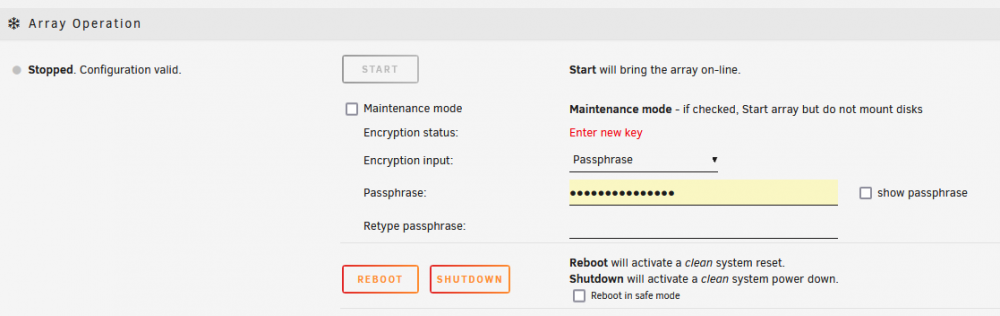
I'm having issues starting a new Array for the first time. I installed 7 drives and ran Preclear disk on all drives to test for errors. Then formatted the drives into encrypted xfs (Settings > Default file system: xfs - encrypted). When the array is started I get an orange lock with the hover message "Device to be encrypted" on all drives except on parity (this should be correct). If I stop the array, under Array Operation, I have Encryption status: Enter new key. It seems like I have not set an encryption key at this point. If I put in a key the array starts back up but with orange unlocked locks. Is the encryption key never being set? Because if I stop the array again I will be prompted to enter a new key or keyfile. Do I need to format these disks again?