





XeXSolutions
Members
-
Joined
-
Last visited
-
XeXSolutions changed their profile photo
-
Hey, I have the exact same issue have you found a fix for this yet?
-
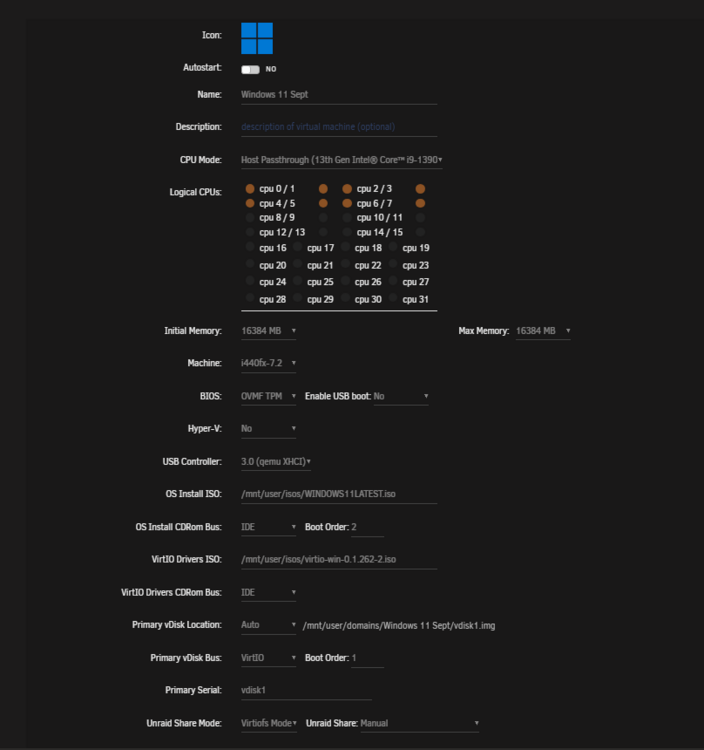
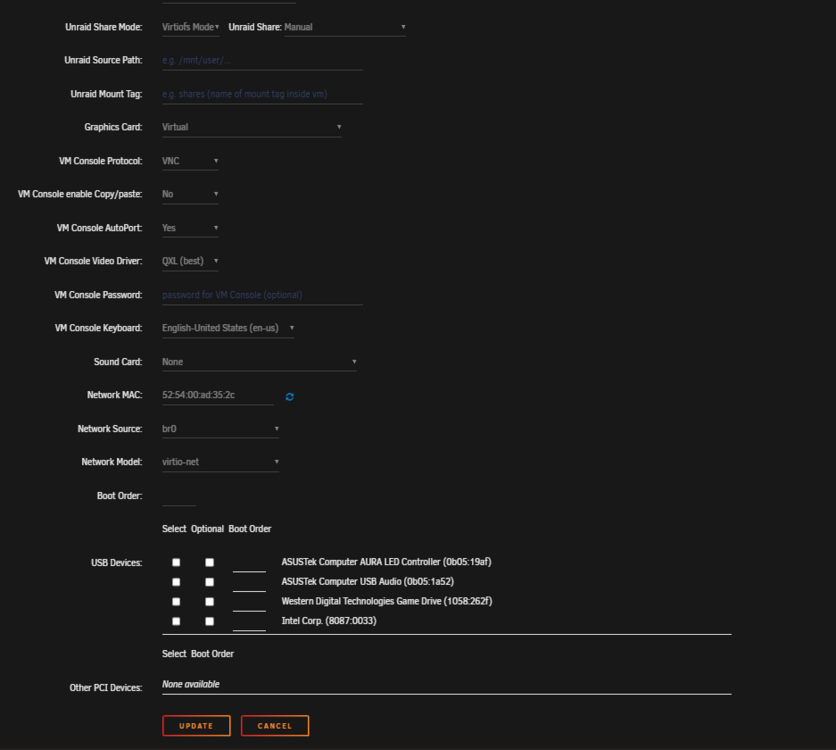
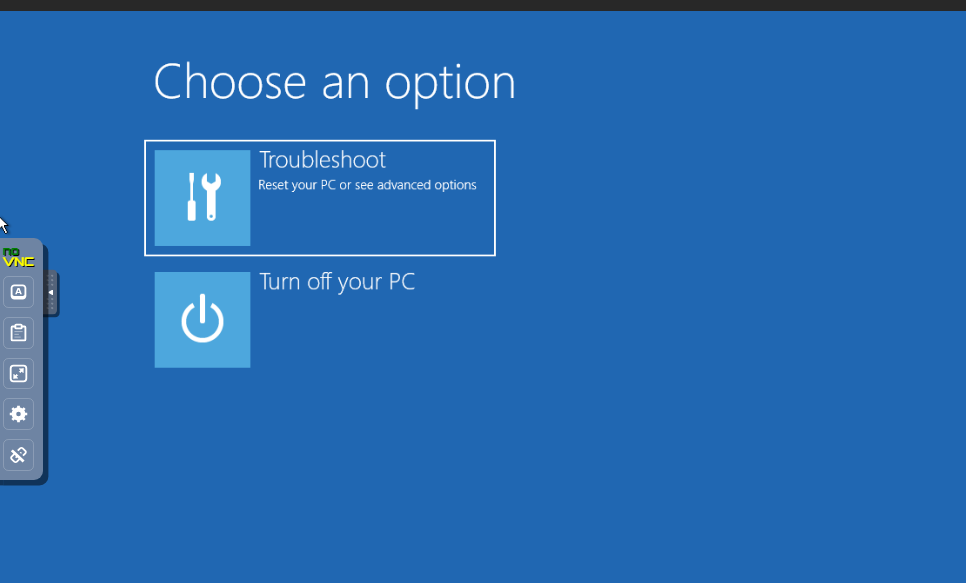
I have had my Win11 VM running absolutely fine without any issues. I went to restart the VM after installing software that required me to restart. After restarting it said my VM was running and notice I could not connect VIA RDP. I tried using VNC in the built in VM Manager and it showing the windows blue screen with troubleshooting, please see attached images for the details. I edited the machine to use CPU Mode as QEMU emulated and it boots fine without any issues? Please advise and I really need to get back into this VM for projects I am working on. Cheers, XeXSolutions

-
Are you able to help me do this as mine is being a little weird and not loading my docker pages.. just shows cloudflare error page?
-
Hey guys, I have recently moved over to UNRAID and am loving it so far. I purchased a Google domain for cheap and am trying to get my public IP ADDRESS linked to my domain with specific web applications open to the public for friends. I can't seem to get reverse proxy to work with my domain and I'm trying to use cloudflare as the middle man for DNS. I have been tackling this for a few days and can't seem to get it working. I tried changing ports and making sure they are open correctly and seems to be okay. Please advise. Cheers, XeXSolutions


