





Juani
Members
-
Joined
-
Last visited
-
It works now! The problem was the turnserver.conf. I can access my LAN and the Internet. Without the need to use an EXIT NODE 👌
-
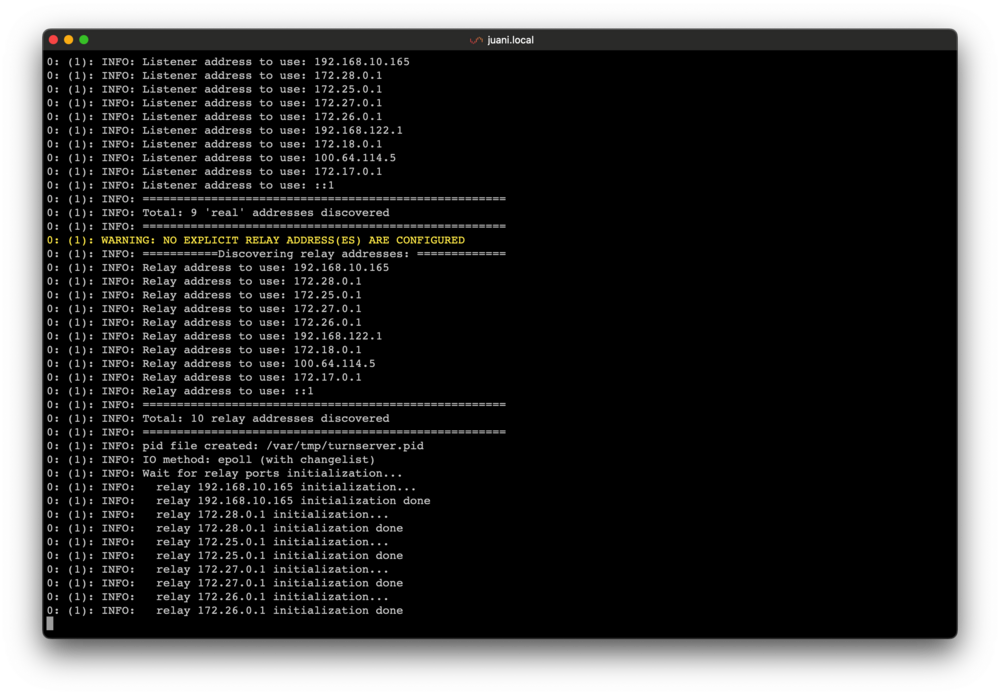
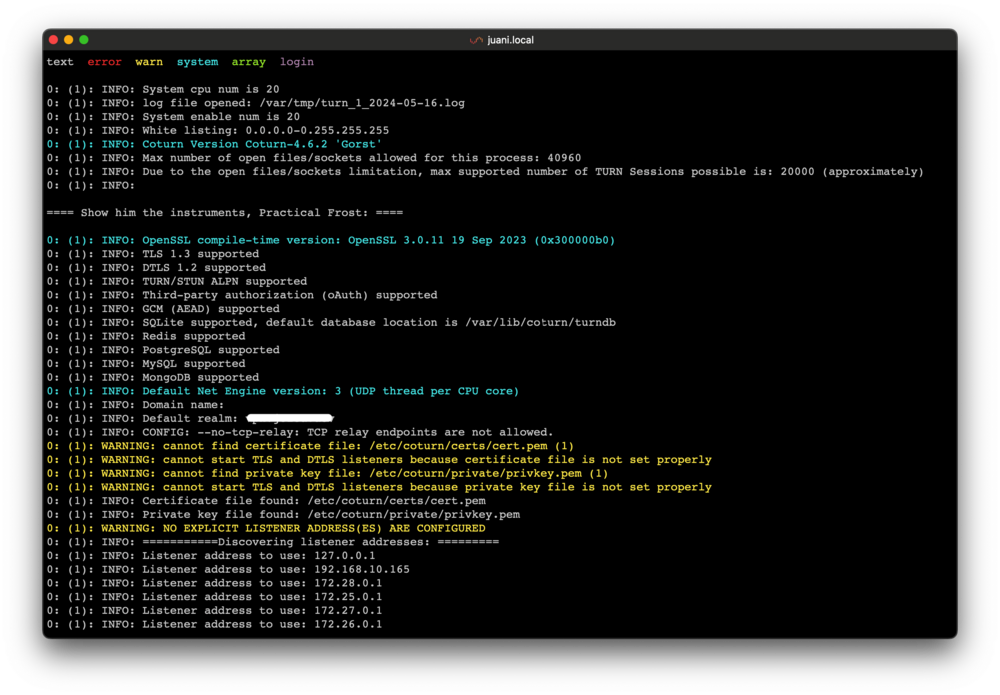
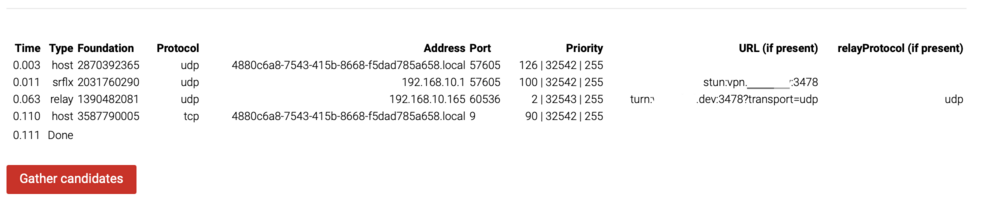
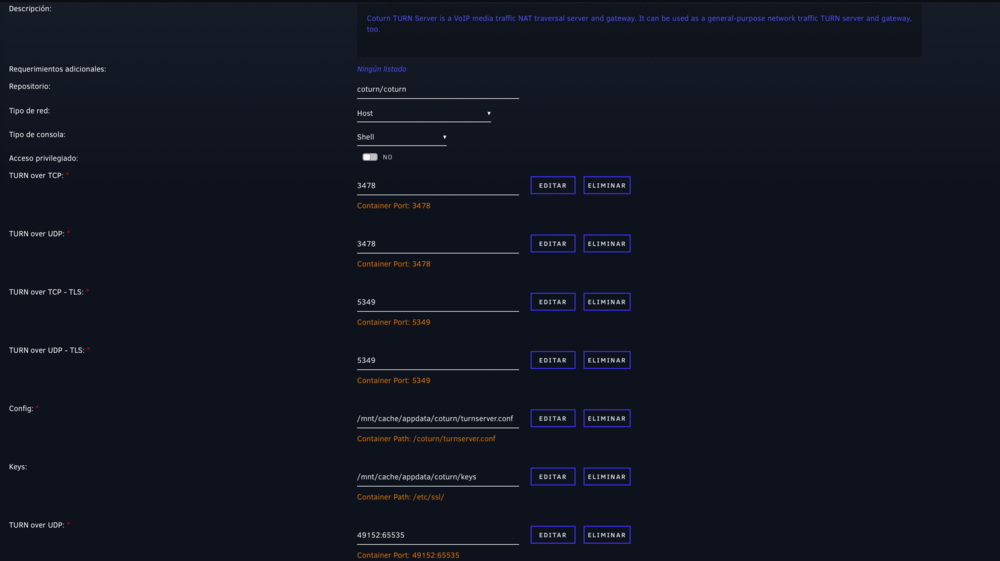
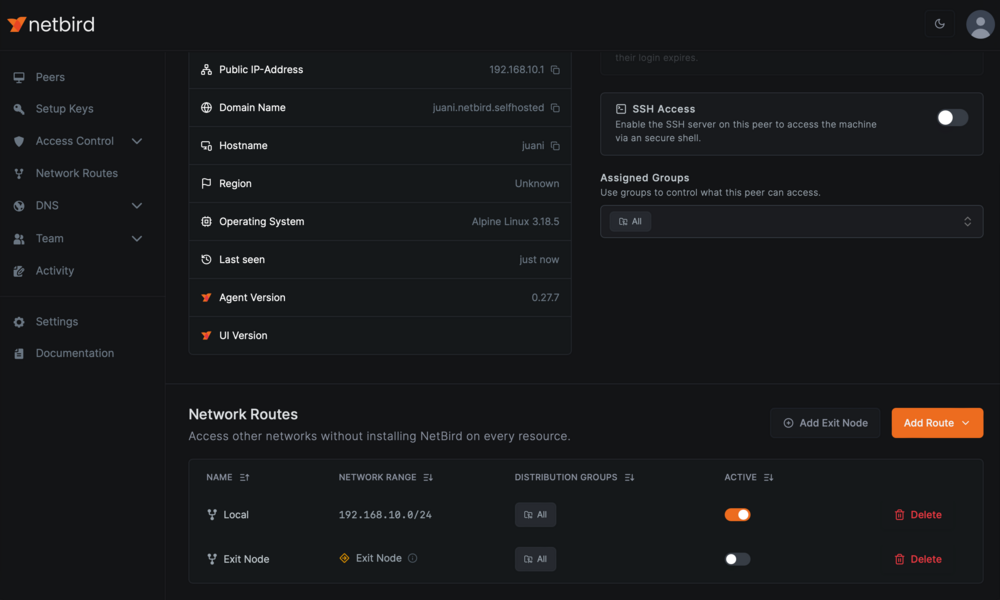
Ok! I got the Coturn docker to start. Attached is the Docker template and the Logs. In whitelist I have added 0.0.0.0.0-255.255.255.255 to test that it approves all IP's. It shows several errors in yellow. I have tried to access to my LAN with NetBird and I can NOT access... I have configured the turnserver.conf with your option 2 (user:test // password:test123). I have checked the TURN server on this site https://webrtc.github.io/samples/src/content/peerconnection/trickle-ice/ and it SEEMS to be working fine. I attach my current "management.json" with the data entered from my TURN. "Secret": "secret", is as it is in the file. I don't know if anything needs to be specified in Secret. management-3.json My NETBIRD conf. I have added Netbird Client in Unraid. Inside my management panel I add it to have access to my Local Network 192.168.10.0/24 and to act as exit node. With Exit Node enabled, I can NOT access the Internet or LAN. With Exit Node off, I CAN access the Internet but NOT LAN. In the "All" group there is the Peer Netbird Client and my iPhone. In no case can I access the rest of the LAN. From the iPhone I try to access my UNRAID (192.168.10.165) and it does not access.
-
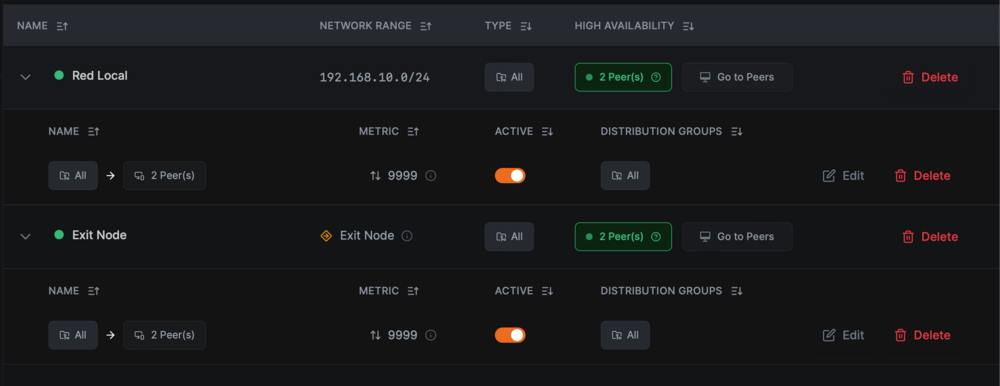
I have added wt0 to Unraid. OK I downloaded your turn.conf file, activated line 252 and generated a password, OK. Then in line 625 I put: allowed-peer-ip=192.168.10.0/24 Coturn container does not start. It gives error. I have masquerade enabled but I cannot access my LAN with NetBird. Maybe it's because of Coturn giving me error. I don't know if in this picture everything is configured correctly.
-
Another things, can you share your turnserver.conf please? mine gives error. And.. Can you access to your Local Network? I can't. Can you try? Thanks for all!!
-
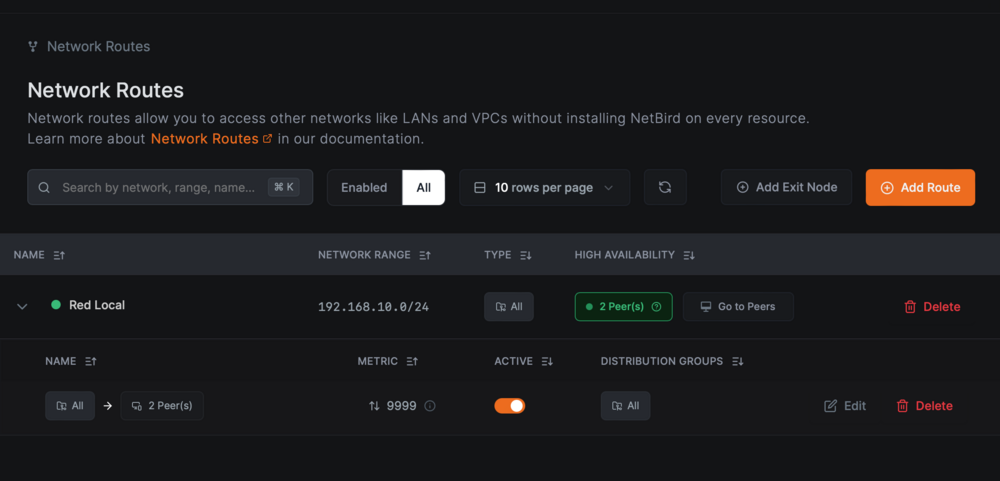
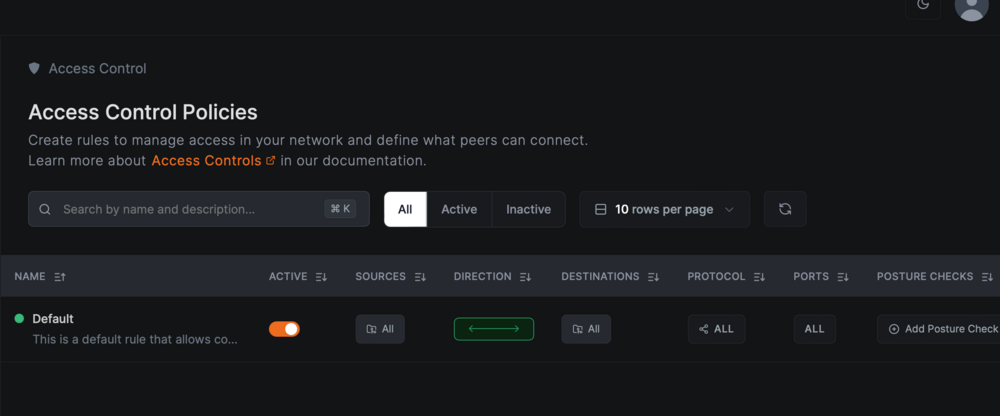
Now yes! NGINX PROXY MANAGER is the problem. "custom locations" must be configured. Thanks!
-
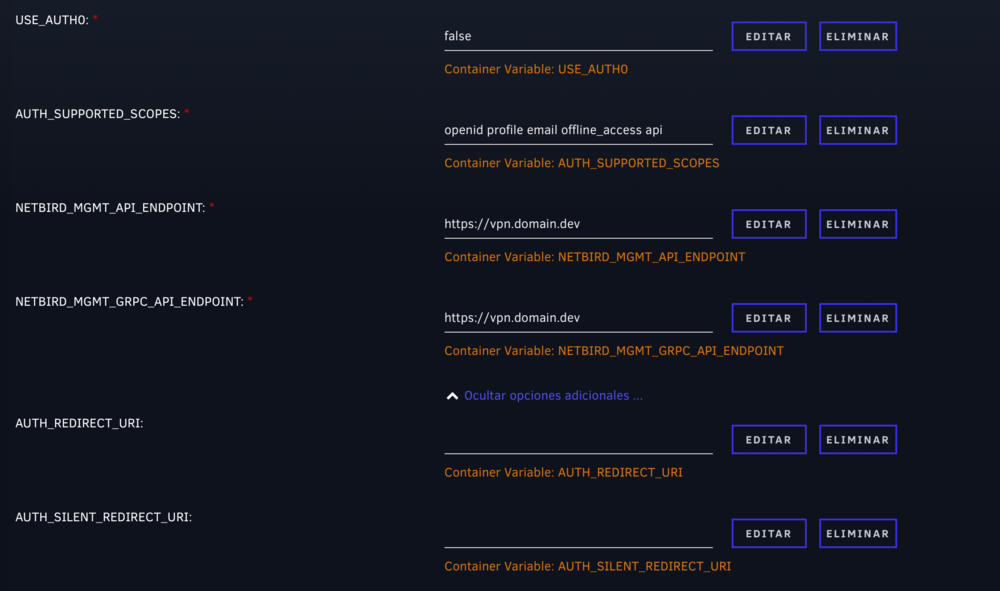
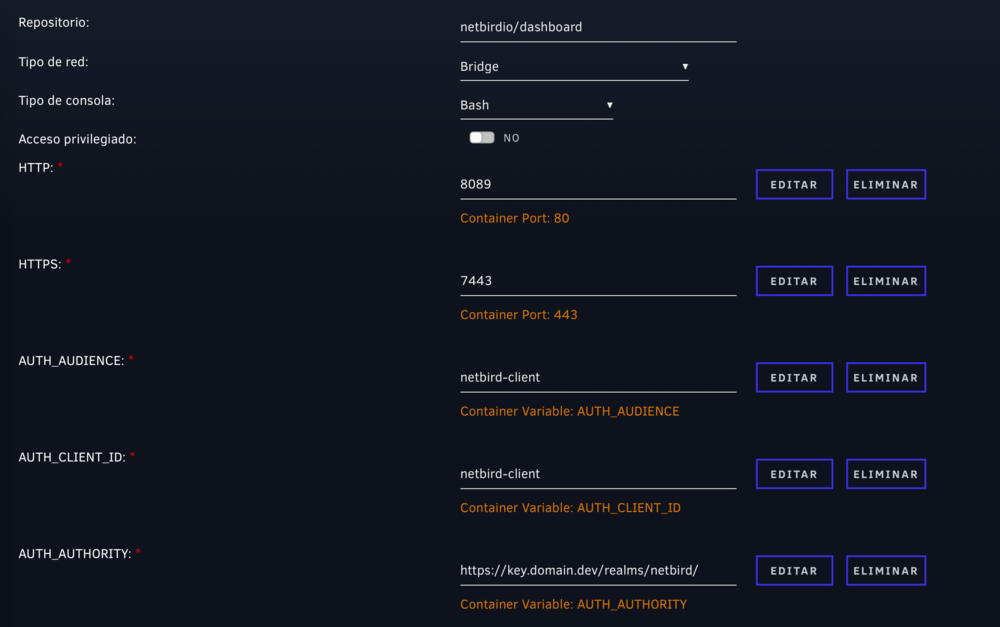
Hi! I continue with the 404 error problem when accessing the Dashboard. I attach my "management.json" and screenshots of the templates. management.json https://vpn.domain.dev refers to my NetBird instance. https://key.domain.dev refers to my KeyCloack instance. Keycloack must be all right, since it redirects me correctly to the NetBird Dashboard. NETBIRD MANAGEMENT TEMPLATE Aditionals arguments: --port 443 --log-file console --disable-anonymous-metrics=false --single-account-mode-domain=vpn.domain.dev --dns-domain=netbird.selfhosted NETBIRD DASHBOARD TEMPLATE
-
Thanks for your reply, I think the problem may be this. I have not entered this command in any docker. It doesn't recognize me "netbird up". inside which container is it entered? Maybe this is the error. Thanks
-
Hi @jimrummy101 Thank you for the guide. I have everything working but when I access Netbird, after redirecting Keycloack, it accesses https//netbird.mydomain.com/peers and shows this error. In my case I use Nginx Proxy Manager, I don't know if I have to add something. I have not run this , it does not recognize the command inside the Netbird Dashboard Terminal. netbird up --managementurl https: netbird.mydomain.net:443 --admin-url ""

-
Now yes, sorry!
-
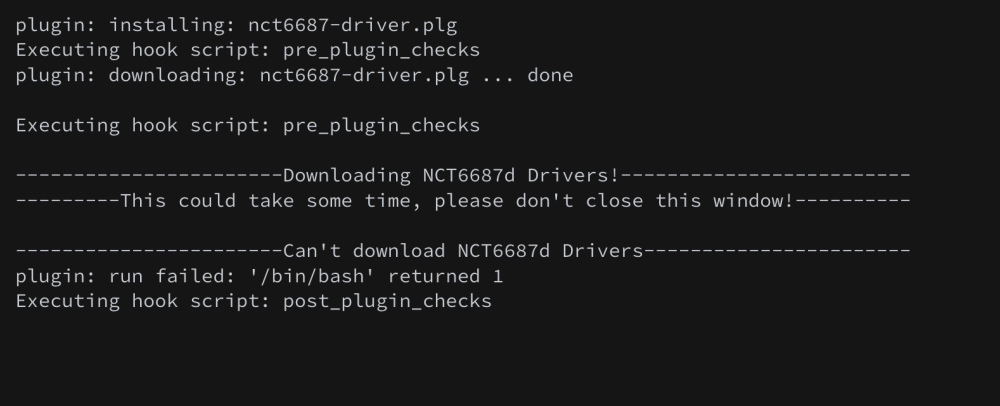
Hiu, the plugin Nuvoton NCT6687 Driver not work anymore on Unraid 6.12. Please, you can update? Thanks @ich777!!
-
It seems so, with the recent update. But the error of not saving the settings when hitting "Apply" persists. At least in my case.
-
Now it's working! Thanks!!
-
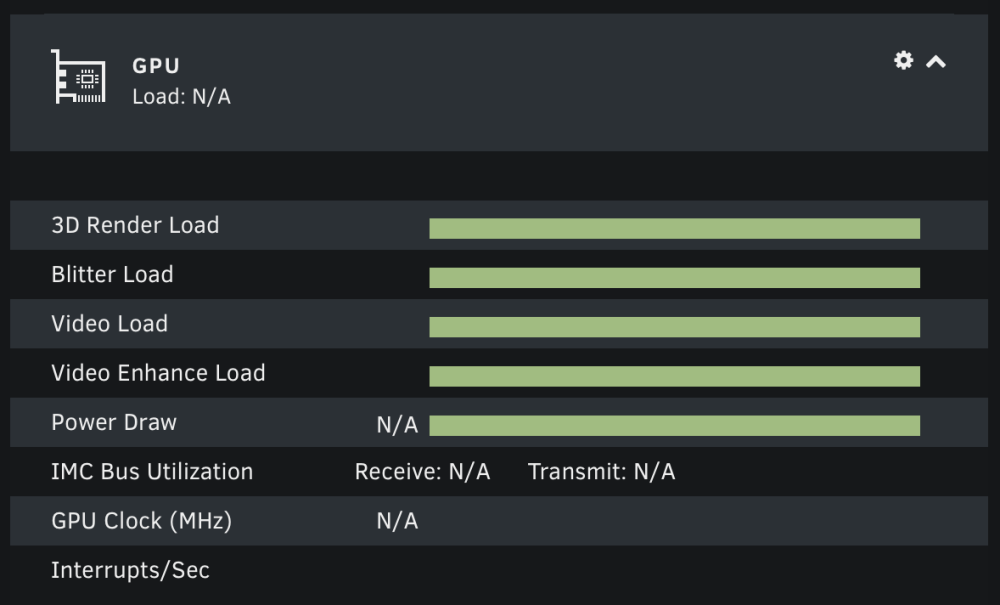
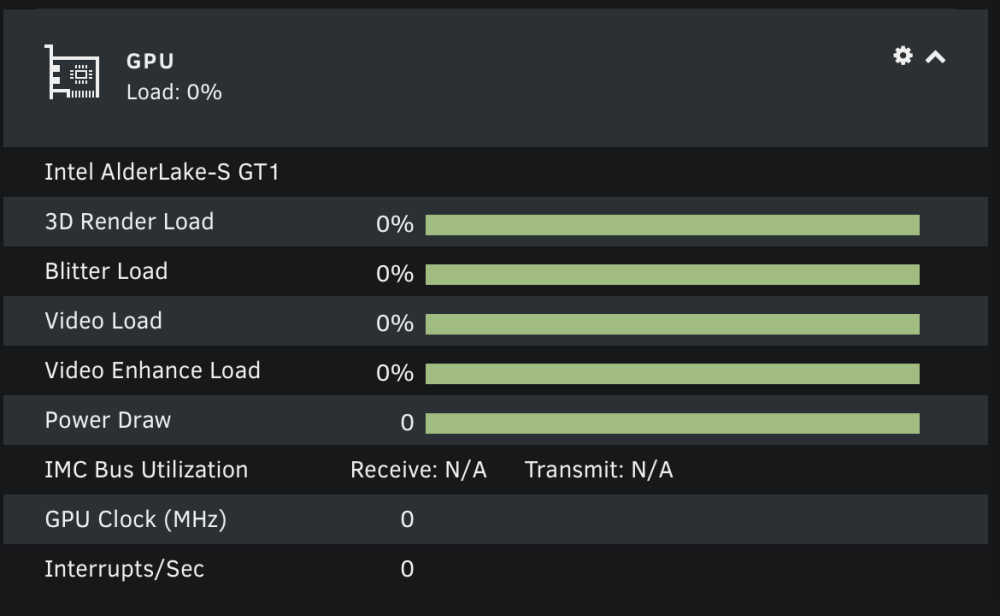
Yes, Time = Sun, 19 Mar 2023 22:51:58 +0100 {"clock":0,"fan":"N\/A","memclock":"N\/A","memutil":"N\/A","memused":"N\/A","power":"0","powermax":"N\/A","rxutil":"N\/A","txutil":"N\/A","temp":"N\/A","tempmax":"N\/A","util":"0%","vendor":"Intel","name":"AlderLake-S GT1","3drender":"0%","blitter":"0%","interrupts":0,"powerutil":"0%","video":"0%","videnh":"0%"}
-
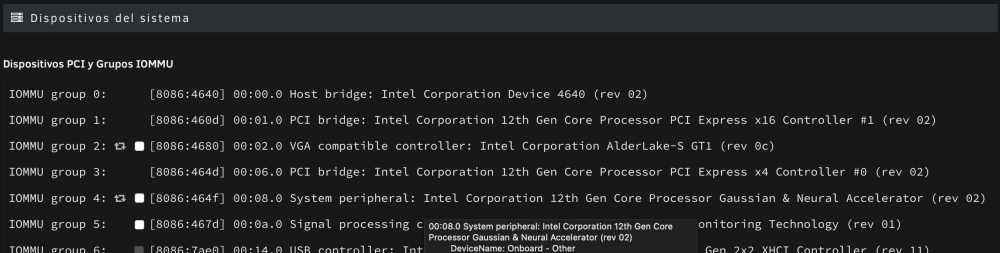
Nothing.... with your plugin and 0000:00:02.1, the GUI displays N/A. And with 0000:00:02.0, the GUI display 0% load. I just playing one movie in Plex with HW Transcoding..

-
Thanks mate. intel_gpu_top -J -s 250 is producing output but in the GUI not work.... Nor by modifying the gpustat.cfg to 0000:00:02.0.. I will also wait to see if your plugin is fixed. Thanks for all







