the1win
Members
-
Joined
-
Last visited
-
Sorry for taking so long to get back about this. The holidays know what I mean. I ran a correcting check and all went fine. Should I run another non correcting check to make sure no new errors come up or wait until the scheduled check in about a month? Is that an issue? If so how and where should I move those files?
-
Sorry I don't know why it is making the two images into one on the above post. I will be leaving for work soon and will not be able to reply to anything here until later today. Thank you for taking the time to try and help me sort this out.
-
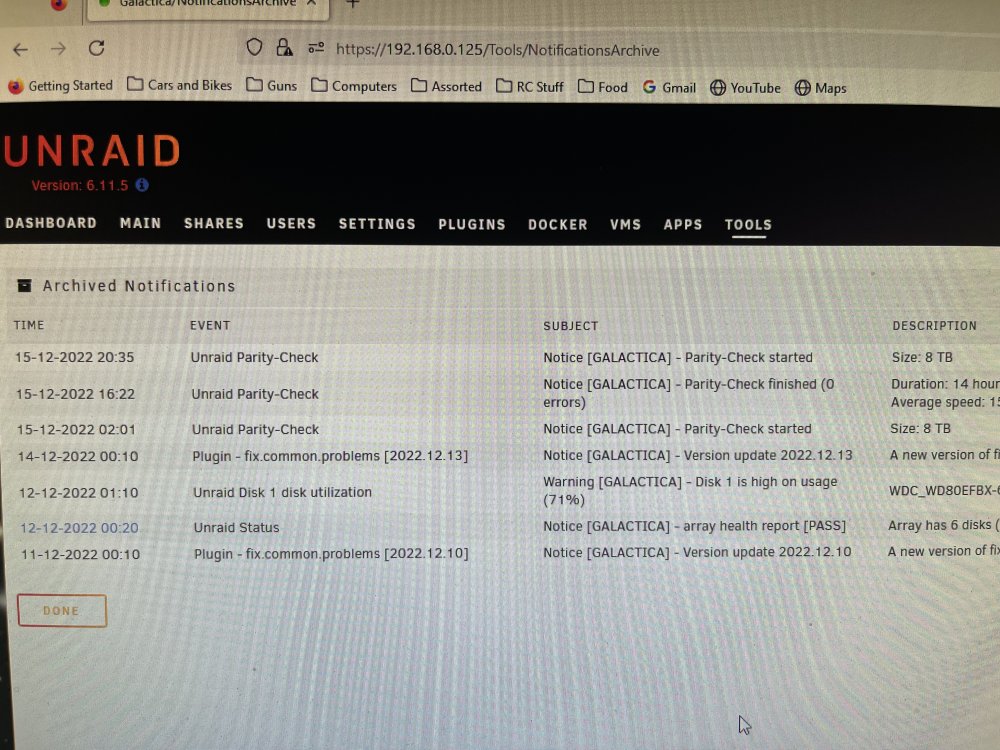
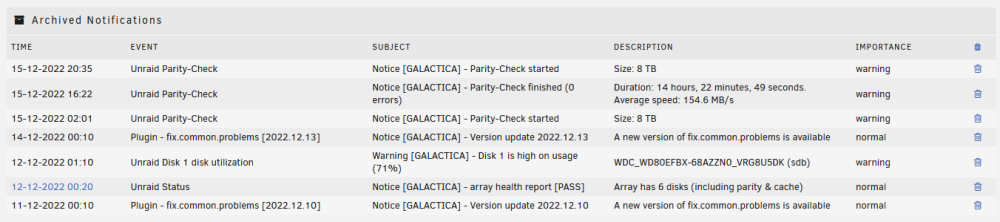
I did get a successful parity build when I set up the array. The second item on the first screen grab I am posting now is the archived notifications showing there were 0 errors on the parity check. Unless I am reading this wrong. I should have waited but got nervous and started a new parity check.
-
Sorry, I should have done that in the first post. galactica-diagnostics-20221216-0538.zip
-
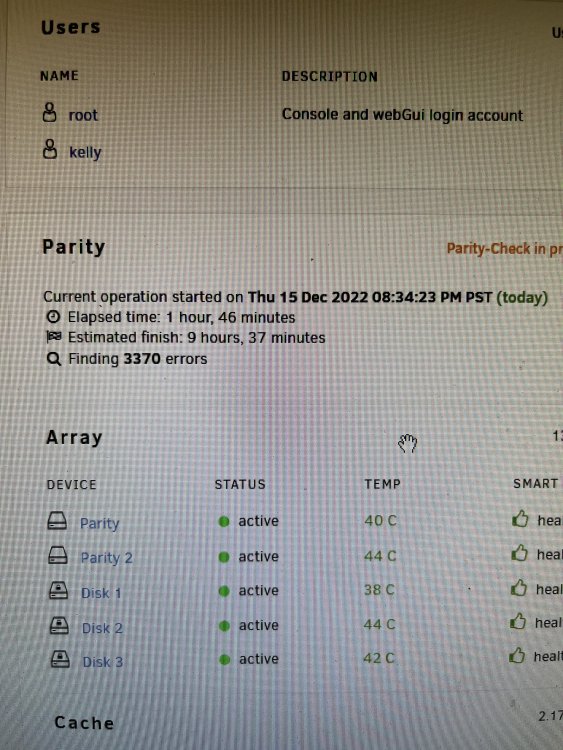
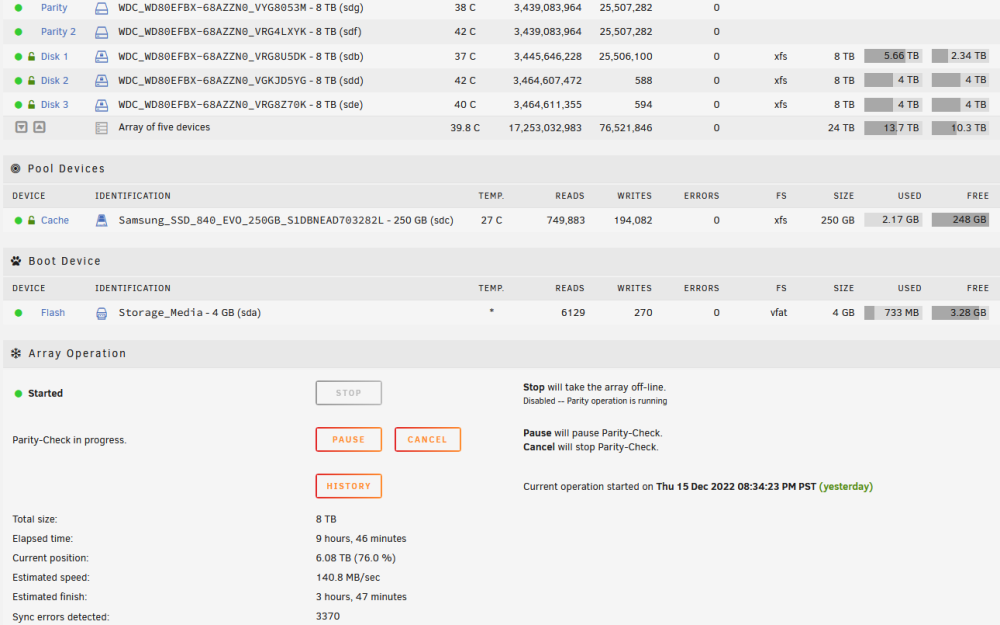
My monthly parity check ran today and I am getting conflicting info. The pop up notification says 0 errors found but the dashboard says 3370 found. I am rerunning the check now but how should I proceed if there is conflicting information?