




-
Ooh yeah, that makes sense for the full 100%. I had an failing USB drive with Unraid OS so I had to migrate ASAP to the Internal Boot function in the beta (no worries, no prod or customers env). Replaced the USB flash disk so it's only being used now for licensing. Thanks for the help!
-
I'm afraid I destroyed any "evidence" in the monitor.ini, I tried the "Acknowledge all" function and it's fixed now. Is there still any point in sending the debug file and monitor.ini?
-
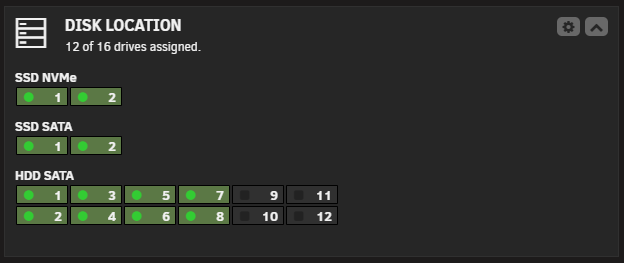
I had a problem with one my SATA cables so I got a few UDMA CRC errors, all the errors got acknowledged in Unraid but 1 SSD is reporting not as acknowledged in Disk Locations. How can I fix this? I deleted everything already from Disk Locations and configured it again but sadly it doesn't work.

-
Of course!
-
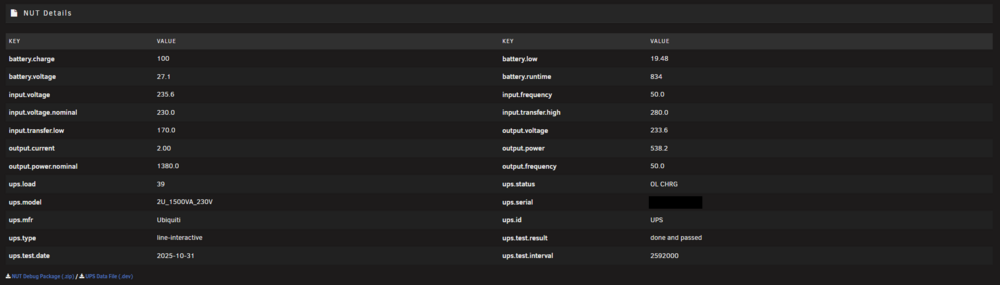
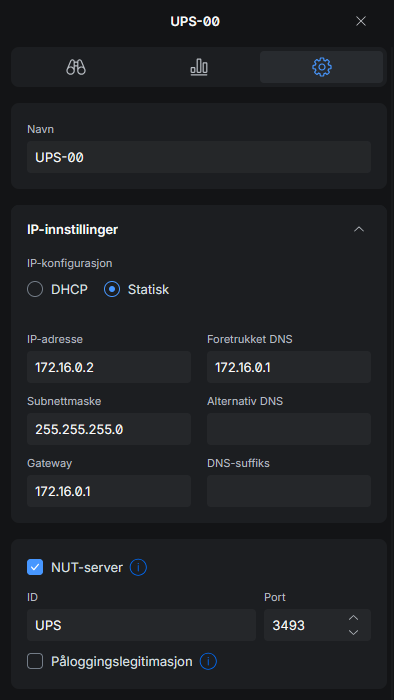
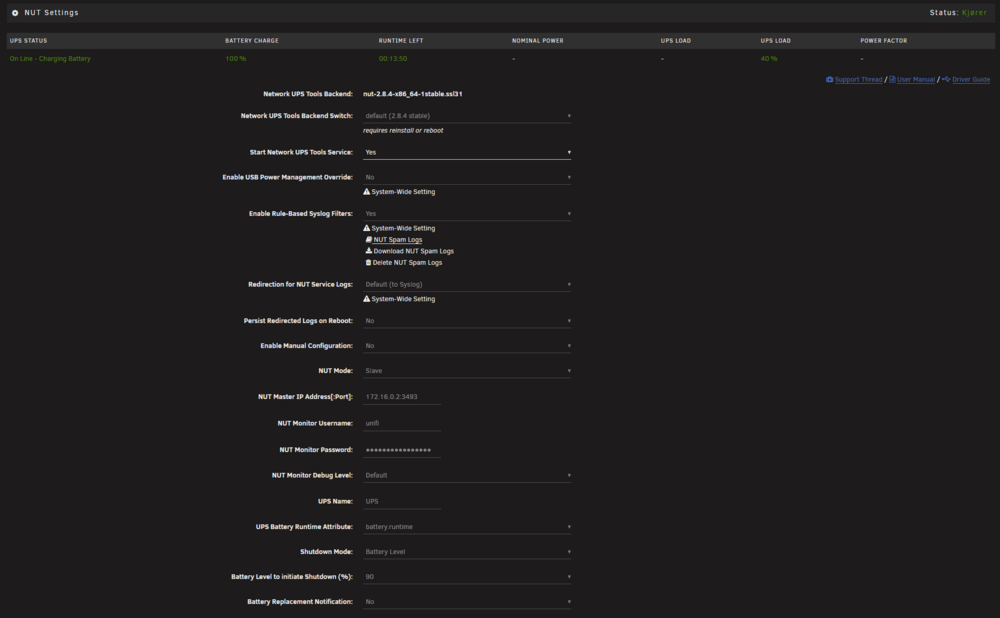
It seems to work now without any problems, it's just not possible to use authentication. I needed to fill in some "fake" details in NUT, but after that it started to run perfectly fine.

View in the app
A better way to browse. Learn more.



