messiah165
Members
-
Joined
-
Last visited
-
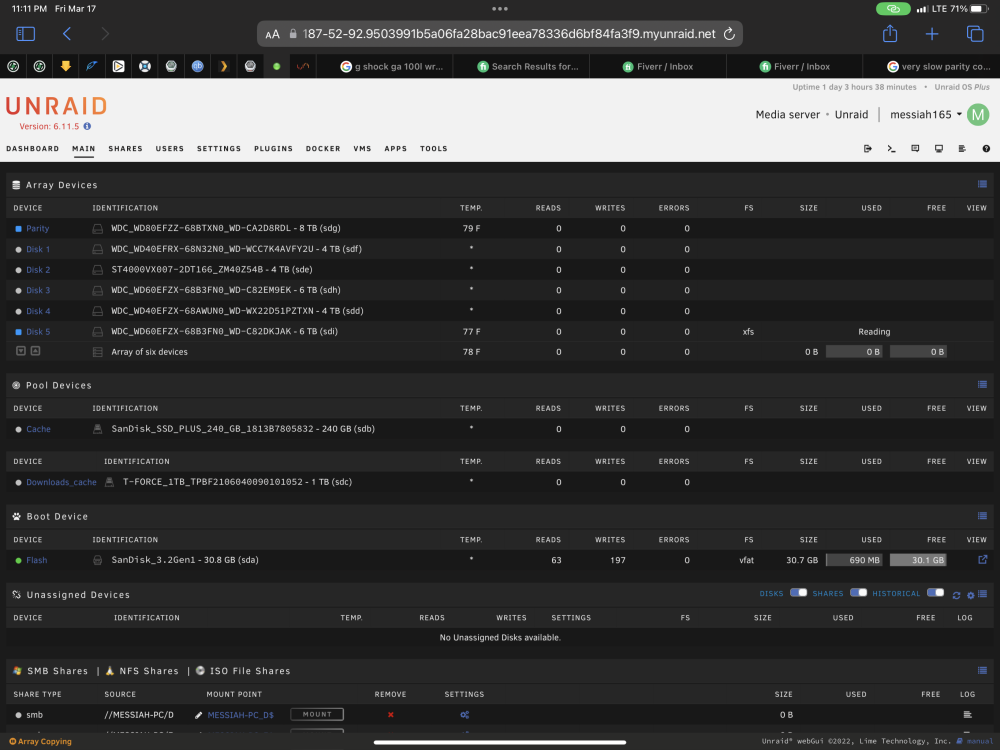
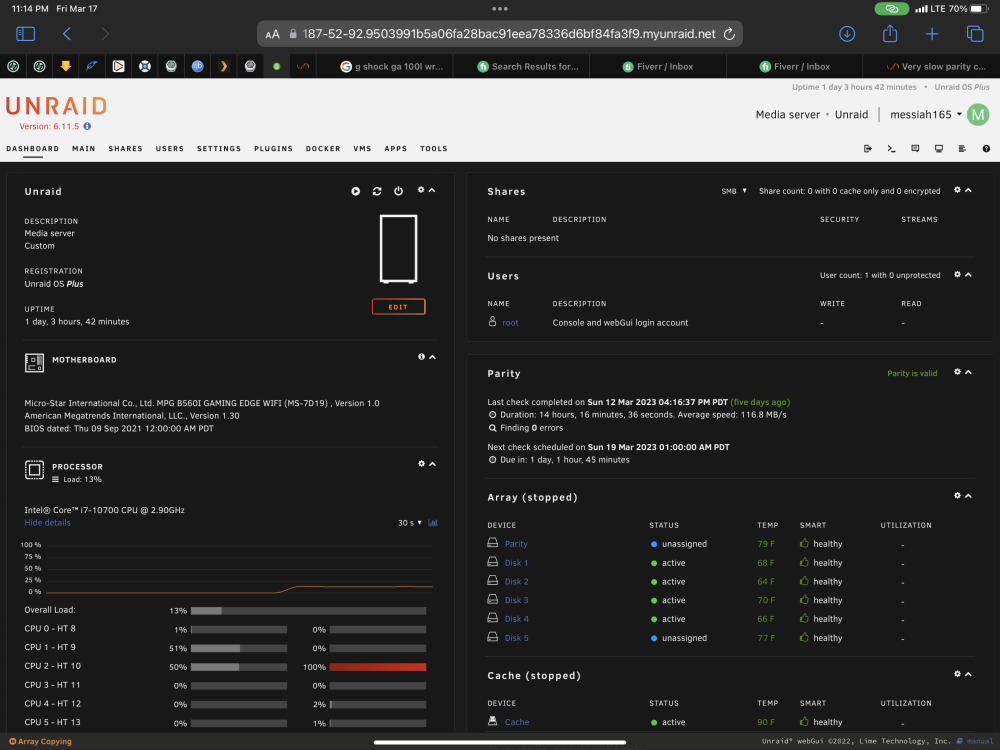
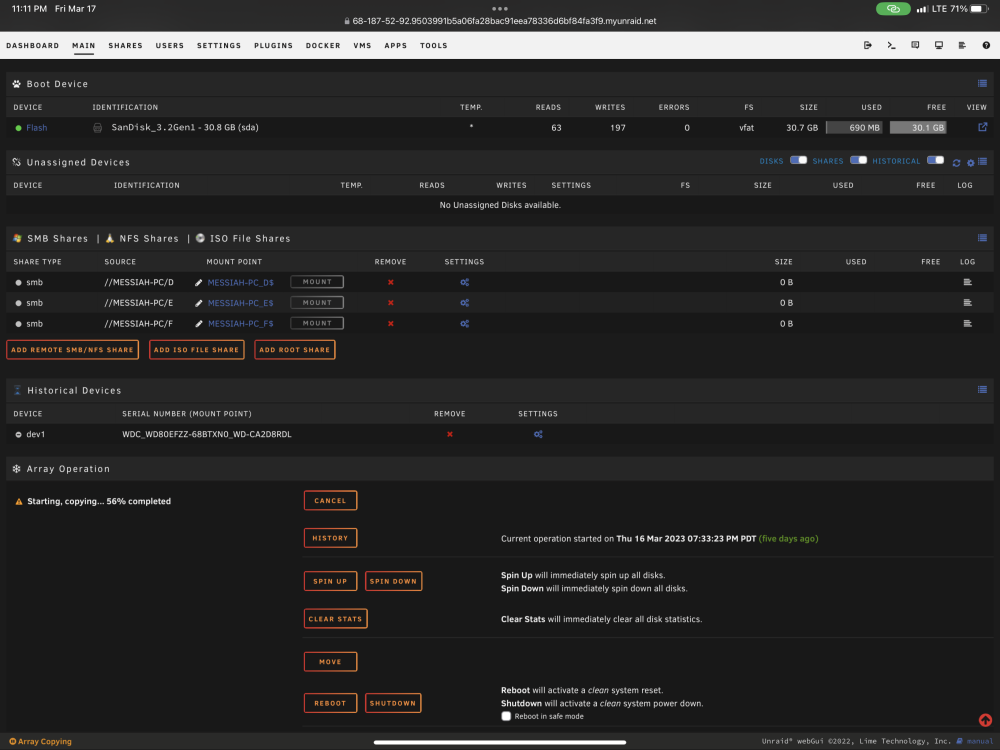
I'm doing a parity swap and it's dragging on. I started it march 16th at 7pm. It's now march 17th and it's at 57%. Is this normal? diagnostic is attached. going from a 6tb to 8tb parity and replacing a 4tb data drive with the 6tb parity. Thanks! unraid-diagnostics-20230317-2312.zip
-
Updated with BT turned off unraid-diagnostics-20220601-0742.zip
-
Here is the diagnostics unraid-diagnostics-20220530-2255.zip
-
Downloading the diagnostics now. Will take some time, but I'll upload them soon as they are done. I'm in the middle of nowhere on my iPad. No other smart warnings on the dashboard. But ALL of the drives were bought used on eBay. I'm going to replace them one by one. with new hence the two new 6tb drives.
-
It started making a nice loud grinding noise, then screaming, then dead ☠️☠️ It's for sure a failed drive bought it used.
-
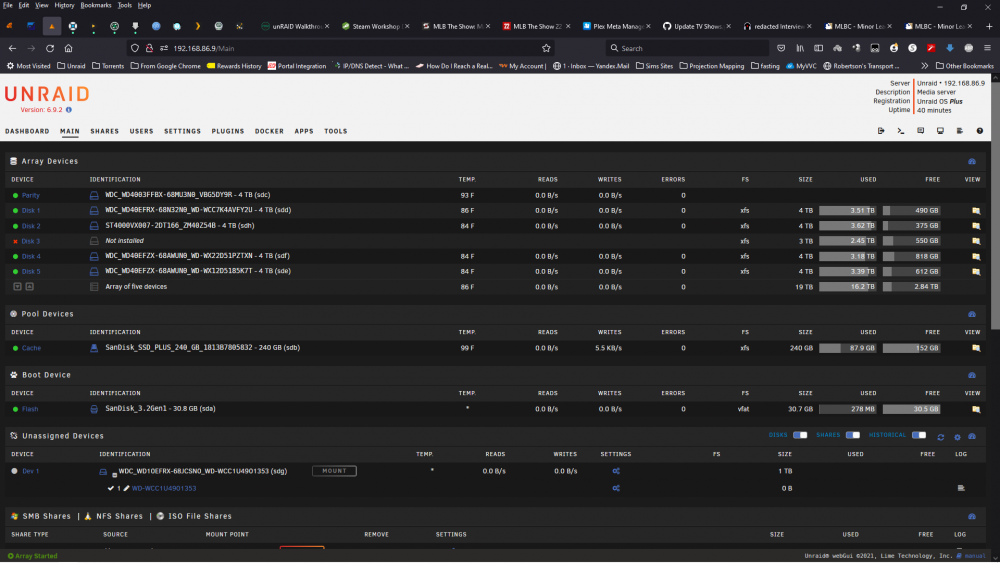
So one of my disks failed and it is currently being emulated. I bought 2 new drives both 6tb each. One for the failed slot and one for the parity so I can move up to 6tb drives. My problem I need help with is how do I go about this. I tried to put the new 6tb in place of the parity to let it build, but it said to many disks are different. Obviously I cant put the 6tb in the missing slot yet because it will be bigger than the parity. Please some insight. I dont want to have to purchase another 4tb drive just to fix this issue if at all possible.