Rajagopal Jagannathan
Members
-
Joined
-
Thank you @Squid for your help. I managed to install CA. Indian ISPs use SNI based blocking, changing the DNS doesn't help. Using a VPN or DoH seems to be the best options.
-
After banging my head against multiple walls, I finally figured out that the Indian government has asked all ISPs to block raw.githubusercontent.com Heavy Sigh!!! Any other alternative methods for me to install community applications? Idea being, once I have this installed, I can then use a VPN to install other plugins.
-
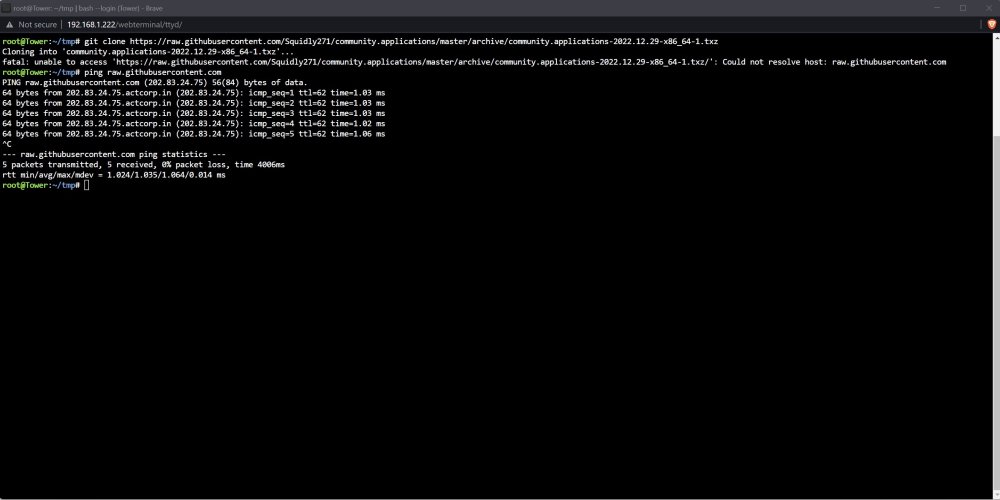
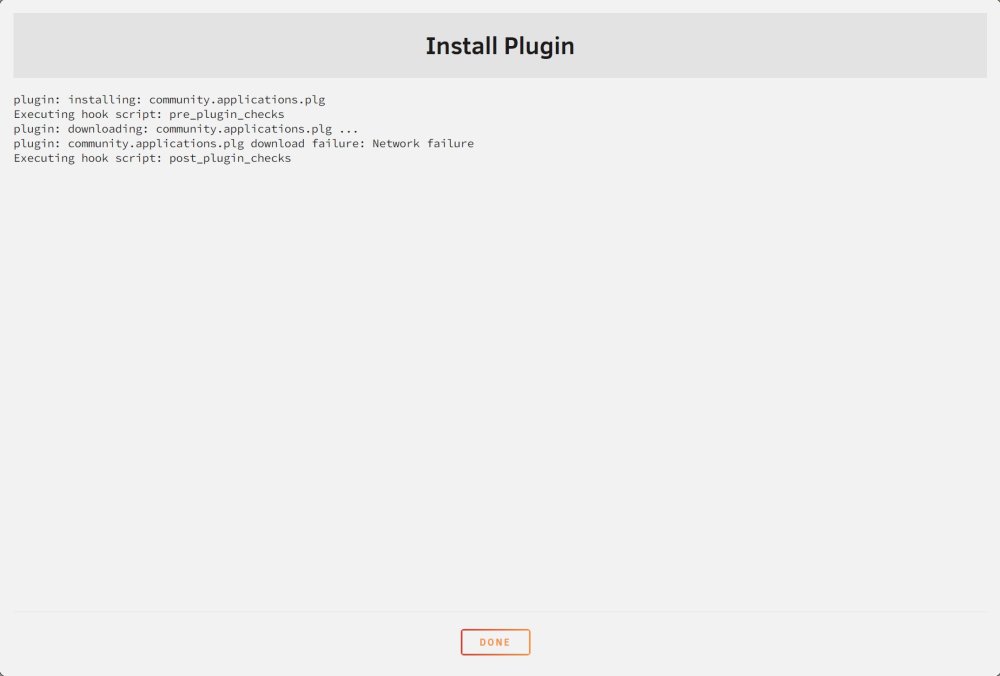
I am having a weird problem when trying to install CA. Hoping someone here can help solve it. When I install CA on my unraid I get a network failure. Got the url of the file from the log and tried to clone it from the console and got an "Could not resolve host raw.githubusercontent.com. From the same console, when I ping the url it resolves and ping succeeds. Appreciate any help in solving this.