Skip to content
View in the app

A better way to browse. Learn more.

Unraid

A full-screen app on your home screen with push notifications, badges and more.

To install this app on iOS and iPadOS
  1. Tap the Share icon in Safari
  2. Scroll the menu and tap Add to Home Screen.
  3. Tap Add in the top-right corner.
To install this app on Android
  1. Tap the 3-dot menu (⋮) in the top-right corner of the browser.
  2. Tap Add to Home screen or Install app.
  3. Confirm by tapping Install.

DW.H

Members
  • Joined

  • Last visited

  1. 按你的步骤操作,问题解决了。非常感谢。
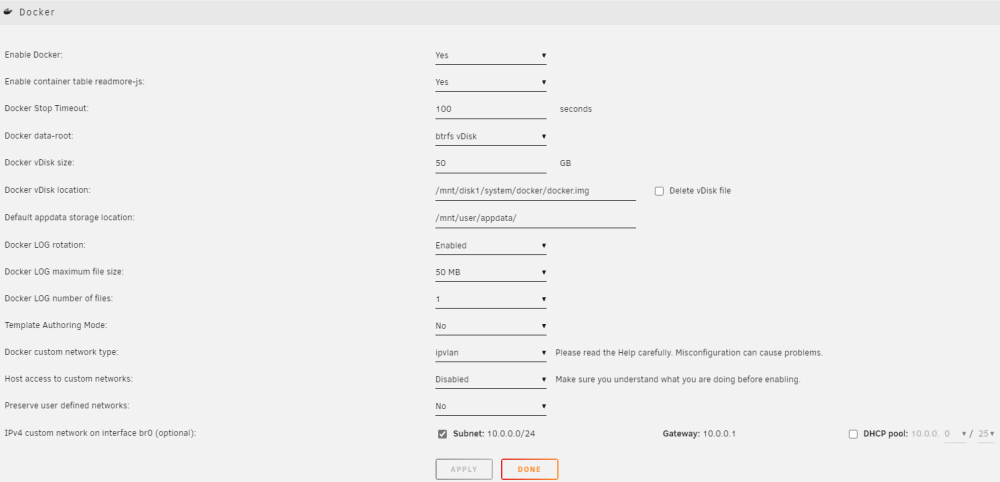
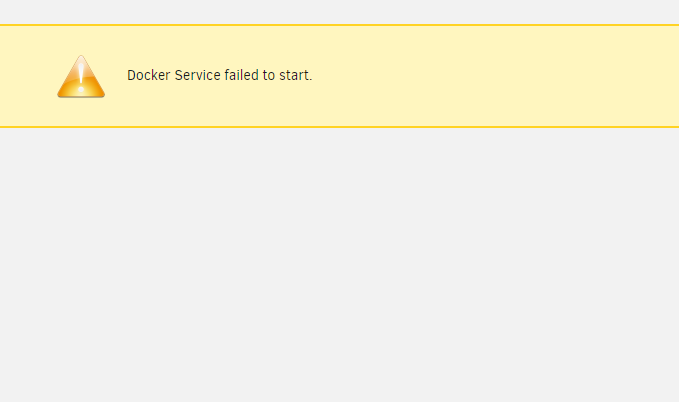
  2. Docker.img have been deleted. but issue still happen.. Docker works normally after downgraded to 6.11.5, but "Community Applications" can't work (it requires OS6.12.0) Docker still failed after updata to 6.12.8 again. netgear-unraid-diagnostics-20240219-1417.zip
  3. DW.H changed their profile photo
  4. netgear-unraid-diagnostics-20240219-0917.zip
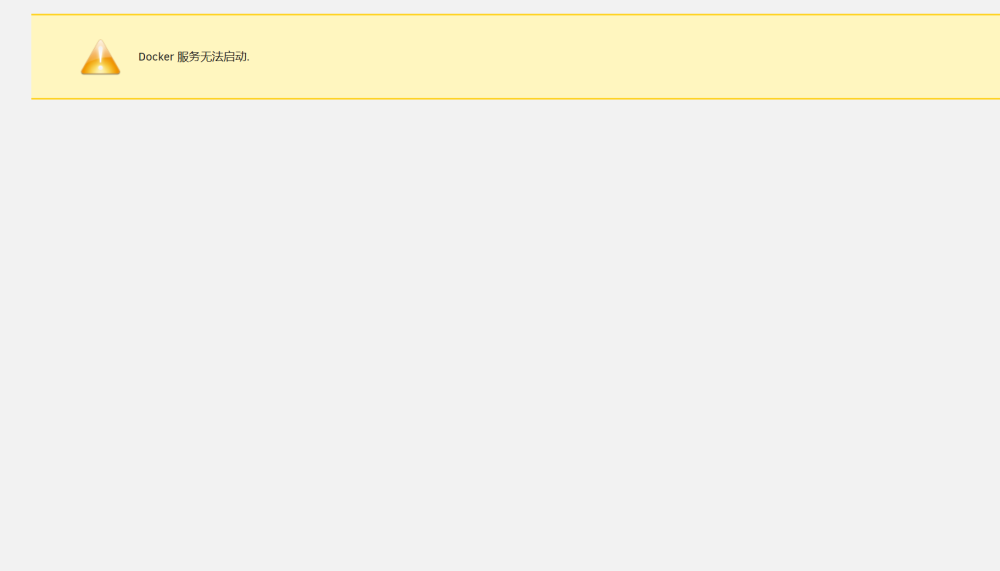
  5. 原OS版本不记得了,升级到6.12.8并重启以后,docker无法启动。 重启很多次都无法启动,已经删除掉了docker.img并重启了,还是一样。
Account

Navigation

Search

Search

Configure browser push notifications

Chrome (Android)
  1. Tap the lock icon next to the address bar.
  2. Tap Permissions → Notifications.
  3. Adjust your preference.
Chrome (Desktop)
  1. Click the padlock icon in the address bar.
  2. Select Site settings.
  3. Find Notifications and adjust your preference.