BakaQT
Members
-
Joined
-
Last visited
-
i appreciate you, i completely forgot i had installed the tailscale plugin some time ago, and thought that was part of the more recent tailscale integration! (i may have been a tad high when trying to figure that out aswell im sorry!!!!)
-
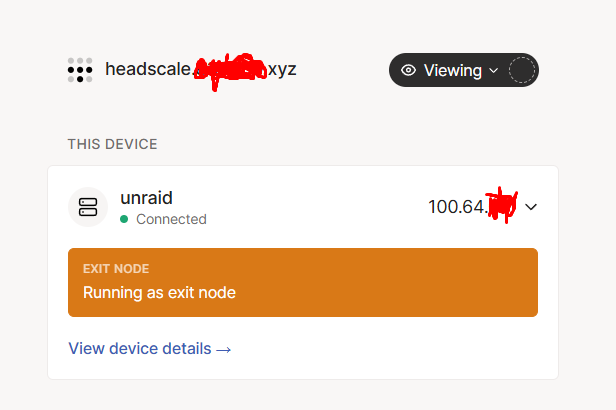
Herroh... Maybe someone knows... Unraid is successfully connected to my headscalenet Have headscale running etc etc, got proxmox lxc's and vms in my headscalenet. all functional... Is it possible to force unraid to set my headscale server as the tailscale login server for the docker containers on unraid? It always spits out a tailscale URL(even though unraid is connected to my headscale, if i manually paste my headscale deploy command in the containers coonsole (tailscale up command with --login-sever=mydomain.xyz ) and connect it, it successfully joins the headscalenet... it only stays till the container reboots. and on reboot ethier gets stuck at tailscale enabling, or spits out a tailscale join url (not my headscale!) I'm sure I am just overlooking something...