VIthe3rd
Members
-
Joined
-
Last visited
-
I am aware of that. But plex was running just fine for close to 2 years on that Lan IP. It had to be a docker issue. That was the only thing that changed. As close as i can get to explaining the solution is was, when that I swapped the cache drive from the ssd to the nvme i never copied the drive. I dumped the files from the old drive. Reinstalled Plex. Then took the those files from the ssd and replaced the new files in the new nvme cache drive. It was still not working till i rebooted. Then it was there.
-
The thing is that the Solution I found is an unknown fix. In my search of finding what was broke, and started to do multiple different "fixes" at a time, uploading multiple files, editing multiple files at a time, resetting files, deleting files, and so on, I do not know what the one variable was that made the "fix" happen. So I am still in the dark why the docker would start, Allow access to the WebUI, Tell me in console that the server was running without errors, but not find the server within the WebUI. That is all I have. Its solution that I did not document how I got it and how it happened.
-
After hours of failures at attempting to get the Local Plex server to show up along with reading masses of unrelated threads and posts on Plex server issues, I finally stumbled upon a solution. It is up and running now.
-
The IP is not the issue. But It is my internal LAN IP I use. Been using it for years. I run an OPNsense box. My Local network is 13.13.1.XX
-
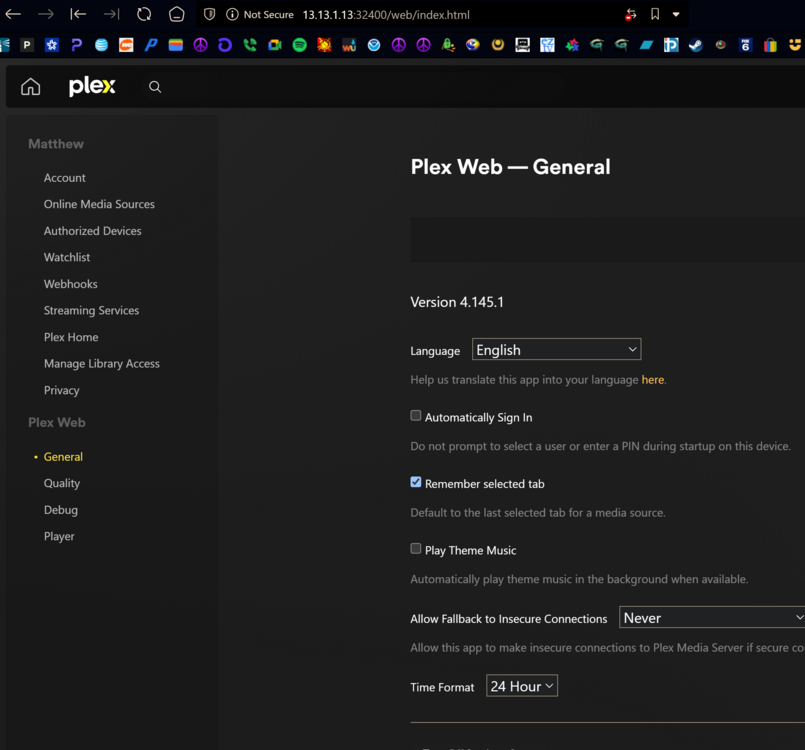
No. That works just fine. The server is not showing up in the WebUI. No options No Library, Nothing. Its just not there.
-
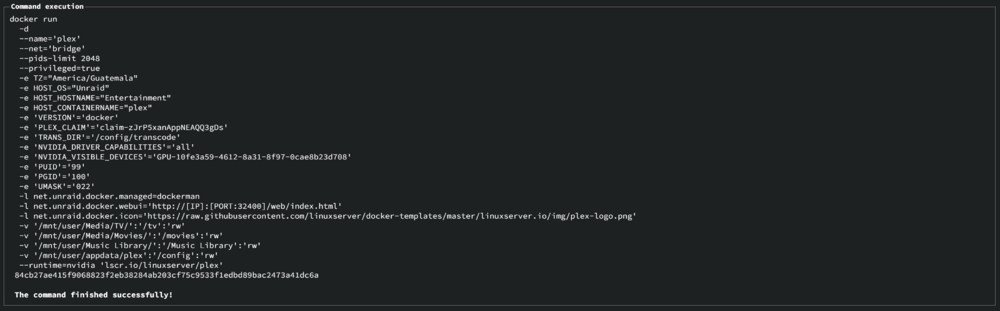
Is that what you mean?
-
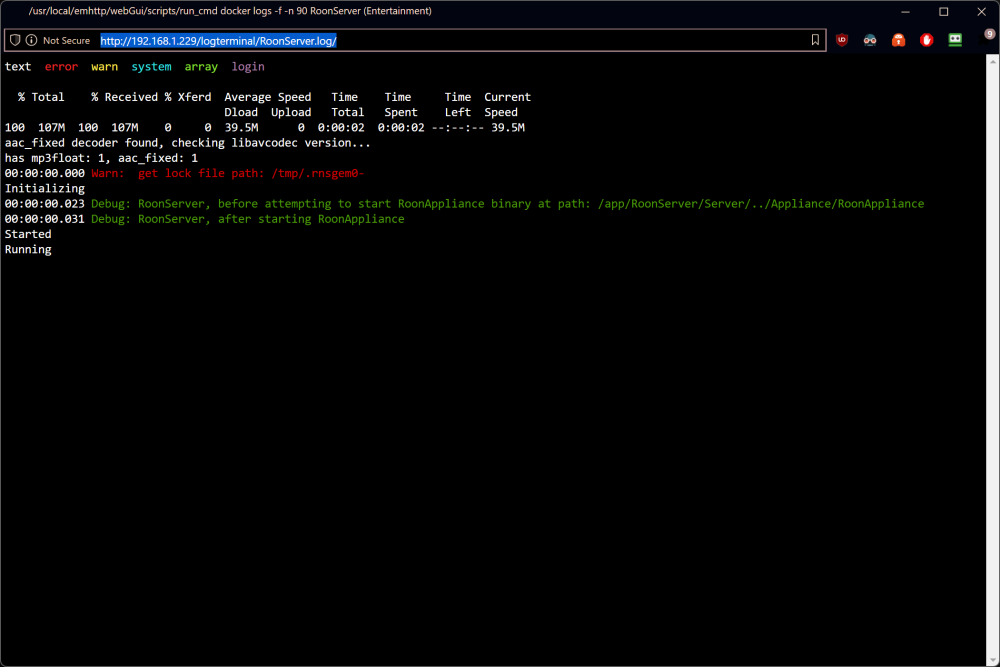
I upgraded my hardware today and had a 98% succuss rate. Went from Intel to AMD. No biggie. Swapped cache drives from a SSD to a NVME. No Biggie. Had to reinstall all my dockers. All my dockers came back and are running just fine. Except Plex. Plex lost my server. Doesn't matter which flavor of Plex I have installed. The WebUI works just fine from the dashboard. But it will not find its own server. I have followed dozens of guides. Delete this, reinstall that, Check IP's, Check ports, Check paths, Check files, do jumping jacks, ect...... Nothing has worked. The plex server seems to be non-existent within the WebUI from Unraid. It logs in fine. Its just not there.
-
Thanks for that. I swapped a NIC card and borked it. That was a perfect solution to my issue.
-
This worked.
-
This happened after changing a NIC card in my machine. This solution did not work. And I cannot ping git hub. Any suggestions?
-
I think I found the error. I disabled DLNA within plex and the ram usage dropped.
-
Quick question in this sea of questions. This app has been great. Not a single issue till I imported 10+ TBs of music to Plex. Now Plex will slowly ramp RAM usage to 98% till my server crashes. CPU usage is zero. Just RAM. I been trying to figure out why. Any help would be greatly appreciated.
-
I did find that article and went through it. Doing some of the tips in it helped with the CPU usage. Now it hovers around 50% usage. Also PLEX had an update since I posted this. The usage is still more than I would like to see. I Shut down PLEX when I know I am not using it right now. Seems easier than searching for the issue. Thanks for the reply though.
-
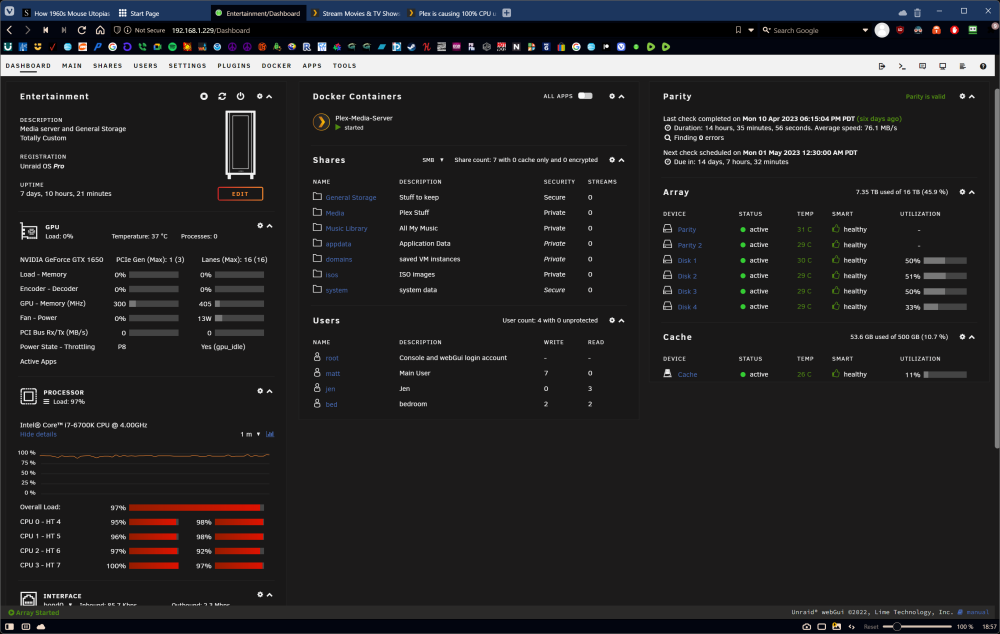
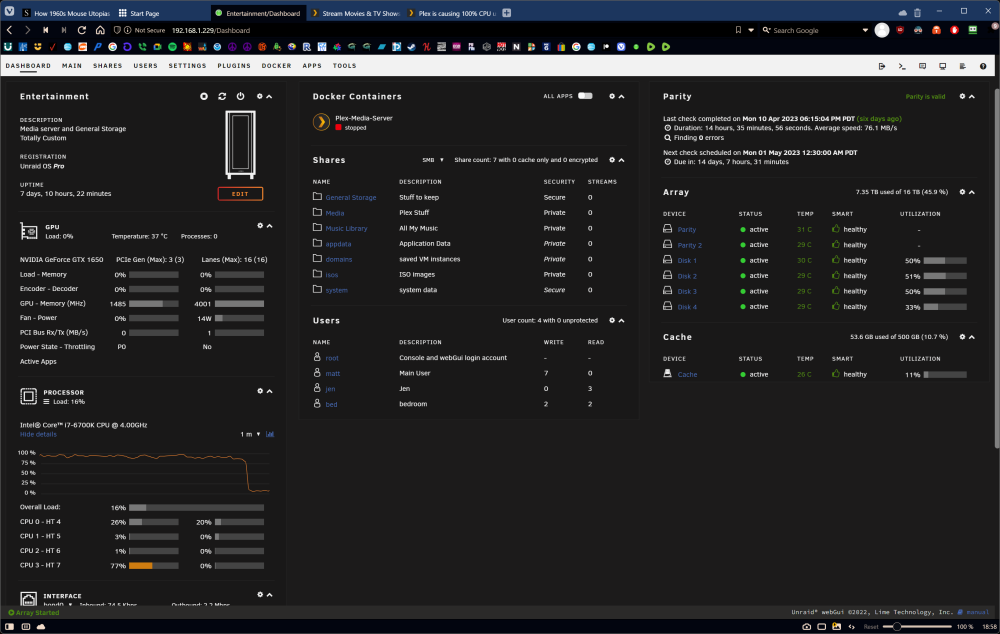
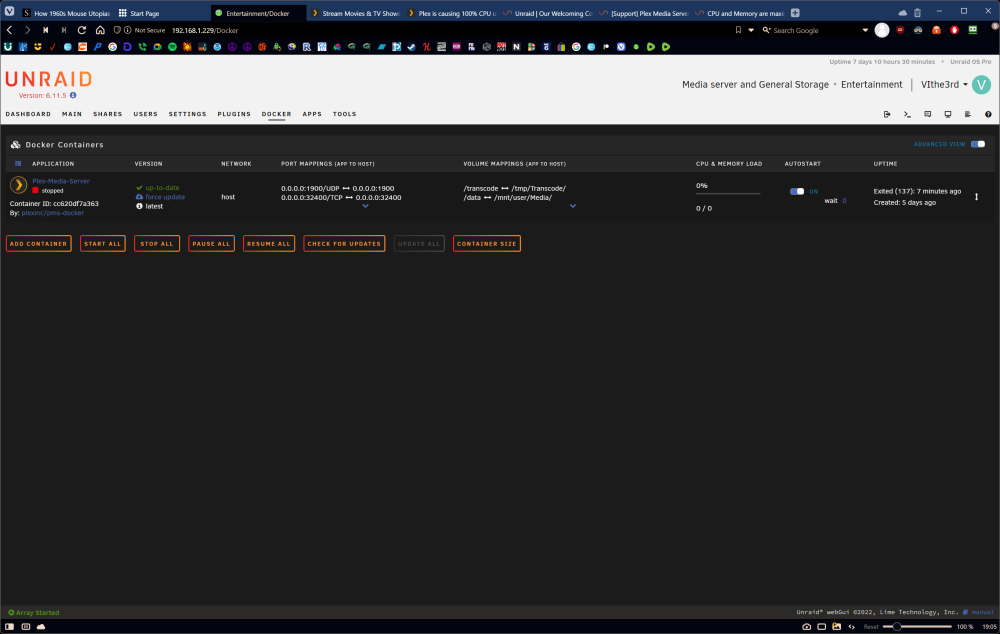
Since the last update to Plex I have noticed that the CPU usage is maxed out all the time. It is brining UnRaid to a crawl. At first I thought it was due to it managing 4+ TBs of music. So I axed that dir out. But still after several hours CPU usage would ramp up. I axed remote accesses. Thinking something or someone was in there. Again after several hours it again ramps the CPU sky high. Now I have ran out of ideas on what is causing this. The only way I knew something was wrong was after the latest update. Normally my box is dead silent. Till I noticed that the cooler fan was whining like it was pegged at 100%. Never did that before. I kill Plex and the CPU drops and the fan goes silent. I am a novice at UnRaid and Docker apps..... But I can fumble my way through being somewhat successful at finding errors mostly of my own doing. But this has me puzzled. This box only is used for media. Nothing else yet.
-
How to fix that warning?