



Skip to content
View in the app

A better way to browse. Learn more.

Unraid

A full-screen app on your home screen with push notifications, badges and more.

To install this app on iOS and iPadOS
  1. Tap the Share icon in Safari
  2. Scroll the menu and tap Add to Home Screen.
  3. Tap Add in the top-right corner.
To install this app on Android
  1. Tap the 3-dot menu (⋮) in the top-right corner of the browser.
  2. Tap Add to Home screen or Install app.
  3. Confirm by tapping Install.

jeroen123456

Members
  • Joined

  • Last visited

  1. Awesome! Yeah now it just works. Thanks!!
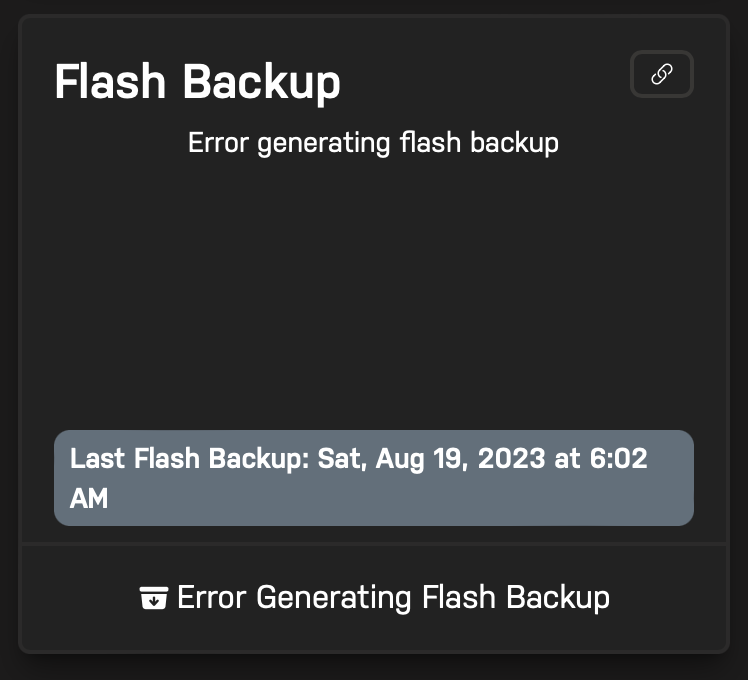
  2. Hi! I've setup Unraid connect in the past, and sadly my USB has now been corrupted. I hoped I could just use connect to download an older version of my usb drive, But sadly, I get the error "Error generating flash backup", when I try to download the backup. Even though there is definitely a saved backup. And I've tried downloading it before when I set it up. Could anyone help me? Would be nice to actually have my usb backup, and not have to set it all up again.
  3. Nope. I couldn't get it to work, just downgraded again to 6.9.2, very unfortunate.
Account

Navigation

Search

Search

Configure browser push notifications

Chrome (Android)
  1. Tap the lock icon next to the address bar.
  2. Tap Permissions → Notifications.
  3. Adjust your preference.
Chrome (Desktop)
  1. Click the padlock icon in the address bar.
  2. Select Site settings.
  3. Find Notifications and adjust your preference.