Skip to content
View in the app

A better way to browse. Learn more.

Unraid

A full-screen app on your home screen with push notifications, badges and more.

To install this app on iOS and iPadOS
  1. Tap the Share icon in Safari
  2. Scroll the menu and tap Add to Home Screen.
  3. Tap Add in the top-right corner.
To install this app on Android
  1. Tap the 3-dot menu (⋮) in the top-right corner of the browser.
  2. Tap Add to Home screen or Install app.
  3. Confirm by tapping Install.

Degn

Members
  • Joined

  • Last visited

Everything posted by Degn

  1. You should be able to "install from previous state" or something along those lines when you click the install button in the apps store
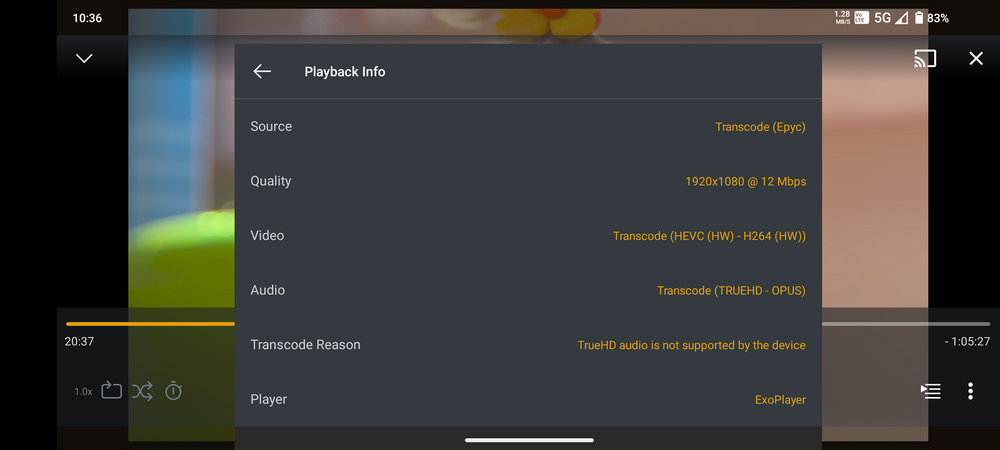
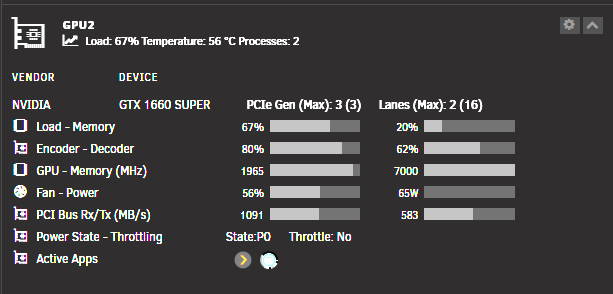
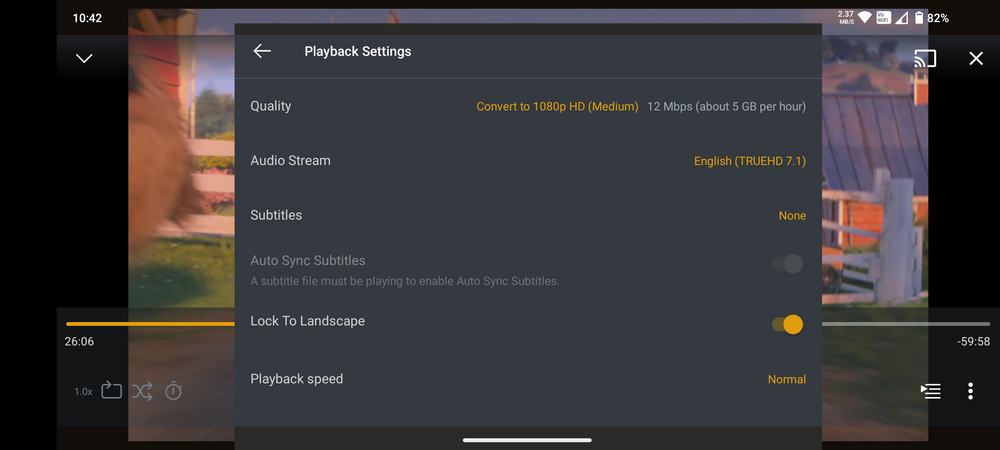
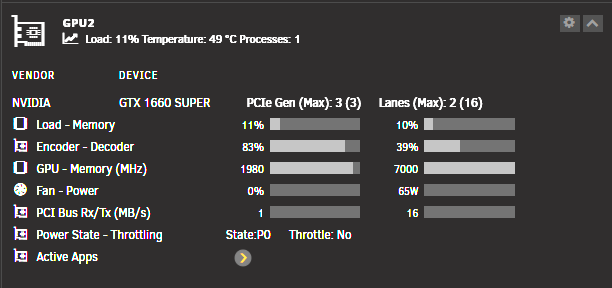
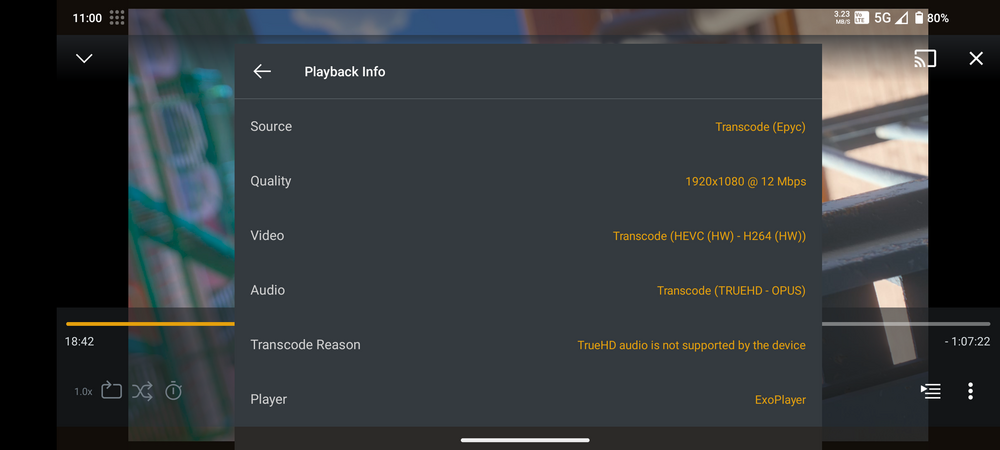
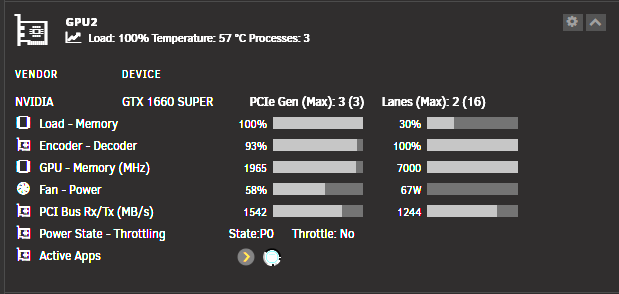
  2. Something is definitely not right. I'm using a GTX 1660 SUPER for all my GPU assisted work in my server, capabilities should be the same as your 1660 Ti? For reference, I'm transcoding 2 video files with Tdarr and transcoding a 4K DV/HDR file to my phone over 5G Same Plex file over WIFI and 1 transcode with Tdarr (The other one had finished in the meantime) And just for shits and giggles, only Plex transcode, same 4K DV/HDR movie over 5G I noticed your encoder/decoder is hardly working. Are you sure you have the right read/write access to your temp/transcode folder?
  3. Thanks mate! The fix worked for me.

Account

Navigation

Search

Search

Configure browser push notifications

Chrome (Android)
  1. Tap the lock icon next to the address bar.
  2. Tap Permissions → Notifications.
  3. Adjust your preference.
Chrome (Desktop)
  1. Click the padlock icon in the address bar.
  2. Select Site settings.
  3. Find Notifications and adjust your preference.