





Mainfrezzer
Members
-
Joined
-
Last visited
Everything posted by Mainfrezzer
-
Docker container on a (macvlan/ipvlan)-bridge can reach each other. The security aspect is network isolation between any of the virtualized enviroments to the host system. Besides that, theres a checkbox to remove it.
-
time to test your designated dns server cause i can assure you that the appfeed is available. https://raw.githubusercontent.com/Squidly271/AppFeed/master/applicationFeed.json https://dnld.lime-technology.com/appfeed/master/applicationFeed.json
-
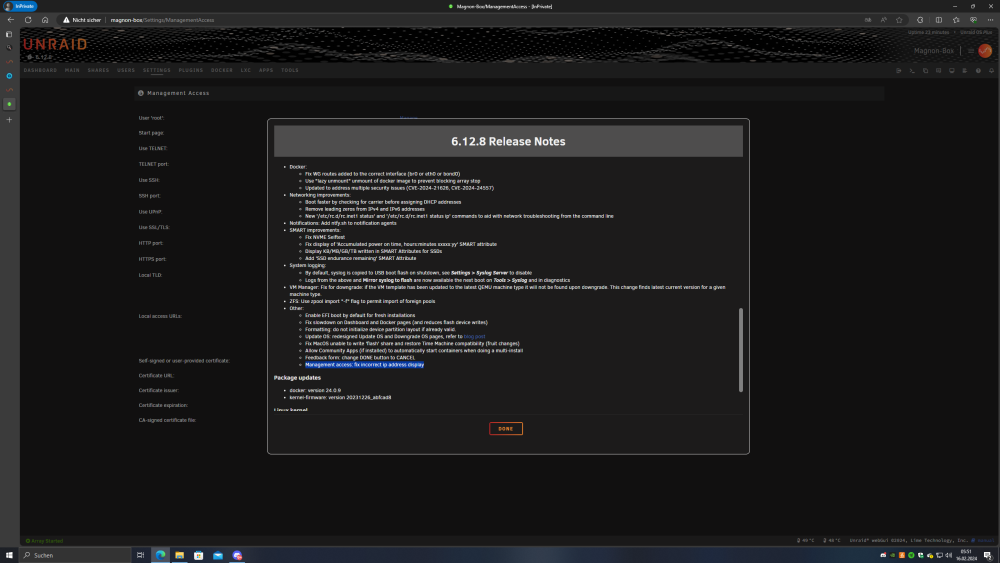
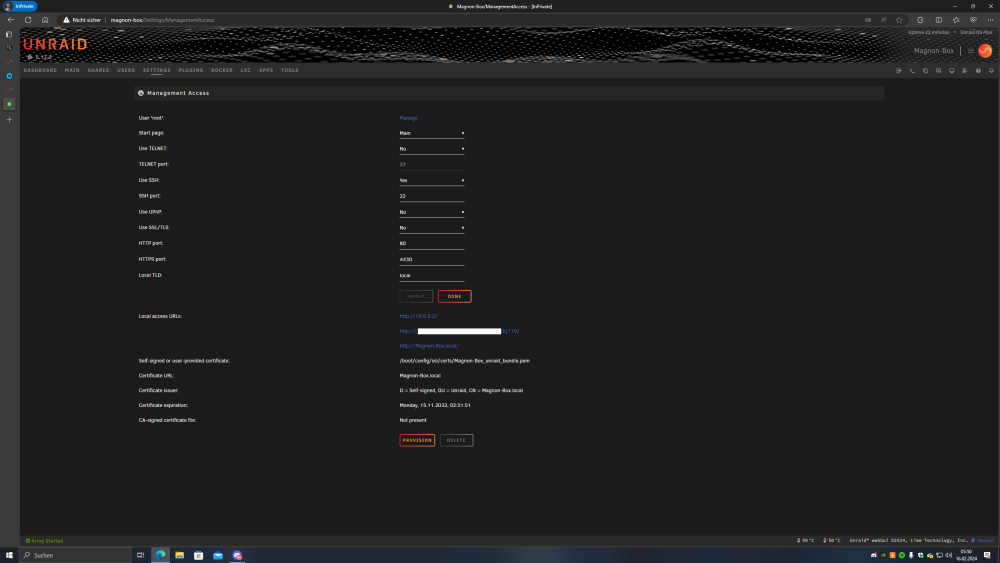
im gonna press X to doubt
-
From the diagnostic you proved its pretty clear that youre using ipvlan. Otherwise you would have to ensure that under advanced eth0, it was bond0, is ticked and actually saved.
-
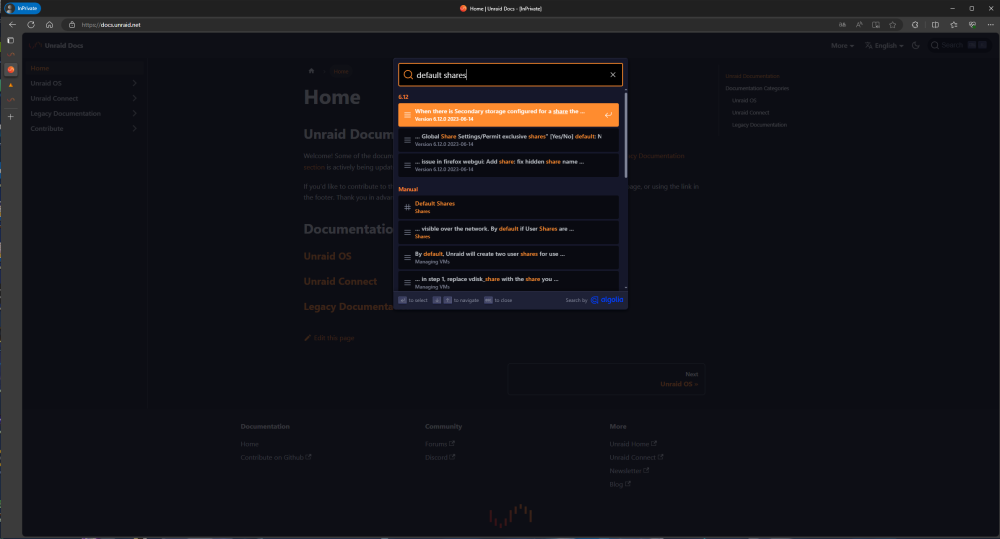
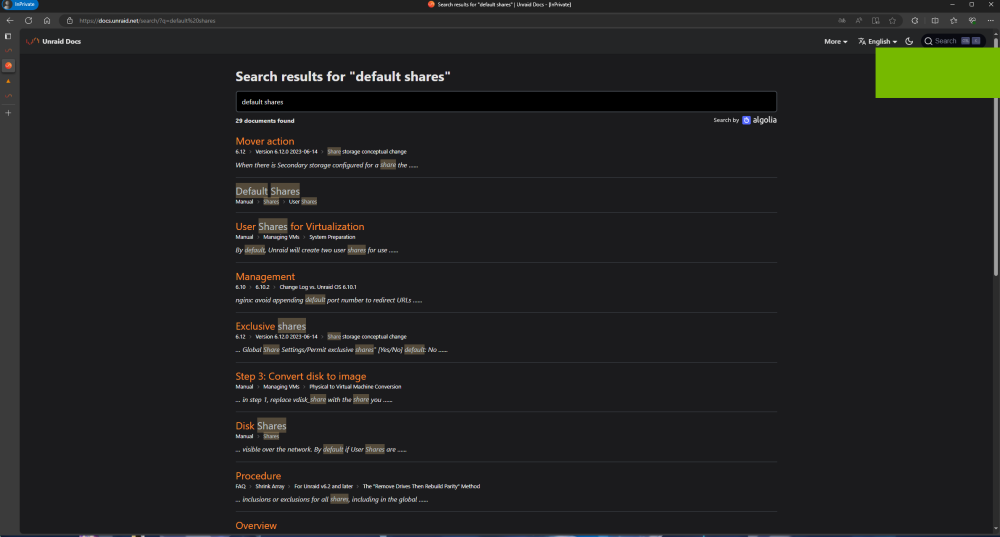
Probably a browser issue
-
Alternatively and given that you do know how to do it, you can just rent any cheap vps and put a wireguard server on it and tunnel your gameservers through that. Only real usefulness would be the static ip. If you really wanna be paranoid level secure, tailscale would be an option to connect you and your friends with your gameserver.
-
Youre still handing an IP out, lol.
-
has to be, same behavior here. Edit: Mhmmm, might not be the case. Seems to be an unraid/cloudflare thing tbh. All my domains that are handled by cloudflare behave that way. The docker container ping just fine, its just wonky within unraids ping itself. ping.mp4
-
The icons on that url dont exist anymore, its a 404 page. Your link up/down is a restarting docker container thats probably using a wireguard interface, but thats my glass ball talking to me without diagnostics.
-
You can place this file nvidia-driver.plg on your usb drive under /config/plugins and it should download and install the required nvidia drivers, worst case is a reboot if it doesnt pop up at the first boot. You can wait a bit for it to install and after a couple minutes hit the power button for a normal shutdown procedure. alternatively, if available to you, dont use UEFI to boot, use legacy. that should work 99% of the time for graphical output. Edit: I just noticed. your diagnostics is dated 2019. Your timeserver/dns servers are probably screwed up. Might cause problems with downloading the required nvidia package. Ive tested the 2 dns server designated in your diagnostics and they dont respond to any requests.
-
6.12.7-rc2 As before, will update as we go along. 6.12.10 up to 6.12.13 # ------------------------------------------------- # RAM-Disk for Docker json/log files v1.6 for 6.12.10 # ------------------------------------------------- # check compatibility echo -e "8d6094c1d113eb67411e18abc8aaf15d /etc/rc.d/rc.docker\n9f0269a6ca4cf551ef7125b85d7fd4e0 /usr/local/emhttp/plugins/dynamix/scripts/monitor" | md5sum --check --status && compatible=1 if [[ $compatible ]]; then # create RAM-Disk on starting the docker service sed -i '/nohup/i \ # move json/logs to ram disk\ rsync -aH --delete /var/lib/docker/containers/ ${DOCKER_APP_CONFIG_PATH%/}/containers_backup\ mountpoint -q /var/lib/docker/containers || mount -t tmpfs tmpfs /var/lib/docker/containers || logger -t docker Error: RAM-Disk could not be mounted!\ rsync -aH --delete ${DOCKER_APP_CONFIG_PATH%/}/containers_backup/ /var/lib/docker/containers\ logger -t docker RAM-Disk created' /etc/rc.d/rc.docker # remove RAM-Disk on stopping the docker service sed -i '/tear down the bridge/i \ # backup json/logs and remove RAM-Disk\ rsync -aH --delete /var/lib/docker/containers/ ${DOCKER_APP_CONFIG_PATH%/}/containers_backup\ umount /var/lib/docker/containers || logger -t docker Error: RAM-Disk could not be unmounted!\ rsync -aH --delete ${DOCKER_APP_CONFIG_PATH%/}/containers_backup/ /var/lib/docker/containers\ logger -t docker RAM-Disk removed' /etc/rc.d/rc.docker # Automatically backup Docker RAM-Disk sed -i '/^<?PHP$/a \ $sync_interval_minutes=30;\ if ( ! ((date("i") * date("H") * 60 + date("i")) % $sync_interval_minutes) && file_exists("/var/lib/docker/containers")) {\ exec("\ [[ ! -d /var/lib/docker_bind ]] && mkdir /var/lib/docker_bind\ if ! mountpoint -q /var/lib/docker_bind; then\ if ! mount --bind /var/lib/docker /var/lib/docker_bind; then\ logger -t docker Error: RAM-Disk bind mount failed!\ fi\ fi\ if mountpoint -q /var/lib/docker_bind; then\ rsync -aH --delete /var/lib/docker/containers/ /var/lib/docker_bind/containers && logger -t docker Success: Backup of RAM-Disk created.\ umount -l /var/lib/docker_bind\ else\ logger -t docker Error: RAM-Disk bind mount failed!\ fi\ ");\ }' /usr/local/emhttp/plugins/dynamix/scripts/monitor else logger -t docker "Error: RAM-Disk Mod found incompatible files: $(md5sum /etc/rc.d/rc.docker /usr/local/emhttp/plugins/dynamix/scripts/monitor | xargs)" fi
-
Im just gonna let you know that exposing your unraid webgui to the internet is certainly not the smartest idea. Otherwise seems like a problem with your connection.
-
Mit dem Bridge-Netzwerk unmöglich. Entweder Teamspeak im host-Modus laufen lassen(oder natürlich mit separater IP) oder die bogus Docker IPs akzeptieren. NPM könnte noch funktionieren, wenn die header gesetzt sind.
-
very bad idea. There is a reason why the container(s) is/are being stopped^^ Otherwise you can use any and i mean any file-sync container/program to sync your backups to somewhere else. I use Syncthing for multiple things but mega-sync works too. Your cup of tea to choose what you gonna use to send files from A to B
-
networks: default: name: eth0 external: true Wäre das mindeste, das in der yaml irgendwo stehen sollte, um, in diesem Fall, ins Heimnetzwerk zu kommen. eth0 wird halt einfach umbenannt zu dem Netzwerk welches gewollt ist. https://docs.docker.com/compose/networking/#use-a-pre-existing-network
-
https://s3.amazonaws.com/dnld.lime-technology.com/stable/unRAIDServer-6.9.2-x86_64.zip
-
Ive had trouble with my connection(s) for a while now and i finally found the root cause for it. Having the macvtap enabled causes consistent incoming package loss, which is really not noticeable unless you have to rely on every package. Which in this case it did and caused a lot of issues. Activating the macvlan bridge or even ipvlan bridge removes the issue completely. Observed this on 2 different systems. Macvtap.mp4 magnon-box-diagnostics-20240203-0926.zip Update: Its 3 different PCs now, also persists into .8. I do lack the diagnostics for the following 3 cases but at least it provides visual evidence for the repeatability of the issue regardless of hardware used. Desktop 2024.02.17 - 09.34.50.08.mp4 Vid 20240217 103910.mp4 This is a comparison with an earlier version Vid 20240217 112145.mp4
-
you need to route the traffic on the specified ports from the VPS to the vpn ip of the connected client. Heres an example: PreUp = iptables -t nat -A PREROUTING -i enp0s6 -p udp --dport 7777 -j DNAT --to-destination 10.123.0.2:7777 PostDown = iptables -t nat -D PREROUTING -i enp0s6 -p udp --dport 7777 -j DNAT --to-destination 10.123.0.2:7777 PreUp = iptables -t nat -A PREROUTING -i enp0s6 -p udp --dport 7778 -j DNAT --to-destination 10.123.0.2:7778 PostDown = iptables -t nat -D PREROUTING -i enp0s6 -p udp --dport 7778 -j DNAT --to-destination 10.123.0.2:7778 PreUp = iptables -t nat -A PREROUTING -i enp0s6 -p udp --dport 27015 -j DNAT --to-destination 10.123.0.2:27015 PostDown = iptables -t nat -D PREROUTING -i enp0s6 -p udp --dport 27015 -j DNAT --to-destination 10.123.0.2:27015 While you can nat all outgoing traffic, hitting the server with a request on 27015 on udp will give you no response because the VPS has nothing running that would answer on that port. Thats why you need to route all incoming traffic to the vpn client. Just as a FYI on Oracle Cloud. For some reason and i honestly have no clue to why that is, if you try to use this method to connect 2 machines to 1 server under Ubuntu for example, it just breaks and will only forwards traffic to one and only one of the clients, no matter what ip you give as destination for that given port. Weird and odd bug. You can get that usecase working under Redhat/Oracle OS.
-
i did encounter maybe the same?! similar issue to this after updating from 6.12.5-rc1 to 6.12.5. Nothing(webgui, ssh, anything really) runs on ipv6 after you stop the array and then start the array again. First bootup is fine oddly enough. It still lists that it actively listens on the adresses and ports but its absolutely dead. Gonna check on it later and post the diagnostics.
-
@ich777 i would like to propose some changes to the ASA beta container/template. The serveradmin password could be tailing the "?cmd-additions" (GAME_PARAMS) because everything that follows the "?ServerAdminPassword=BlahBlah" will be used as the server admin password. its beyond me how they didnt fix that yet. wine64 ArkAscendedServer.exe ${MAP}?listen?SessionName="${SERVER_NAME}"?ServerPassword="${SRV_PWD}"${GAME_PARAMS}?ServerAdminPassword="${SRV_ADMIN_PWD}" ${GAME_PARAMS_EXTRA} & about the template, the default "?MaxPlayer=20" could be changed in "-WinLiveMaxPlayers=20" (GAME_PARAMS_EXTRA) since thats the current argument for it. I reckon a mention for the changes somewhere would be good too. Its probably confusing for people why things dont work "out of the box" as expected
-
Das ganze hätte sich lösen können indem man den vhost "adapter" mit in die Wireguard config file schreibt. hier z.b. Ich hab jetzt noch nicht geguckt ob das bei 12.5 mitbedacht wurde, ist aber auch eigentlich wumpe.
-
For 6.12.5-rc1 will update/edit this post as we go along For 6.12.5 (Does work with 6.12.6 aswell) # ------------------------------------------------- # RAM-Disk for Docker json/log files v1.6 for 6.12.5 # ------------------------------------------------- # check compatibility echo -e "a26fd1e4fae583e52a2a80b90b3d5500 /etc/rc.d/rc.docker\n9f0269a6ca4cf551ef7125b85d7fd4e0 /usr/local/emhttp/plugins/dynamix/scripts/monitor" | md5sum --check --status && compatible=1 if [[ $compatible ]]; then # create RAM-Disk on starting the docker service sed -i '/nohup/i \ # move json/logs to ram disk\ rsync -aH --delete /var/lib/docker/containers/ ${DOCKER_APP_CONFIG_PATH%/}/containers_backup\ mountpoint -q /var/lib/docker/containers || mount -t tmpfs tmpfs /var/lib/docker/containers || logger -t docker Error: RAM-Disk could not be mounted!\ rsync -aH --delete ${DOCKER_APP_CONFIG_PATH%/}/containers_backup/ /var/lib/docker/containers\ logger -t docker RAM-Disk created' /etc/rc.d/rc.docker # remove RAM-Disk on stopping the docker service sed -i '/tear down the bridge/i \ # backup json/logs and remove RAM-Disk\ rsync -aH --delete /var/lib/docker/containers/ ${DOCKER_APP_CONFIG_PATH%/}/containers_backup\ umount /var/lib/docker/containers || logger -t docker Error: RAM-Disk could not be unmounted!\ rsync -aH --delete ${DOCKER_APP_CONFIG_PATH%/}/containers_backup/ /var/lib/docker/containers\ logger -t docker RAM-Disk removed' /etc/rc.d/rc.docker # Automatically backup Docker RAM-Disk sed -i '/^<?PHP$/a \ $sync_interval_minutes=30;\ if ( ! ((date("i") * date("H") * 60 + date("i")) % $sync_interval_minutes) && file_exists("/var/lib/docker/containers")) {\ exec("\ [[ ! -d /var/lib/docker_bind ]] && mkdir /var/lib/docker_bind\ if ! mountpoint -q /var/lib/docker_bind; then\ if ! mount --bind /var/lib/docker /var/lib/docker_bind; then\ logger -t docker Error: RAM-Disk bind mount failed!\ fi\ fi\ if mountpoint -q /var/lib/docker_bind; then\ rsync -aH --delete /var/lib/docker/containers/ /var/lib/docker_bind/containers && logger -t docker Success: Backup of RAM-Disk created.\ umount -l /var/lib/docker_bind\ else\ logger -t docker Error: RAM-Disk bind mount failed!\ fi\ ");\ }' /usr/local/emhttp/plugins/dynamix/scripts/monitor else logger -t docker "Error: RAM-Disk Mod found incompatible files: $(md5sum /etc/rc.d/rc.docker /usr/local/emhttp/plugins/dynamix/scripts/monitor | xargs)" fi
-
i figured that much after reading the notes for 2023.11.10. I had 2023.10.08 until now and was fine. Nothing big but as long as there are issues with nginx and the AX88179 driver im holding off upgrading the main machine^^ i did see how its supposed to look in 6.12

-
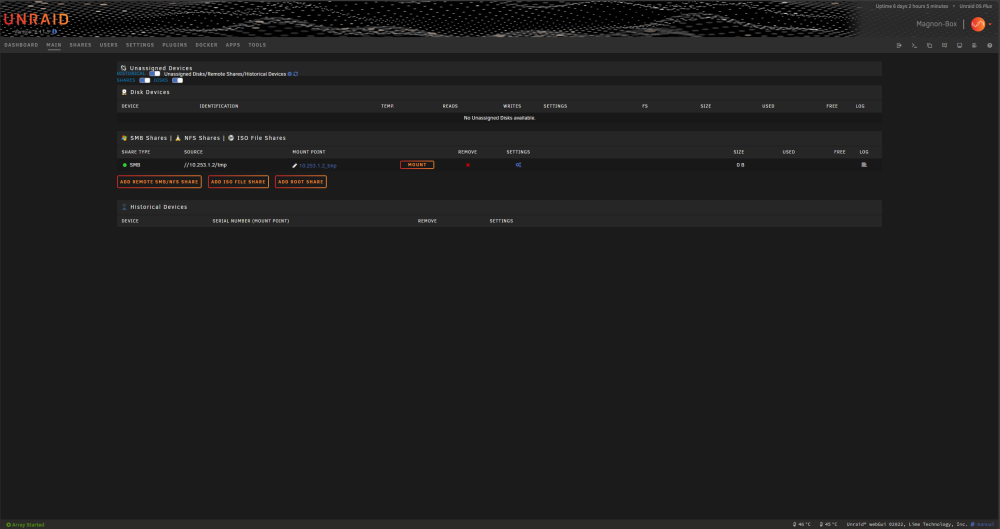
Default Black, Page view is non-tabbed, 1440p
-
I have a minor issue with the newest version after i updated UD on 6.11.5. The bar on the mainpage is a tat out of whack. Given that i have high hopes that some of the incompatibility issues will be resolved with the next unraid update, its nothing tragic but i did wanted to mention it.








