





Quaddan
Members
-
Joined
-
Last visited
Everything posted by Quaddan
-
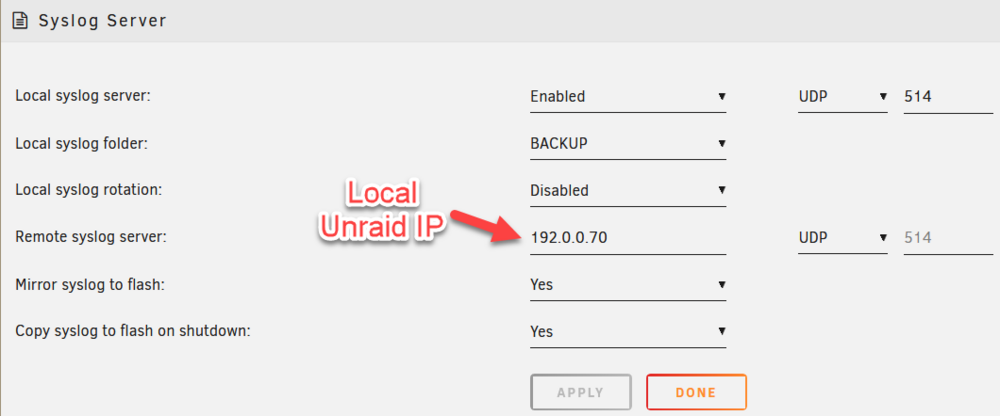
Thanks to @itimpi and @JorgeB for your patience . Here is now the final configuration for Syslog. I know I don't need to mirror to flash but ....
-
@JorgeB : Sorry b ut how can I do that if I don't know when the crash occurs. After a crash, it immediately reboot so the log is overwritten. And I don't have a remote syslog server.Here is the anonymized diagnostic .zip file after crash and automatically boot. Hope someone can help otherwise I must leave from Unraid 😪 cygnus-diagnostics-20240529-1341.zip@JorgeB : ok i'll do that and post the result after next crash. Thank you. For information, memtest is ok.Same problem since september 2023. I installed a lot of linux distro (ubnutu server, debian, fedora server, ...). Never a problem. I install Unraid once again and the problem persists. I have 3 licenses for 3 servers but only the NAS with RTL 8125 has the problem. I already installed the driver RTL8125B PCI Driver but no success. I am lost !!!


